Blog Page
EB
Eliana Braidot
Hi, i want create a blog page with SP Page Buider. I create some articles in blog category, create the page with SP Page Buider and set item menu "blog" the page in SP Page Buider. The problem is the link, if i set the joomla blog category in item menu the link is https://www.s2.maxtest.it/blog/richiude-disneyland-shanghai-dopo-un-contagio-da-covid
But if i set the SP Page Builder page the link is https://www.s2.maxtest.it/?view=article&id=2:richiude-disneyland-shanghai-dopo-un-contagio-da-covid&catid=8
where am i wrong?
9 Answers
Order by
Oldest

Ofi Khan
Accepted AnswerHello Eliana Braidot
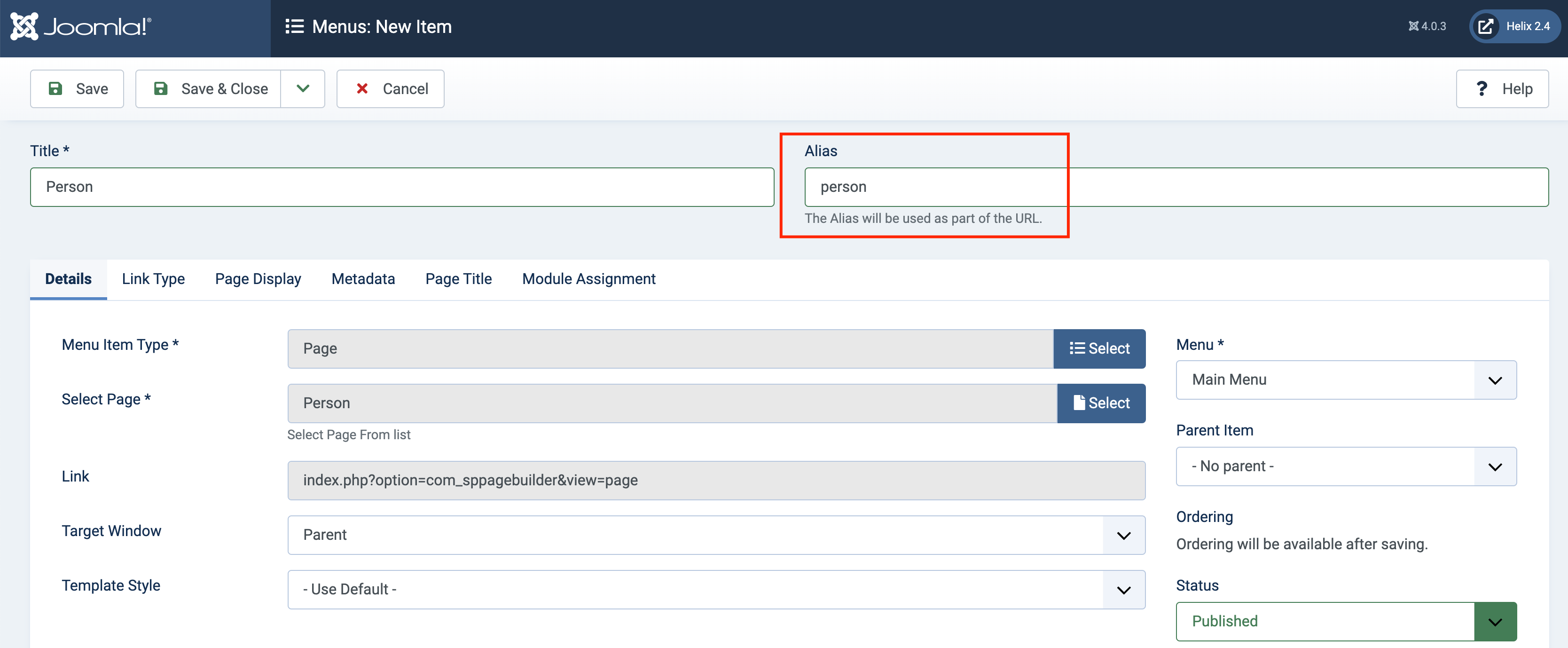
Please take a menu item and assign that page. Then you can change the alias of the menu item according to your need.
Best regards
EB
Eliana Braidot
Accepted Answerno, not working. SPPB Page the article link is: https://www.s1.maxtest.it/index.php/component/content/article/blogtest?catid=8&Itemid=101
Ofi Khan
Accepted AnswerThanks for the admin access. Please share your FTP access here to check the issue. Use the Hidden Content box to share the credentials.
EB
Eliana Braidot
Accepted Answerthe ftp access is disabled on server. this issue i have on all websites
Ofi Khan
Accepted AnswerPlease try a fix. Go to your public_html folder and find htaccess.txt. Then change this file to .htaccess. It is difficult to solve without checking but give it a try.
EB
Eliana Braidot
Accepted Answeri rename .htaccess but not working. on this site i install joomla 4, helix ultimate and SPPB and one article for test. you can ricreate it
Ofi Khan
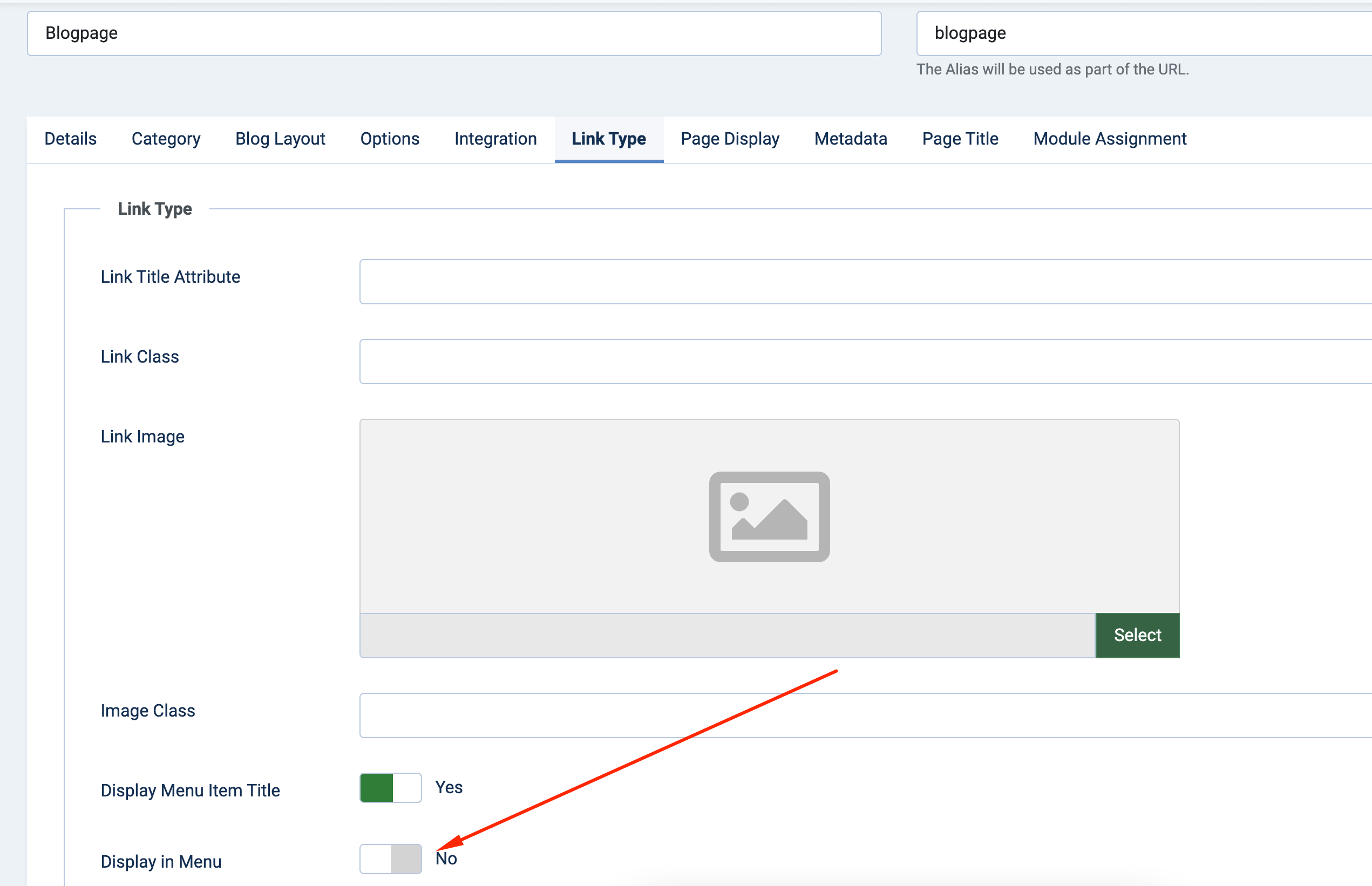
Accepted AnswerI have found the solution. Please check the menu item blogpage. Use this menu item. Now it will load the articles perfectly with the alias.
EB
Eliana Braidot
Accepted Answerthis is not a solution. in a production site I will only have a "blog" menu item. or the SPPB page or the blog category of articles