

Can I Ask For Help On How To Remove The Empty Space?
R
Rózsa Csaba
Hi,
problem history:
https://www.joomshaper.com/forum/question/8900#qa-answer-45237
Can I ask for help on how to remove the empty space? I have the same problem. I have managed to remove the prices, but there is still a lot of empty space.
.j2store-single-product-view #sp-main-body .j2store-single-product .j2store-addtocart-form .j2store-add-to-cart{
position:relative;
bottom:130px;
}

.j2store-single-product-view #sp-main-body .j2store-single-product .j2store-details-sdesc{
    margin:0 0 !important;
    position:relative;
    bottom:50px;
}
But unfortunately not good. For other products, the fields slip. :(

https://webshop2021.mixtea.hu/index.php/webshop/olasz-forro-csokolade-etcsoki-izben-15-tasak-doboz
Product with related products, its ok:
https://webshop2021.mixtea.hu/index.php/webshop/olasz-forro-csokolade-mogyoro-15-tasak-doboz
Thank You!
24 Answers
Order by
Oldest

Ofi Khan
Accepted AnswerApology for the mistake. Please delete the JavaScript from Custom Code. Then go to this location: templates/arino/js/main.js and replace line 222 to 229 to this
//Add to cart change position
    if ($(".com-j2store.view-products").length > 0) {
        $(".com-j2store.view-products .j2store-products-row .j2store-single-product").each(function(key, item) {
            let pricesWrap = $(this).find($(".product-price-container"));
            let addtocart = $(this).find($("form.j2store-addtocart-form"));
            addtocart.append(pricesWrap);
        });
    }
Ugur Uygur
Accepted AnswerHi,
Can you tell me exactly which partition you want to remove/hide? It will be better if you mark it.
Regards
R
Rózsa Csaba
Accepted AnswerHello,
When i add cross sell or up sell products to another product the prices of the cross sells are shown where the price of the original article is.
https://webshop2021.mixtea.hu/index.php/webshop/olasz-forro-csokolade-mogyoro-15-tasak-doboz

Thank you!
Ugur Uygur
Accepted AnswerI guess you can do it from the settings, I couldn't look because I don't have it right now. https://docs.j2store.org/ the docs here will help you. I hope my linking is not a problem. If you want, wait for the producers.
Regards,
R
Rózsa Csaba
Accepted AnswerJ2store told me i should contact the one who made the template so here i am :)

Mehtaz Afsana Borsha
Accepted Answer
R
Rózsa Csaba
Accepted AnswerHello,
Because I deleted what you wrote code (custom css)
span.product-element-value{
    display:none;
}

.j2store-single-product-view #sp-main-body .j2store-single-product .j2store-addtocart-form .j2store-add-to-cart{
position:relative;
bottom:130px;
}

.j2store-single-product-view #sp-main-body .j2store-single-product .j2store-details-sdesc{
    margin:0 0 !important;
    position:relative;
    bottom:50px;
}
The problem still exists, unfortunately:
https://webshop2021.mixtea.hu/index.php/webshop/olasz-forro-csokolade-mogyoro-15-tasak-doboz
Can anyone help me?
Thank you!
Ofi Khan
Accepted AnswerHello Rózsa Csaba
Please share your administrator access here to check the issue. Use the Hidden Content box to share the credentials.
Best regards
R
Rózsa Csaba
Accepted AnswerHello Ofi,
Thank you in advance and I look forward to your honourable reply!
Best regards
Ugur Uygur
Accepted AnswerHi,
The CSS given to you answers your question.
span.product-element-value {
    display:none;
}

.j2store-single-product-view #sp-main-body .j2store-single-product .j2store-addtocart-form .j2store-add-to-cart {
position:relative;
bottom:130px;
}

.j2store-single-product-view #sp-main-body .j2store-single-product .j2store-details-sdesc{
    margin:0 0 !important;
    position:relative;
    bottom:50px;
}
View
Ofi Khan
Accepted AnswerI have investigated the issue. It seems like a bug on our template. I will share the issue with the developers for checking. Please allow us some time.
R
Rózsa Csaba
Accepted AnswerHi Ugur,
Thank you,
unfortunately this css code generates an error on the single product page :(

hope you can help me with this?
R
Rózsa Csaba
Accepted AnswerDear Ofi,
thank you!
I think related products prices should be displayed here:

Csaba
Ofi Khan
Accepted Answeryes, I got the issue. The related product prices are displaying on the top mistakenly.
Ofi Khan
Accepted AnswerYou are welcome. Please try this JavaScript to Template Options -> Custom Code -> Custom JavaScript
 //Add to cart change position
  if ($(".com-j2store.view-products").length > 0) {
    $(
      ".com-j2store.view-products .j2store-products-row .j2store-single-product"
    ).each(function (key, item) {
      let pricesWrap = $(this).find($(".product-price-container"));
      let addtocart = $(this).find($("form.j2store-addtocart-form"));
      addtocart.append(pricesWrap);
    });
  }
R
Rózsa Csaba
Accepted AnswerHello Ofi,
Thank you your help.
I tried it, I did not notice any change. It appears the same as before.
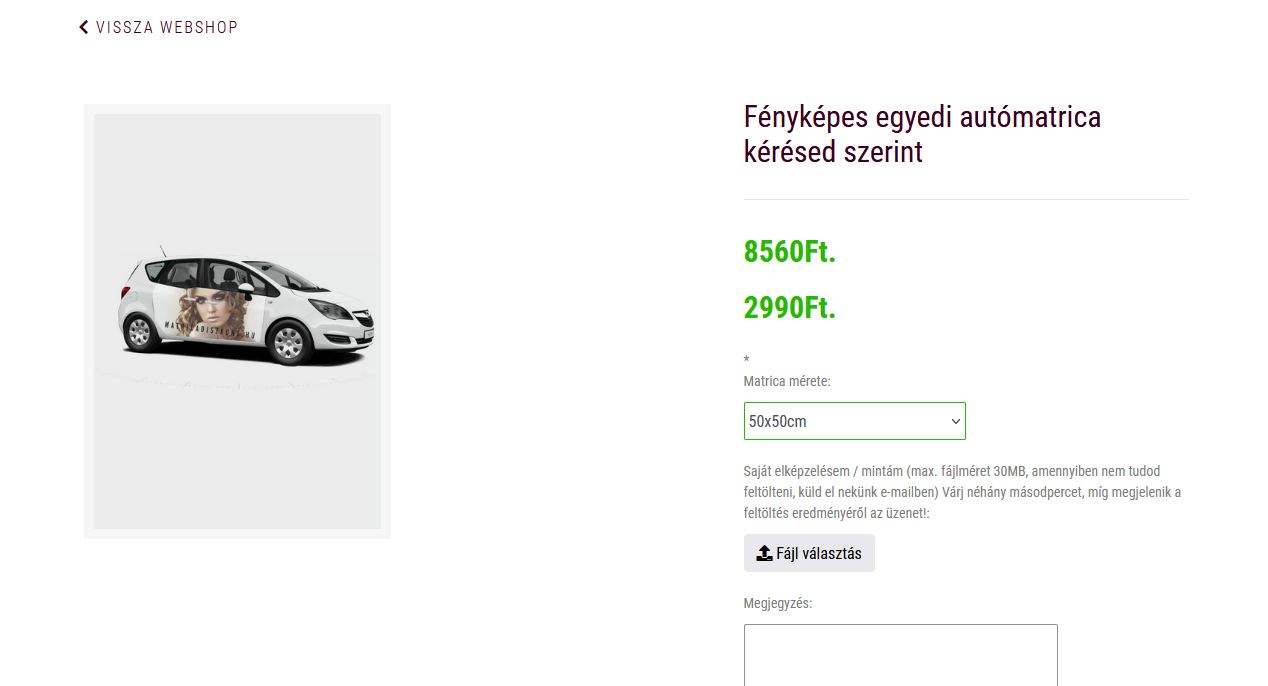
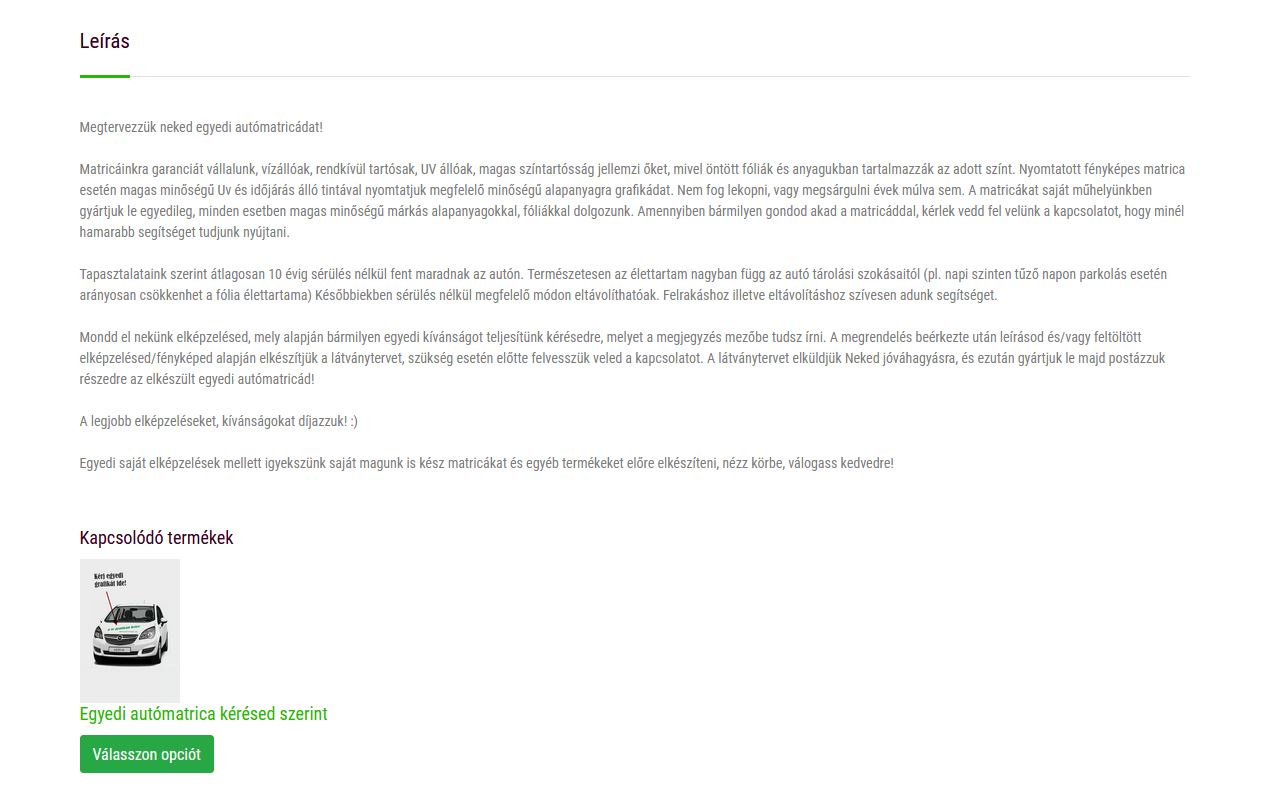
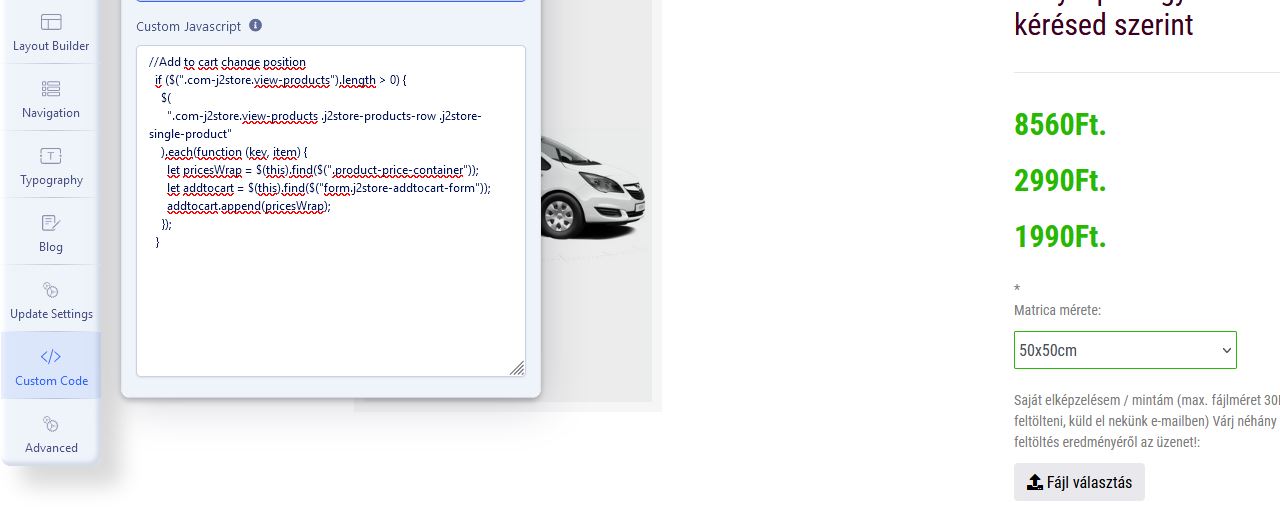
Sincerely: Csaba
R
Rózsa Csaba
Accepted AnswerHello Ofi,
Unfortunately it's not working for me now :( I also deleted the custom js code.

R
Rózsa Csaba
Accepted AnswerDear Ofi, can we solve this problem? Unfortunately a lot of visitors are returning, I can't show them the linked products at the bottom of the product page, now it would be very important to see how much I need to implement this.
Sincerely, Csaba
Ofi Khan
Accepted AnswerApology for the delay. The JS fix worked fine in my case. You don't need Custom JS. Just change main.js.
R
Rózsa Csaba
Accepted AnswerThank you very much Ofi, this is indeed the right solution. I don't know why it didn't work for me last time, it might have been a cache problem. Anyway, it's perfect, thanks for your work Ofi!