How To Put Table Add-on Inside Accordion Add-on
D
Darek
Hi Joomshaper, I think I know the answer .. but :) Is there any way to put SP table add-on inside accordion add-on. Unfortunately, I don't see them on the list. I know there is a RAW add-on where I can build HTML tables but the SP tables are beautiful and incredibly responsive. Please write that it is possible :)
4 Answers
Order by
Oldest

Pavel
Accepted AnswerHi. The only plus of SP Table Addon is that it has filtration and pagination. In all the rest, this is a very uncomfortable addon, requiring a huge amount of time to set up. And that is why it cannot be added inside the accordion, like other addons using javascript. This is not a restriction of SP PB and the total expected behavior for the accordions, tabs and ect. It is meant for static content without JS on board.
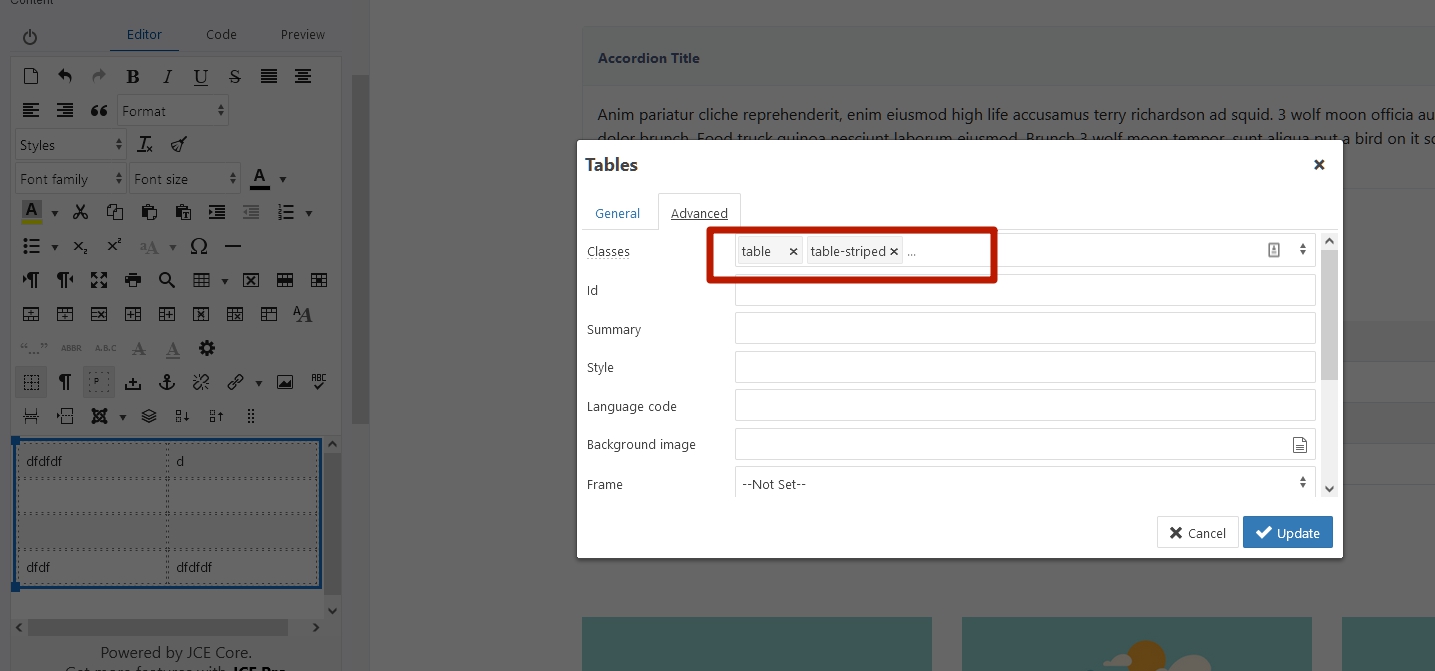
If you need to quickly build beautiful and responsive tables, just take the rady made code from the bootstrap documentation https://getbootstrap.com/docs/5.0/content/tables/
You will be able to quickly edit content in this tables right via WYSIWYG editor. That is not possible in SP Table Addon

Mehtaz Afsana Borsha
Accepted AnswerHi
You can follow Pavels instructions. By the way you can share your opinion too as you said you know the answer
-Regards
D
Darek
Accepted AnswerThanks Pavel for your reply. I agree that bootstrap tables are great, but the problem is that someone who doesn't know HTML will complete them. There is a risk that the table code will be corrupted during completion.