Using Joomla 4 with Helip Ultimate and SP page builder pro default template. How to make the header transparent? I found the header background color options and also found the presets header background color settings but no option for transparent or opacity settings. Is there docs or a current tutorial for this?
Awaiting an answer
SP Page Builder
How to create transparent header in default template.
6 replies

Ariba Staff
Hello
Thank you for your query. Please add the following css in the Custom CSS Section:
#sp-header {
    background: rgba(0,0,0,0.3);
}
Hope this helps you.
Arthur
4 years ago
· edited
I wanted to do the same and added this code but it has no effect.
I also noticed that the Header colors in the settings have no effect. Why ?

Pavel
4 years ago
· edited
Hi. Header color settings work. You did not see it because Header is in relative position. And therefore you see body background color through Header. You should place Header in absolute position via css, then it will works.
Jeffrey Kiefer Asked this
So I see in your templates that some have transparent headers. They did that by adding custom css? Why can't the header be changed in SP page builder or Helix Ultimate?
Pavel
4 years ago
· edited
So I see in your templates that some have transparent headers. They did that by adding custom css? Why can't the header be changed in SP page builder or Helix Ultimate?
Hi. I'm not Joomshaper team member.
Header is part of the Helix template. Commercial templates have their own unique features, so in some there are transparent headers.
Basic Helix Ultimate does not have this feature out of the box, so you need to use CSS to make it.
Explanation:
Let's imagine for clarity that Body has a blue background.
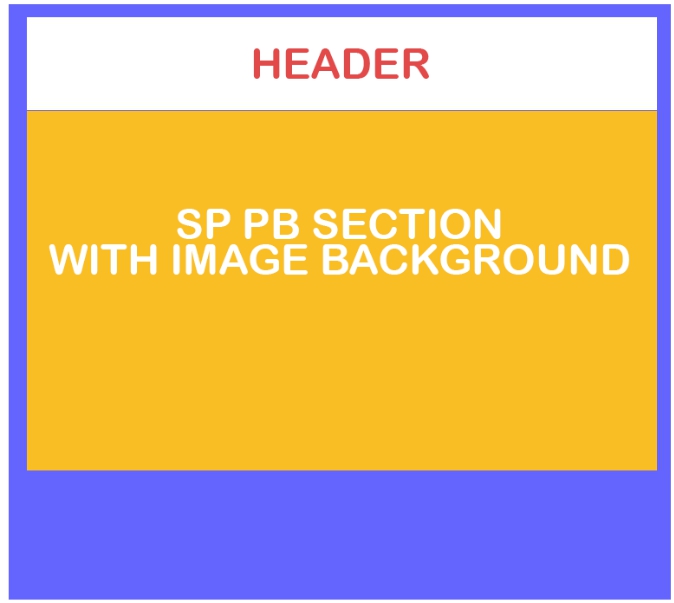
Header has position: relative; by default. Therefore, when you make its color transparent, you start to see the color of Body and it seems to you that nothing happens (as in reality Body has white bg color ).
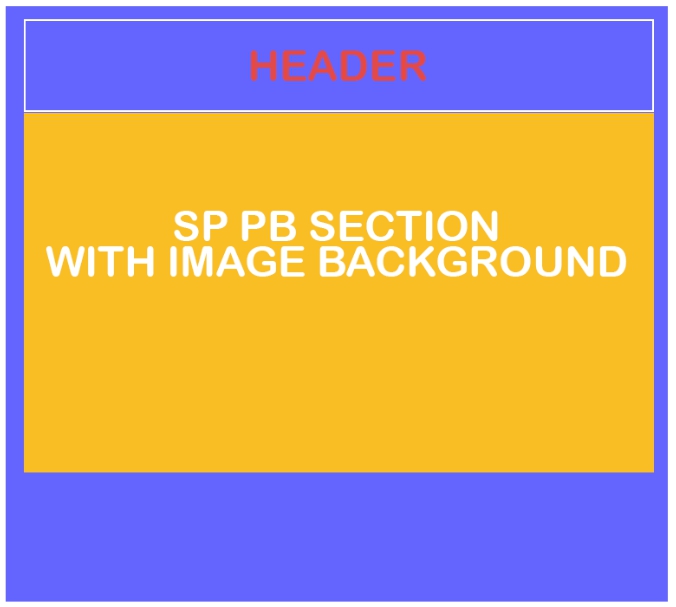
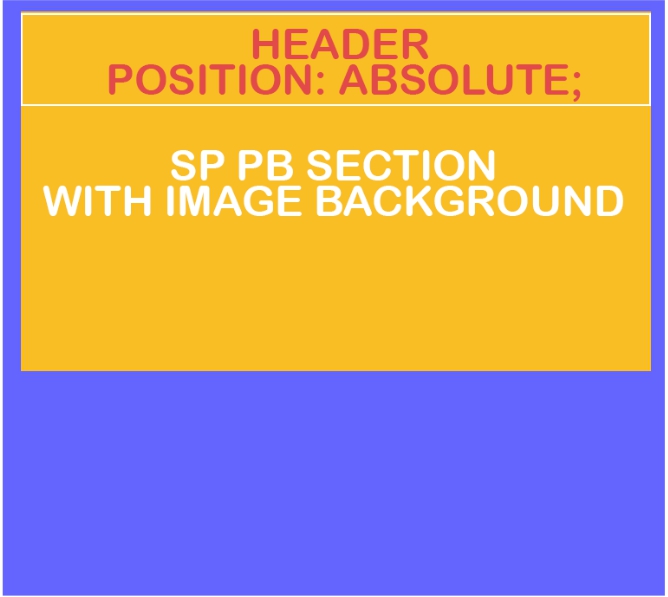
In order to achieve transparency, you need to pull the header from the flow of elements. Then, everything that is below is shifted under Header.
This can be done using position: absolute;.
Jeffrey Kiefer Asked this
Thank you, very helpful.
Log in to reply.