website is not responsive on ipad (1024x768px) - menu breaks in 2nd line - Forum | JoomShaper
Solved Templates

website is not responsive on ipad (1024x768px) - menu breaks in 2nd line

Asked by Dirk Bungenstock 4 years ago Last activity 4 years ago

Hi,

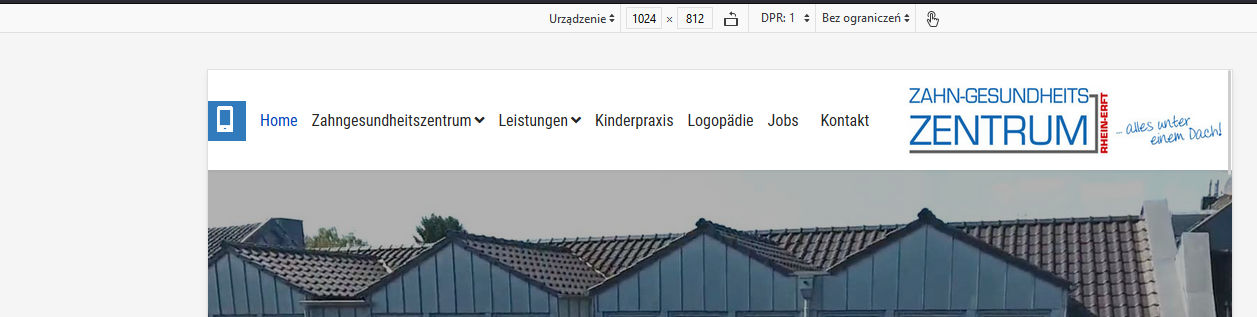
on our projekt site https://zgzprojekt.smartwebseite.de/ the menu braks in a 2nd line if you look it on an ipad with 1024x768px. After the menu iteam "Jobs" ist the iteam "Kontakt" not in the same line, it is in a second line on the image. But it should be not like this.

Please help.

Best regards
Dirk

Accepted answer

Marked as the solution
Paul Frankowski Senior Staff

Ja, Dirk.

Webmaster should create or upload that file if decided to use it.

8 more replies

Paul Frankowski Senior Staff

Hi Dirk,

it's simple math, not a bug. If the available space is too low (smaller screen) there is no place for the last menu item, and the menu collapses into two rows, natural behavior. It's like people in the car, if you add extra person it has to sit on somebody knees or you have to choose only slim persons ;)

Yes, can be fixed by using custom CSS

Paul Frankowski Senior Staff

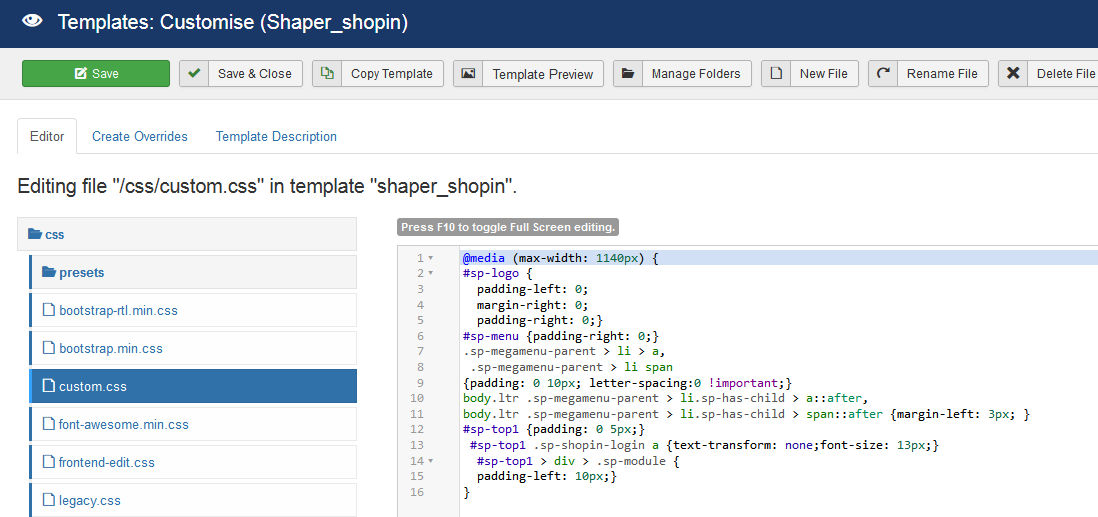
My suggestion is (added already inside custom.css file)

@media (max-width: 1080px) {
#sp-logo {padding-left: 5px;}
#sp-menu {padding-right: 0;}
.sp-megamenu-parent > li > a,
 .sp-megamenu-parent > li span 
{padding: 0 7px;}
body.ltr .sp-megamenu-parent > li.sp-has-child > a::after, 
body.ltr .sp-megamenu-parent > li.sp-has-child > span::after {margin-left: 3px; }
.sp-megamenu-parent > li > a {font-size:15px}
}

info_6058.jpg

Paul Frankowski Senior Staff
4 years ago · edited

Hola Bryan.

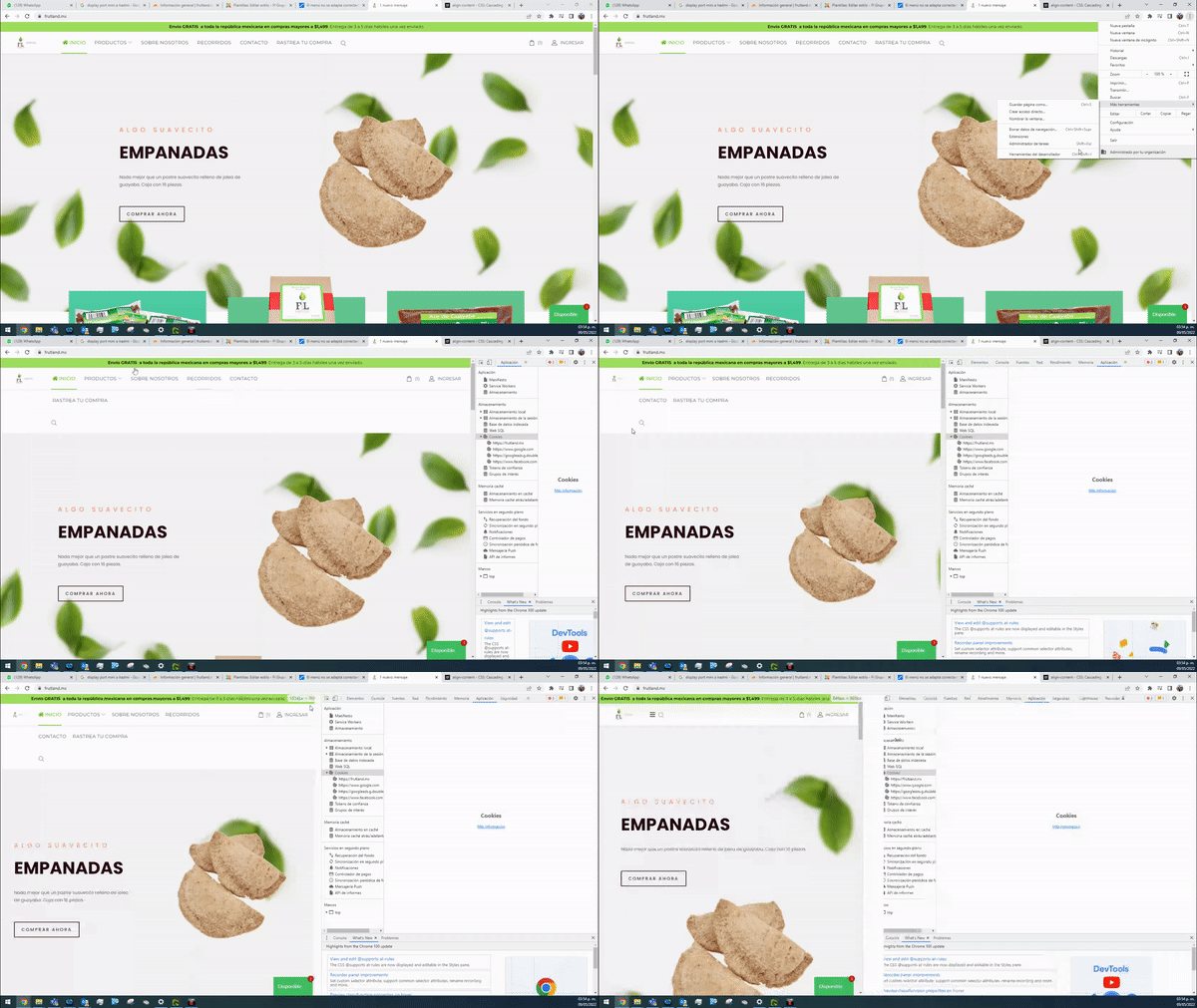
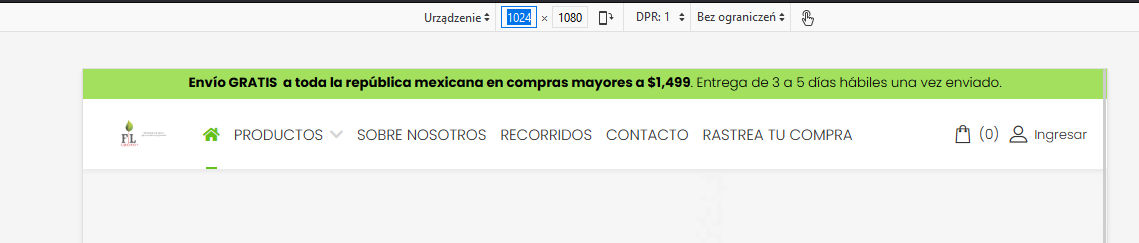
in your case my custom CSS may help as well, but you have to add more "reduction styles" inside custom.css

and 2nd step you have to change column size in header, section with shop card and login takes too much space. Now you have 1+7+4 and you should have 1+9+2


I saw that you shared access to your site, I put my changes already. FIXED
info_6059.jpg

info_6060.jpg

My fix starts from screen size 1140px but you can set it sooner... 1160px etc.

Dirk Bungenstock Asked this

Hi Paul,

thanks a lot for your help and the custom CSS which solve the problem.

Yes I am German. And thanks for the notice of Google Fonts.

Best regards
Dirk

Paul Frankowski Senior Staff

you're welcome, you can mark my topic as solved

Dirk Bungenstock Asked this

Hi Paul,
please an other question:

It now works perfect on our project site. So I looked to the template you added your code in a file: "custom.css".

On the real site www.zgz-rheinerft.de there is no custom.css - that means I have to create a custom.css file with your (the same) code to put in it and load this new custom.css to our server manually at this folder: ‎/templates/shaper_helixultimate/css/custom.css

Is this right?

Best regards
Dirk

Log in to reply.