How did you place an image in the login page in the demo? - Forum | JoomShaper
Staff replied Helix Framework

How did you place an image in the login page in the demo?

Asked by Rixie 5 years ago Last activity 5 years ago

On your demo it displays: https://demo2.joomshaper.com/2020/edulif/index.php/pages/login an image on the left. How did you do that? It shows it's a pagebuilder module. Is it a real menu user login page or Pagebuilder. Because If it's a real menu page I want to know how you did it.

Thanks in advance

3 replies

Ofi Khan Staff

Hello Rixie

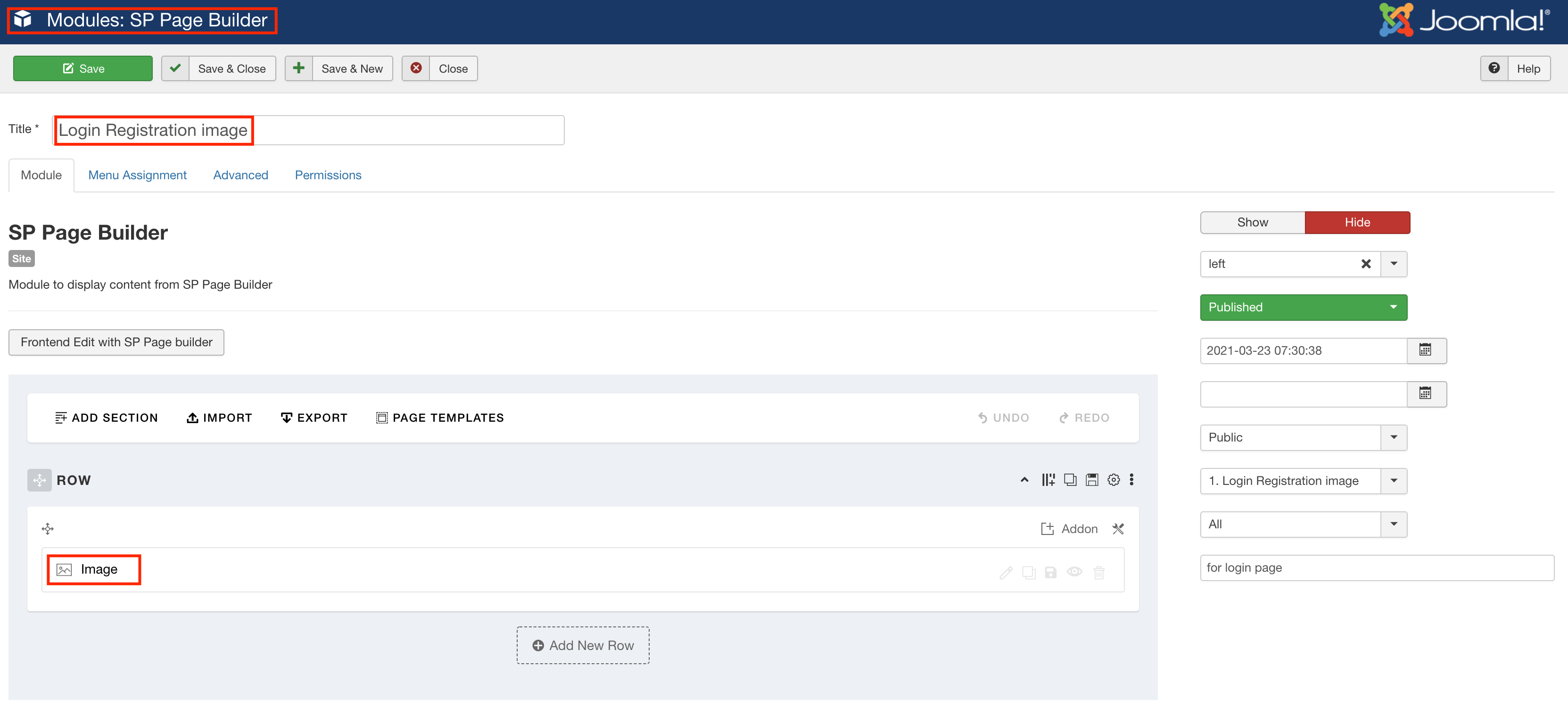
Please go to Extensions -> Modules and change the image in Login Registration image module.
Screenshot at Mar 23 13-31-41.png

Best regards

Rixie Asked this

Thank you very much!

Ofi Khan Staff

You are welcome

Log in to reply.