Images upload didn't work on SP Page Builder - Forum | JoomShaper
Staff replied SP Page Builder

Images upload didn't work on SP Page Builder

Asked by Manolis Chatzigeorgiadis 2 years ago Last activity 2 years ago

Hello team I have the Template Decora and I try to upload images. I get the following issue when I edit the page in Fronend.
undefined
The image is a JPG.

When I try to upload from backend saying the file succesful uploaded but the image disappears.

6 replies

Toufiq Senior Staff

Hi there,

I appreciate you reaching out. I sincerely apologize for this oversight. Please downgrade your PHP version 8.2 to 8.1 and let me know.

-Thanks

ryan

I have the same issue. Changed to php version 8.1 and it's still happening. Also tried version 8.0 no luck.

Toufiq Senior Staff

Please share your site URL & login credential via hidden content area. Or create a new forum post. Thanks

ryan

Hello Toufiq.
I have tried everything I can think of, but I just can't seem to add any images to my EasyStore products. When I click on the add images button, it brings up a folder on my local PC. I can then select an image, and it atempts to upload it then it just stops. No error, just nothing happens. I have added my URL as well as login credentials in the hidden content area. Plase let me know if you can help. Thank you.

Toufiq Senior Staff

Please check now and let me know. Thanks

ryan

Still no luck. I tried clearing my joomla cashe as well as my browser cashe, and I tried on edge, firefox, and chrome.

Toufiq Senior Staff

I have uploaded a image from the front end. Please check this URL.

ryan

It's been 4 days, so I am guessing you were not able to add images to any of my products either. Any sugestions? I can't really use a shopping cart that has no images.

ryan

Toufiq, I see the image you uploaded to the backend, that's not the probelm though, I have plenty of images there. The problem is I still can not add any imaegs to my easystore products. No product images, no thumnail images, nothing. It just dosent work at all. I have tried all the previous versions of easy store and none of them work. Can you try and add an image to one of my easy store products? If this can't be done then I will need a refund for easystore and I will have to go back to J2 store. Thank you.

Toufiq Senior Staff

I have shared your login credential to our developer team. I hope they will come back with a solution.

Toufiq Senior Staff

Please check now and let me know. Thanks

ryan

It works now. Thank you!

However I am still noticing some issuses with product images not displaying on the front end. They work fine on the individual product pages, but not the storefront page. Also, I can't add images to the product variants. The button seems to be missing entierly.

Toufiq Senior Staff

Please check now. Thanks

ryan

Working great now! Thank you Toufiq!

Toufiq Senior Staff

You are most welcome! We appreciate your feedback and are delighted to hear that you're satisfied with our service.

To officially close this forum post, mark it as accepted. If you have any more questions or need further assistance in the future, please don't hesitate to reach out to us.

As for writing a review about our product and support quality, we would greatly appreciate it! Your feedback helps us improve and serves as a valuable reference for others. Please take a moment to share your thoughts about your experience with our product and the support you received. Your input is valuable to us and the community. Thank you in advance for your time and support.

Joomla Extension Directory
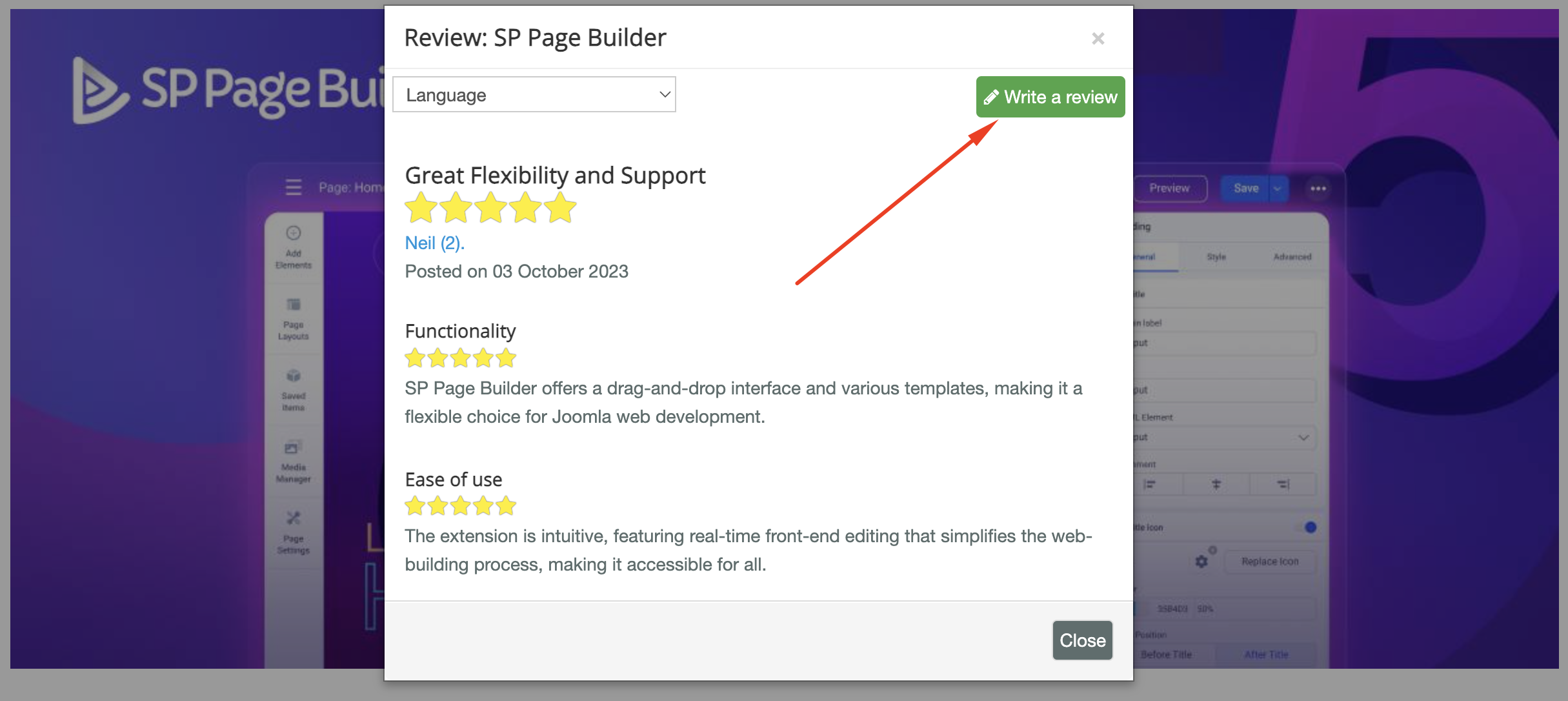
JED.png

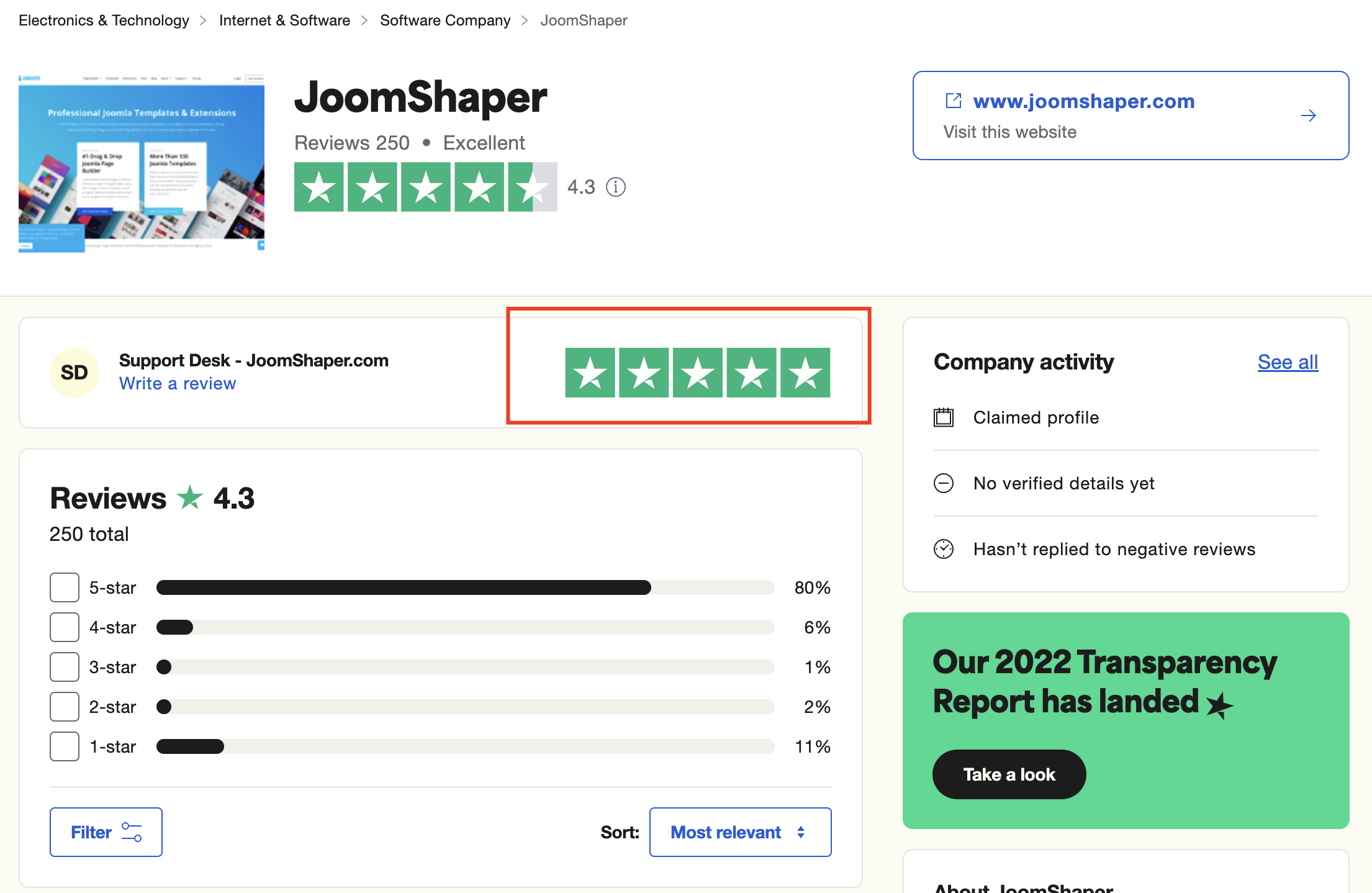
TrustPilot

Trust-Pilot.png

We're here to assist you with any further questions or requests you may have. Once again, thank you for choosing our product and for being a part of our community.

Best regards,

Toufiqur Rahman

Team Lead, Tech Support (JoomShaper)

ryan

Will do. Thanks Toufiq!

Toufiq Senior Staff

You are most welcome :)

Log in to reply.