How do I remove these highlighted titles and the empty right column, without modules, the content does not fit the entire width.
Print:
https://drive.google.com/file/d/1vAxwTAx3bVDtR9Tups4BzuPY0NxRH4hm/view?usp=sharing
(Magnin - Template)
How do I remove these highlighted titles and the empty right column, without modules, the content does not fit the entire width.
Print:
https://drive.google.com/file/d/1vAxwTAx3bVDtR9Tups4BzuPY0NxRH4hm/view?usp=sharing
(Magnin - Template)
Hi Soluciona,
It request clicking and extra line of Custom CSS, maybe easier will be ...
Bonus tip: to fix menu items to keep them in one line, Custom CSS is needed:
#sp-header.header-with-modal-menu .menu li:not(:last-child) {
  padding-right: 20px;
  padding-left: 20px;}
.menu li.item-334 {padding-left: 20px;}Hi Paulo, thanks for your help.
Where do I put the custom CSS?
Read Helix documenation > https://www.joomshaper.com/documentation/helix-framework/custom-code-css-js-meta
I will check now.
OK, all done. Looks nice :))
Very good!!! Grateful.......
I noticed that after this change, the titles of the articles disappeared.
See any article.
My mistake, I set "hide" .. give me 90sec
OK now :)
Just one more question.
How to change the title background?
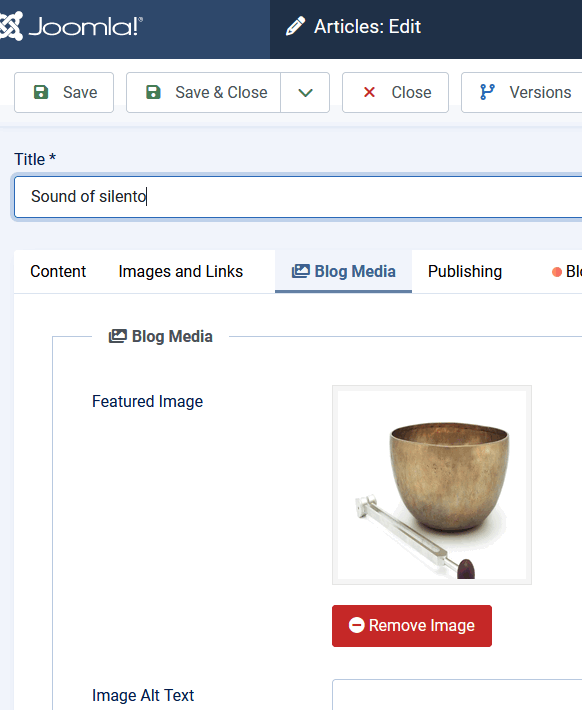
in Blog Media tab - upload a new image.