Blog - Display all articles - Forum | JoomShaper
Staff replied Helix Framework

Blog - Display all articles

Asked by Samuel Desloges 2 years ago Last activity 2 years ago

Hello,

I have a blog at https://www.adll.eu/en/news/news-right-sidebar.html, and I'm using a customization based on the Helix Ultimate v2.1.0 template. I want all articles from all categories to be displayed by default, allowing visitors to filter through the right-hand menus. Currently, only the "Newsletter" category is displayed. How can I achieve this?

Thank you for your assistance.

2 replies

Paul Frankowski Senior Staff
2 years ago · edited

Hi Samuel,

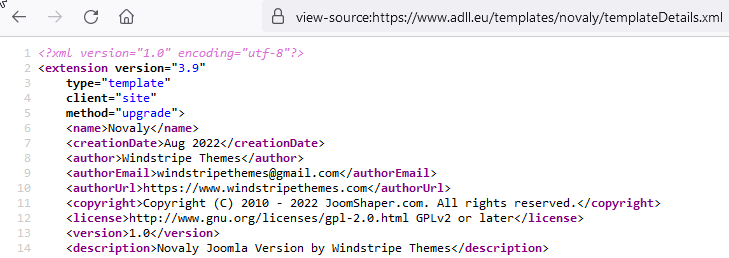
According to JoomShaper Support Policy 8.8. all questions related to not our templates should be asked to template developer/reseller/author.

info_2646_2024.gif

These rules have been in place for many years.

Samuel Desloges Asked this

Hi Paul,

Then please say me how to do with the Helix Ultimate 2.1.0 template.

Thanks.

Paul Frankowski Senior Staff
2 years ago · edited

But that is typical Joomla question.

That and any other template ONLY display what you will set in Menu item > Category Blog view

Joomla also has limitations. And sometimes you have to first rebuild categories struture, otherwise you stuck. For example, use few subcategories for main category.

News (main category) :

  • Press Articles (subcategory)
  • Newsletters (subcategory)
  • Social Networks Posts (subcategory)

More tips forum.joomla.org

Log in to reply.