image width and height attributes - Forum | JoomShaper
Solved SP Page Builder

image width and height attributes

Asked by Femitex 5 years ago Last activity 4 years ago

My SEO app reports the following ...

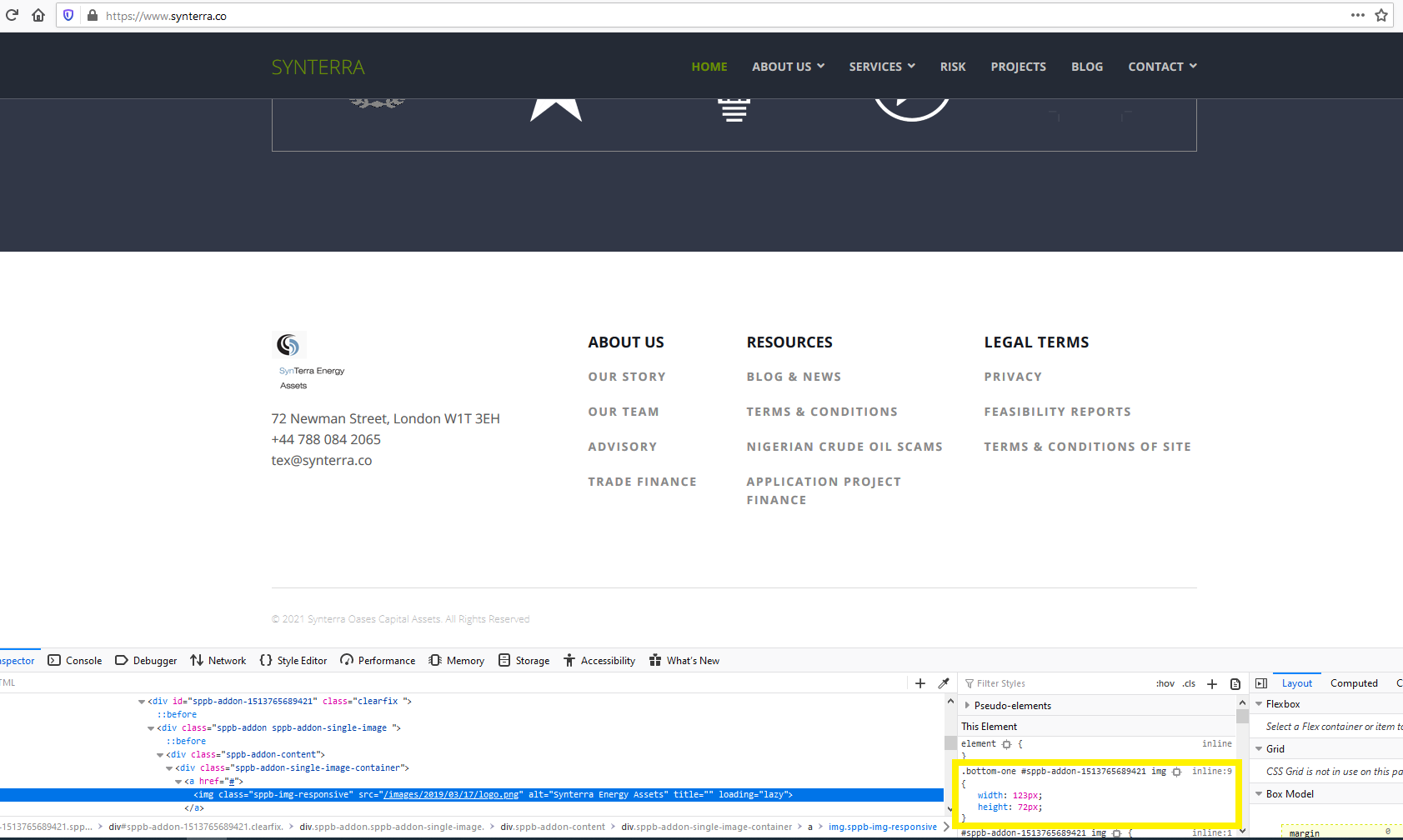
There are 1 images with no 'width' or 'height' attribute. Setting the width and height attributes of an image will speed up page loading and improve the user experience.

How do I set these attributes please.
Thanks

Accepted answer

Marked as the solution
Ariba Staff

Hello

Please share your administrator access here so that I can check the issue. Use the Hidden Content box to share the credentials.

Thank you

8 more replies

Femitex Asked this

Information placed in Hidden Section

Femitex Asked this

Please find

Ariba Staff

Thank you for the information, i will check from my end and get back to you soon. Kindly allow me some time.

Ariba Staff

Hello

I have set the height and width as shown in the screenshot, could you kindly check please?
height-width-seo.PNG

Femitex Asked this

Not really sure what you have done as the same issue persists. As you are aware image attributes are vital components used by google to rank webpages. Can someone make an effort please to resolve this issue. I cannot be the only user that has it

Pavel

Hi. In SP PB there is no such option. You may need a third-party extension like this

Femitex Asked this

Thanks for the recommendation but it does not work. I downloaded and used the app but I am afraid the results were the same as before. I am not sure what to do now?

Rainer

Hello

Is
Problem
Solved

Log in to reply.