Helix Menu bootstrap settings - Forum | JoomShaper
Staff replied Helix Framework

Helix Menu bootstrap settings

Asked by Lon Czarnecki 2 years ago Last activity 1 year ago

Where do I adjust the bootstrap settings for the menu display in Helix Ultimate? The menu is getting bumped down out of the header instead of changing to the "hamburger" menu. This is happening on Tablets and laptops because the menu links exceed the length given in the menu.

I found this CSS:
.sp-page-builder .page-content #section-id-1688720184452 {margin-left: 80px;}

This seems to be the margin left of the "contact us" button.

When I change that to "margin-left: 40px;" in web developer tools it fixes the issue, but when I add it to the custom CSS in Helix Ultimate, it does nothing.

How else can I edit the margin left of the contact us button?

This is my site on a test server:
https://zj0.d28.mytemp.website/

5 replies

Rashida Rahman Staff

Hi there!

Thanks for reaching out.

Please use important at the end of your code as follows:

.sp-page-builder .page-content #section-id-1688720184452 {margin-left: 40px !important;}

Kindly do let me know if it helps!

Best Regards

Mehtaz Afsana Borsha Staff

Hi

Thanks for contacting us and sorry for your issue. Could you please give me a screenshot of your issue? I need to check.

-Regards.

Pavel
2 years ago · edited

I found this CSS: .sp-page-builder .page-content #section-id-1688720184452 {margin-left: 80px;}

Hi.

This is not the right solution.

First, reset default modules margin in Header.

#sp-header .sp-module {
    margin-left: inherit;
}


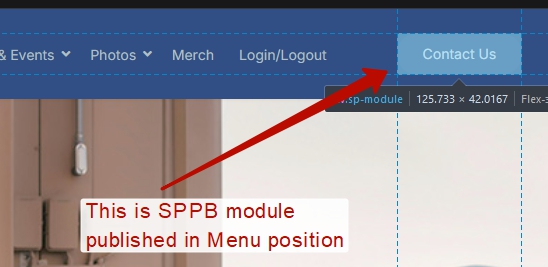
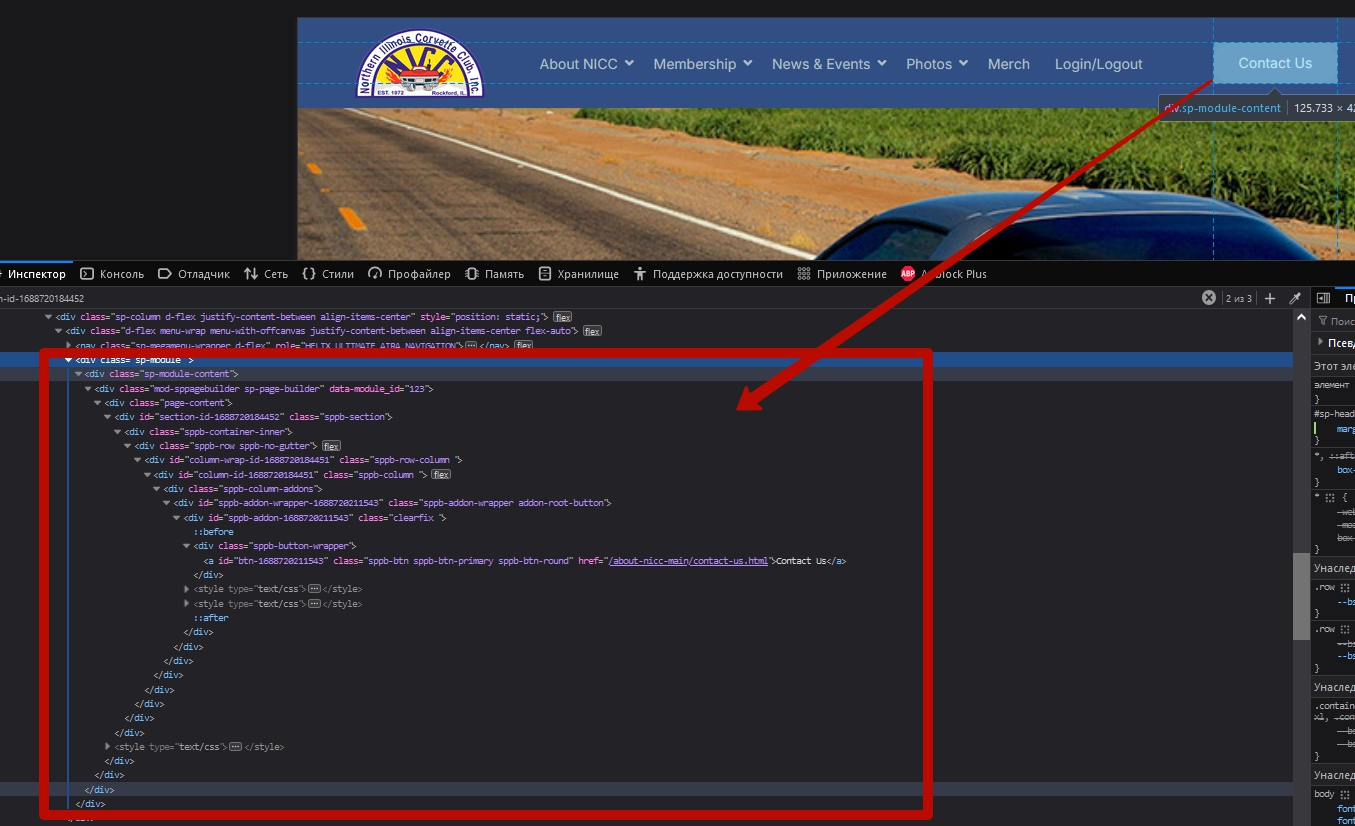
Then find this module, go to the its settings and there, in the settings of the section you will find the margin settings. Now, it is there margin-left: 80px; is configured.

Change as you need.

But on screens less than 1200px, this will not solve the problem in any case.
The solution for such screens will be - switch to a hamburger via CSS before the default code does.

@media (max-width: 1199.98px) {
    .sp-megamenu-parent {
        display: none !important;
    }
    #sp-header.header-with-social #offcanvas-toggler.mega {
        display: inline-flex !important;
    }
}

Tip: Using the SPPB module for one button is excessive. You get a huge bunch of unnecessary code at the output.

Use Custom Joomla module and HTML/CSS to create a button.

Use custom.css file for your CSS code instead of template's Custom CSS field. Read Helix documentation about this

Rashida Rahman Staff

Hi Lon Czarnecki,

Was this conversation helpfull?

Best Regards

Mehtaz Afsana Borsha Staff

Is this solved now? If yes, you can then close this post by accepting the answer.

Log in to reply.