i wanted to know where i could edit the email template for sp booking. to be honest it looks very spammy and not professional. is there somewhere in the back end or in the folder structure that i can edit it to make it more professional.
thank you
i wanted to know where i could edit the email template for sp booking. to be honest it looks very spammy and not professional. is there somewhere in the back end or in the folder structure that i can edit it to make it more professional.
thank you
Hi there,
Thank you for reaching out. Please watch the video. I hope this video will help you.
https://drive.google.com/file/d/1F4e7j8QCaTf_ep19lYsfAH3n7kKQbpgz/view
Best regards,
Toufiqur Rahman (Team Lead, Support)
can i add html to it to make the look diffrent. as this only changes the information in the email but not the overall look and feel of the email.
At the moment, this feature isn’t available — it only allows you to modify the content of the email, not the overall layout or design using HTML. We understand how useful that capability would be, and I’ll make sure to pass your feedback along to our team.
Hi Toufiq,
I have a question connected with this topic.
In the body of the email you have something like {confirm_link} and {invoice_link} in Success Mail Template. It's great, but I have a question:
Where can I translate this messages? Instead of Confirm Booking or Invoice Link I would like have text in my language. Is it possible to change?
Here is the path of language string change.
language/en-GB/en-GB.com_spbooking.ini
administrator/language/en-GB/en-GB.com_spbooking.ini
Ok, but unfortunately I don't have strings from mail here in this files.
Which string do you wanna change?
"Confirm Booking" and "Invoice link". Both are inside mail with order confirmation.  Everything is Polish but this string not. The same with invoice mail, where you get "Invoice link".
File location
components/com_spbooking/controllers/checkout.php
Find out this code
$body = str_replace("{confirm_link}", "<p><a class='spbooking-btn spbooking-btn-primary' href='" . $confirm_url . "'>Confirm Booking</a></p>", $body);Change the string Confirm Booking
Invoice link file location
/components/com_spbooking/controllers/payment.php
Find out this line of code & change the Invoice Link text
$body = str_replace("{invoice_link}", "<p><a class='spbooking-btn spbooking-btn-primary' href='" . $invoice_link . "'>Invoice Link</a></p>", $body);Thank you very much! Everything is okay now. :)
You are most welcome! We appreciate your feedback and are delighted to hear that you're satisfied with our service.
To officially close this forum post, mark it as accepted. If you have any more questions or need further assistance in the future, please don't hesitate to reach out to us.
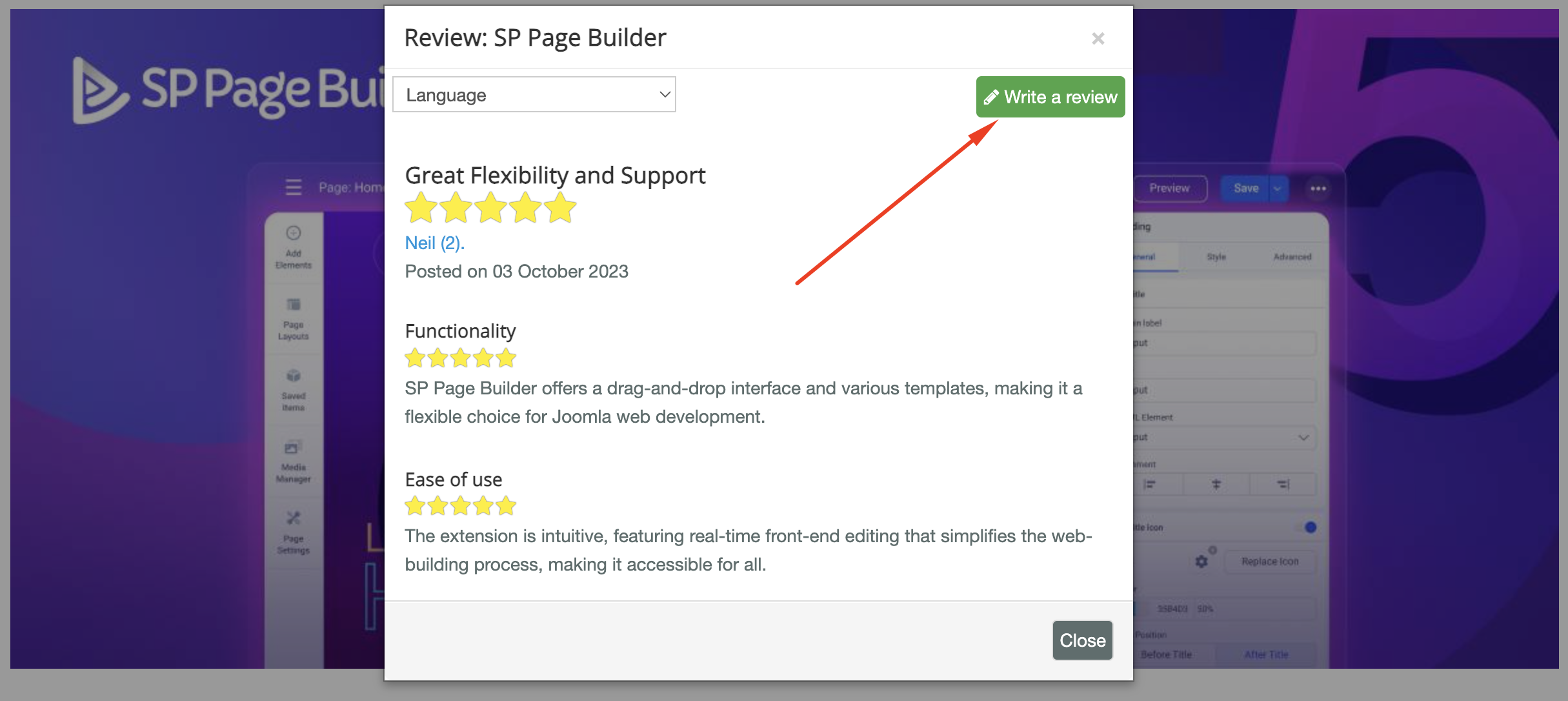
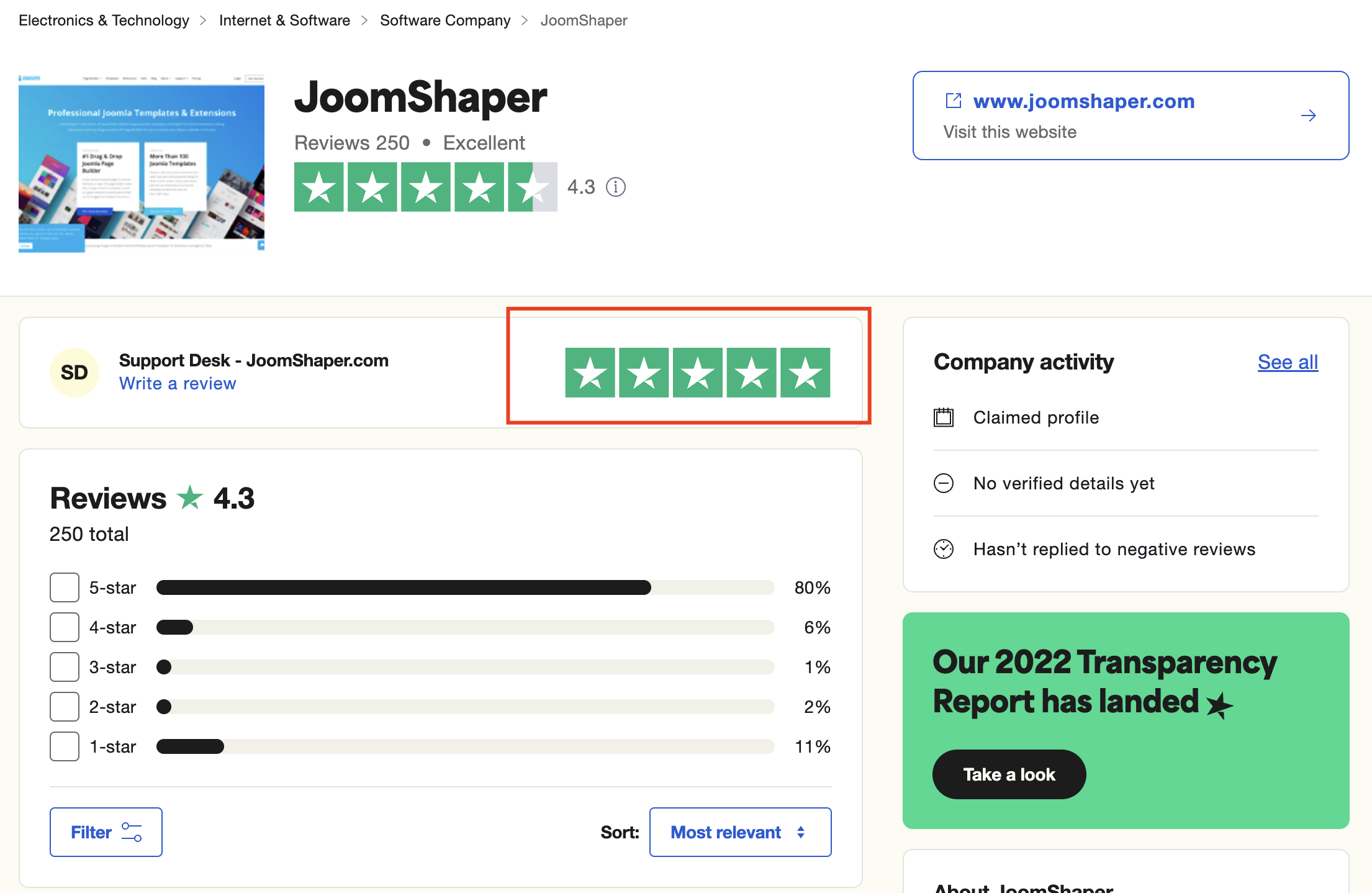
As for writing a review about our product and support quality, we would greatly appreciate it! Your feedback helps us improve and serves as a valuable reference for others. Please take a moment to share your thoughts about your experience with our product and the support you received. Your input is valuable to us and the community. Thank you in advance for your time and support.
We're here to assist you with any further questions or requests you may have. Once again, thank you for choosing our product and for being a part of our community.
Best regards,
Toufiqur Rahman
Team Lead, Tech Support (JoomShaper)
