Hello, I am using the latest version of JoomShaper, along with Helix Ultimate and the latest version of Joomla. The Article Scroller is no longer working; no matter which view I select, nothing changes.
Solved
SP Page Builder
Article Scroller is no longer working
Accepted answer
Marked as the solution
Atick Eashrak Shuvo Staff
Apologies for the inconvenience. We have tested the Article Scroller on our end with the latest versions of Joomla, Helix Ultimate, and JoomShaper products, and it appears to be working properly.
Could you please provide more details about the issue you are facing? For example:
- Which specific view are you trying to change?
- What behavior are you expecting?
- Are you seeing any console errors in the browser developer tools?
If possible, please also share a screenshot or a short screen recording so we can investigate the issue further.
9 more replies
Michael Kellner Asked this
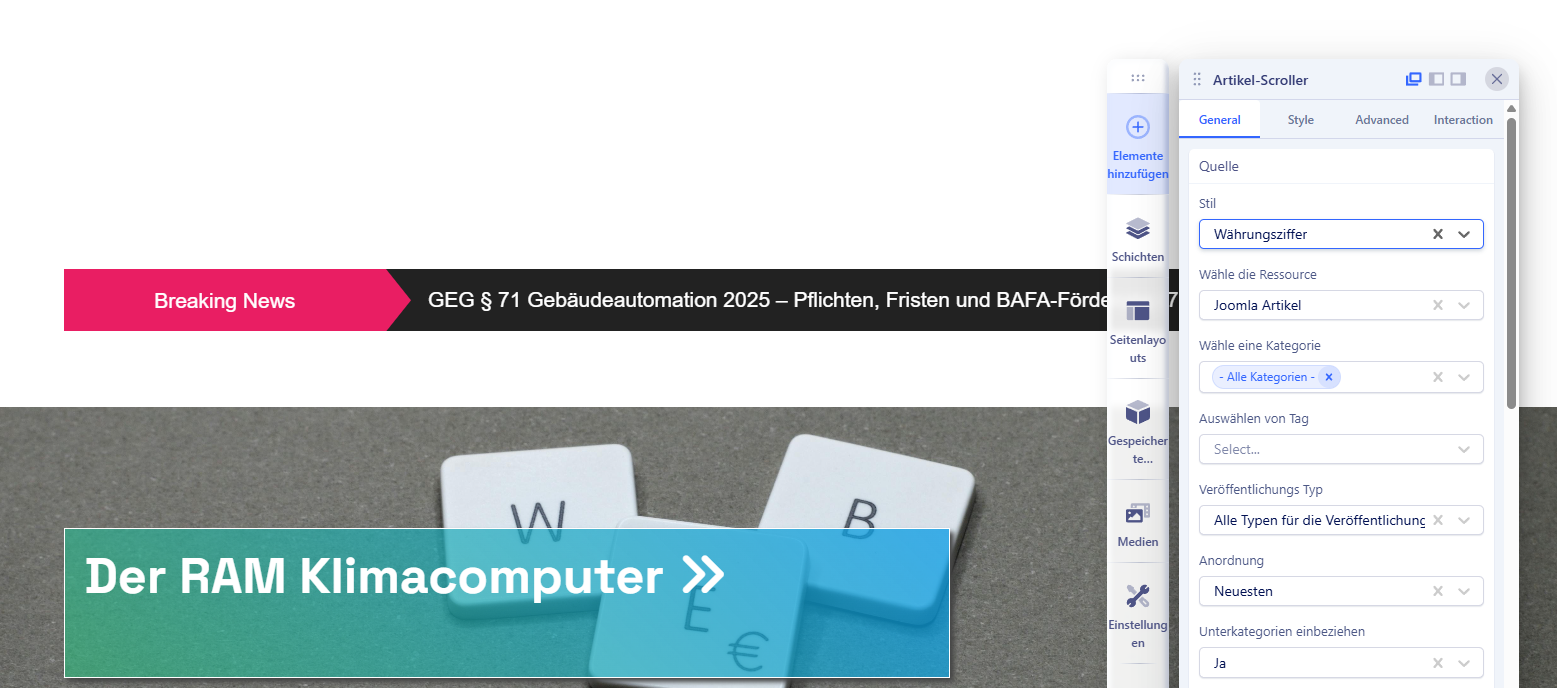
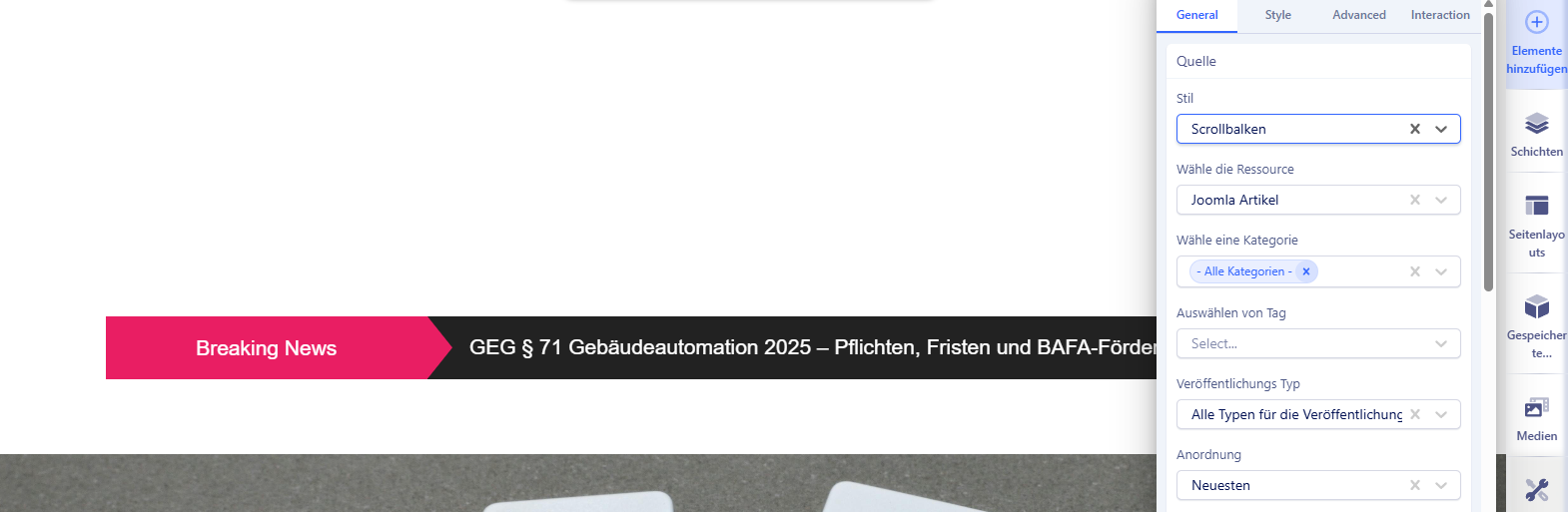
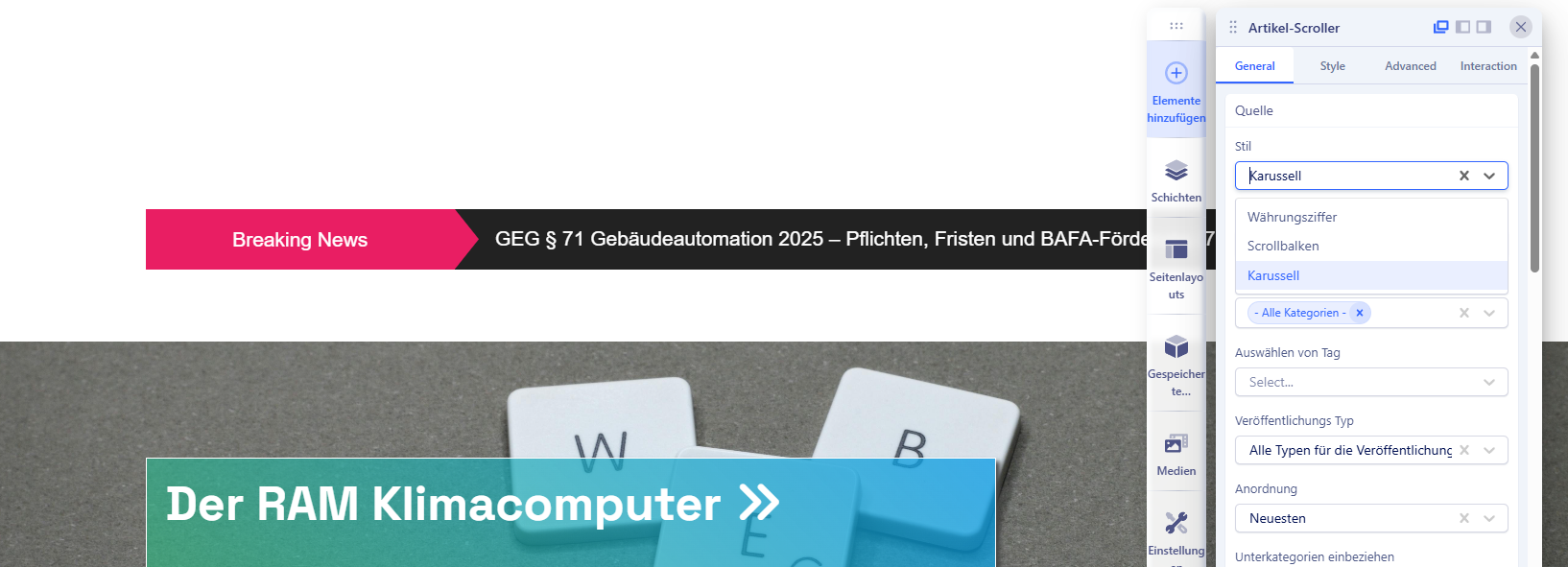
No matter which view I select in the first dropdown—Standard, Scroll, or Carousel—the view does not change; only the "V" arrow remains visible.
Atick Eashrak Shuvo Staff
Could you please share a screenshot of the issue? Also, kindly mention which template you are currently using.
Michael Kellner Asked this
4 months ago
· edited
First I need to find an upload option. Just a moment.
![https://foto-kellner.de/1.png]
![https://foto-kellner.de/2.png]
![https://foto-kellner.de/3.png]
Atick Eashrak Shuvo Staff
Use https://files.fm to share image
Michael Kellner Asked this
It's always just the pink and black bar there.
Atick Eashrak Shuvo Staff
Please mention your template name
Michael Kellner Asked this
4 months ago
· edited
HelixUltimate
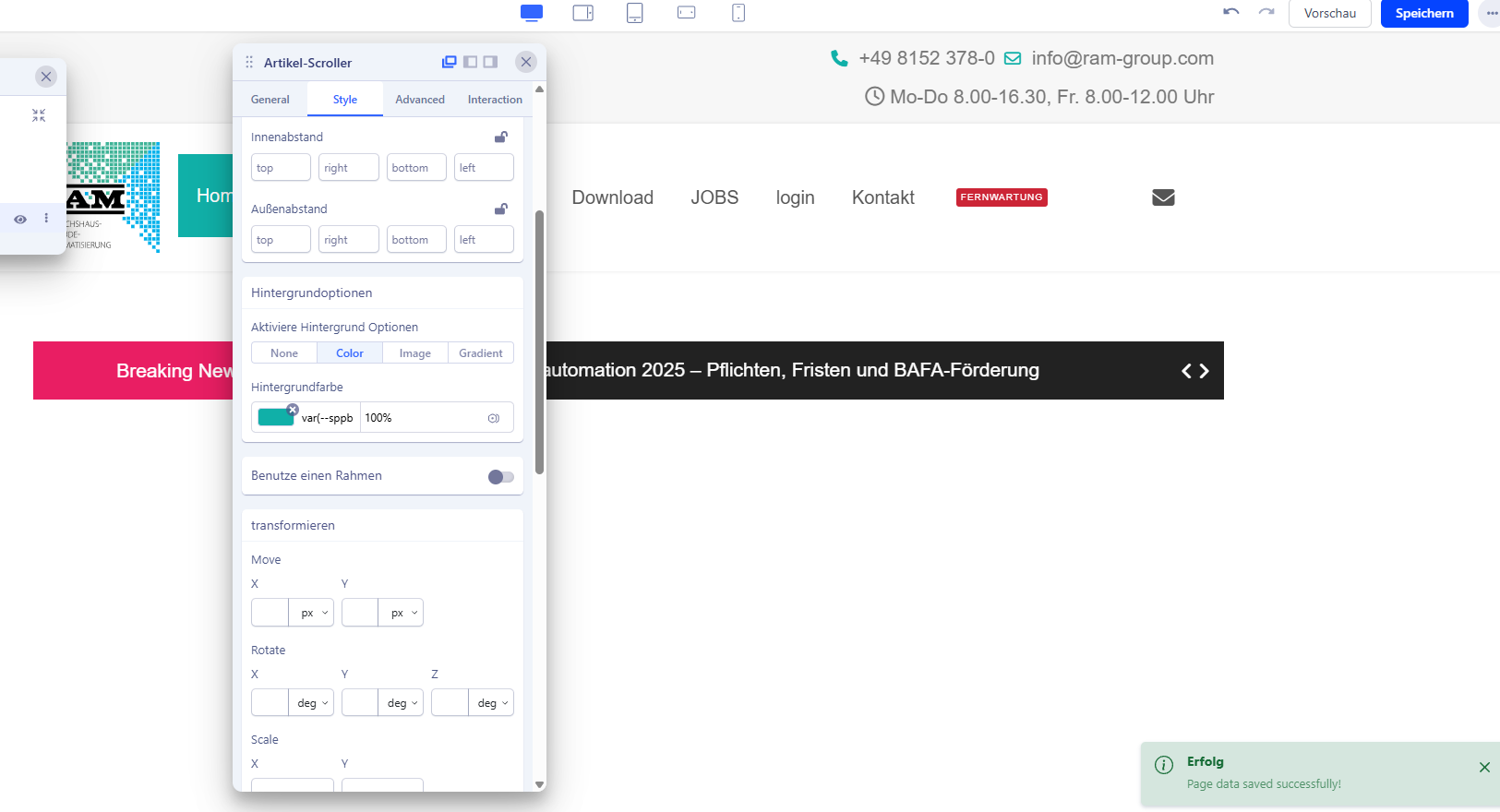
I have the feeling that none of the settings I make are being saved—no matter which ones!
So, I enter a background color in the ArticleScroller module, then click Save. I close the "Article Scroller" module and reopen it. The background color I previously saved has not been saved.
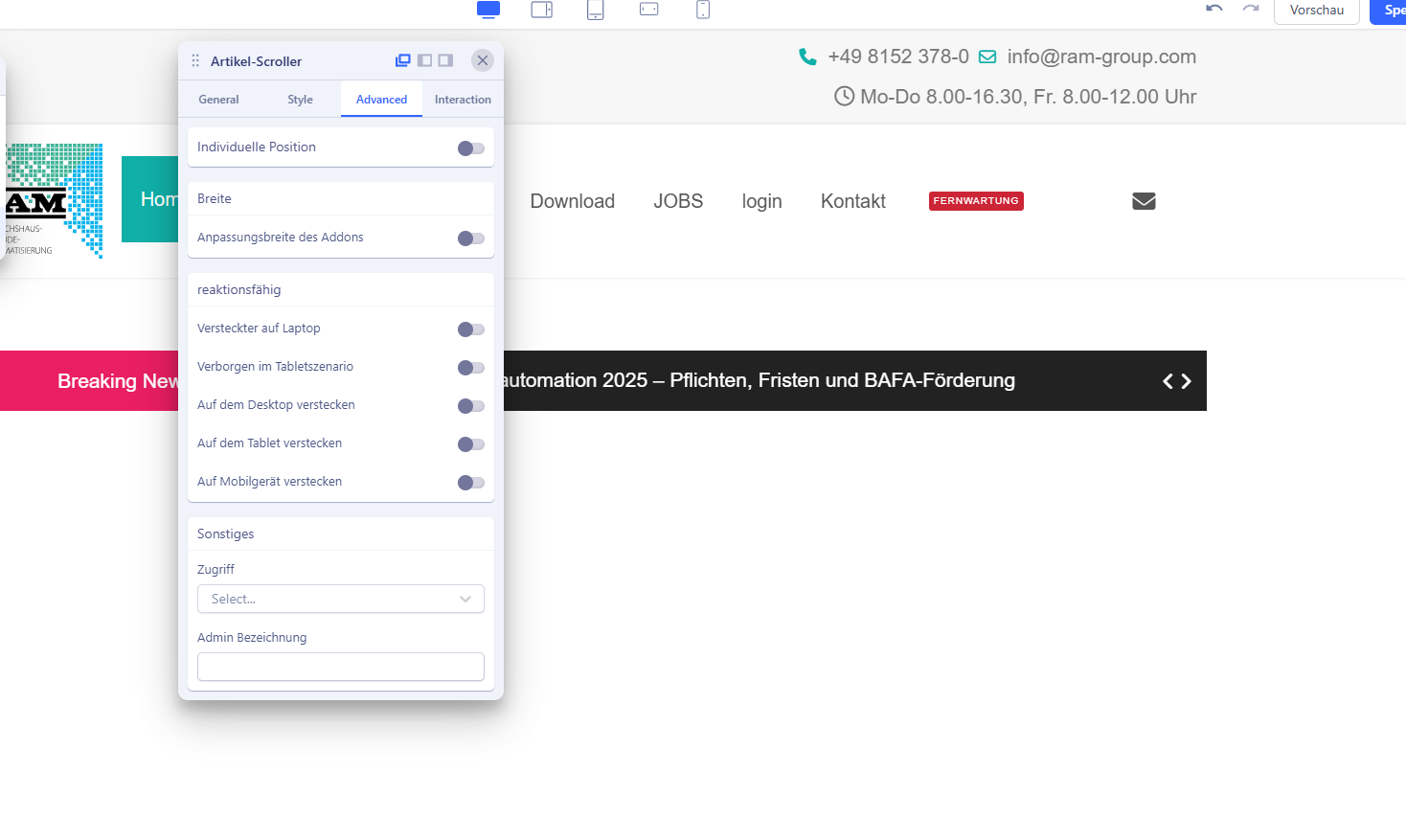
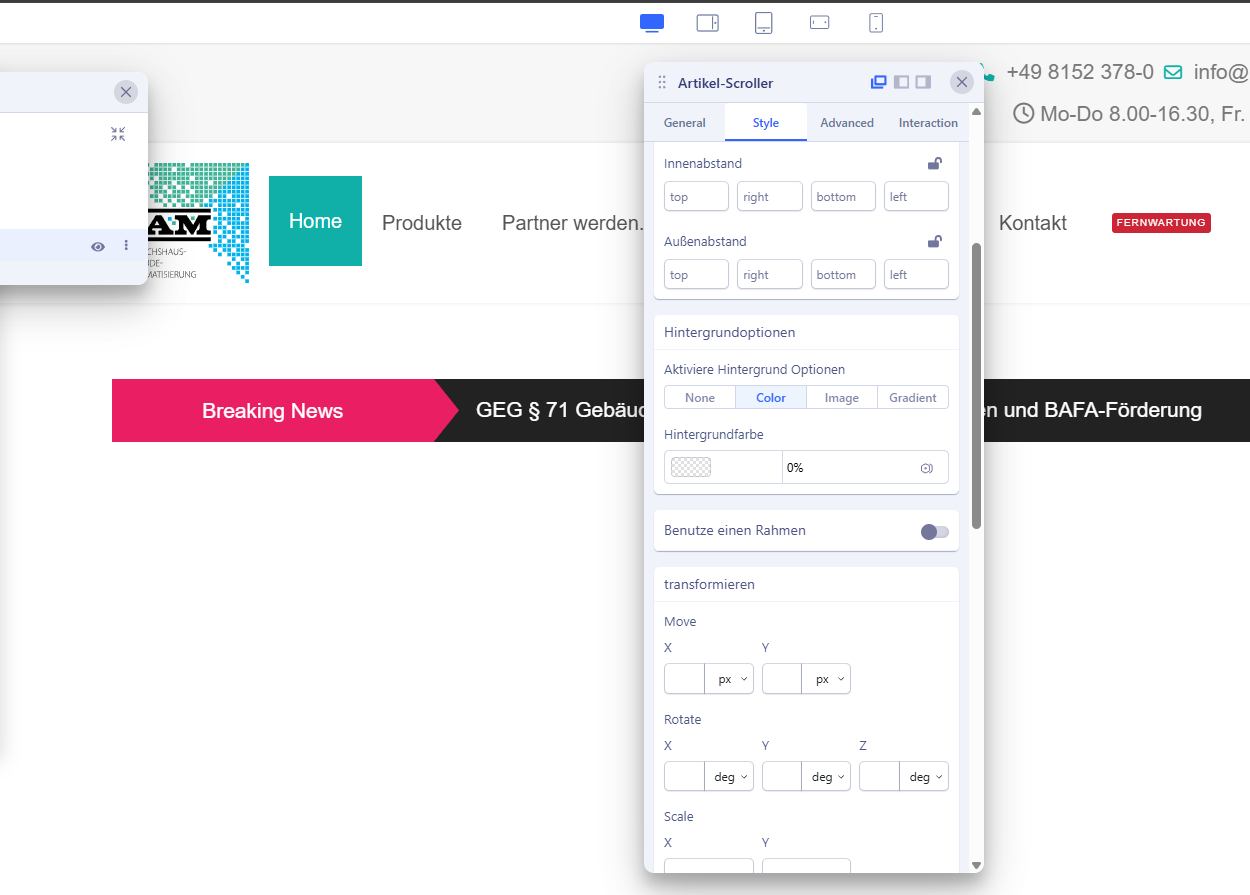
Michael Kellner Asked this
So, everything works via the backend. However, on the frontend, the Article Scroller is not displayed—or is not configurable.!
Atick Eashrak Shuvo Staff
Apologies for the inconvenience. I have checked the issue on our end, and both the frontend and backend editors are working properly.
From the screenshot you shared, I noticed that your site is using a different language. Could you please let us know which language you are using on your site? This information will help us investigate the issue further.
Michael Kellner Asked this
Hi, we use German. Hi, we speak German. Can I send you a video?
Atick Eashrak Shuvo Staff
Can you share a backup of your site?
Log in to reply.