[Locked] [URGENT] Potential security vulnerability identified in SP Page Builder (v6.1.1) - Forum | JoomShaper
Solved SP Page Builder Locked

[URGENT] Potential security vulnerability identified in SP Page Builder (v6.1.1)

Asked by S-D CONSULTING 3 months ago Last activity 2 months ago

Hi,

During routine security audits and log analysis, I identified what appears to be a critical security vulnerability in SP Page Builder (v6.1.1 and potentially older versions).

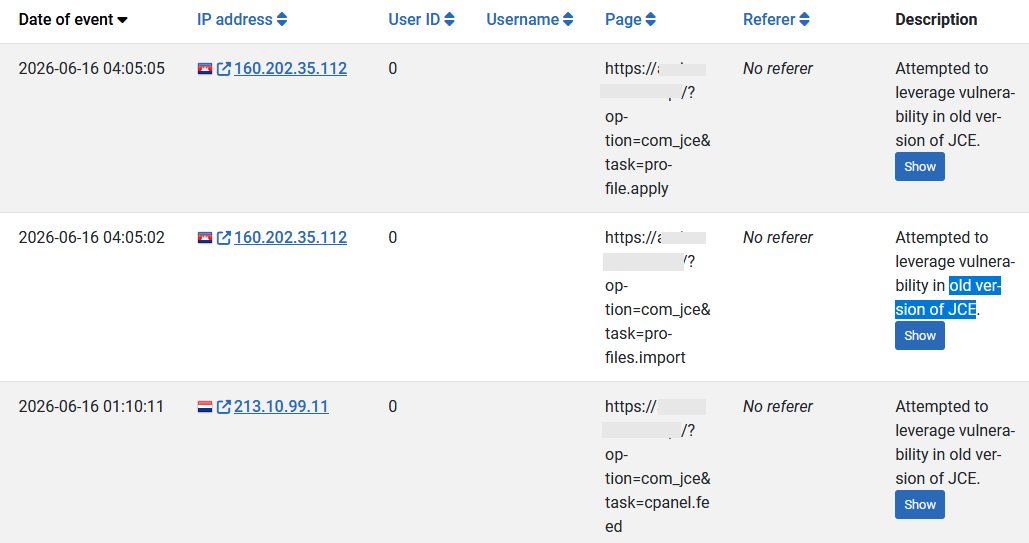
Under specific circumstances, this flaw could potentially allow malicious actors to bypass standard security checks and perform unauthorized actions on the server. Based on our recent server logs, it seems this vulnerability might already be targeted by automated bots in the wild, which could lead to severe site compromises.

To strictly practice Responsible Disclosure and avoid providing any actionable information to malicious actors reading this public forum, I have placed the exact nature of the flaw, the affected files, and the technical mechanics exclusively within the Hidden Content section of this ticket.

I have temporarily mitigated this on our infrastructure via ModSecurity rules blocking the endpoint, but an official patch is urgently needed. I can provide the Apache access logs and the malware samples privately upon request.

Please review the hidden details and escalate this to your security and development team as soon as possible.

Best regards.

Accepted answer

Marked as the solution
Ziaul Kabir Staff

Please, check our latest build and let us know the update.

Thanks

Rachell Balsz

I am making a request to pass along to your execs. Inform your users if you want to keep them.

This is a global problem yet I have not received even one notice from JoomShaper about this. That is absolutely NOT acceptable. EVERY user who has ever purchased your templates or extensions should have received a notice informing them of the potential vulnerability. It costs you maybe $10 of email to send out to the thousands of people and own up to the gap in your security. Instead, you chose to wait until we had a problem then went looking for a solution when it was too late and now costs us hours to repair.

I'm not asking you to do this every time, but this is a HUGE hole. We should have been informed instead of waiting until there is a problem with one or many of our sites. Yes, you patch security holes occassionally and add the updates, but this time should have been treated differently. 2 major attacks in 2 weeks. SP Page Builder and Helix are major components and should have been treated accordingly.

This is how you lose the trust of customers who have been with you for years. I personally have been using SP Page Builder and Helix for over a decade. You have a corporate responsibility to shore up the holes in your product and inform your users so they can take immediate action.

This is exactly how companies lose their market share. It's not about how great your product is. It's about how great you are at responding when there is a problem.

I will continue to follow this thread because I have a feeling this isn't over yet. I'm waiting for the next patch.

AGON PARTNERS INNOVATION AG

I agree.

That's way we will have discontiune to have website in our portfolio's.

But just with the current clients our Cost to fix this was over 20k internal costs.

We made a fix for the Joomshaper https://www.joomshaper.com/forum/question/45778

It took us around 3h to code this. But when the damage is done the cleanup takes more time.
Change all PW of all Services. Setting up a new OWASP Rule, Setting up more Proxyservers.

But as a longtime costomer from joomshaper for many years I want to have a better Service and fixing a code like this in a view hours.

BassLast

Thanks for that!
I got a lot off trouble since two days.
Pagebuilder, Helix and JCE bring problems.

Joomla Sites

It is sad that it has come to this.

224 more replies

S-D CONSULTING Asked this
3 months ago · edited

While awaiting feedback, I'd like to point out that I was able to patch the solution by configuring the server

MARIANO

hola!
Como pudiste solucionarlo? yo he añadido el .htacces he borrado las acrpetas malicviosas y he cambiado los accesos, y siguen creandose los archivos... gracias de antemano

LEÓN DAVID QUIROZ

Good afternoon, friend. Could you share the solution you found? We're also experiencing these problems.

Heriberto Vasquez Peña

Hi, My website was invaded by several .htaccess files loaded with malicious code and index.php files in every folder. When I deleted them, they regenerated themselves. This code was generating remote access, from what I could gather. I don't know which malicious bot I was dealing with. I had to use a backup from before the problem started, move it to a different folder, and point the domain to that folder. I really couldn't get rid of this virus. And I'm still waiting because I don't know what might happen.

Ziaul Kabir Staff

Hi,

Thank you for your detailed report and for following a responsible disclosure process.

We have forwarded the information you provided to our development and security teams for further review and investigation. We appreciate the time and effort you invested in documenting the issue, as well as the additional context regarding observed activity and your mitigation measures.

Our team will carefully assess the reported behavior, including the points related to authentication, CSRF protection, and file extraction validation. If any additional information, logs, or samples are required during the review process, we will contact you directly.

Thank you again for bringing this matter to our attention and for your patience while the investigation is underway. We will provide an update as soon as we receive feedback from the development team.

Best regards,

Hanna Smotrova

Hello, I've faced the same problems accross several my websites. I've restored backups before the attack. But I'm very junior website builder (not a programmer) and I will be really greatful for help in resolving the issue.
Thank you!

Ziaul Kabir Staff

Hello Hanna,

To help us investigate your specific case, please create a separate support ticket for affected website and provide your administrator access details.

Our team will review your websites and do our best to assist you.

Thank you!

Ziaul Kabir Staff

Hello,

Could you please delete this post or make it private? We have identified the issues and our team is actively working on a fix.

Thank you for your consideration and support.

Best regards,

S-D CONSULTING Asked this

Sorry, I don't understand. Do I have to delete the entire forum post?

How do I do that?

Paul Frankowski Senior Staff

BTW

and after please check today's update.

S-D CONSULTING Asked this
3 months ago · edited

Hi,

Thank you for the quick turnaround and for taking this security report seriously.

Paul Frankowski Senior Staff
3 months ago · edited

I have important requests before saying big thanks to you,

please cut details from last message and paste them inside "Hidden Content" area, as you did before.

not everyone updated SPPB so far, and "bots/bad people" also read what they can... and hidden content is seeing only by you and support team.

S-D CONSULTING Asked this

Can you see now?

Paul Frankowski Senior Staff

Is OK, thx (hidden)

Marin

Hi,

Thank you for reporting this.

We have a website that appears to have been compromised, and Imunify360 detected several suspicious scripts and removed them from the server. Since SP Page Builder is installed on the site, we are concerned this may be related to the vulnerability described here.

Could you please provide guidance for affected users on what steps we should take next to ensure the site is safe?

Specifically, we would like to know:

  • Which files, folders, database tables, or settings should we check?
  • Is simply removing the detected scripts enough, or should we assume that admin users, passwords, API keys, or database content may also be compromised?

We would appreciate clear remediation steps for affected users, including what should be changed, cleaned, reinstalled, or audited after detection of suspicious scripts.

Best regards.

Thomas Harsch

My site was comprimised. I patched my NGINX configuration and installed the latest SP PB Update.

I found following to delete:

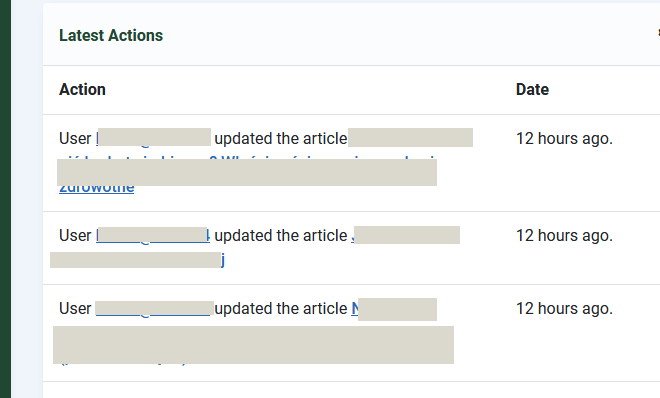
  • About 10 Superusers where added, they could be deleted in the Admin interface
  • Two site Templates where installed, they could be erased in the Amin interface
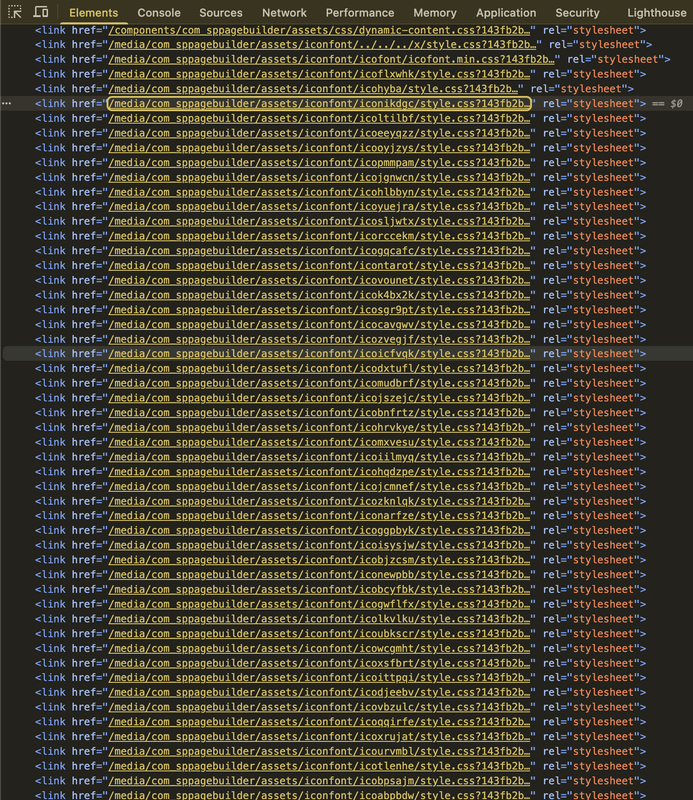
  • Several entries where installed under /media/com_sppagebuilder/assets, these had to be removed from the CLI
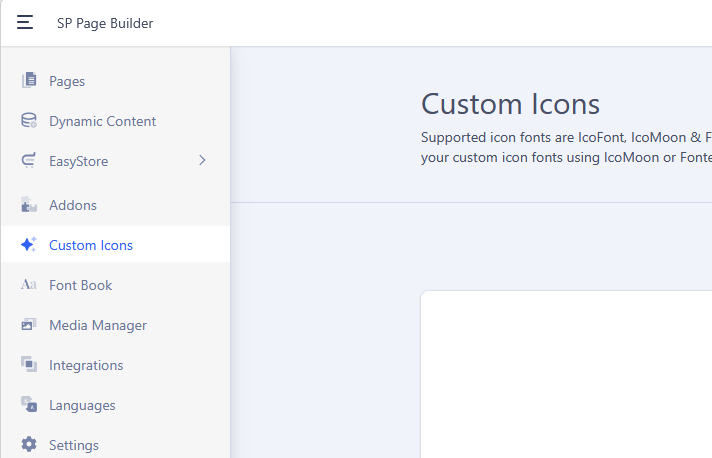
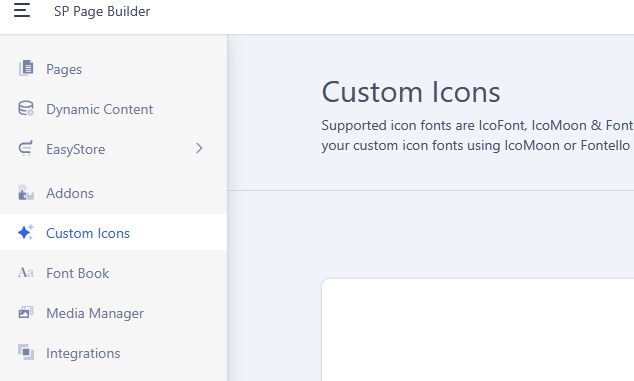
  • Several entries where installed in Individual icons, these could be deleted in the Page Bauilder settings interface

I also checked the database for suspect entries but did not find any.

I am not posting this to expose anybody, I am posting this to help other possible victims to clean up their systems.
Please followup any additional hints or which places I have missed to search.

David

Thanks for sharing these cleanup notes.

Did you happen to preserve any of the PHP files that were uploaded under /media/com_sppagebuilder/assets before deleting them?

I am trying to determine whether the payloads only created Joomla superuser accounts and assigned Super User permissions, or whether they also attempted anything else, such as reading configuration.php, dumping database data, exfiltrating credentials, installing persistence, or modifying templates/plugins.

Did you find any evidence of data exfiltration, config access, database dumps, outbound callbacks, or additional webshells outside /media/com_sppagebuilder/assets?

Ionut

Hi,
Check cron job also

Neil

Hi

Yes, I found assets at media/com_jce - same kind of files, fake fonts and fake CSS

Paul Frankowski Senior Staff
3 months ago · edited

Hi Thomas,

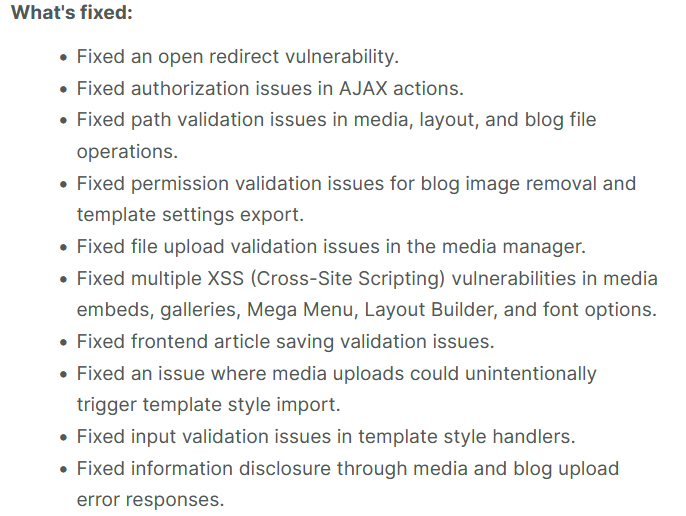
it was fixed in today update (as urgent morning task). We will do more penetration tests in the next few days, and to harden SPPB even more.


  1. If this site is important, consider also using extra firewall component, it's always extra wall with archers (!)
  2. Block IP that tried doing bad things. Some hosting panels allows that. You have full right to do that.
Thomas Harsch

No, I did not have JCE installed. I saw the attacker also tried that, but just got a "Plugin not availabe".

I am considering programming a little script that watches my accesslogs and automtically block IPs from attackers with the Linux FW.

Alejandro Lengua

We currently have Sucuri, but despite its WAF one of my customers site was compromised

Paul Frankowski Senior Staff
3 months ago · edited

Hi Marin,

you have to scan whole site. Later check also others on the same server.

For sure delete all .shtml files that you may have in root folder.


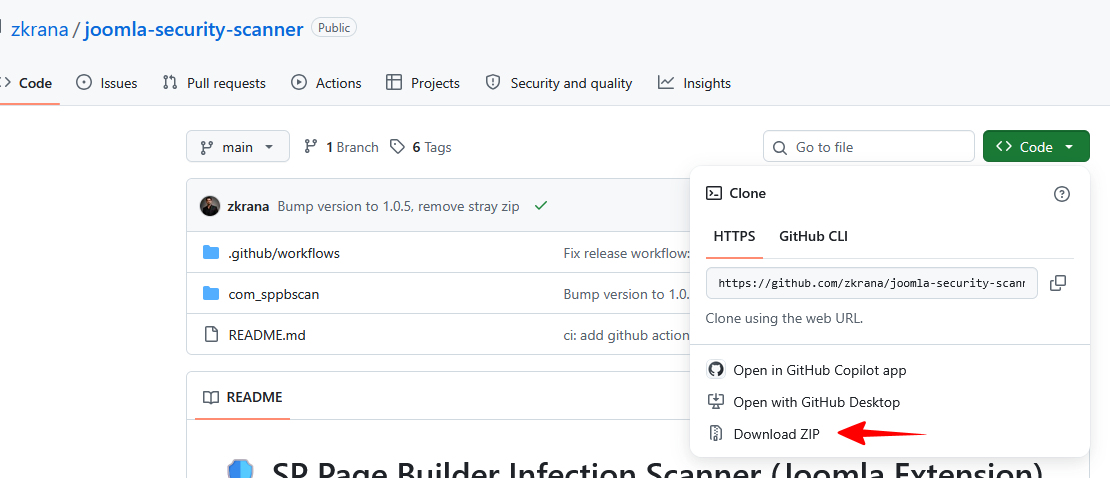
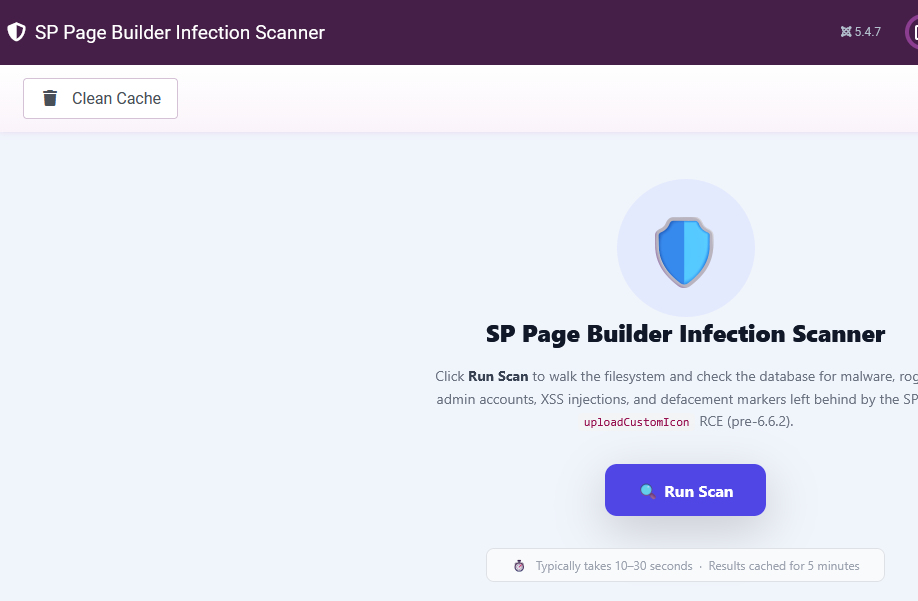
To scan website use:

  • Imunify360 or similar software from your Hosting Panel. The premium version also allows you to clean malware files in two clicks.
  • OR, just ask hosting company if you don't have access to any antivirus in Panel to scan site for you.
  • Manually check all major folders for extra index.php and .htaccess files that shouldn't be there.
  • Use Firewall component for Joomla to scan site deeply
  • Clear content of /tmp and /cache folder from Joomla, keep only index.html file.
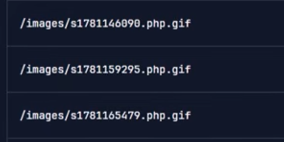
  • Check folders: /images/and /media/ there shouldn't be any .php file, if you have any - Delete it (!)
  • Reinstall Joomla core files (important step!)
  • Reinstall Template core files (important step!)
  • Update extensions if you forgot about any, focus on JCE etc.
  • Check used extensions, maybe one or two of them you don't need anymore, and you can uninstall it.
  • Force-logout all sessions
  • Clear Trash in Hosting Panel (hosting account).
  • Configure Apache and ModSecurity to strictly deny PHP execution inside /images/ and /media/ directories, rendering any uploaded webshell inert.

Those are also malware files, but in "hidden/cheat mode" (example from JCE case)

info__254.png

esf

Thank you, Paul, for this information.

In addition to all the points already shared, I found a PHP tag in the index.php file of the Helix Ultimate template. I have removed it.

Seppe

Good morning
On my server, I have over 75 domains. Every domain has is own hostingpackage.
By default, every package has a 400, 401, 403, 404 & 500.shtml in the root folder (public_html)
These also need to be deleted?

This question is locked, so it takes no new replies. Have a similar problem? Ask a new question.