Hi Joomshaper Team,
how can i change the images sorting order in SP Property extension?
thanks in advance
Marc
Hi Joomshaper Team,
how can i change the images sorting order in SP Property extension?
thanks in advance
Marc
Hi there,
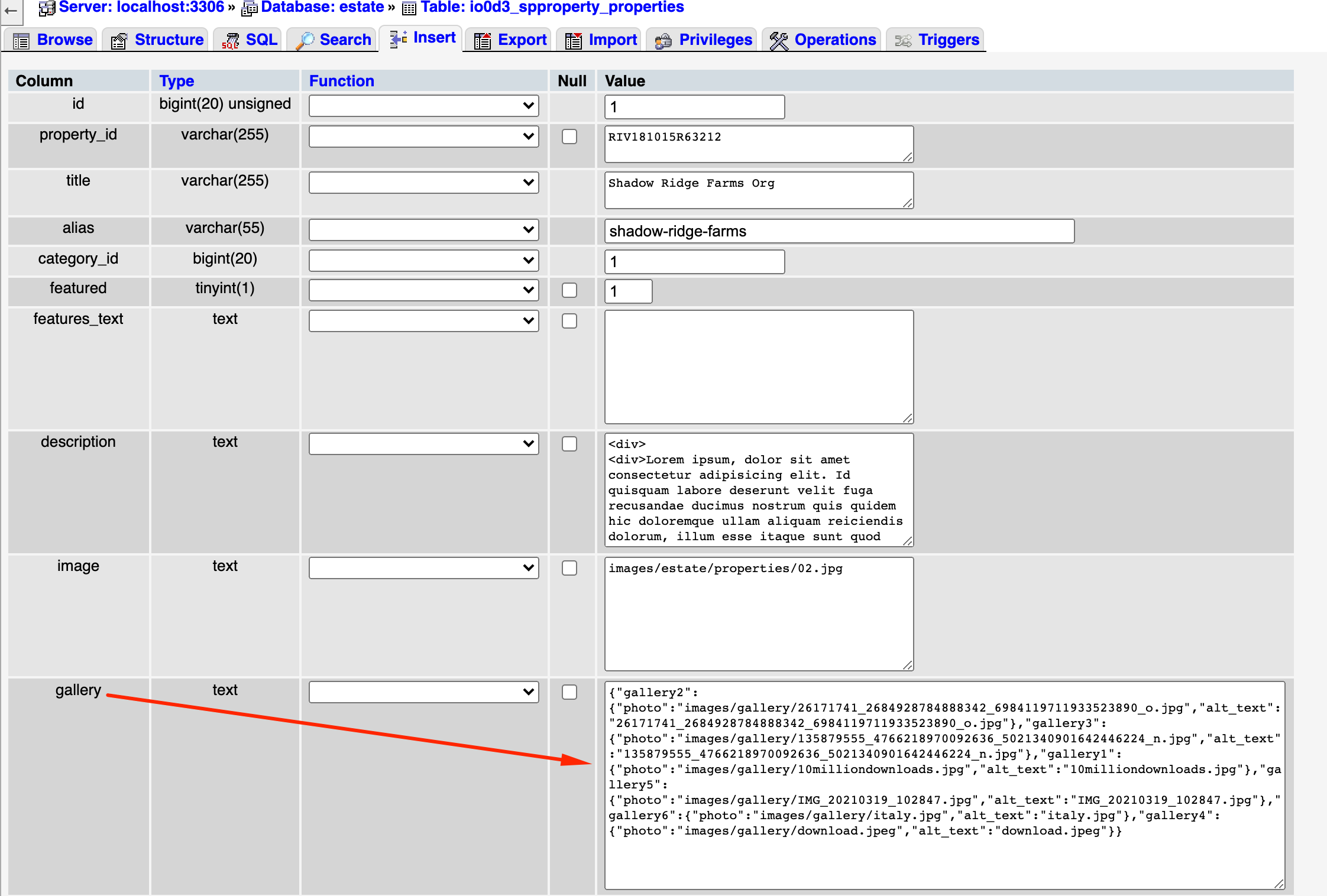
Thanks for contacting with us. Please check the screenshot for sorting the property.
-Thanks
Hello Marc Innerbichler
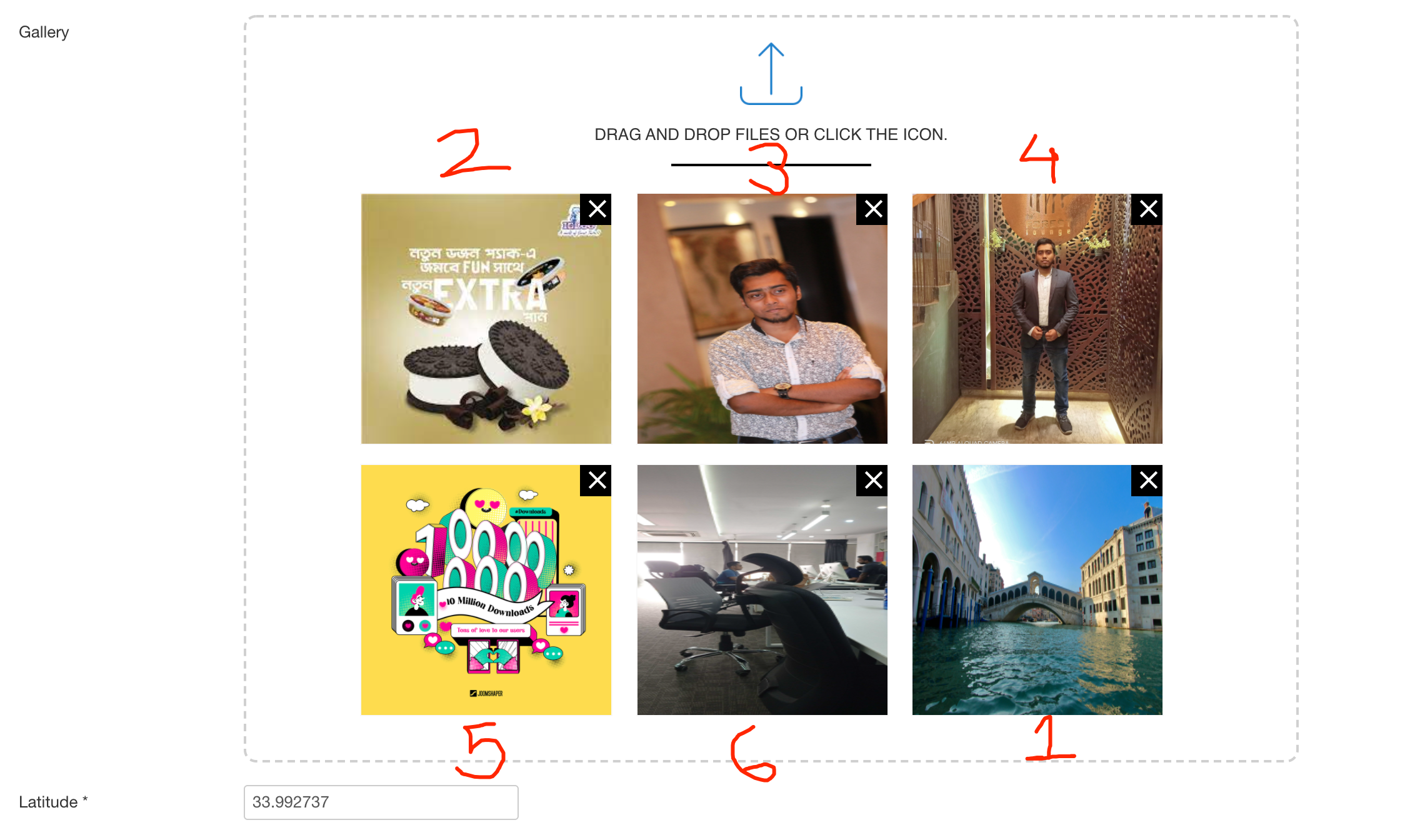
I think you are talking about the Gallery images in the property details. In the frontend it is shown as slideshow at the top of property details page. The sorting is explained in the below screenshot. The latest upload comes first, then it starts from the oldest to the second latest.
Best regards
Thank you very much for the answers! Is there no way to change the order of uploaded images?
You can go to this location: administrator/components/com_spproperty/models and in property.php file from line 131 there is a function old2new which is maintaining the order of the photos. Sorry, we do not provide customization support.
If you do not want to go to the code, then follow the sequence I shared while uploading photos. If you miss order in any property, then you can change it from the database too. Go to xxxxx_spproperty_properties table and in the specific property row, find the gallery column. Then change the order there. The same sequence is applied here too. The last one is the first image on the slider, then it continues from the first image to the second last.