Hi Team,
i just wanted to embed some code into the template>helix>custom.css , but it is not editable.....????
I also cannot find a custom.css file in the template files....
Hi Team,
i just wanted to embed some code into the template>helix>custom.css , but it is not editable.....????
I also cannot find a custom.css file in the template files....
Yes.
custom.css - a file where you should keep all your Custom CSS changes.
Of course you can keep some in Template Options - Custom Code - Custom CSS as well.
But I think keeping all changed in one place is better.
https://www.joomshaper.com/documentation/helix-framework/helix-ultimate-2/custom-code-css-js-meta
You can edit that file using Joomla Template Customise or/and FTP tool, as you wish.
Hello Martin Seidl
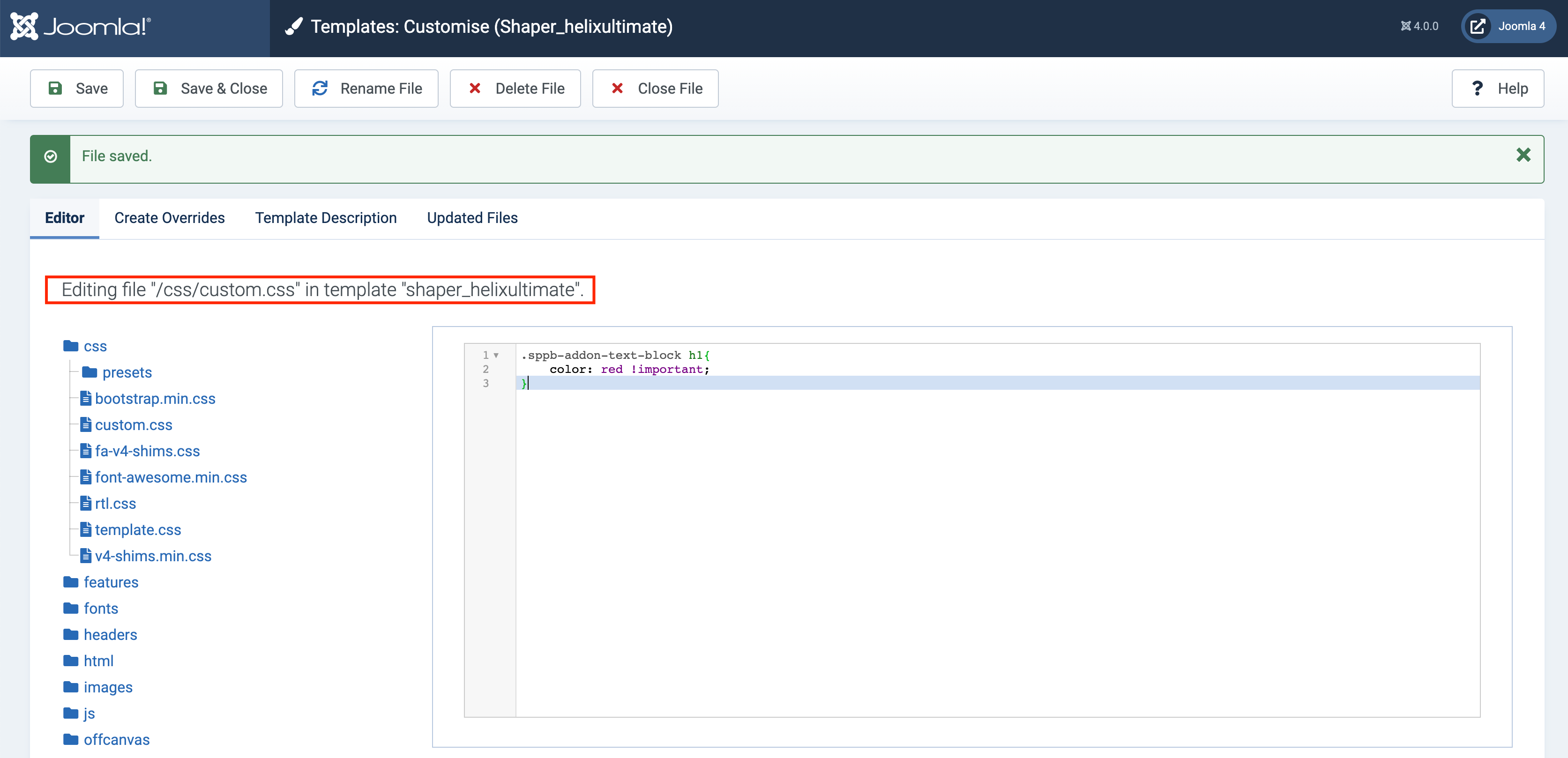
Please go to templates/shaper_helixultimate/css and add custom.css file. Then add your CSS in that file. This is it. No more embedding is needed.
Best regards
Thnx, Ofi,
I created the custom.css.
what shall I do with the code of helix' custom.css? shall I copy it into the "template">custom.css?
and delete the code of helix?
thnx Paul!
Is there a docu about what kind of changes happen when we update to helix 2? For on several website where I use helix new version changes happened mostly on css level.
The biggest change was Bootstrap CSS styles update.
This certainly causes some changes in template appearance, but I admits that you should wait for Helix Ultime 2.0.2 with some fixes.

