offcanvas menu did not work
21 replies

Hello Marek N
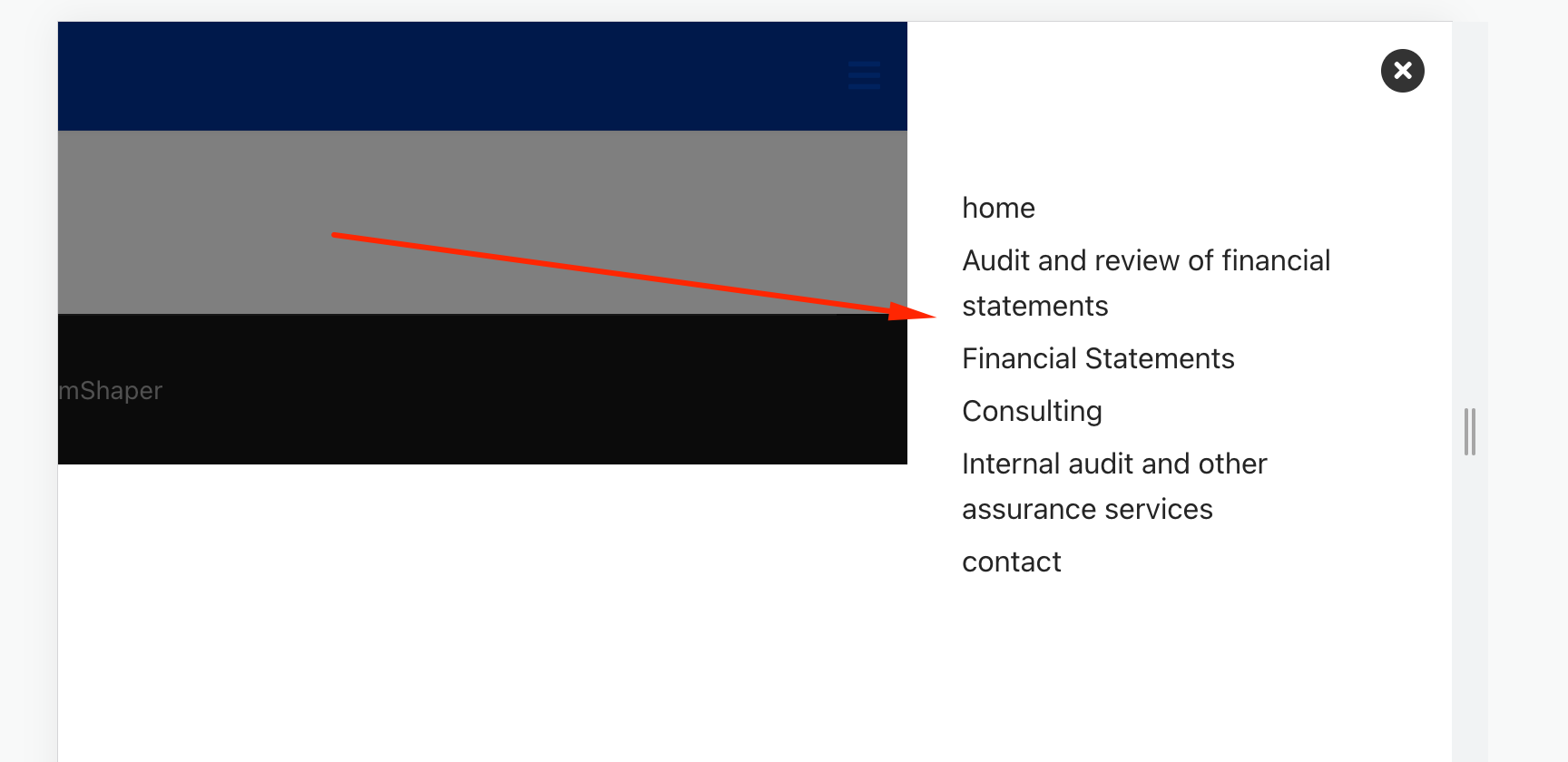
I can see offcanvas working on your site. Please check again.
Best regards
can be seen on the tablet, not on the phone,
I also check on a real phone - you can't see

Hi Marek,
Read 1st tip from: https://www.joomshaper.com/documentation/helix-framework/helix-ultimate-2/troubleshooting-faq
Next time check this page before asking a error question.
it looks very different
In that case maybe your template wasn't ready for HU 2.0.5 update, hmm ?
Have you checked on our website?
You can also share access to admin area - we can check, I have one theory.
In new HU 2.0 you don't have to use Menu module in Mobile - it's choice from Template Options.
it is not an update, it is a new installation
On Raw Helix Ultimate it works OK, as should.
Checking others.
Marek/Ofi please don't touch anything , eat 2nd breakfast.
BTW
Missing webfonts.json file inside your templates you can copy from raw Helix Ultimate folder, use FTP tool for it.
sorry but no File Managers for J4, so I cannot do it.
On your place for this project I would use raw Helix Ultimate or Folium. Less problems.
I have already done this project on joomla 3, I will update it when I am sure of everything
I still don't know why it doesn't work Offcanvas Menu
I don't touch anything
on both Helix Ultimate or Folium Mobile Menu worked.
About Ensure - I don't know, sorry.
folium
On 4 browsers does not work:
on the real phone does not work the same
Yesterday worked.
I will check again.
On Tablet emulator works
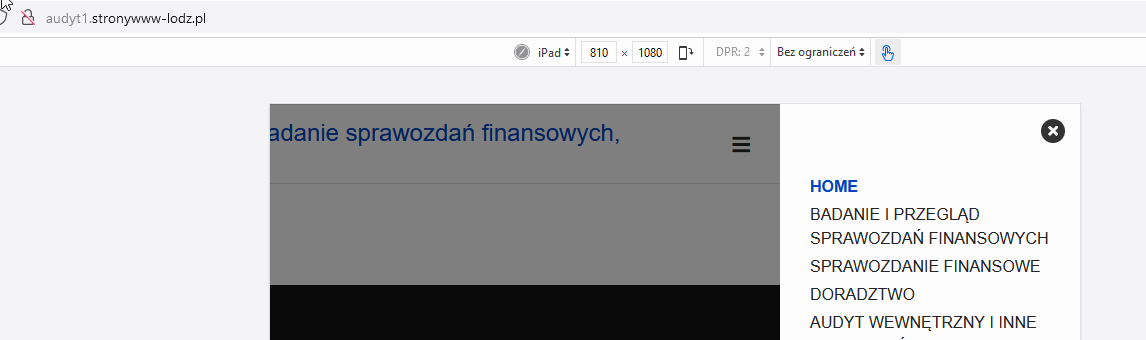
Now I have to check why is empty on phone size, madness
Should be ok also on iphone view.
BTW
Remember that in those upgraded templates custom.css is loaded before template.css.
I know it's bug but I cannot chage it.
hi,
i installed joomla 4, then page builder, then template, I haven't updated anything, no custom.css there
new template is not working and i don't know if i can work on joomla 4
I know that it works on tablets, I wrote earlier
have you seen my screenshot - it should work now.