Home Page
Joomla 4, 5, 6
Updated 12 Apr 2023
1 min read

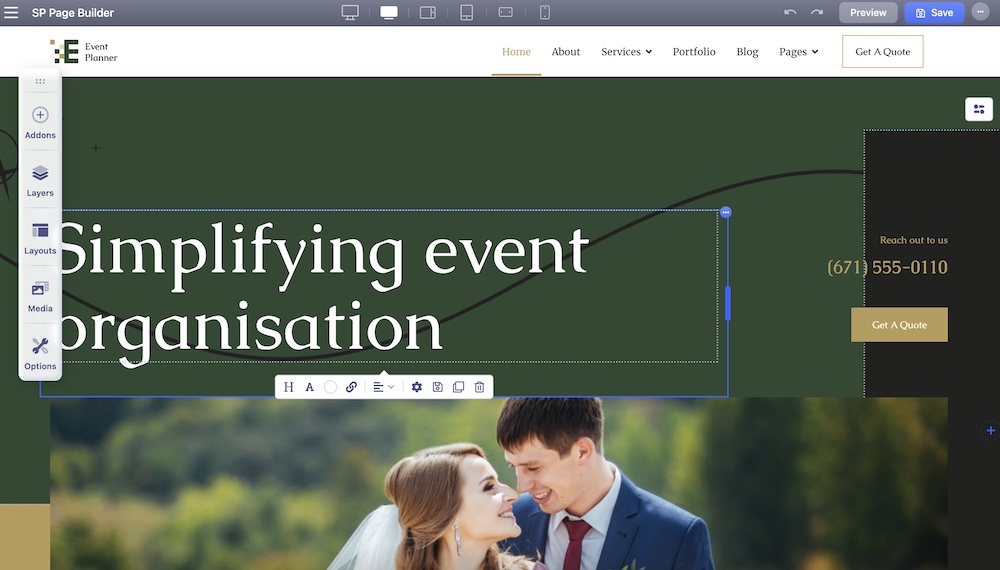
The Homepage comes with an eye-catching hero section that draws the eye and immediately communicates the essence of your brand. Following a services section that provides a quick and easy way for visitors to learn about your offerings, visitors will get a glimpse of your team, portfolios, testimonials, and more highlighting the key benefits of your brand.
QuickStart includes a pre-made home page created using the SP Page Builder Pro component, and only from this component can be edited and customized. You can find it assigned to Main Menu as a Home item.
You can edit and customize the page using a front-end editor. To do that, from the dashboard, go to Components > SP Page Builder Pro > Get Started and select the page you want to edit.