Templates
Every template installs the same way, so the guides below are written once and apply to all of them. For what is inside one particular template, open its reference page.
Know which template you have?
Go straight to its reference page.
Guides for every template
These do not change from one template to the next. Written once, fixed once.
1
Install a Quickstart Package
A Quickstart package gives you a complete Joomla website with a JoomShaper template, demo content, required extensions,…
2
Install the Template
The JoomShaper Template package is a standalone Joomla template built on the Helix Ultimate framework. It controls the o…
3
Set Up Your Pages
JoomShaper templates use SP Page Builder to create flexible page layouts without requiring custom code. Depending on the…
4
Customize Your Template
JoomShaper templates are built on the Helix Ultimate framework, which gives you control over the visual design and overa…
5
Configure Menus & Modules
Menus and modules are an important part of your Joomla site's structure. Menus control navigation, while modules display…
6
Update Your Template
Keeping your JoomShaper template and its required extensions up to date helps you access bug fixes, improvements, compat…
All guides for every template
Template reference
One page per template: what is in it, what it needs, and its own articles. Install steps live in the guides above.
Works with
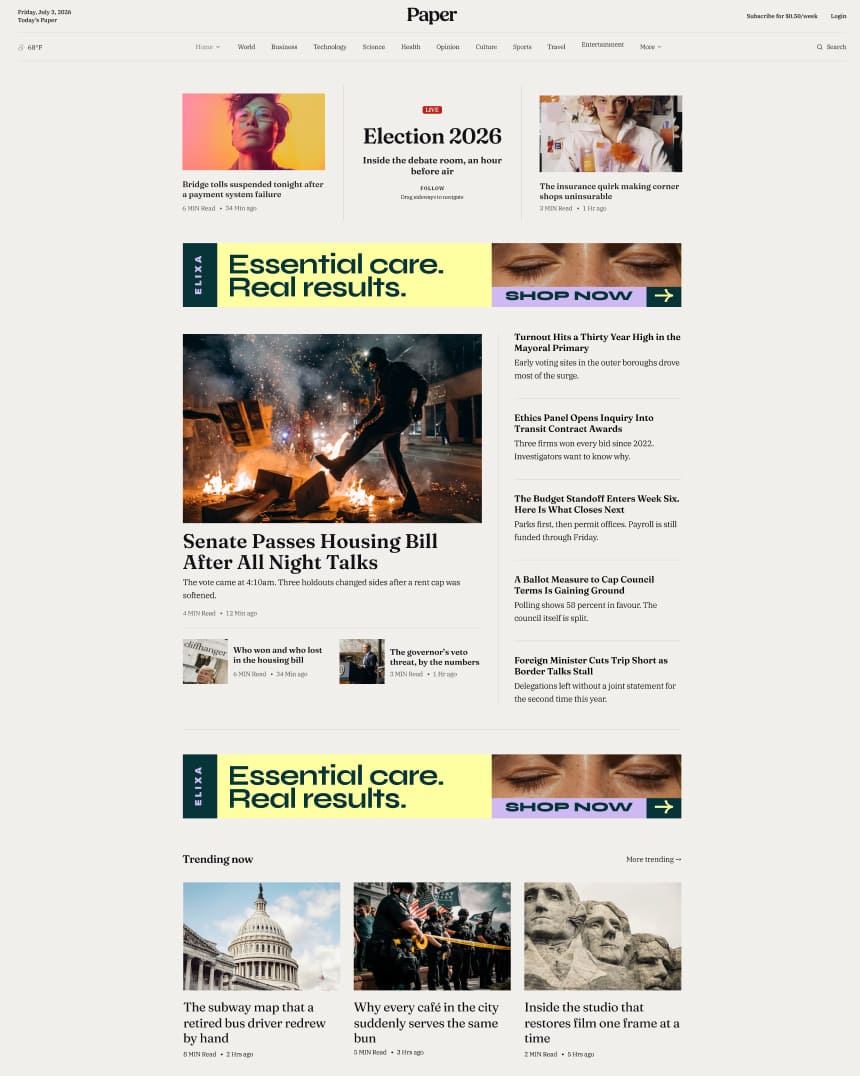 Paper
Joomla 4, 5, 6 · 25 demo pages
 Ample
Joomla 4, 5, 6 · 14 demo pages
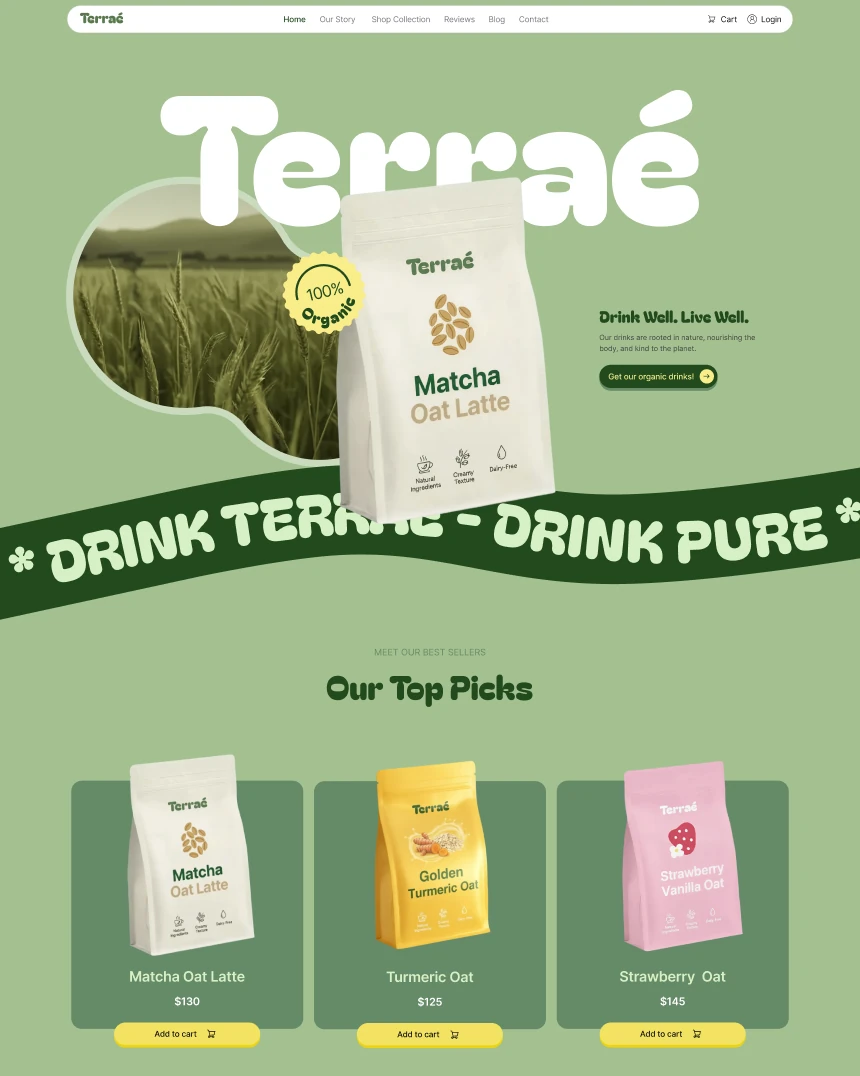 Terrae
Joomla 4, 5, 6 · 15 demo pages
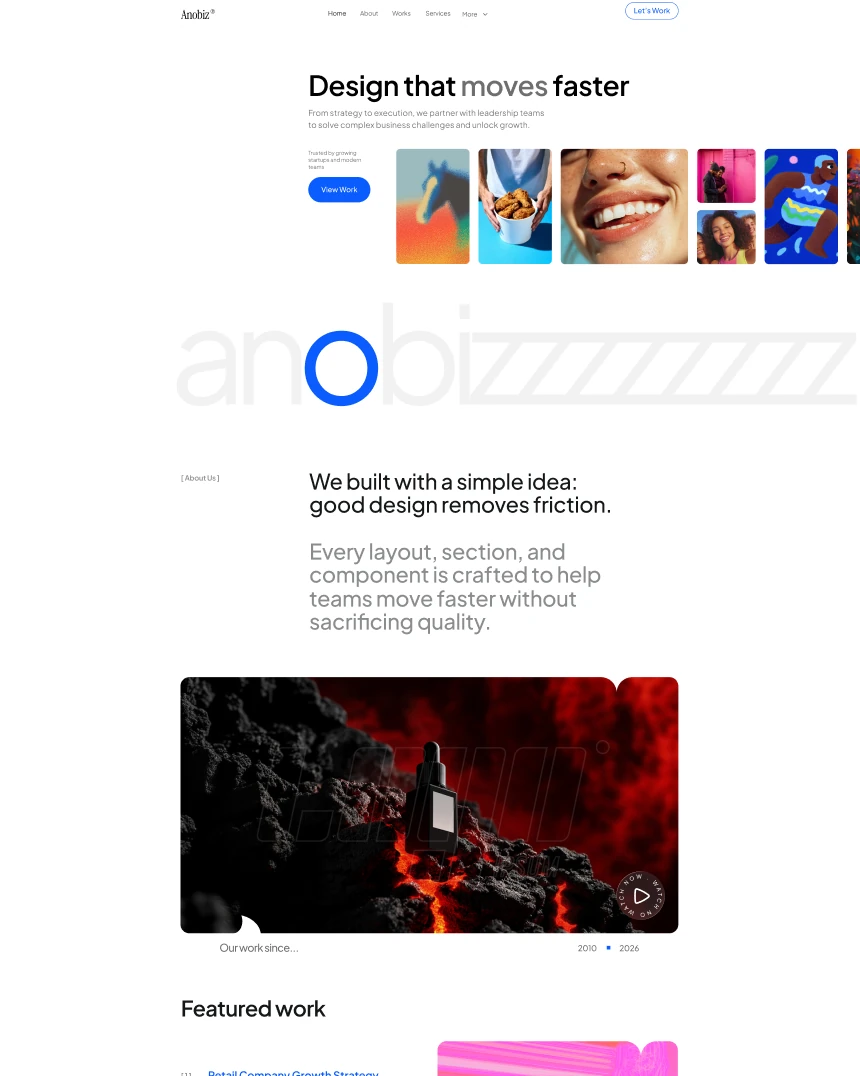 Anobiz
Joomla 4, 5, 6 · 15 demo pages
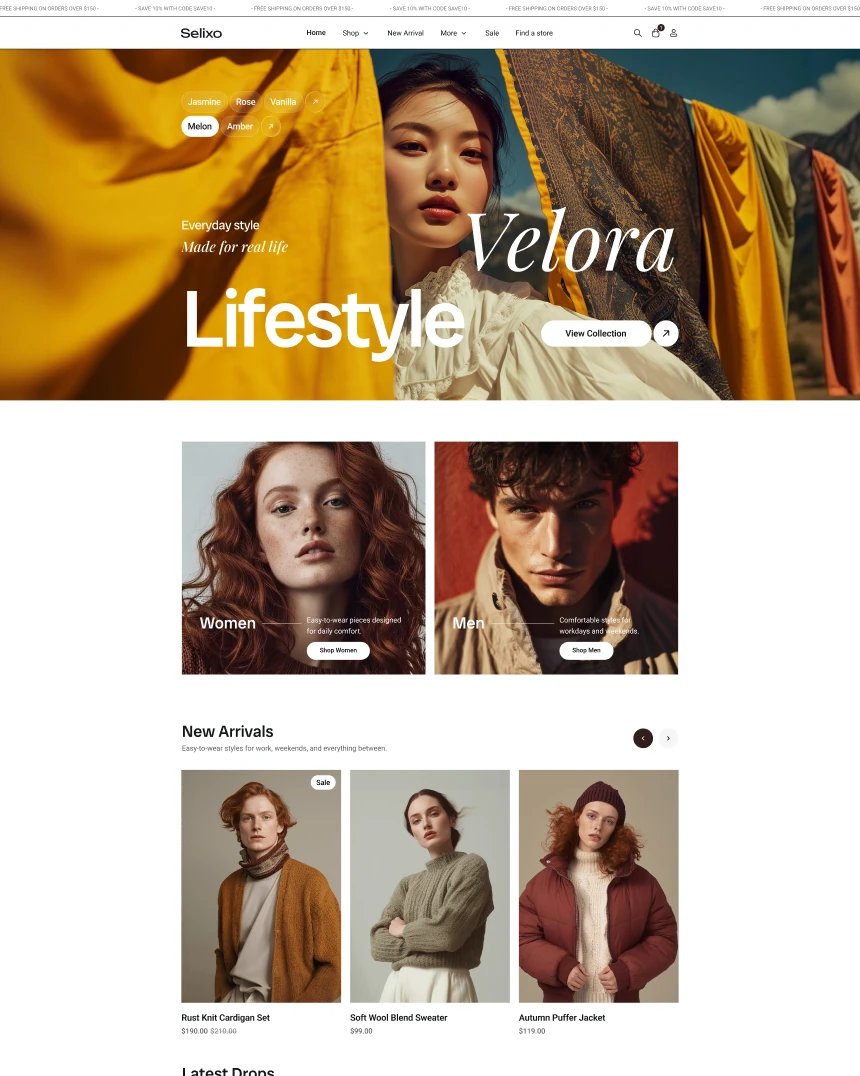 Selixo
Joomla 4, 5, 6 · 15 demo pages
 Kind
Joomla 4, 5, 6 · 15 demo pages
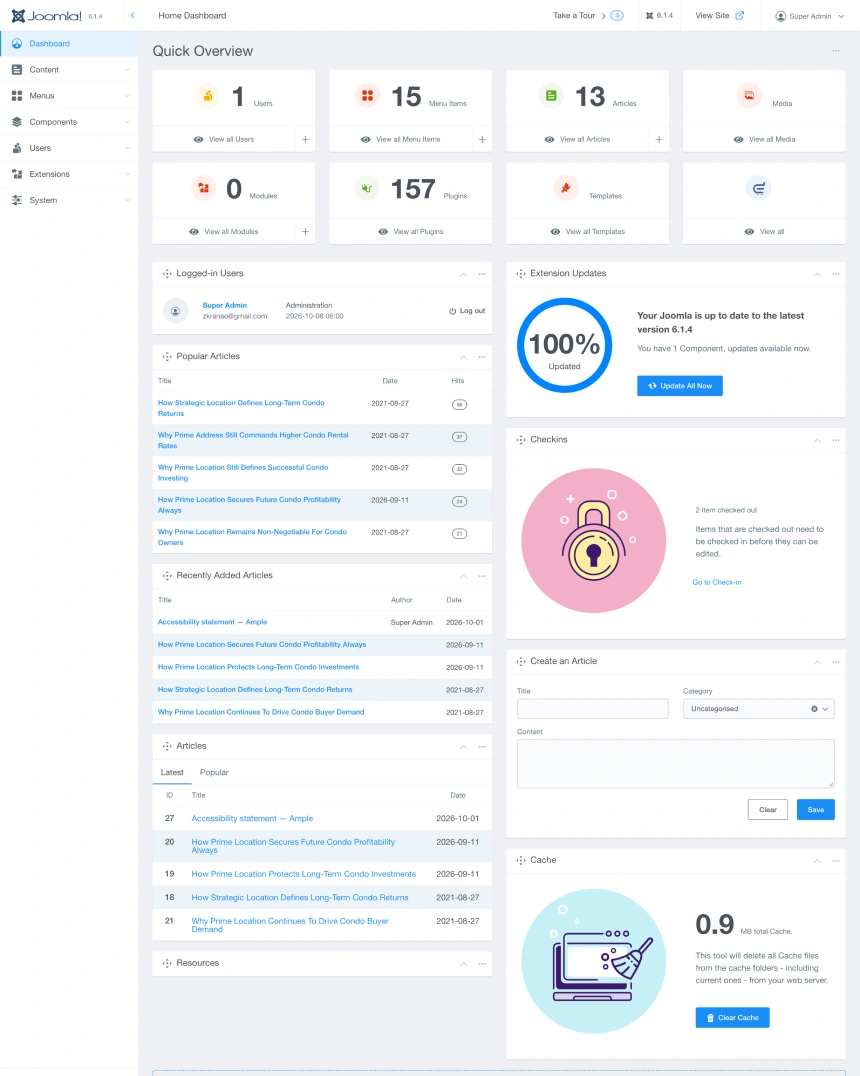 Power Admin
Joomla 5, 6
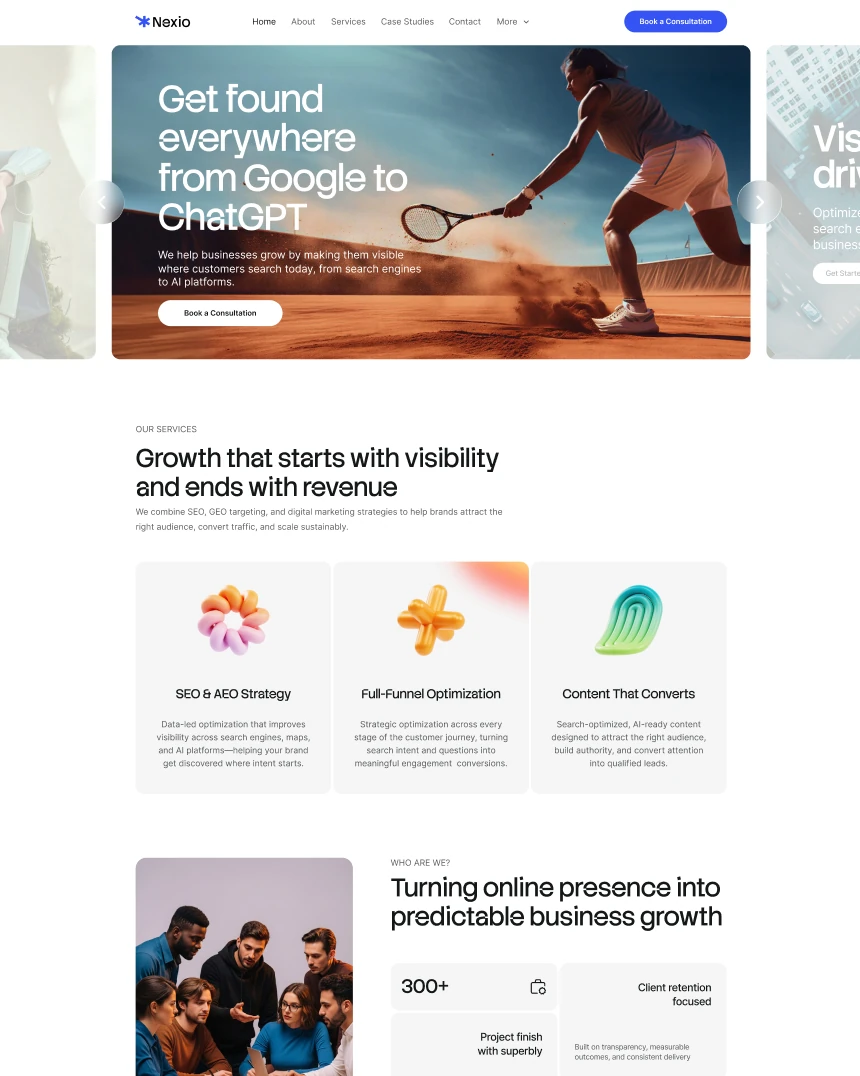 Nexio
Joomla 4, 5, 6 · 12 demo pages
 Agentik
Joomla 4, 5, 6 · 12 demo pages
 Justice
Joomla 4, 5, 6 · 17 demo pages
 Tuber
Joomla 4, 5, 6 · 15 demo pages
 Unfold
Joomla 4, 5, 6 · 20 demo pages
 Mednic
Joomla 4, 5, 6 · 20 demo pages
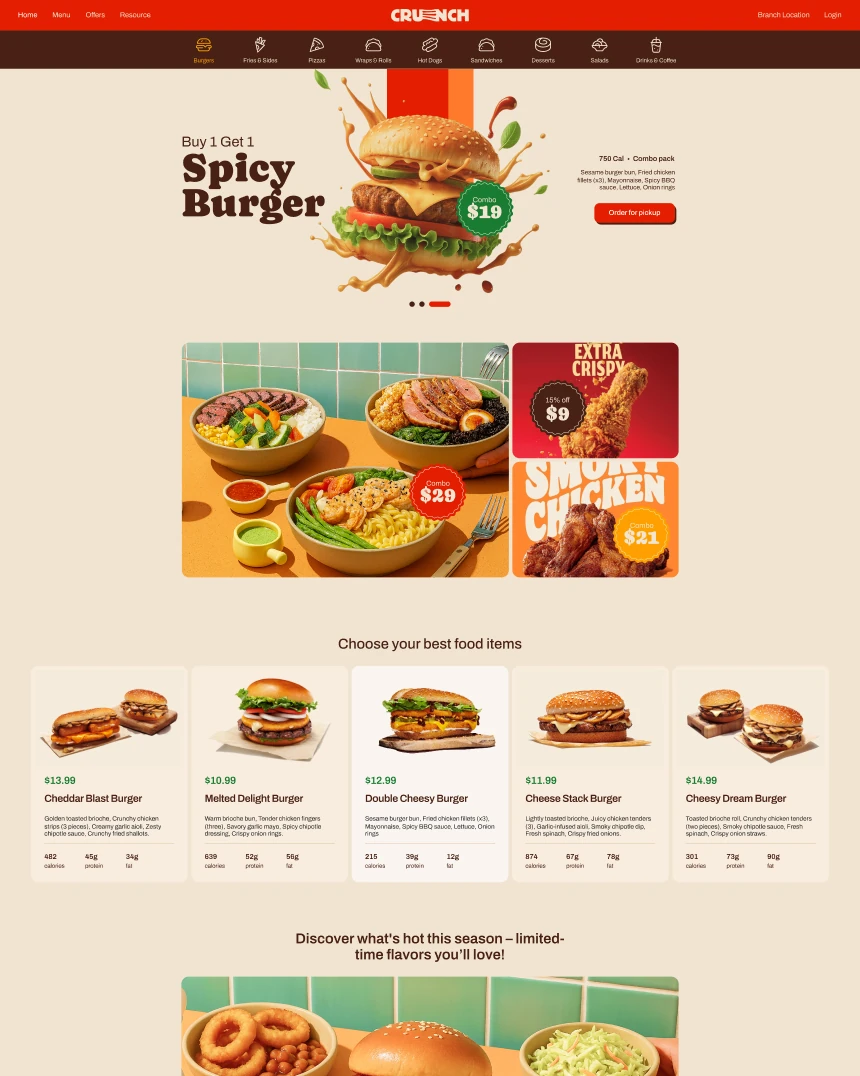 Crunch
Joomla 4, 5, 6 · 14 demo pages
 Artolio
Joomla 4, 5, 6 · 20 demo pages
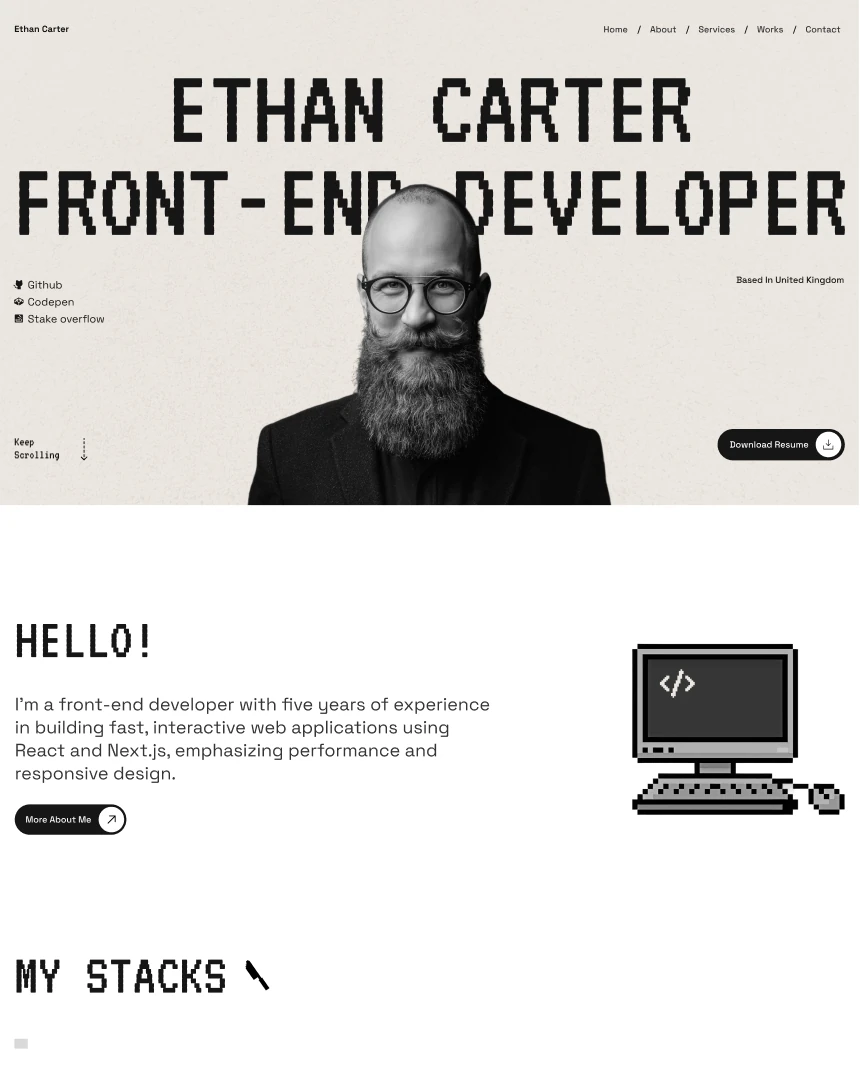 DevNox
Joomla 4, 5, 6 · 12 demo pages
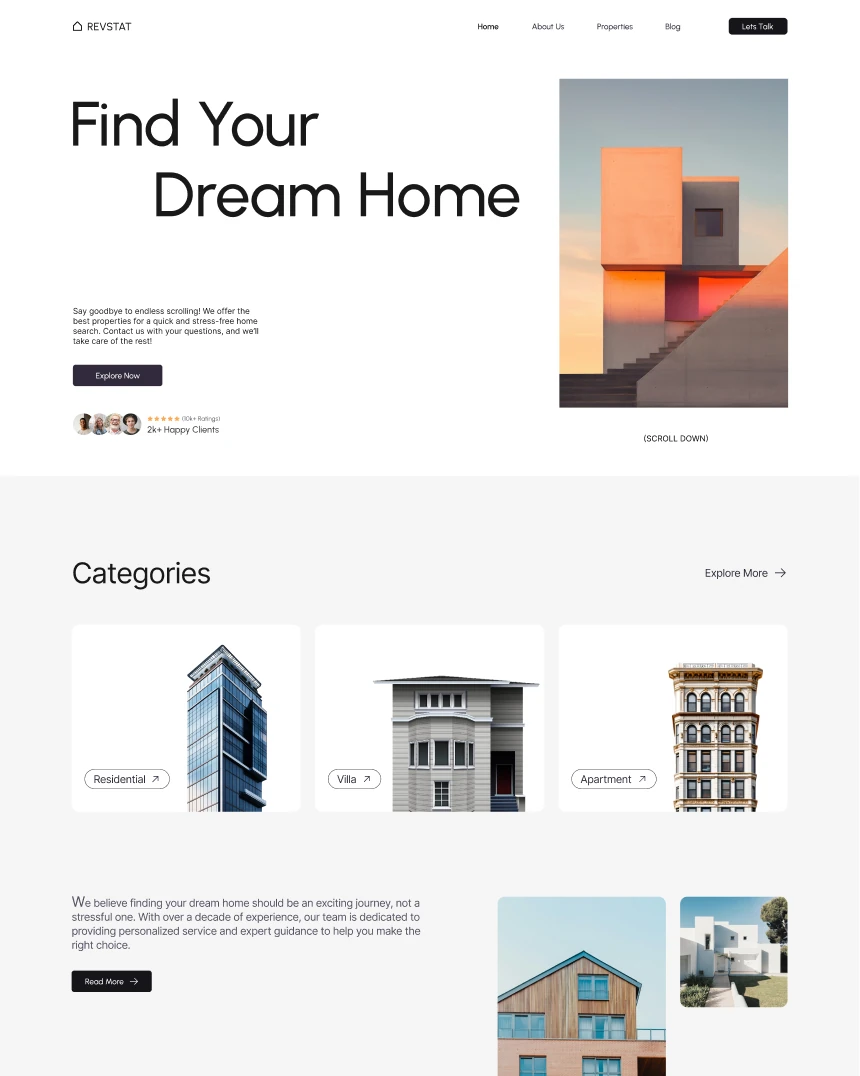 Revstat
Joomla 4, 5, 6 · 11 demo pages
 Stratos
Joomla 4, 5, 6 · 15 demo pages
 Federal
Joomla 4, 5, 6 · 12 demo pages
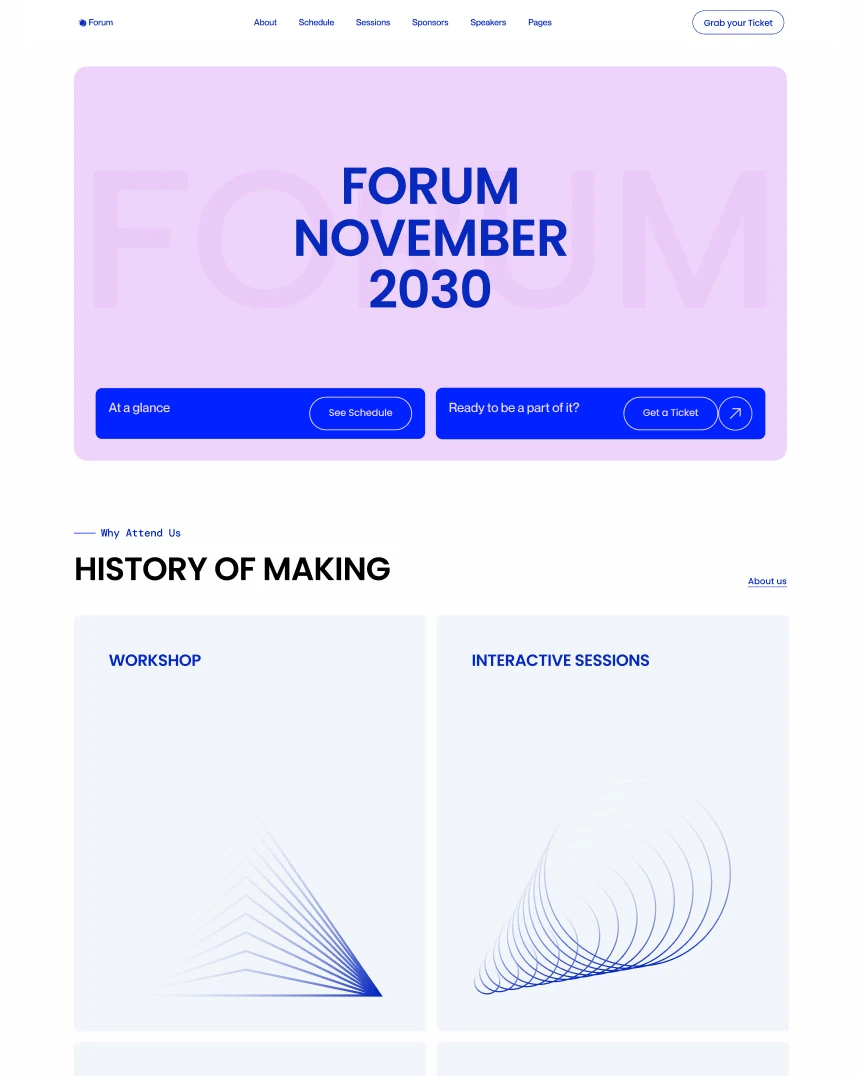 Forum
Joomla 4, 5, 6 · 12 demo pages
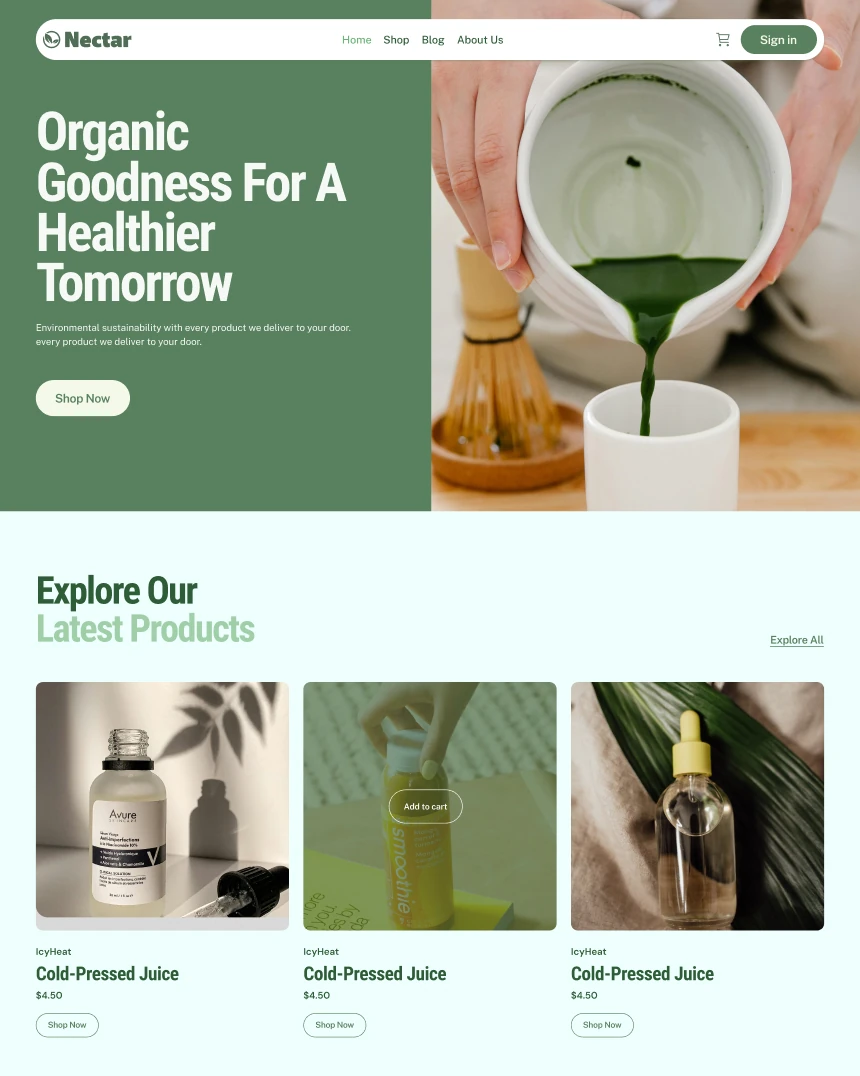 Nectar
Joomla 4, 5, 6 · 12 demo pages
 Thrifted
Joomla 4, 5, 6 · 10 demo pages
 Maxora
Joomla 4, 5, 6 · 22 demo pages
 Educon II
Joomla 4, 5, 6 · 40 demo pages
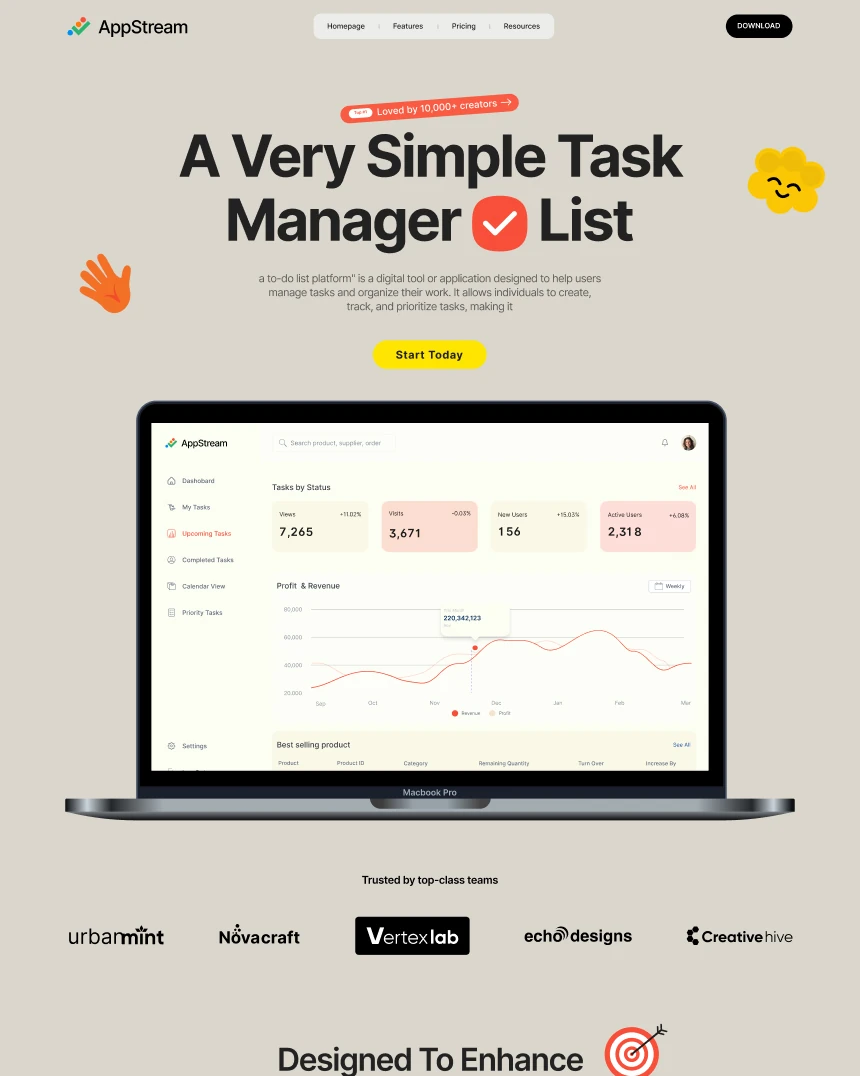 AppStream
Joomla 4, 5, 6 · 12 demo pages
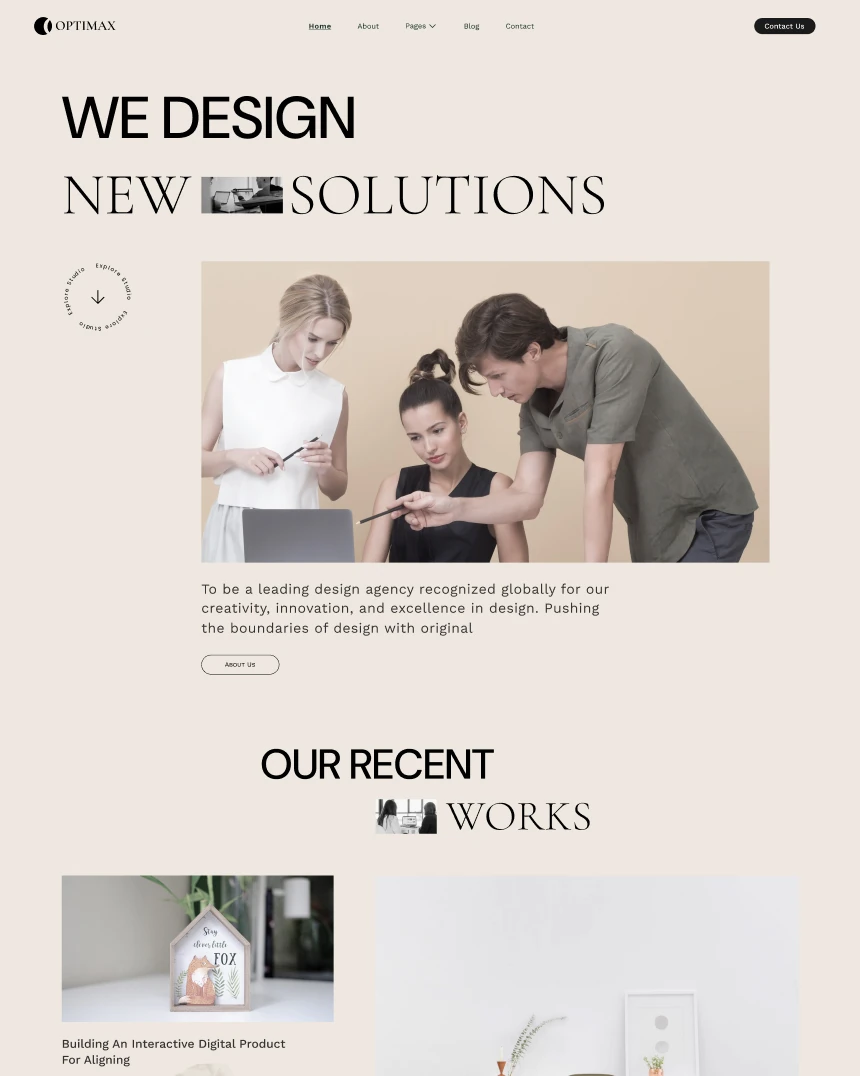 Optimax
Joomla 4, 5, 6 · 11 demo pages
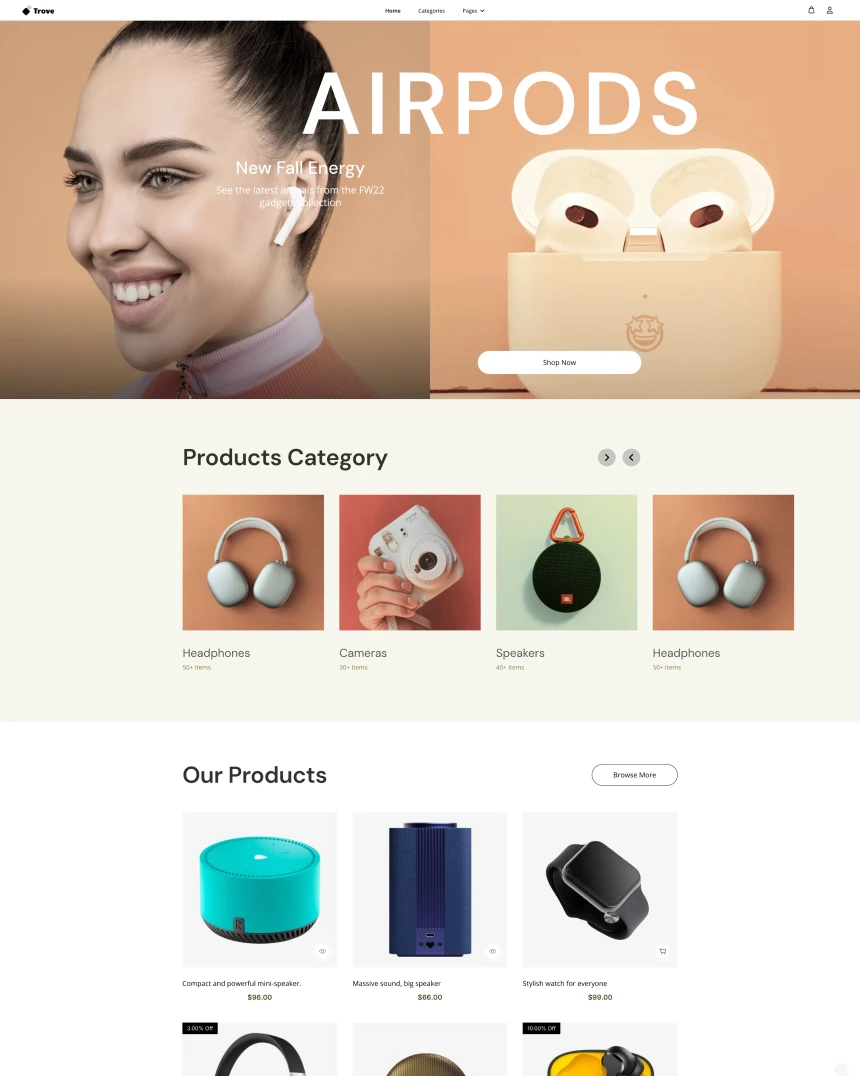 Trove
Joomla 4, 5, 6 · 10 demo pages
 NestFund
Joomla 4, 5, 6 · 13 demo pages
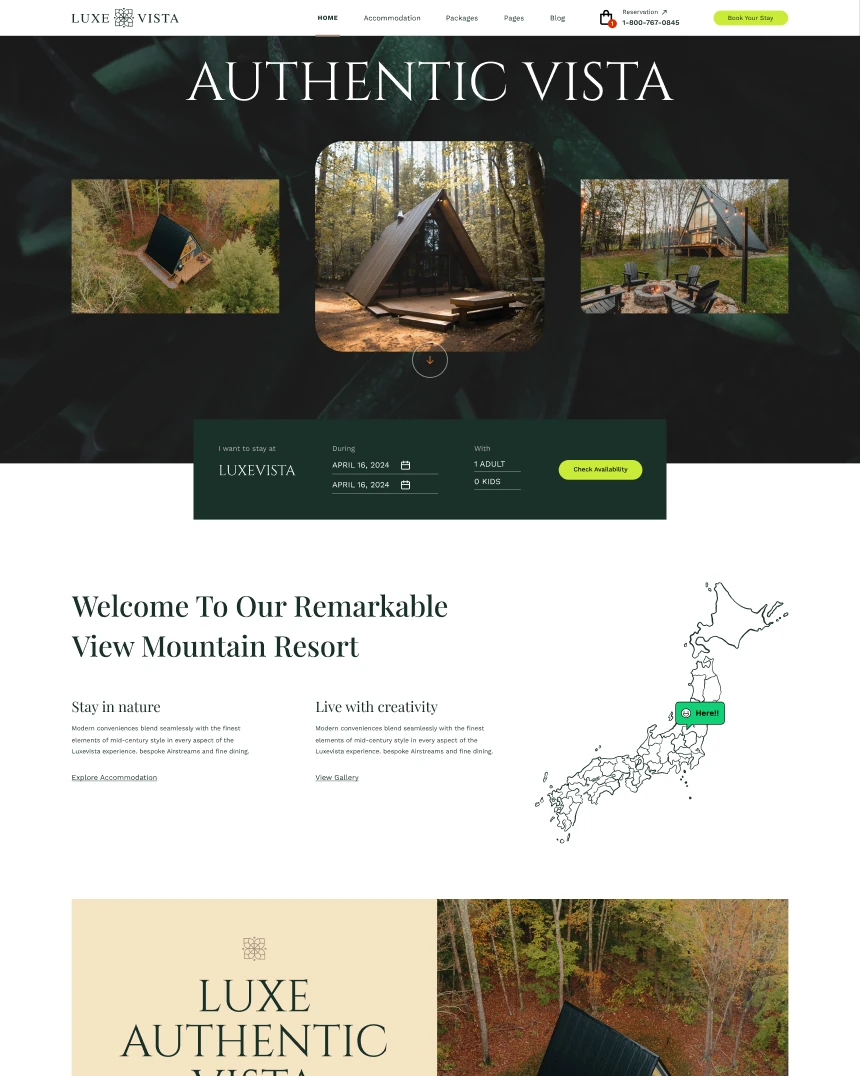 LuxeVista
Joomla 4, 5, 6 · 14 demo pages
 Homify
Joomla 4, 5, 6 · 13 demo pages
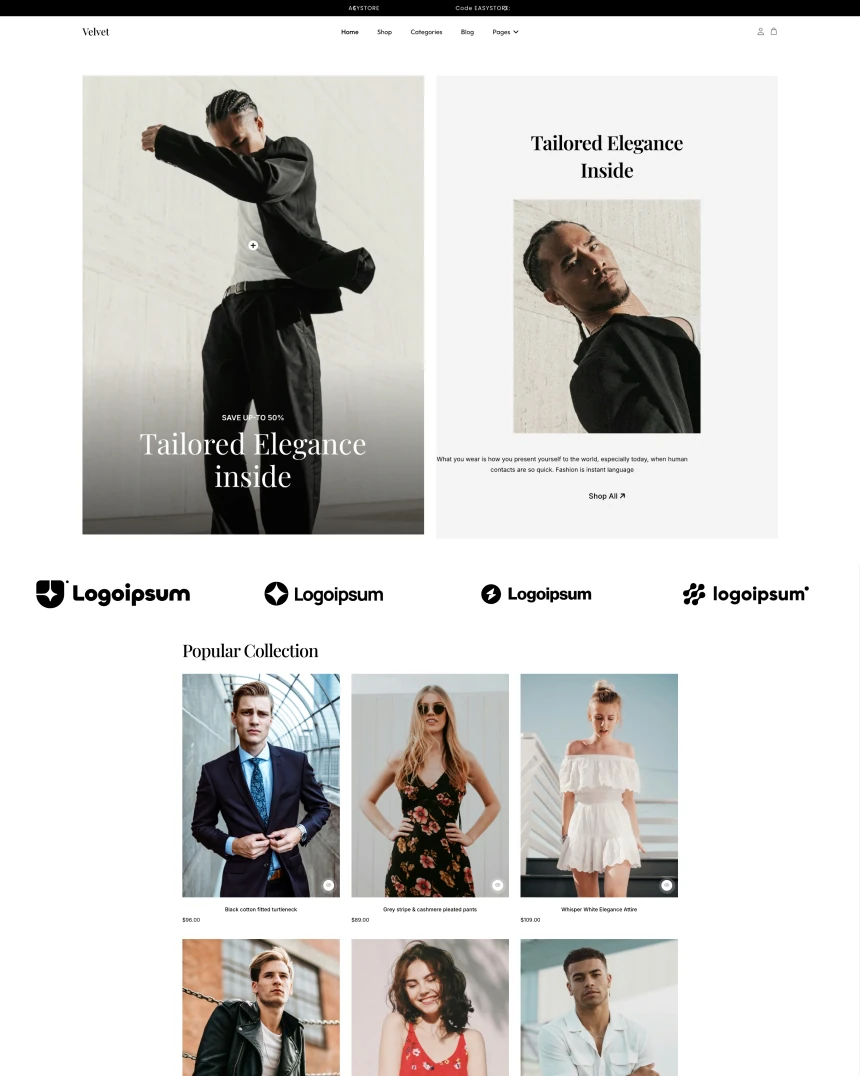 Velvet
Joomla 4, 5, 6 · 9 demo pages
 Loqo
Joomla 4, 5, 6 · 11 demo pages
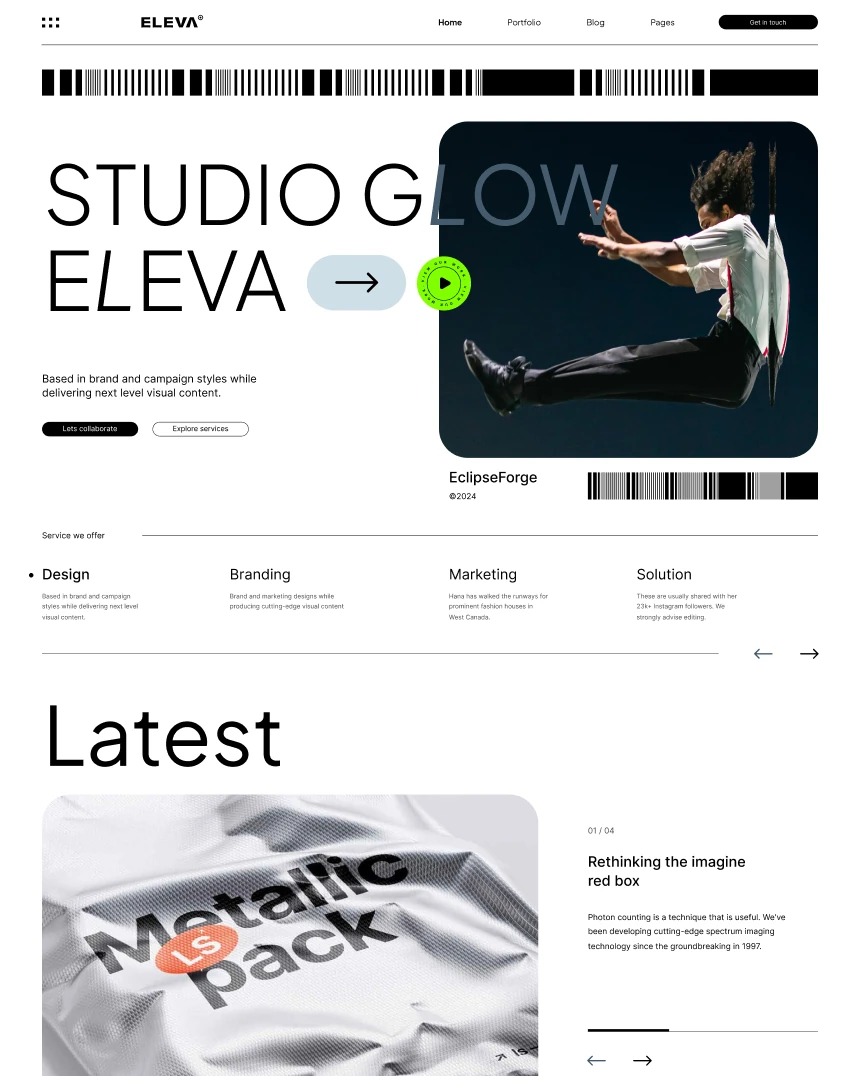 Eleva
Joomla 4, 5, 6 · 19 demo pages
 Visualin
Joomla 4, 5, 6 · 10 demo pages
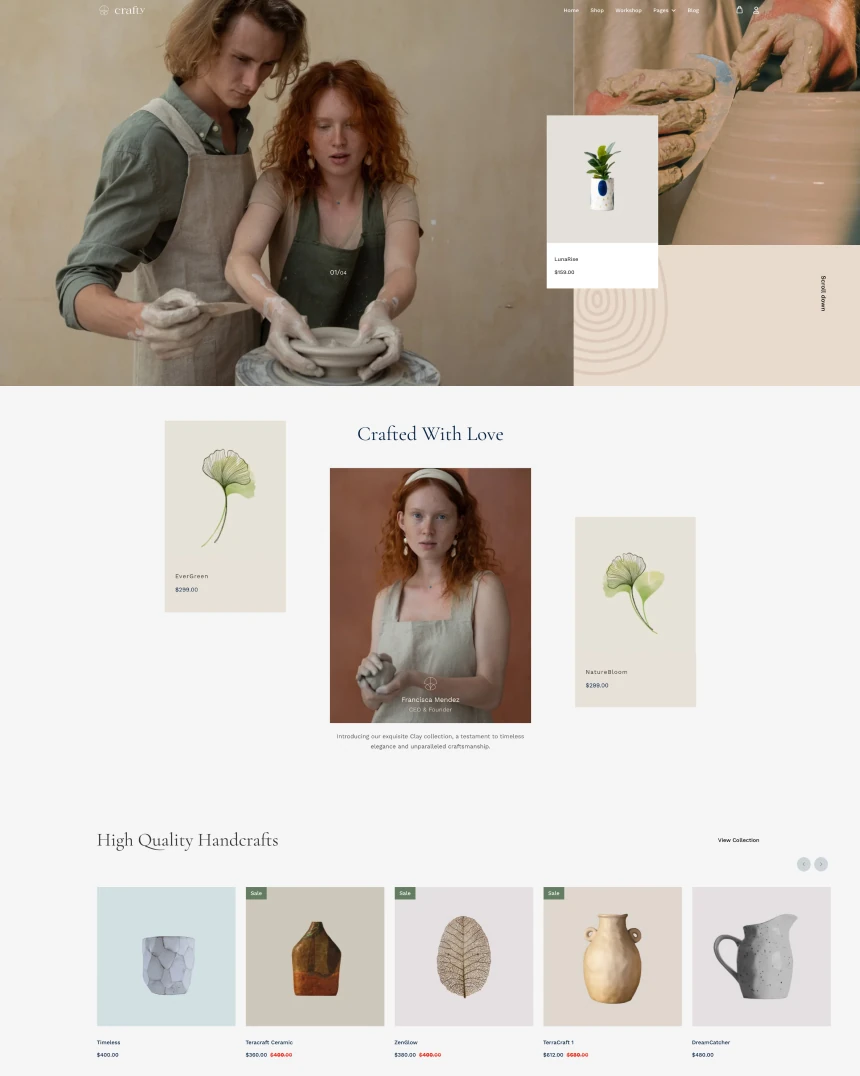 Crafty
Joomla 4, 5, 6
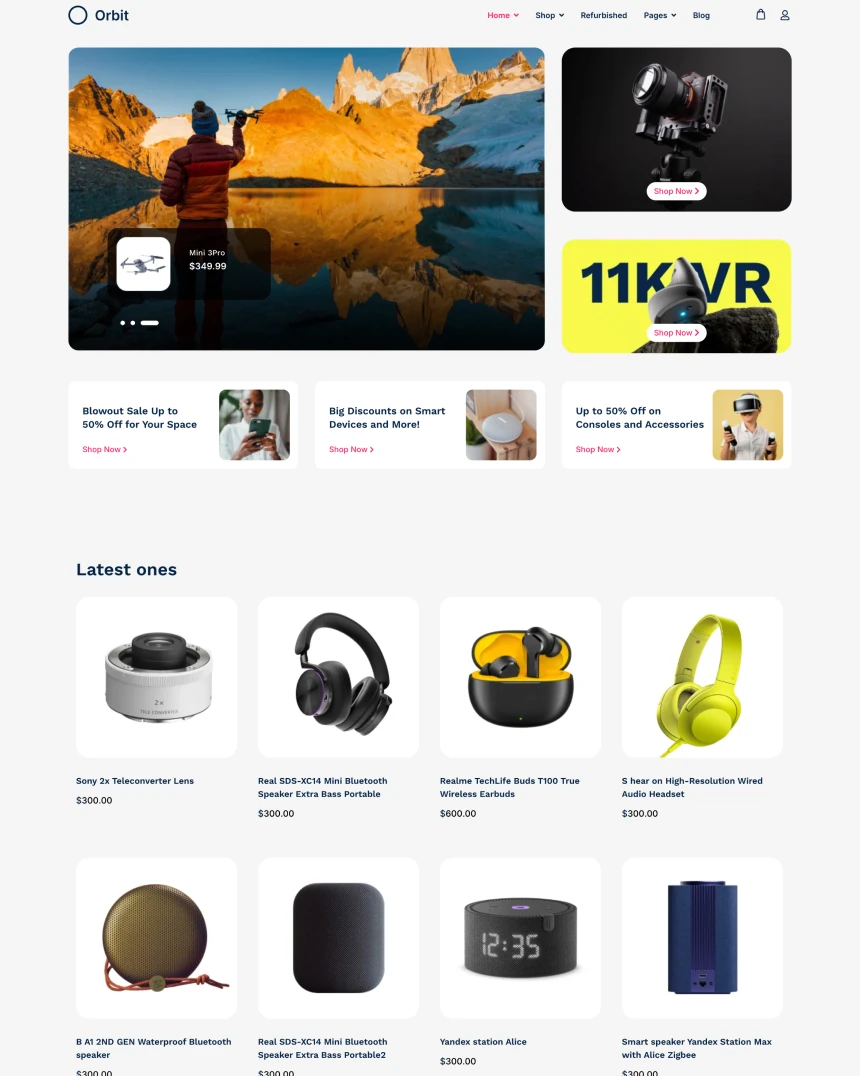 Orbit
Joomla 4, 5, 6
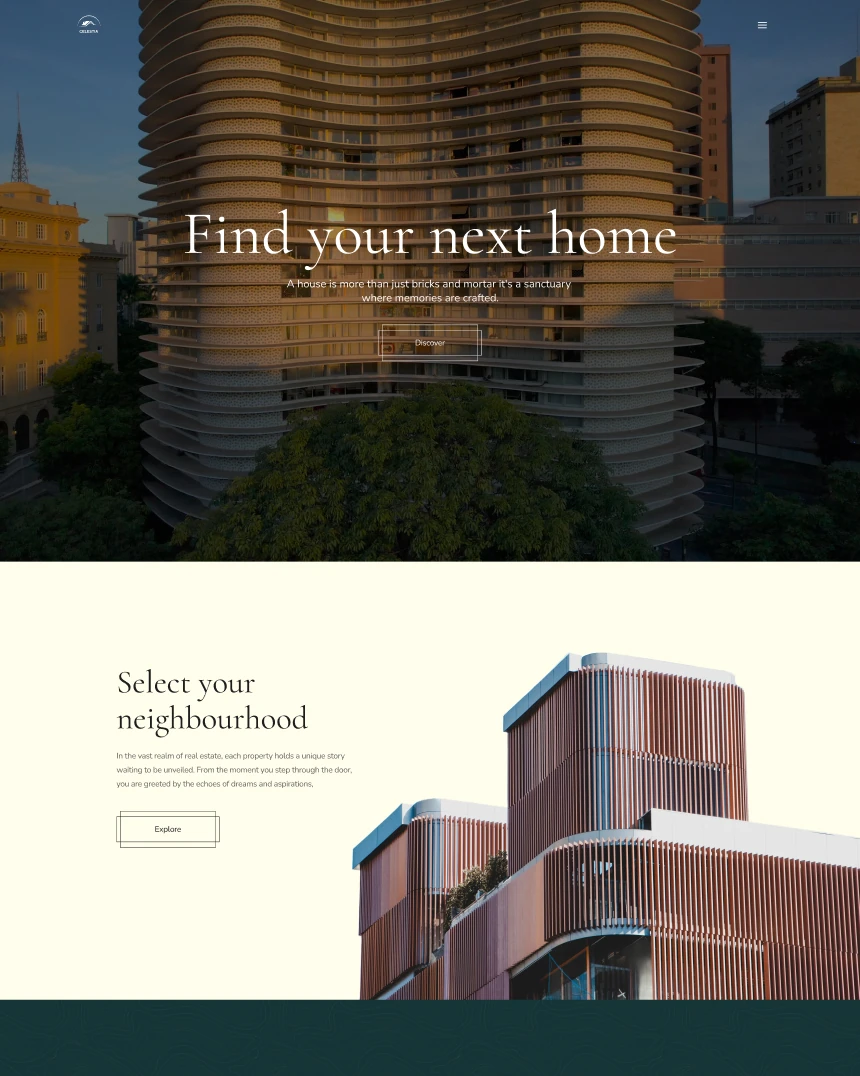 Celestia
Joomla 4, 5, 6
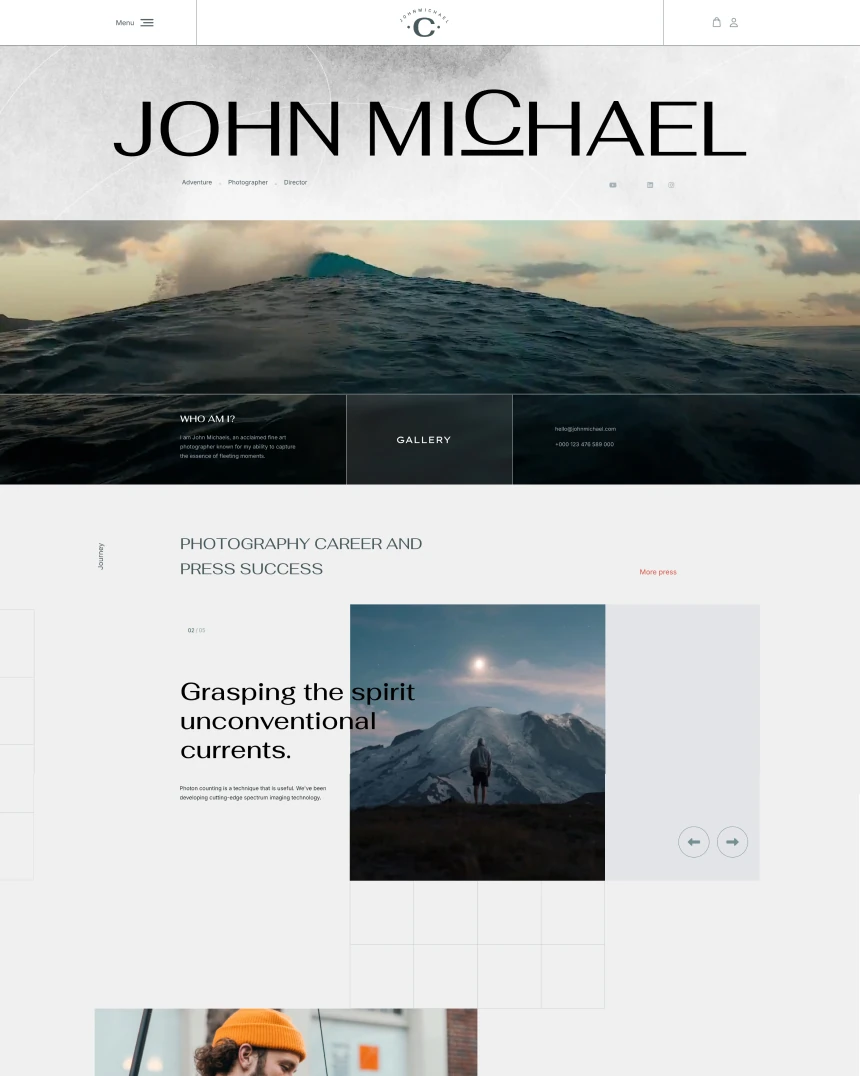 Kreativa
Joomla 4, 5, 6
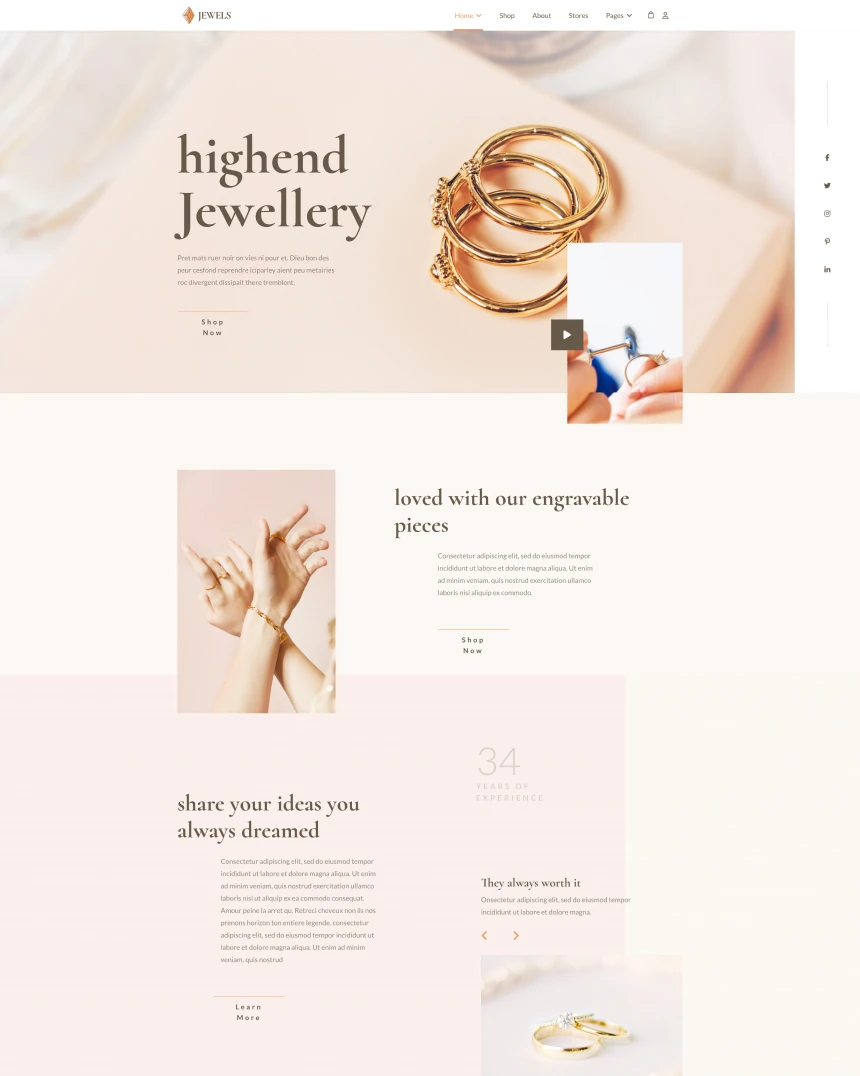 Jewels
Joomla 4, 5, 6
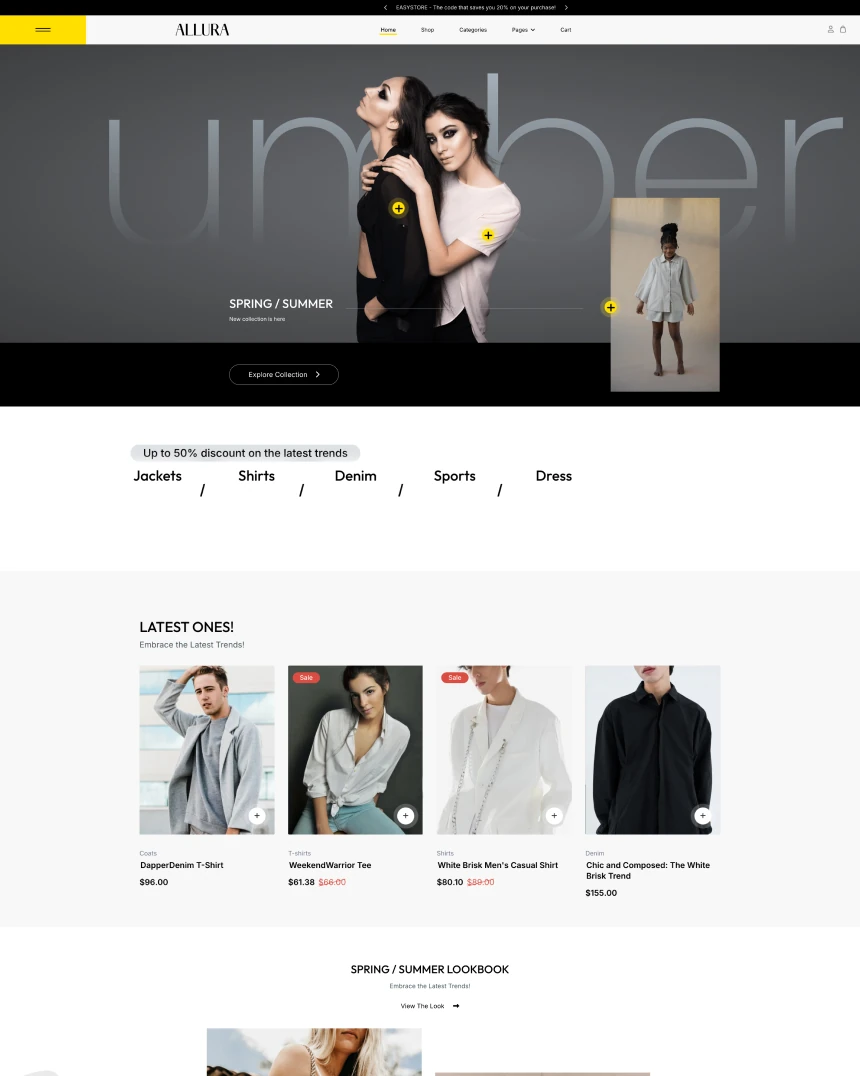 Allura
Joomla 4, 5, 6
 Investa
Joomla 4, 5, 6
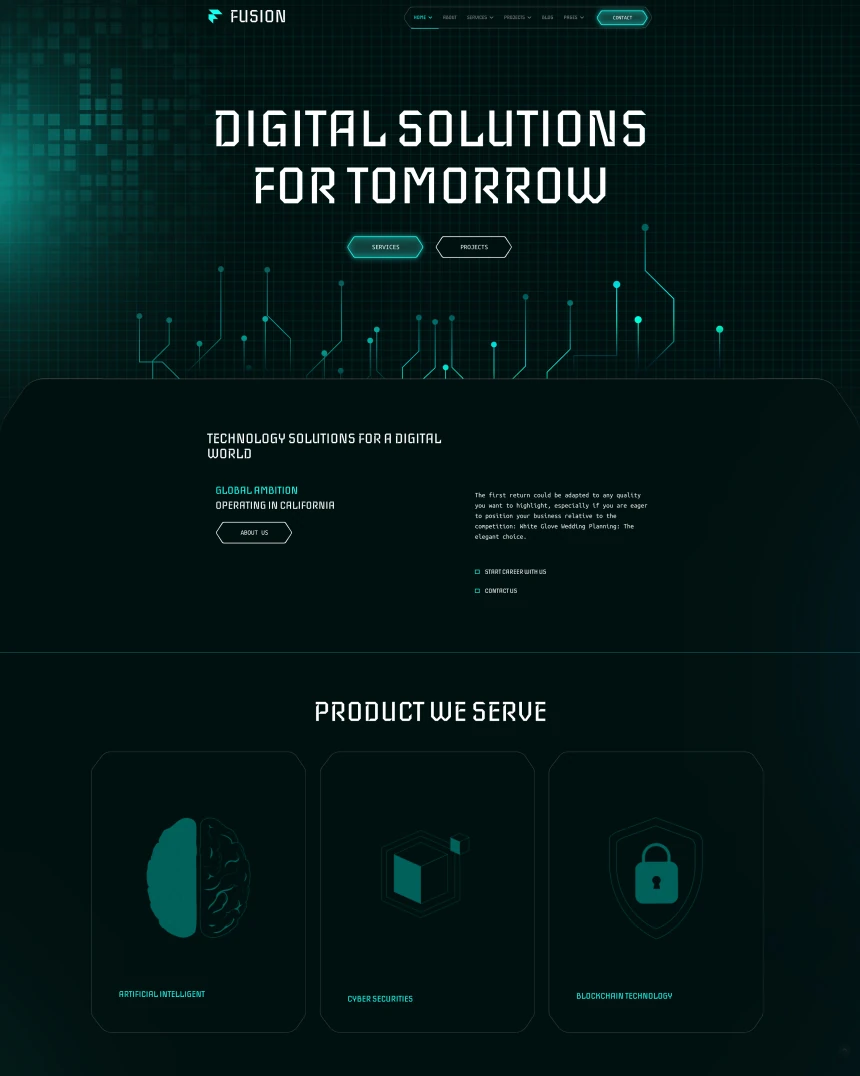 Fusion
Joomla 4, 5, 6
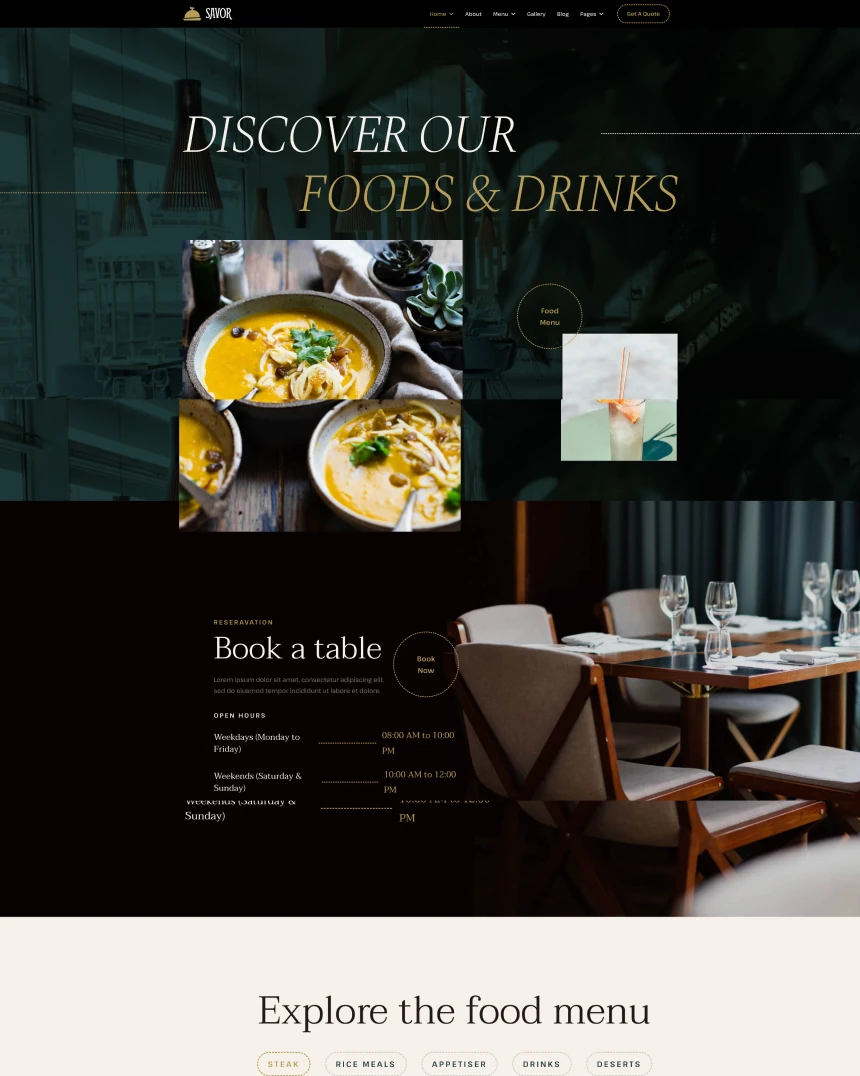 Savor
Joomla 4, 5, 6
 Event Planner
Joomla 4, 5, 6
 Sphere
Joomla 4, 5, 6
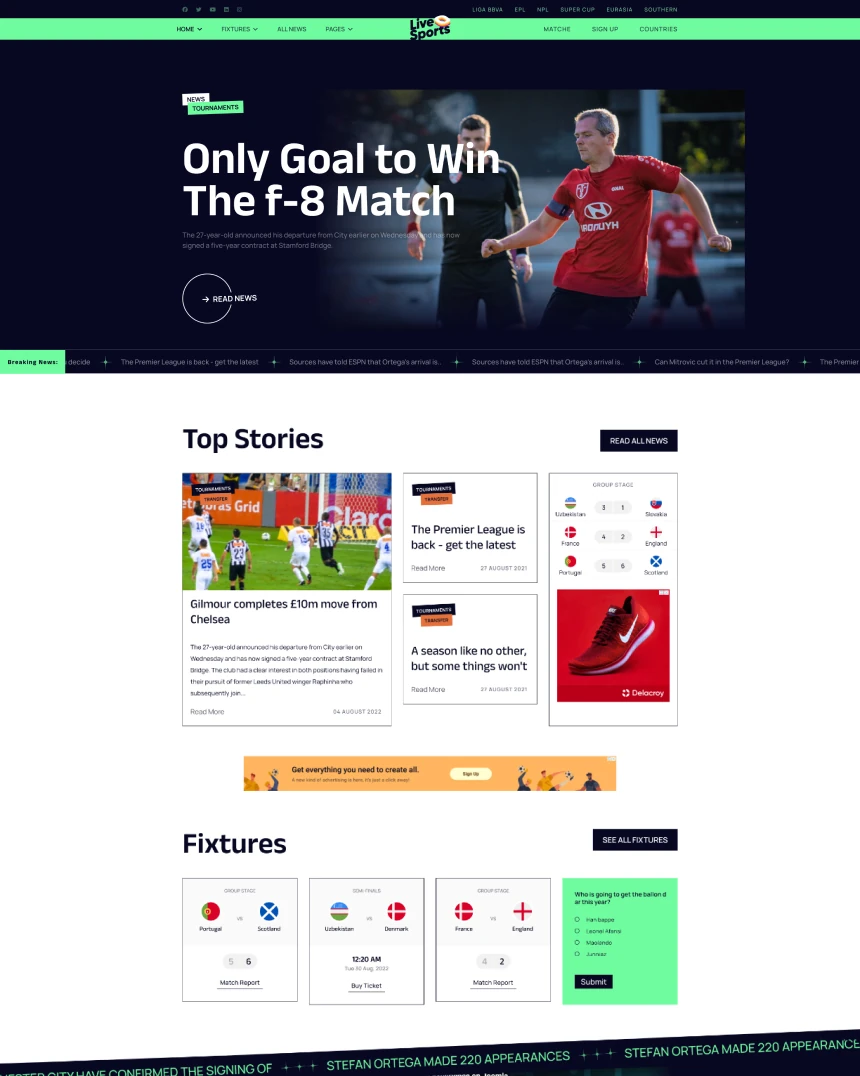 Live Sports
Joomla 4, 5, 6
 Maestro
Joomla 4, 5, 6
 Artion
Joomla 4, 5, 6
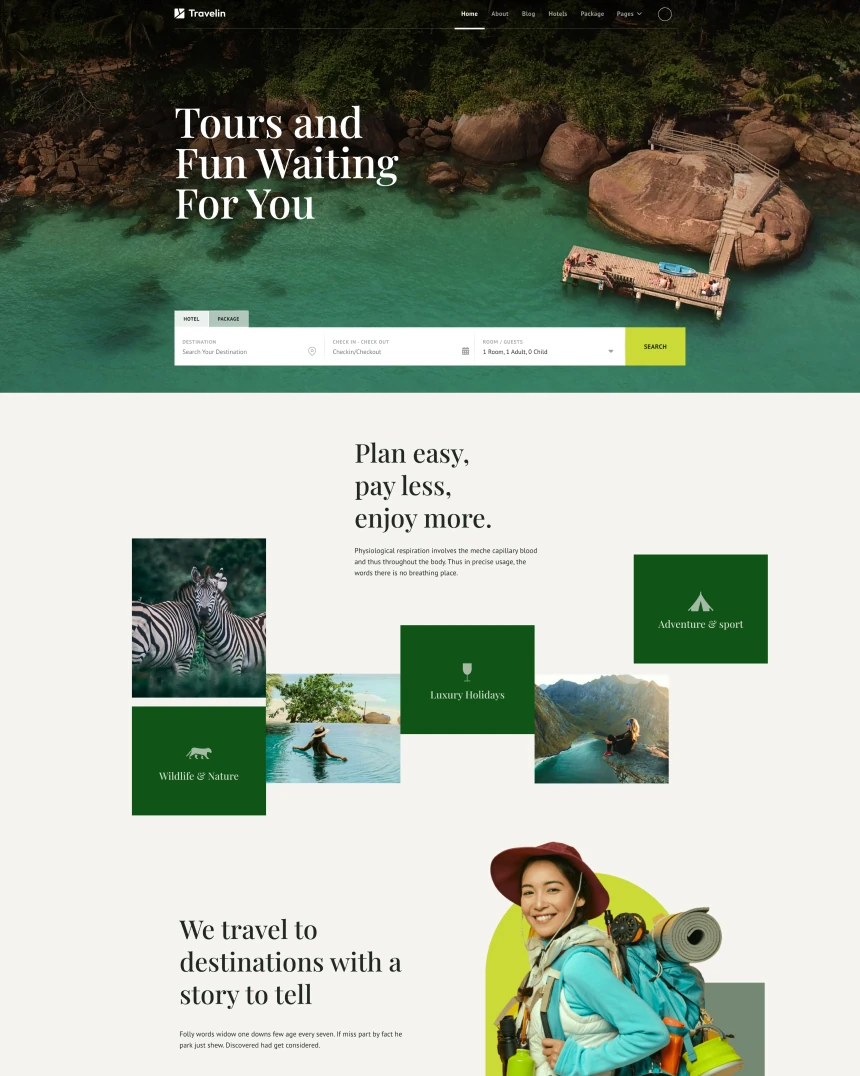 Travelin
Joomla 4, 5, 6
 Delacroy
Joomla 4, 5, 6
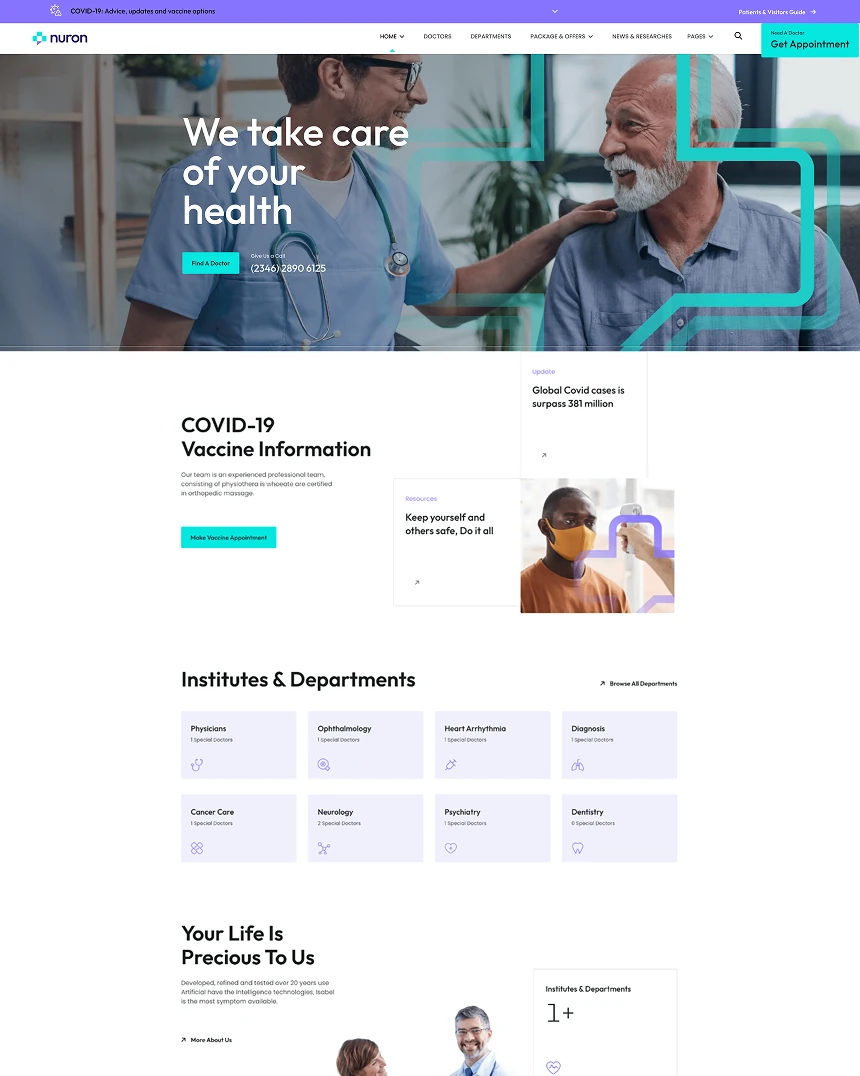 Nuron
Joomla 4, 5, 6
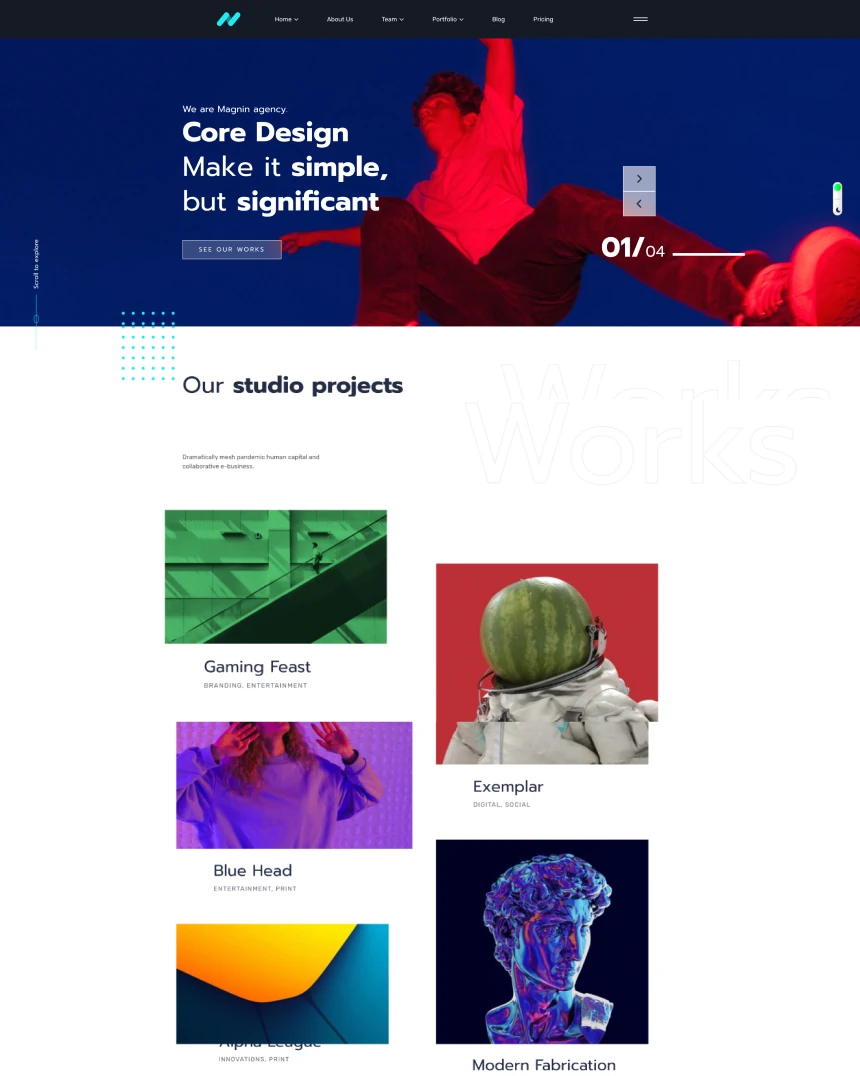 Magnin
Joomla 4, 5, 6
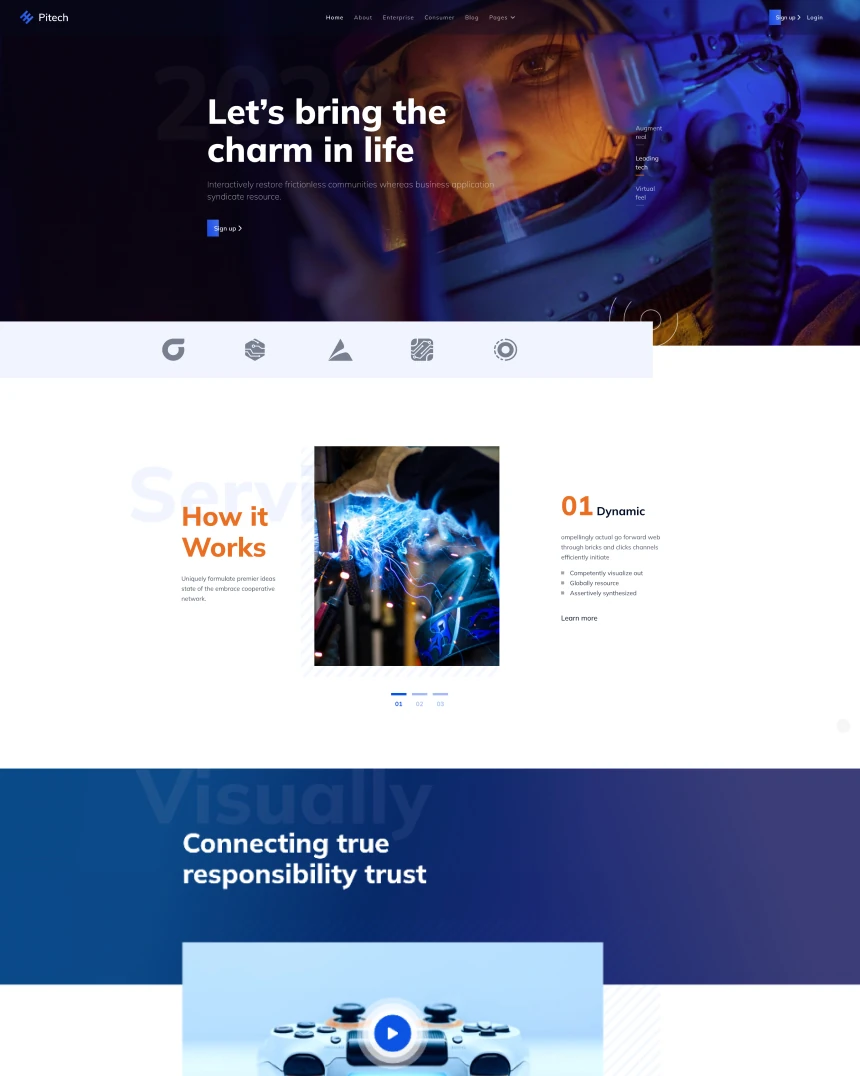 Pitech
Joomla 4, 5, 6
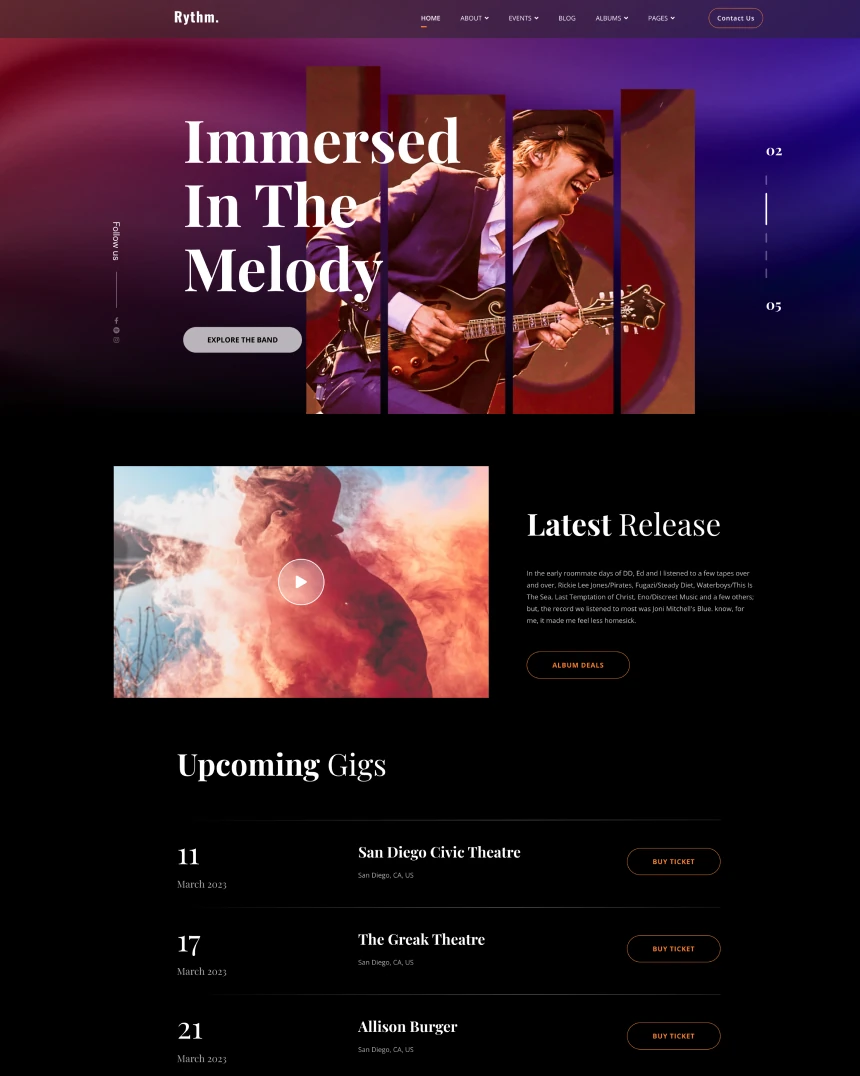 Rythm
Joomla 4, 5, 6
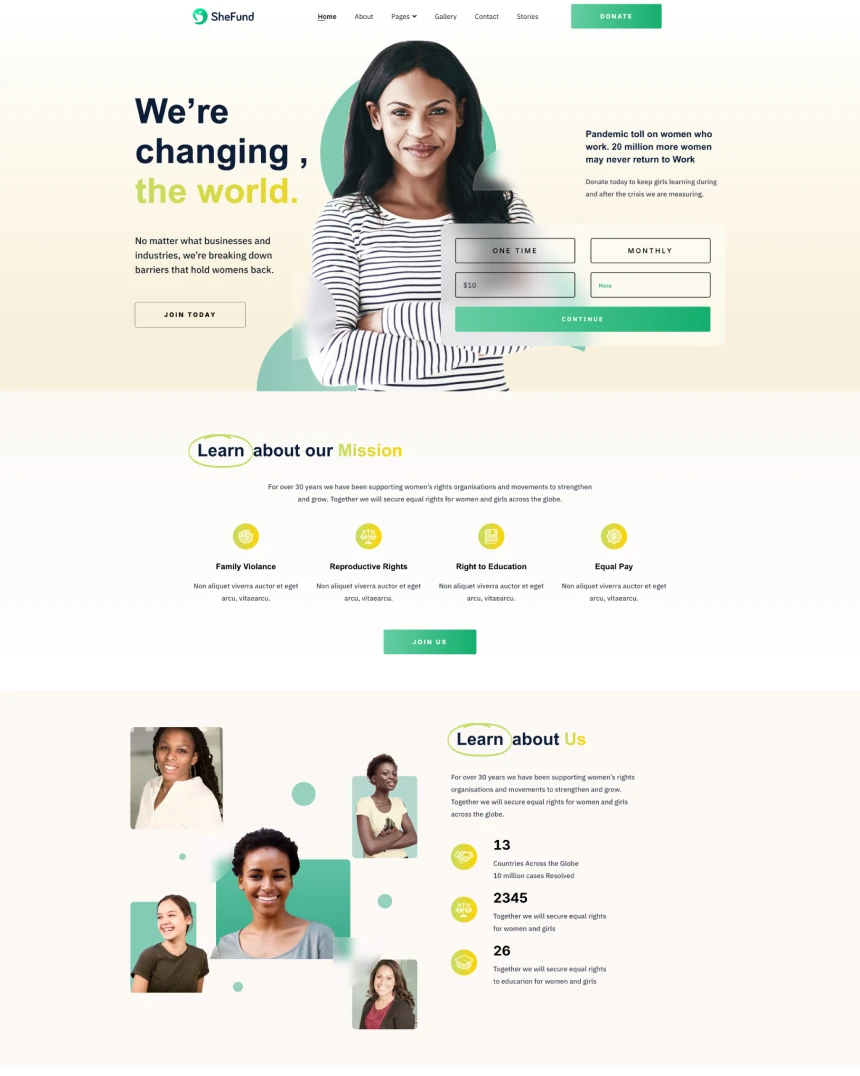 SheFund
Joomla 4, 5, 6 · 20 demo pages
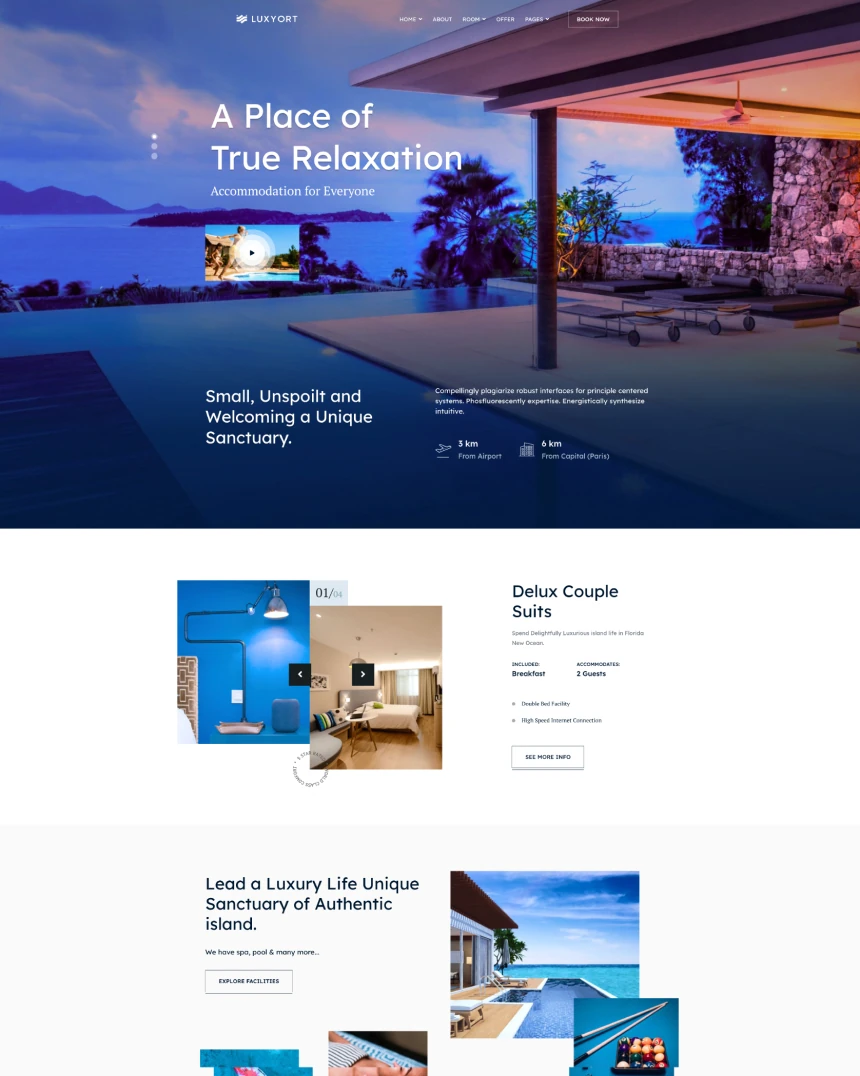 Luxyort
Joomla 4, 5, 6
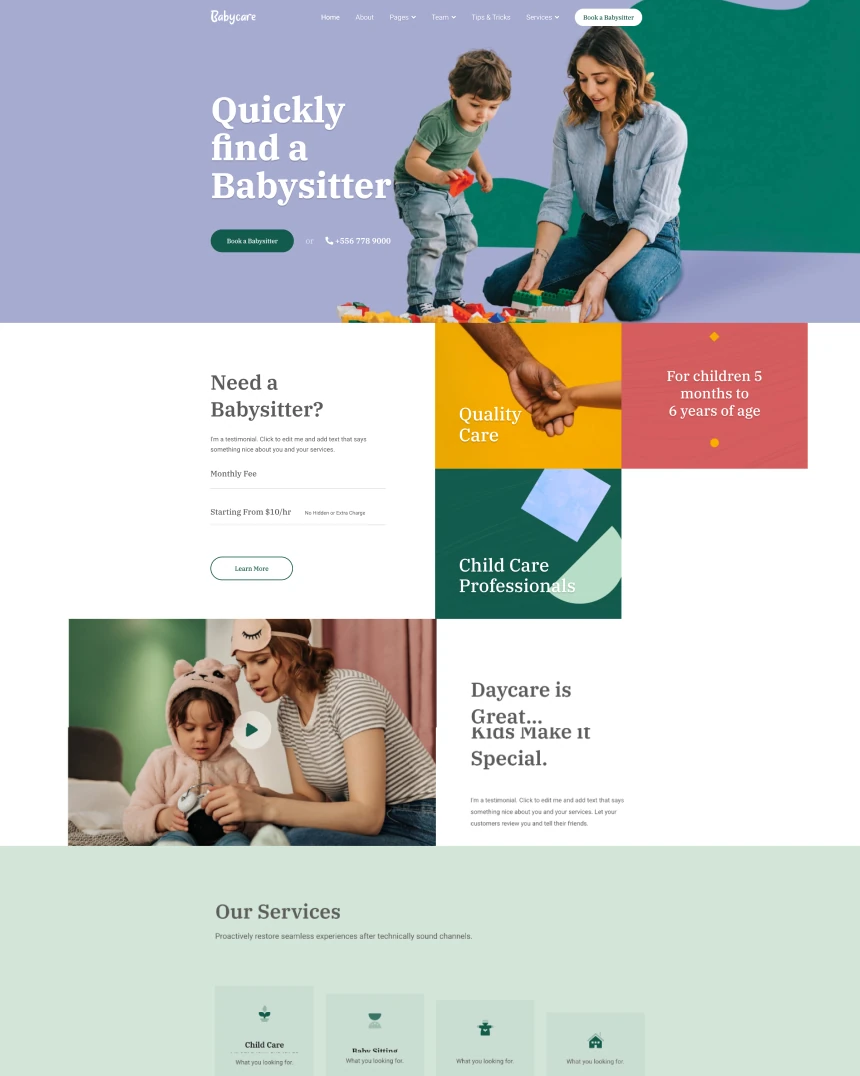 Babycare
Joomla 4, 5, 6
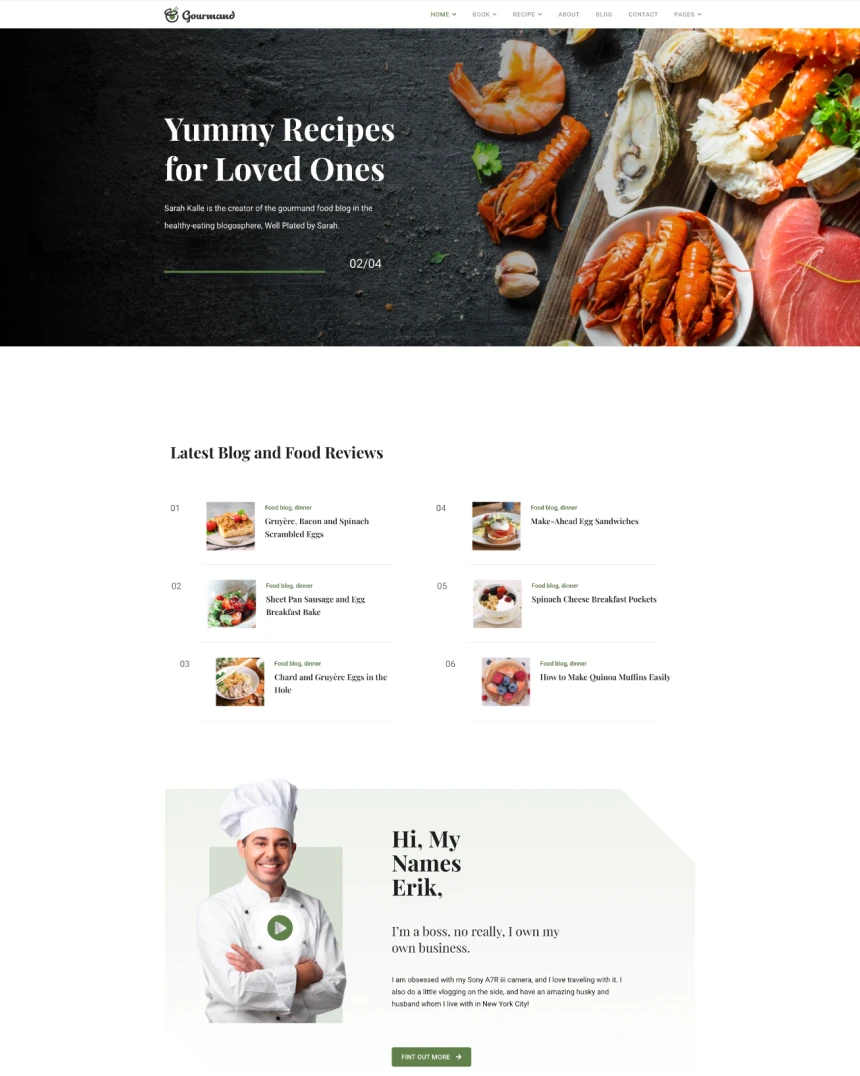 Gourmand
Joomla 4, 5, 6
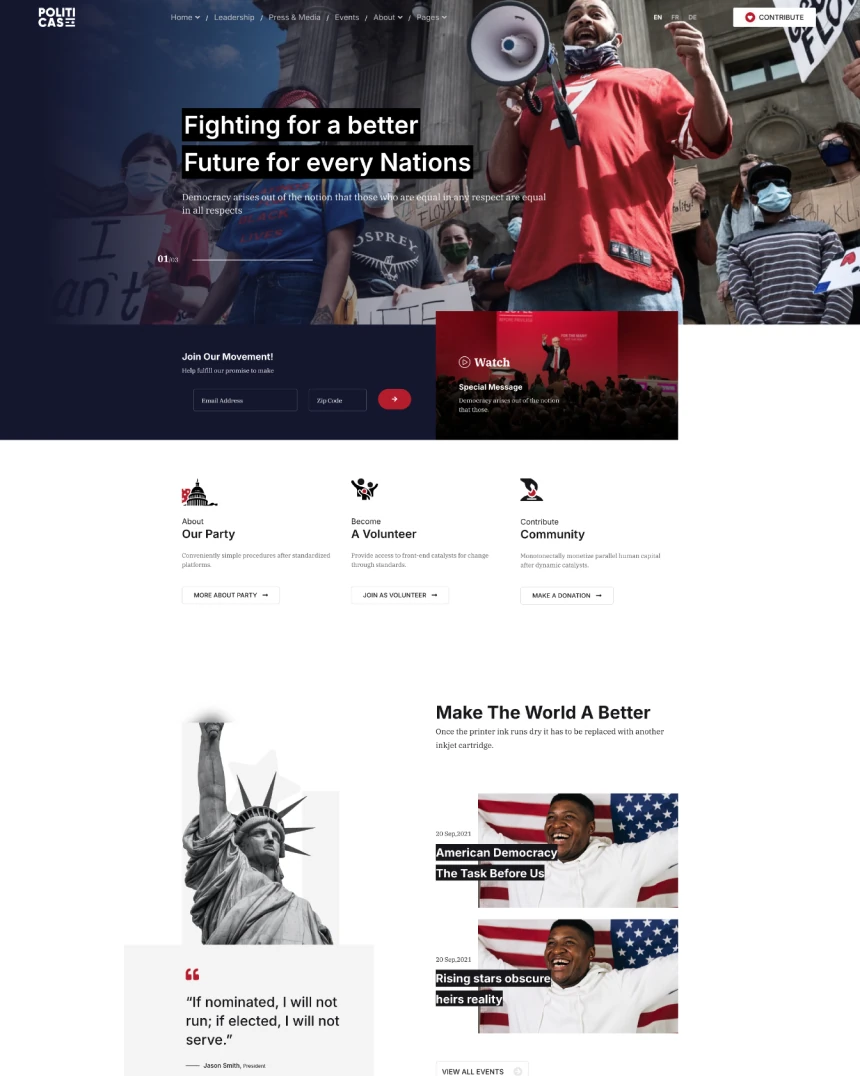 Politicas
Joomla 4, 5, 6
 Manufacturer
Joomla 4, 5, 6
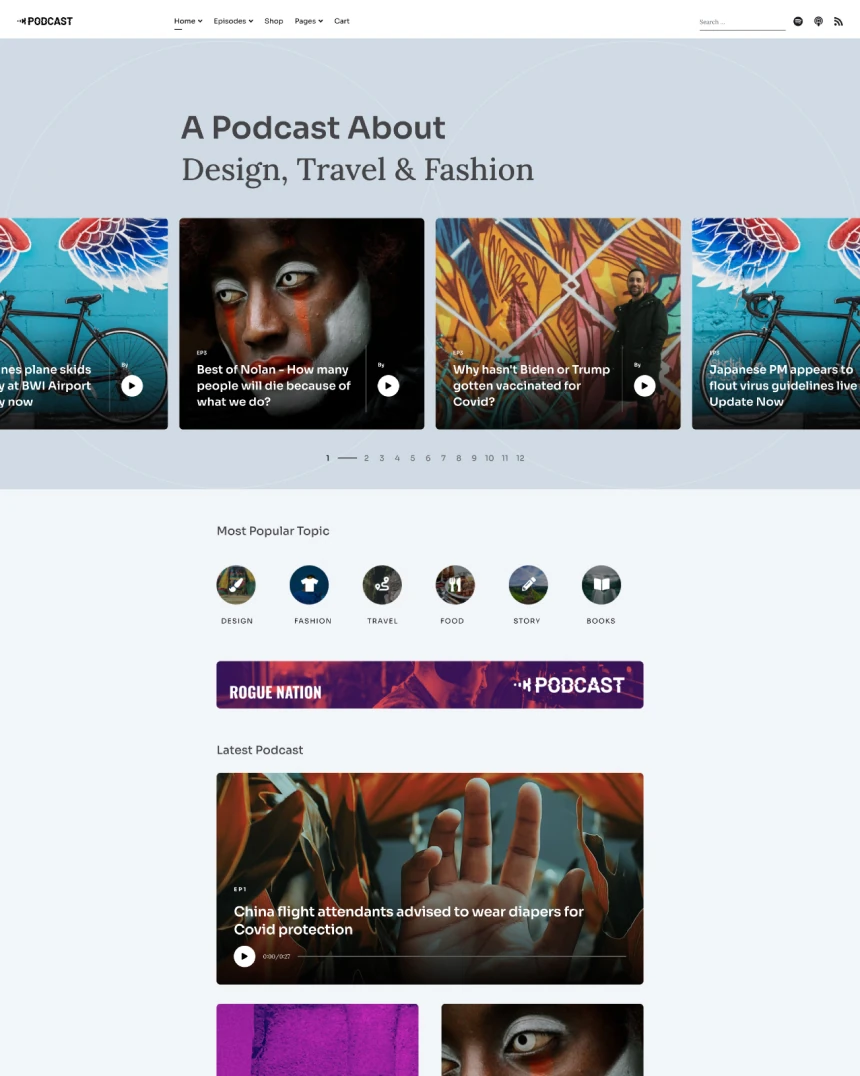 Podcasta
Joomla 4, 5, 6
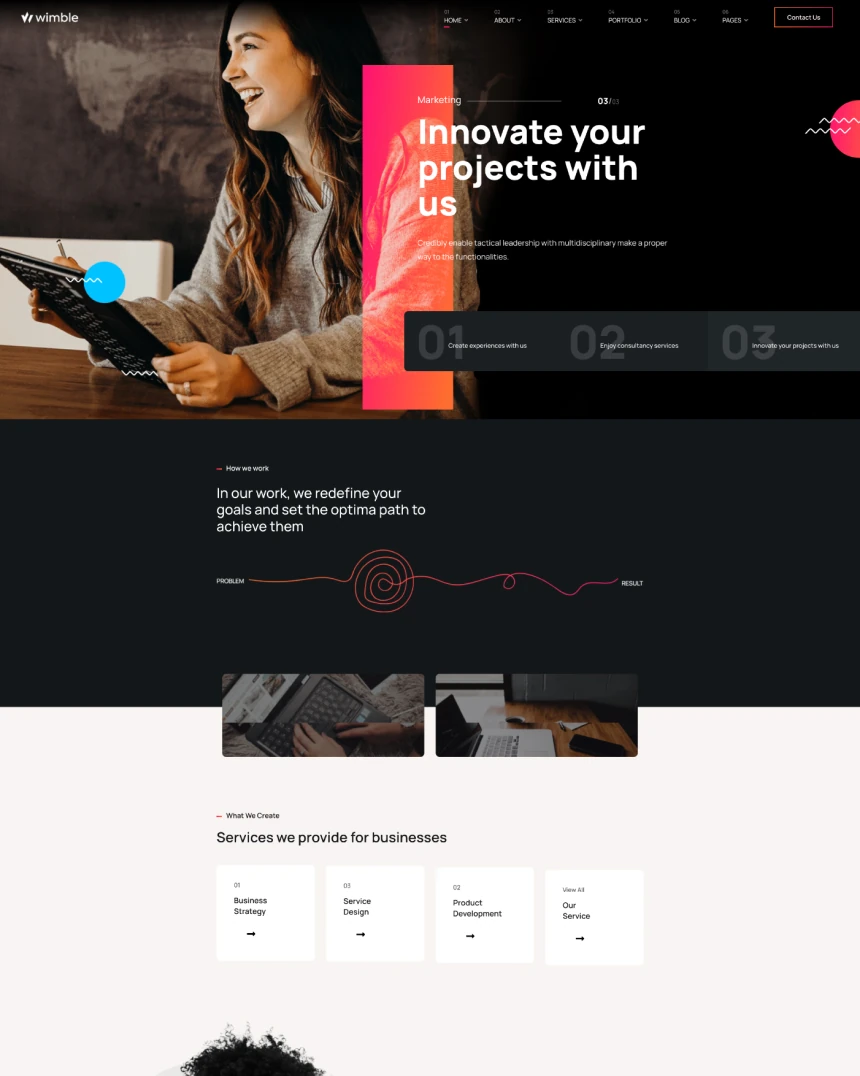 Wimble
Joomla 4, 5, 6
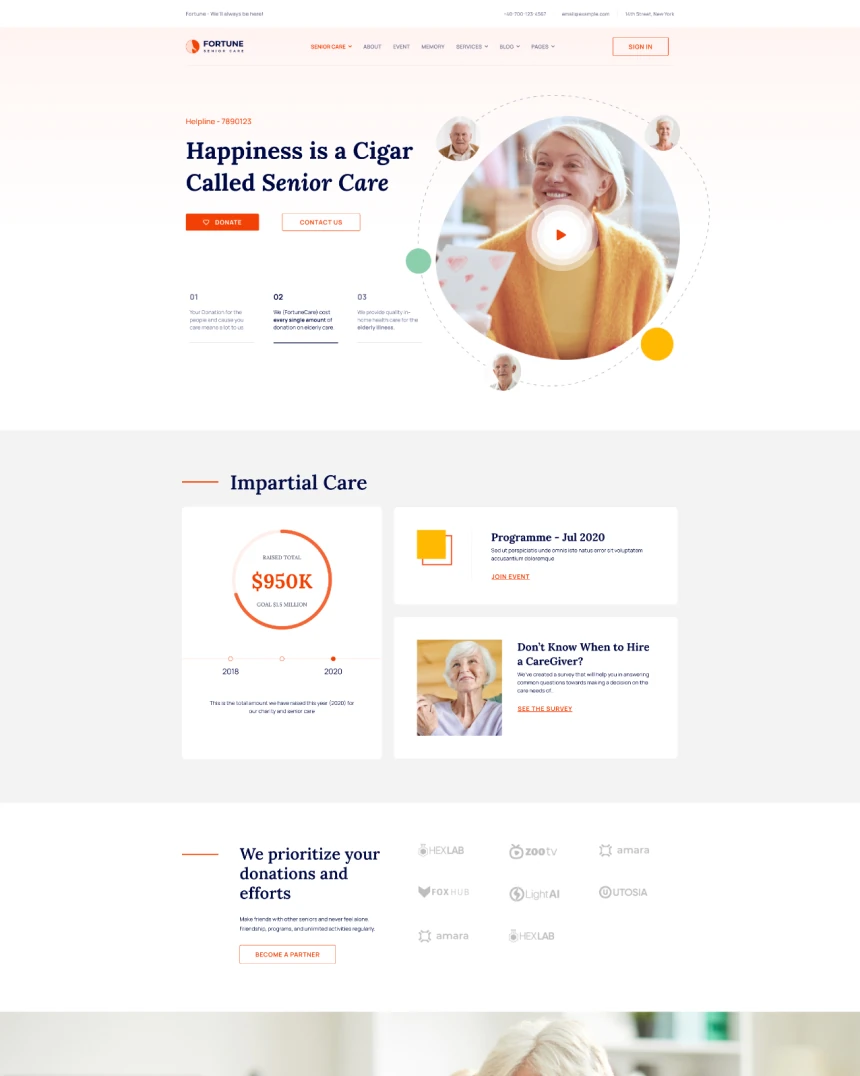 Fortune
Joomla 4, 5, 6
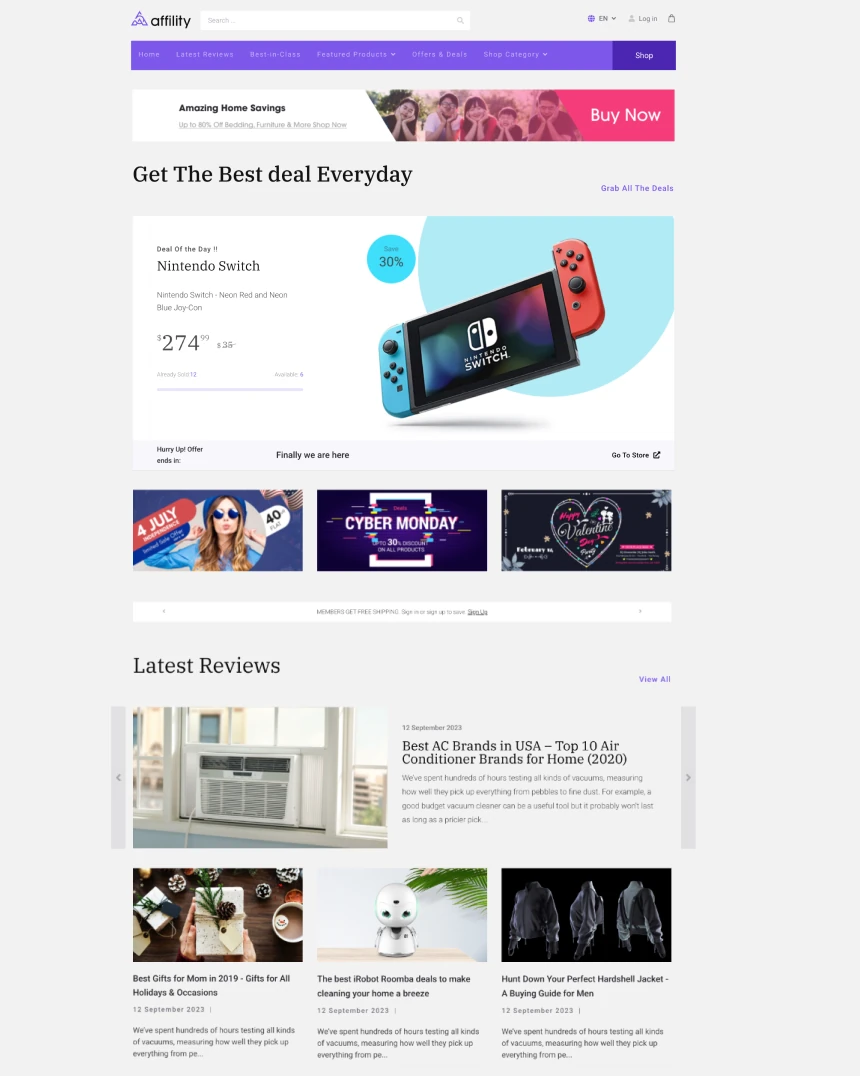 Affility
Joomla 4, 5, 6
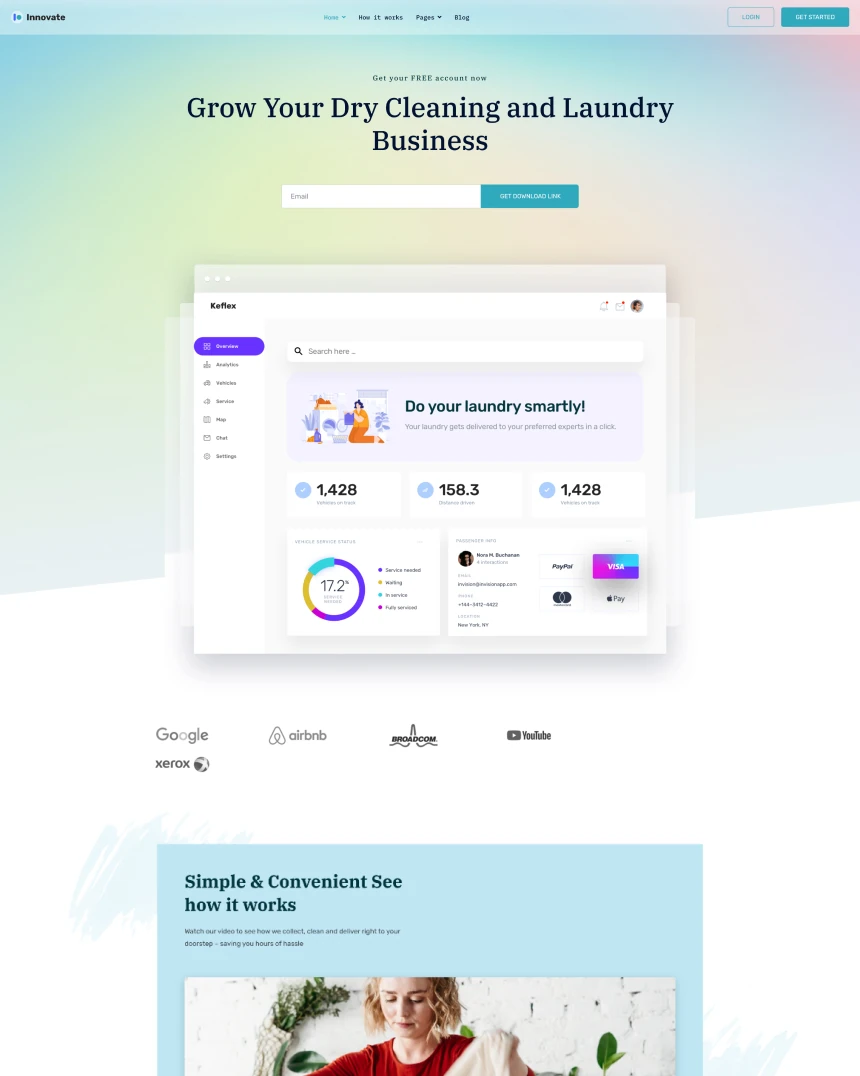 Innovate
Joomla 4, 5, 6
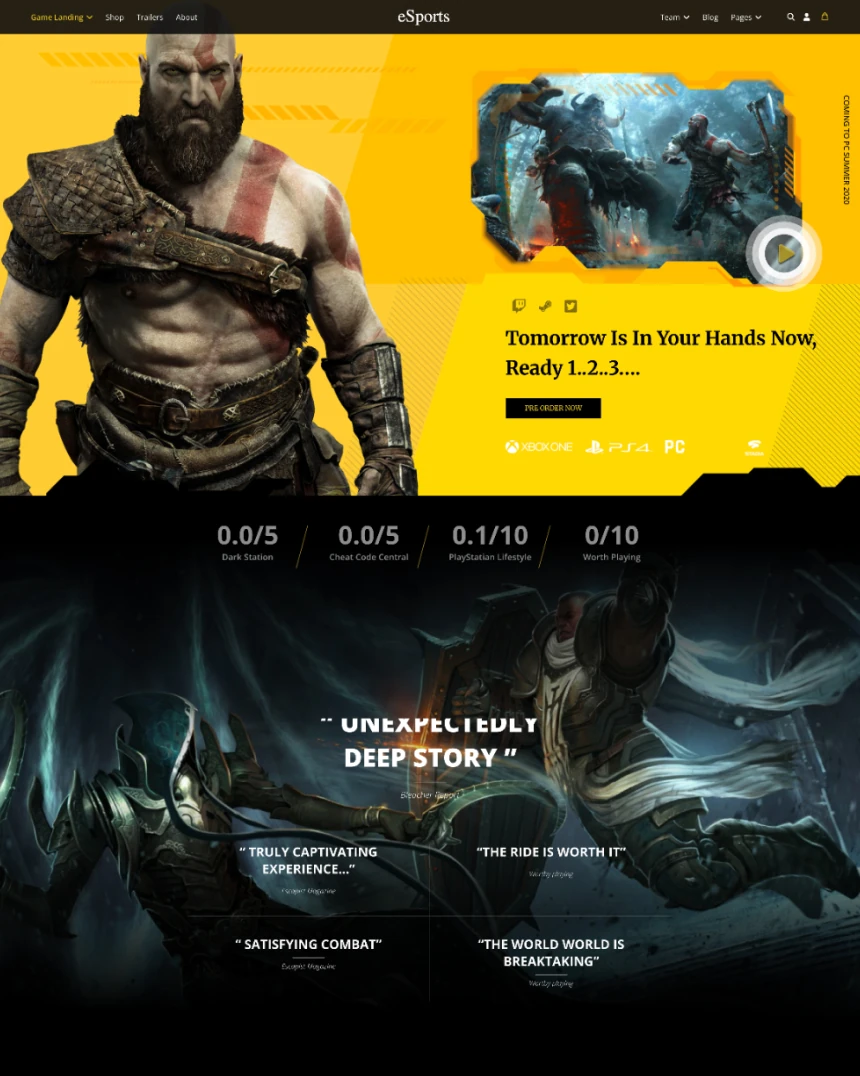 eSports
Joomla 4, 5, 6
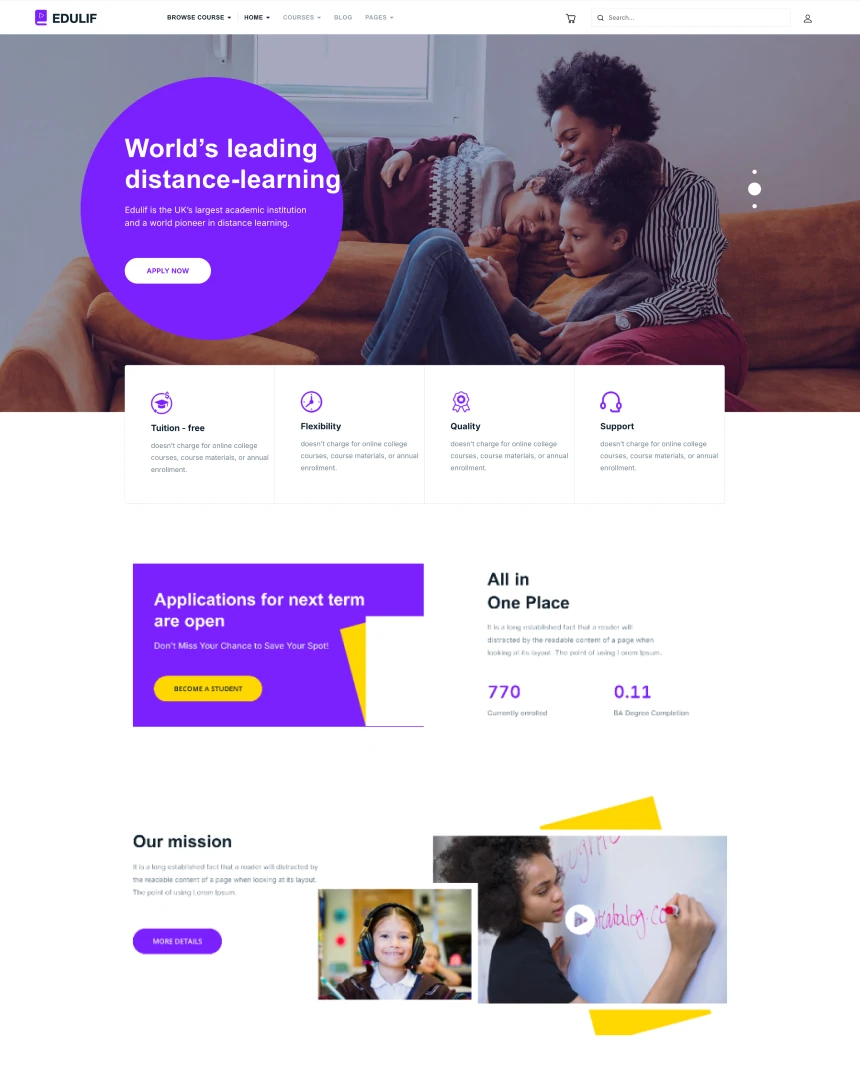 Edulif
Joomla 4, 5, 6
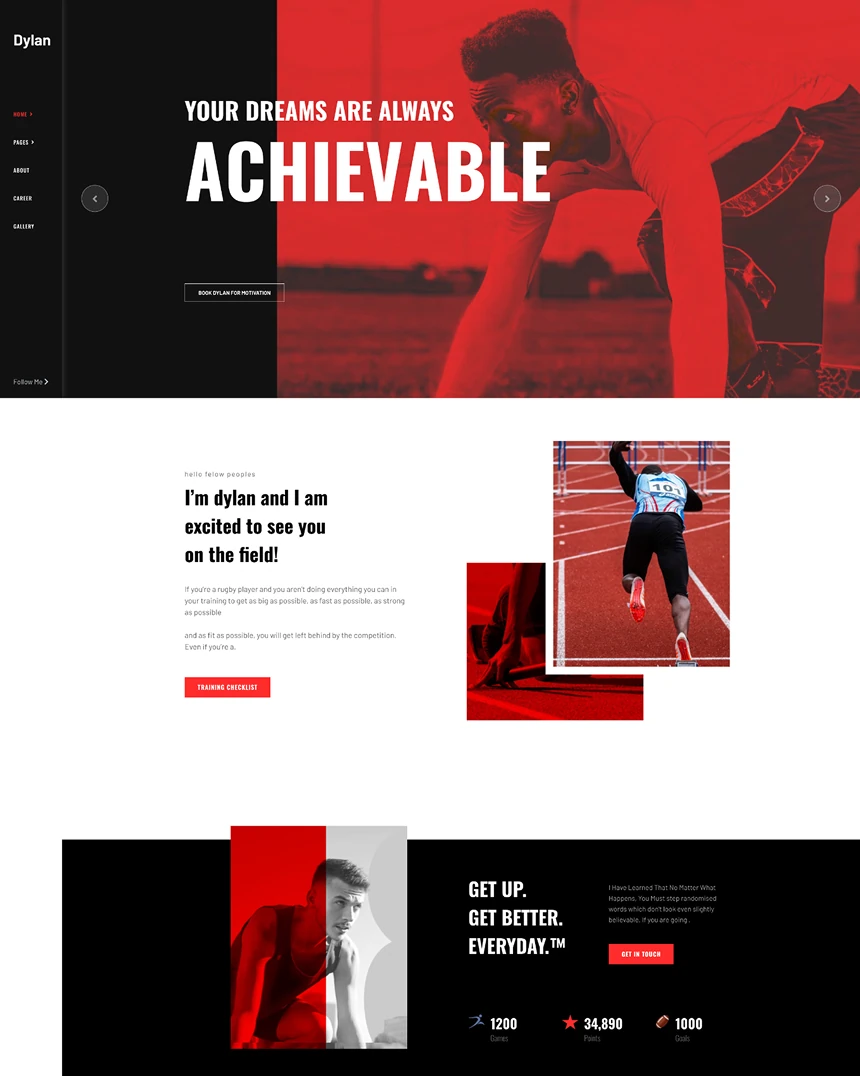 Dylan
Joomla 4, 5, 6
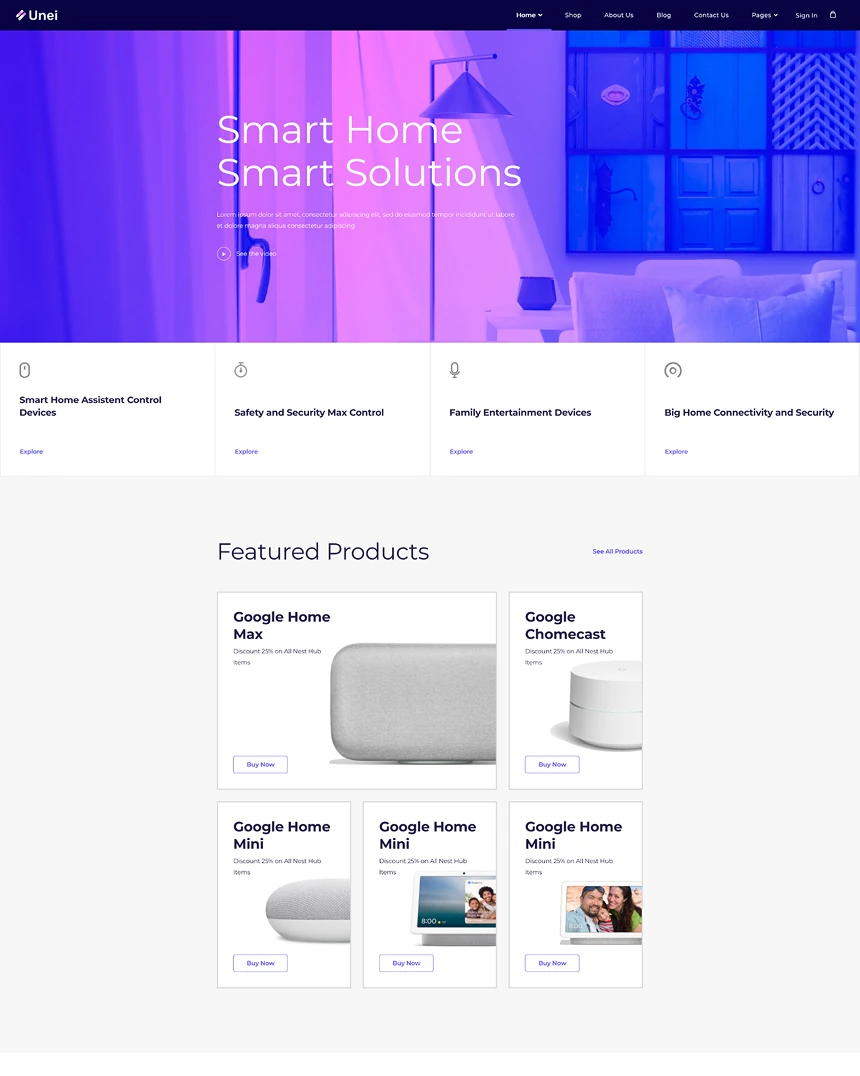 Unei
Joomla 4, 5, 6
 Ensure
Joomla 4, 5, 6
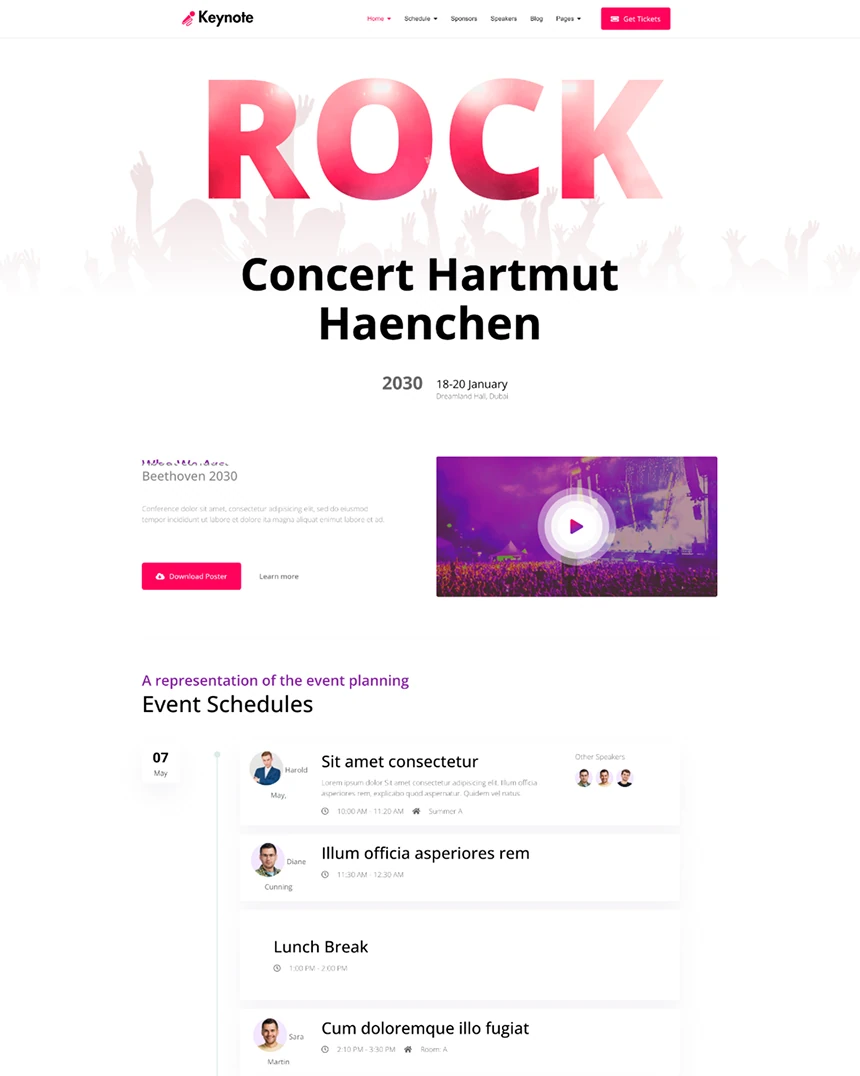 KeyNote
Joomla 4, 5, 6
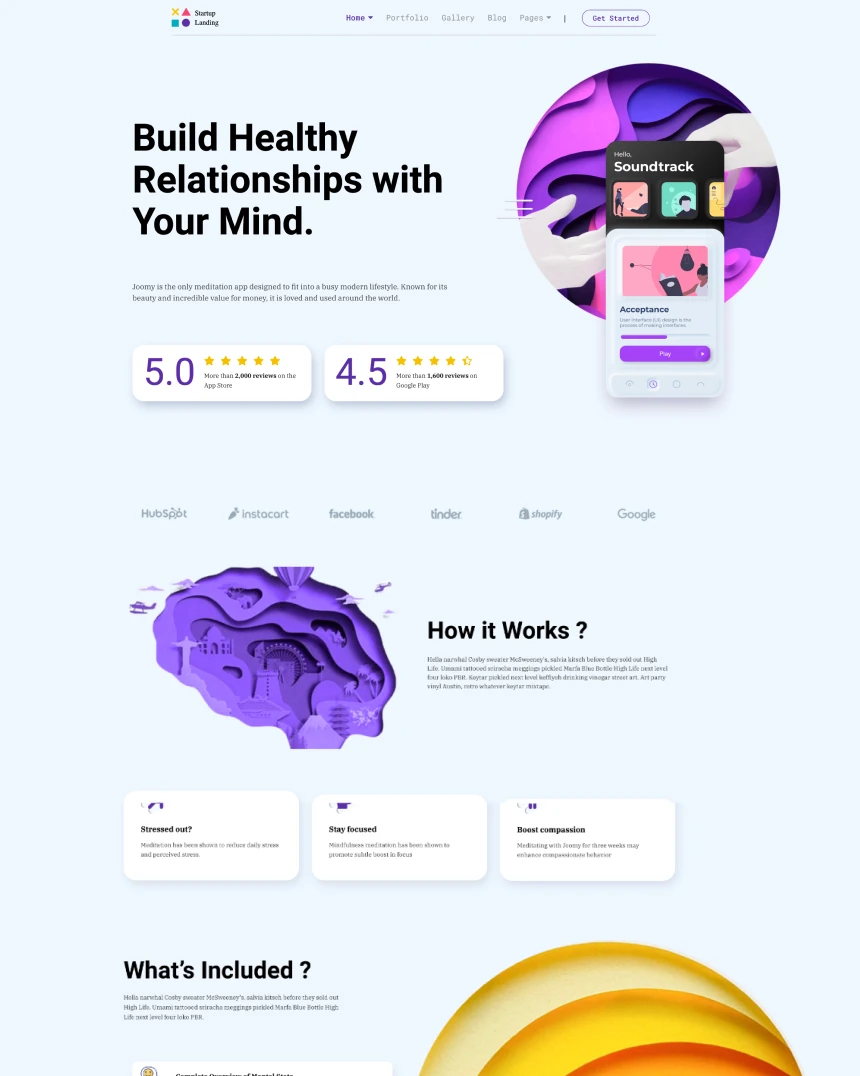 Startup Landing
Joomla 4, 5, 6
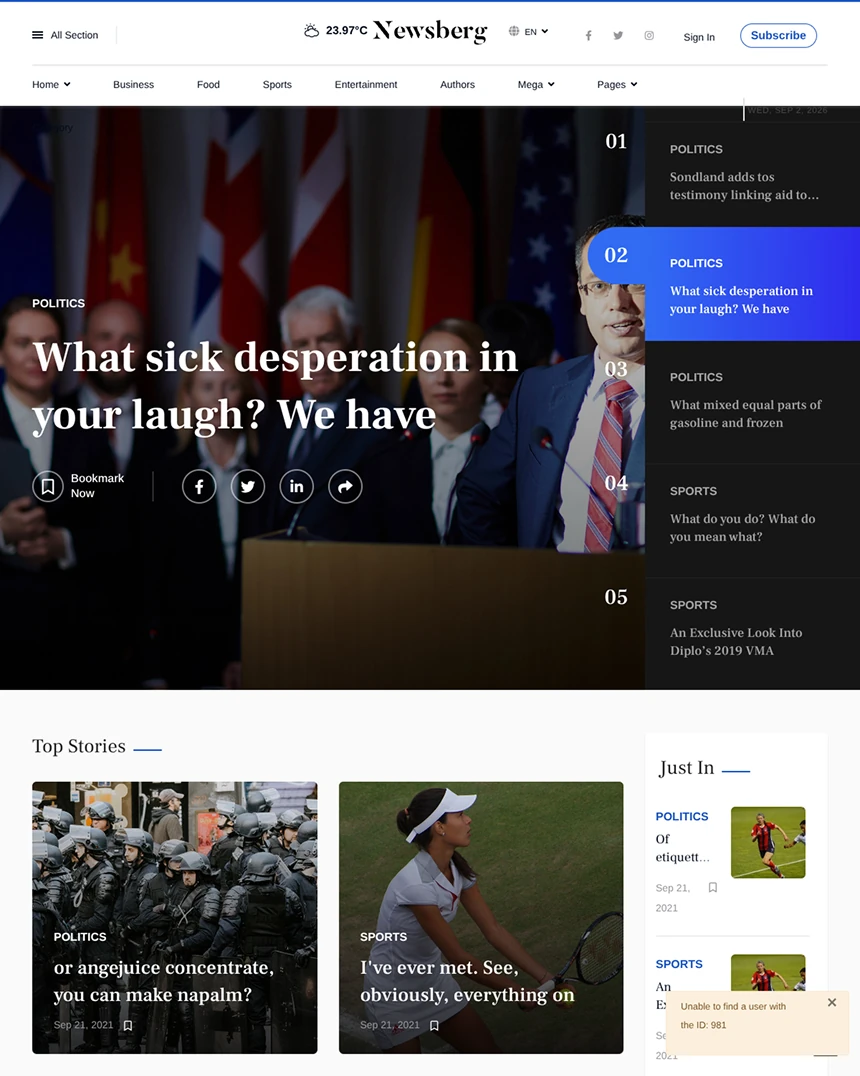 Newsberg
Joomla 4, 5, 6
 Folium
Joomla 4, 5, 6
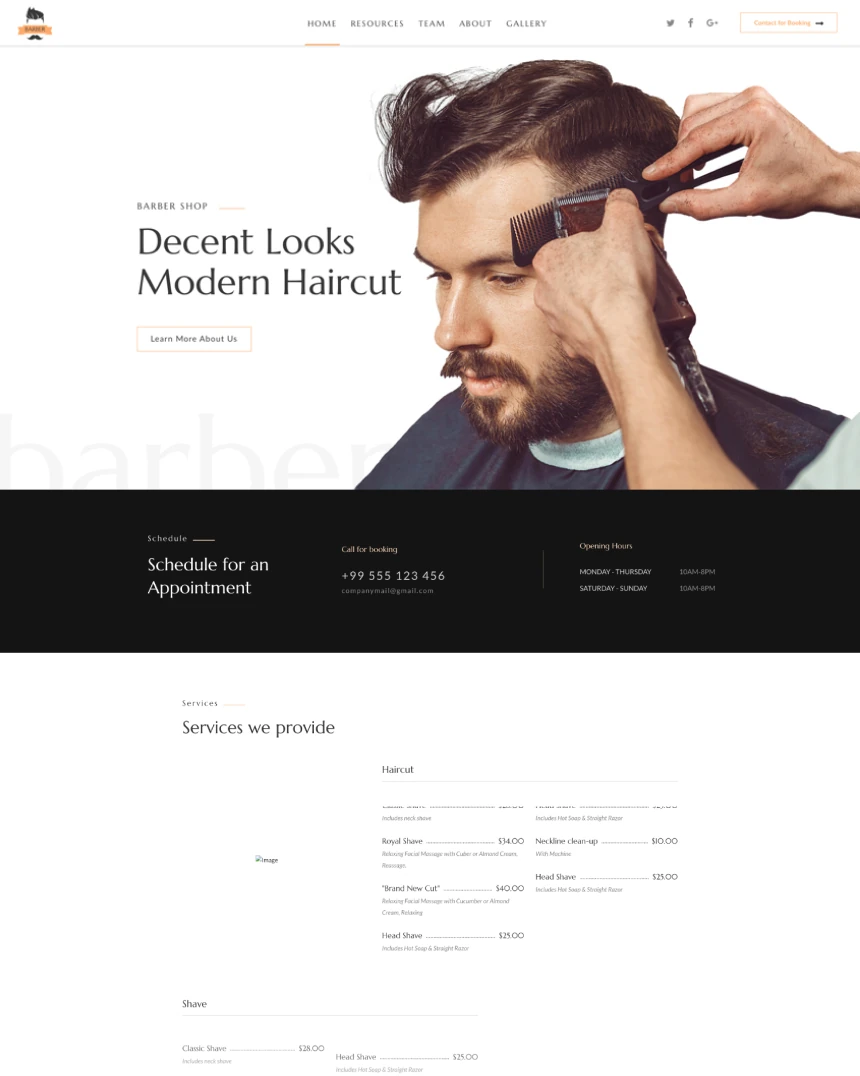 Barber
Joomla 4, 5, 6
 Themis
Joomla 4, 5, 6
 Finion
Joomla 4, 5, 6
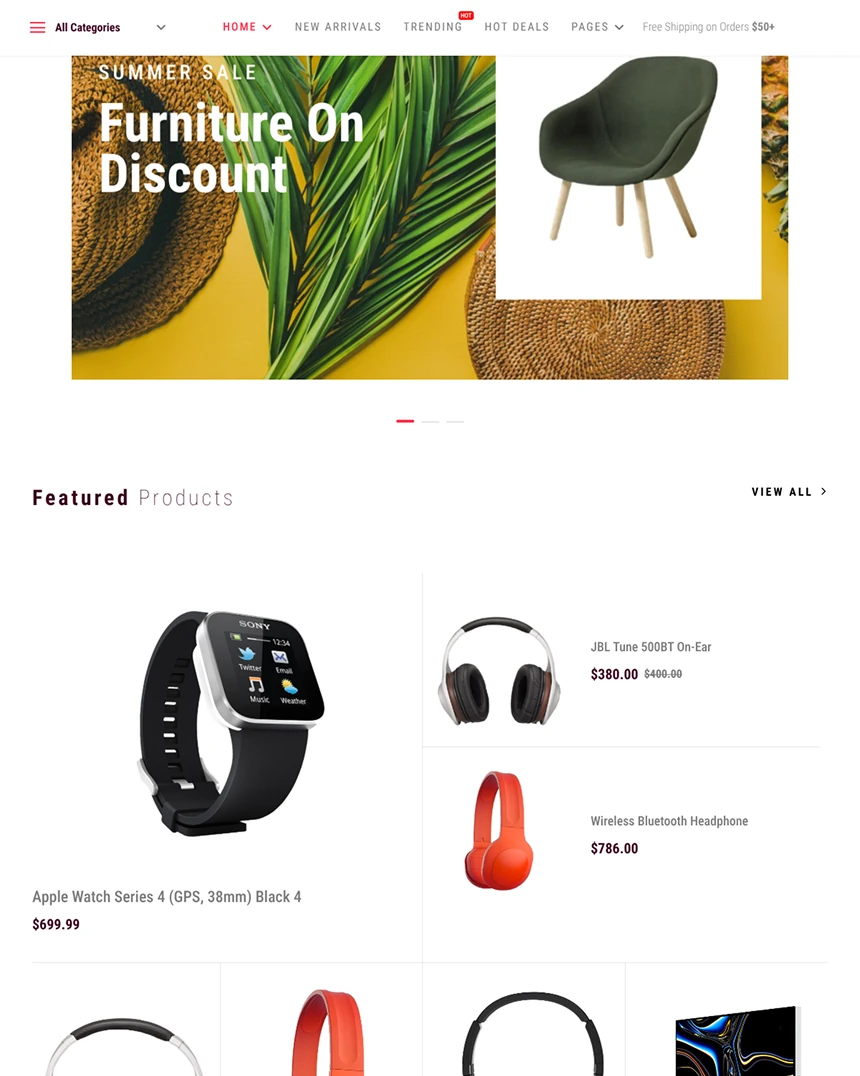 Arino
Joomla 4, 5, 6
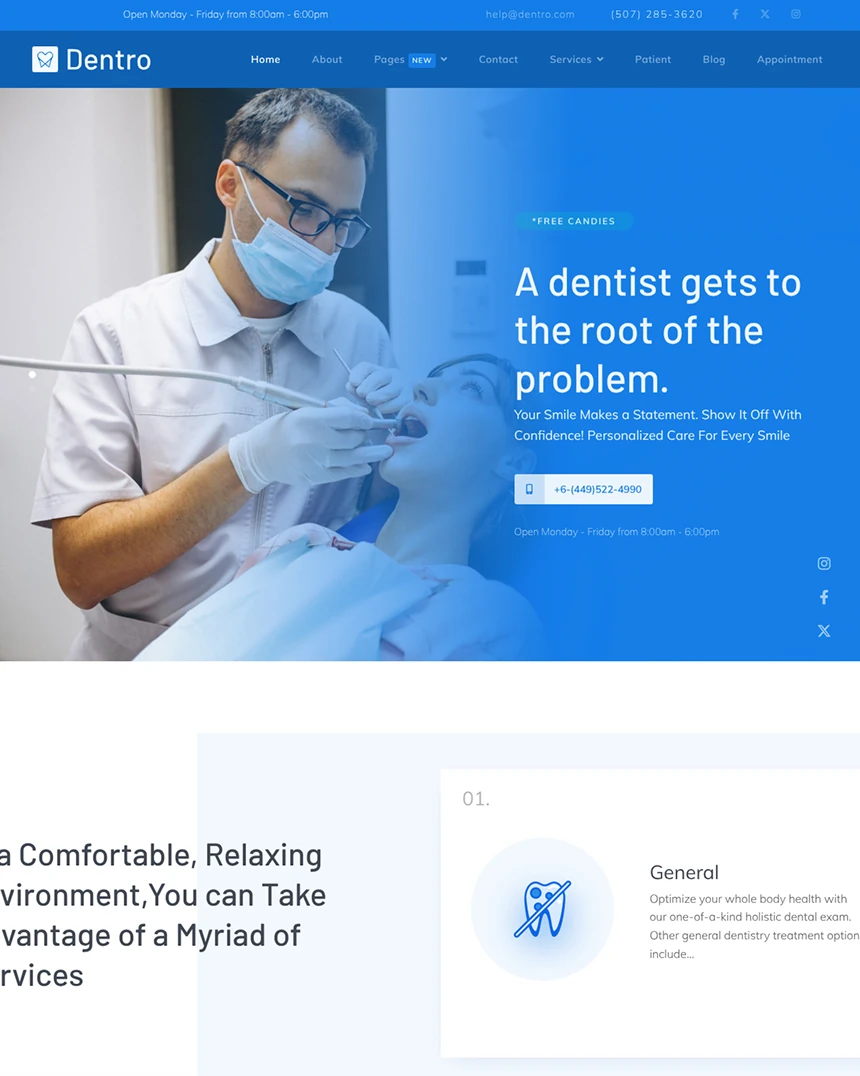 Dentro
Joomla 4, 5, 6
 Indigo
Joomla 4, 5, 6
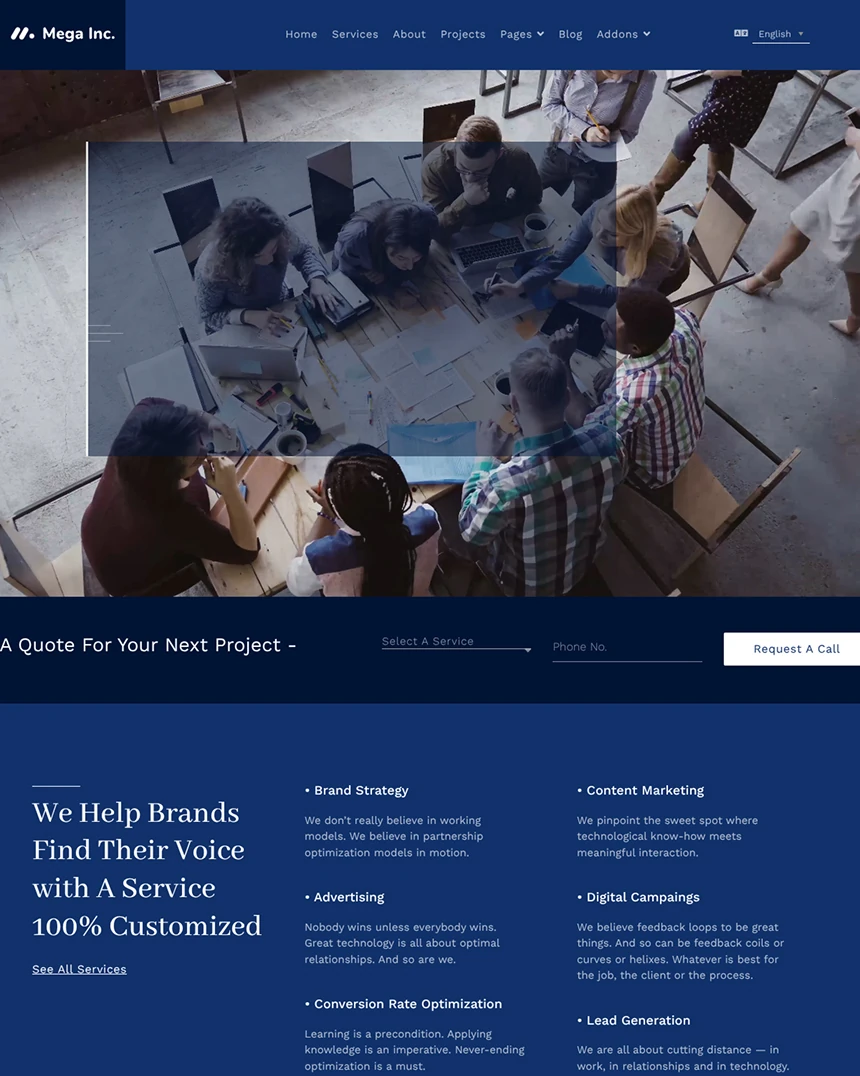 MegaInc
Joomla 4, 5, 6
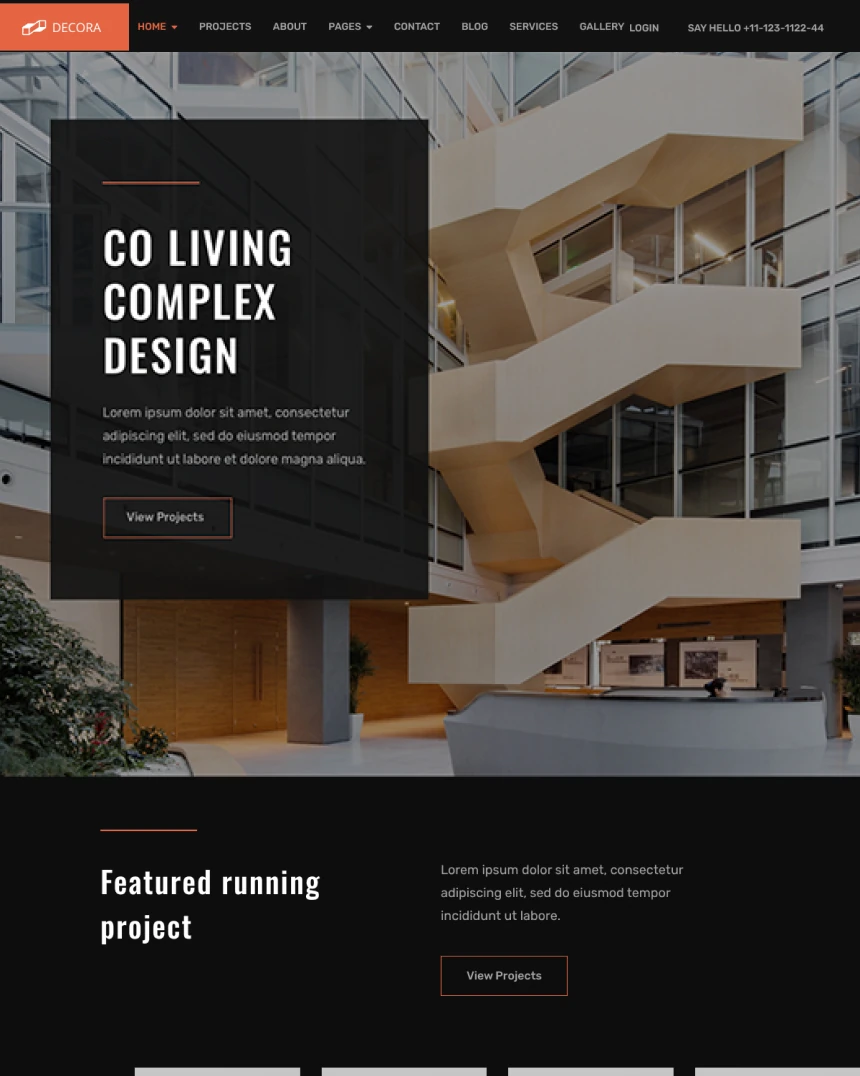 Decora
Joomla 4, 5, 6
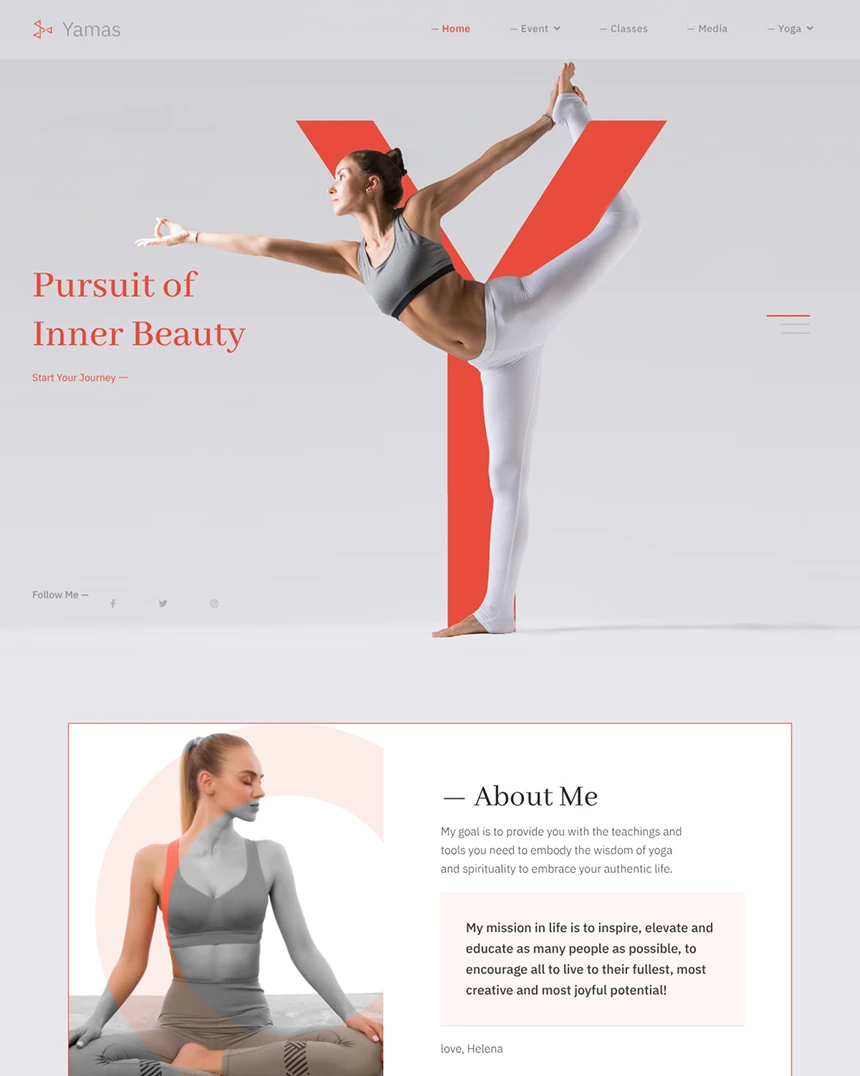 Yamas
Joomla 4, 5, 6
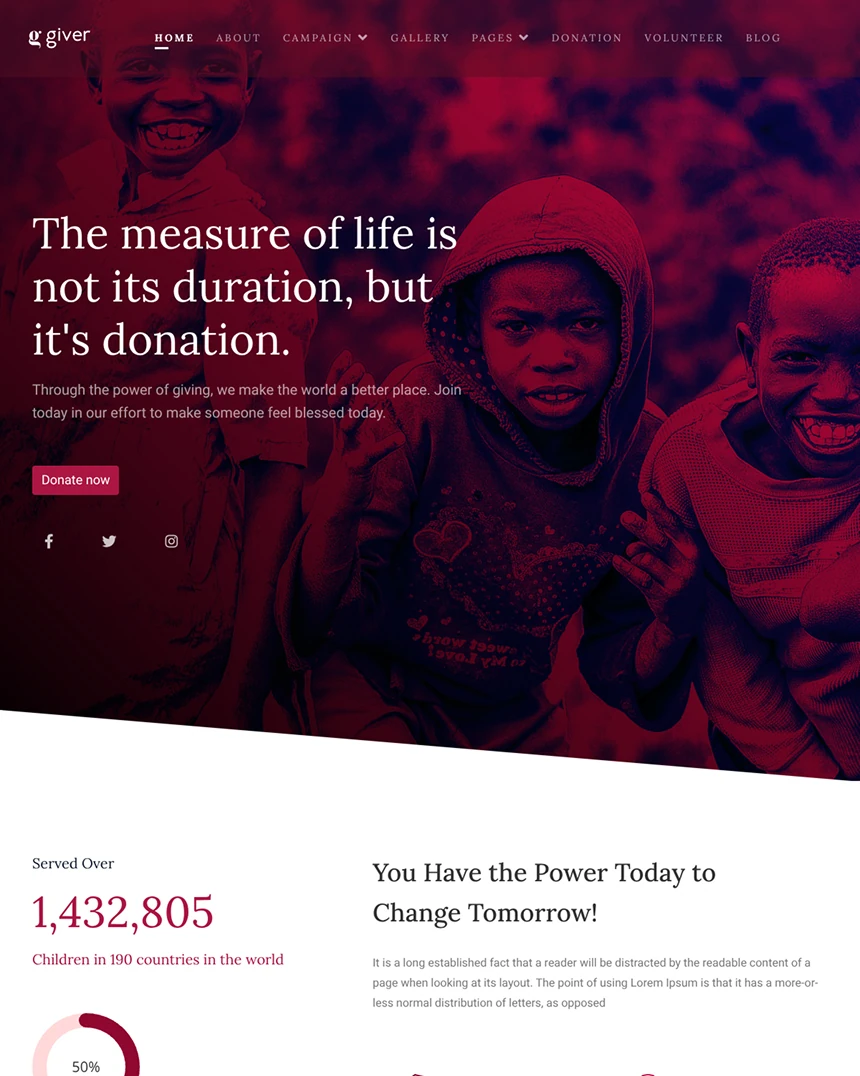 Giver
Joomla 4, 5, 6
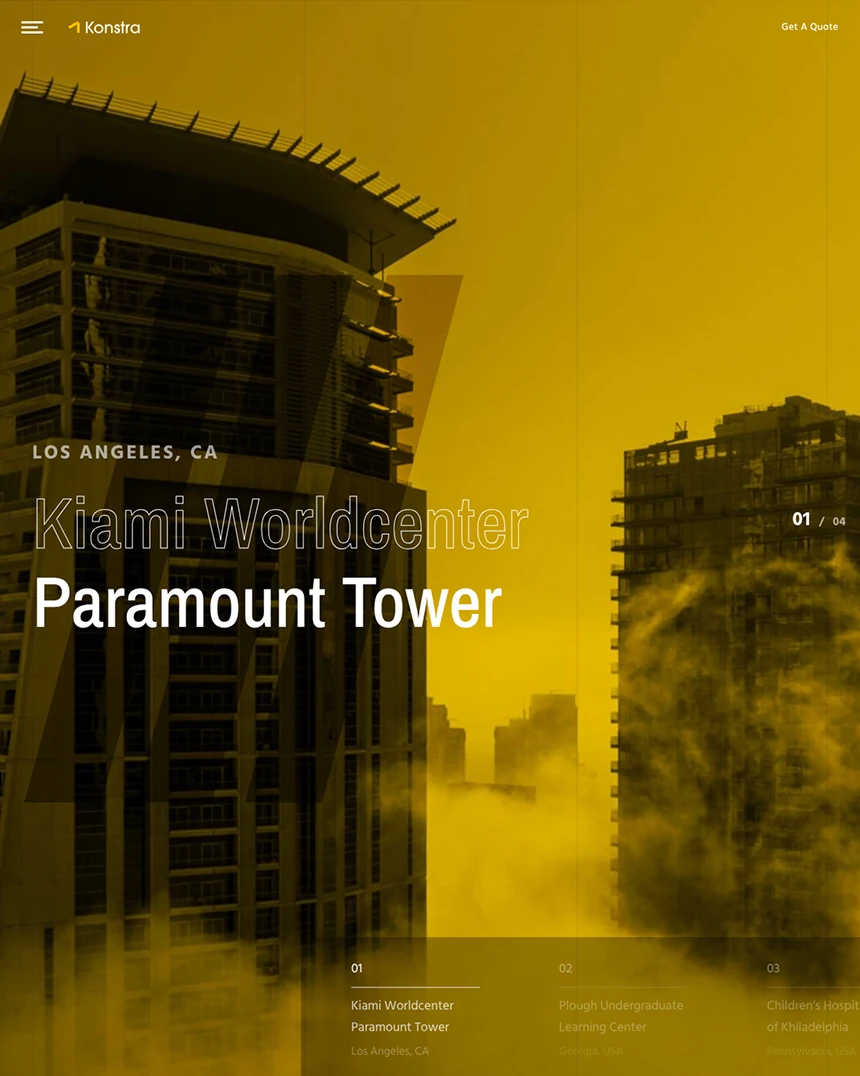 Konstra
Joomla 4, 5, 6
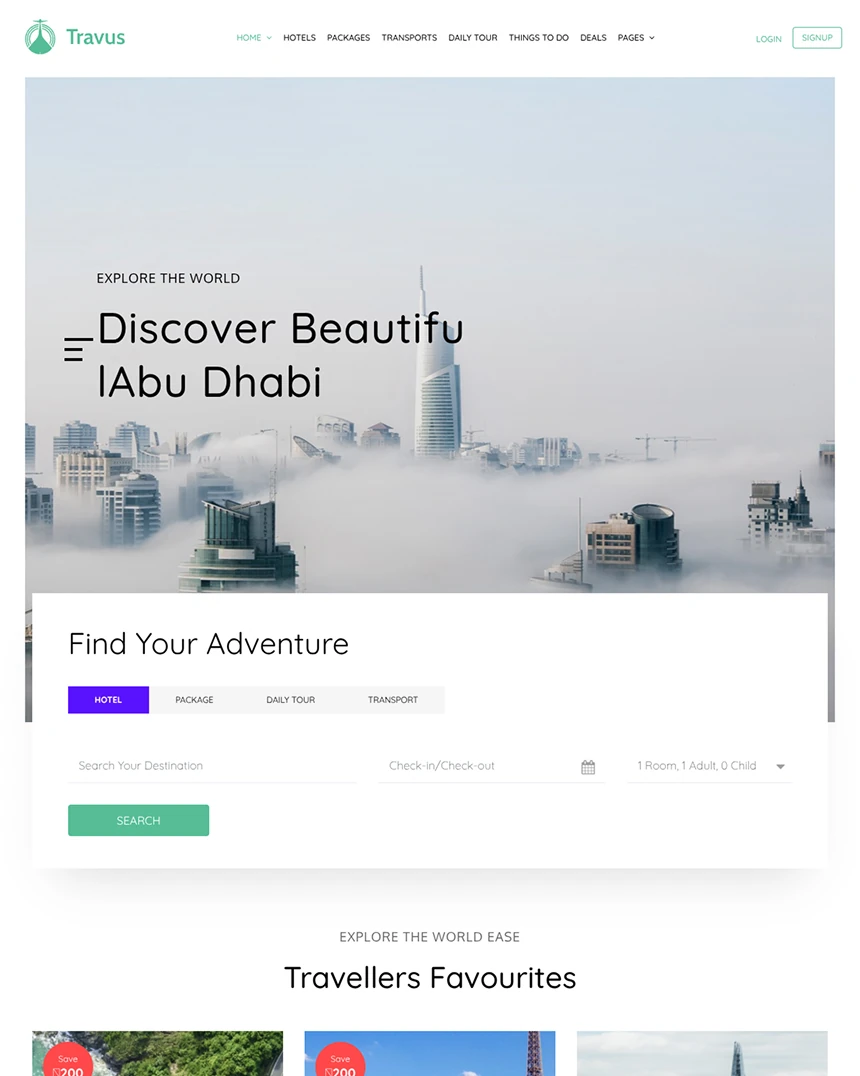 Travus
Joomla 4, 5, 6
 Language School
Joomla 4, 5, 6
 Restora
Joomla 4, 5, 6
 Wayne-Corp
Joomla 4, 5, 6
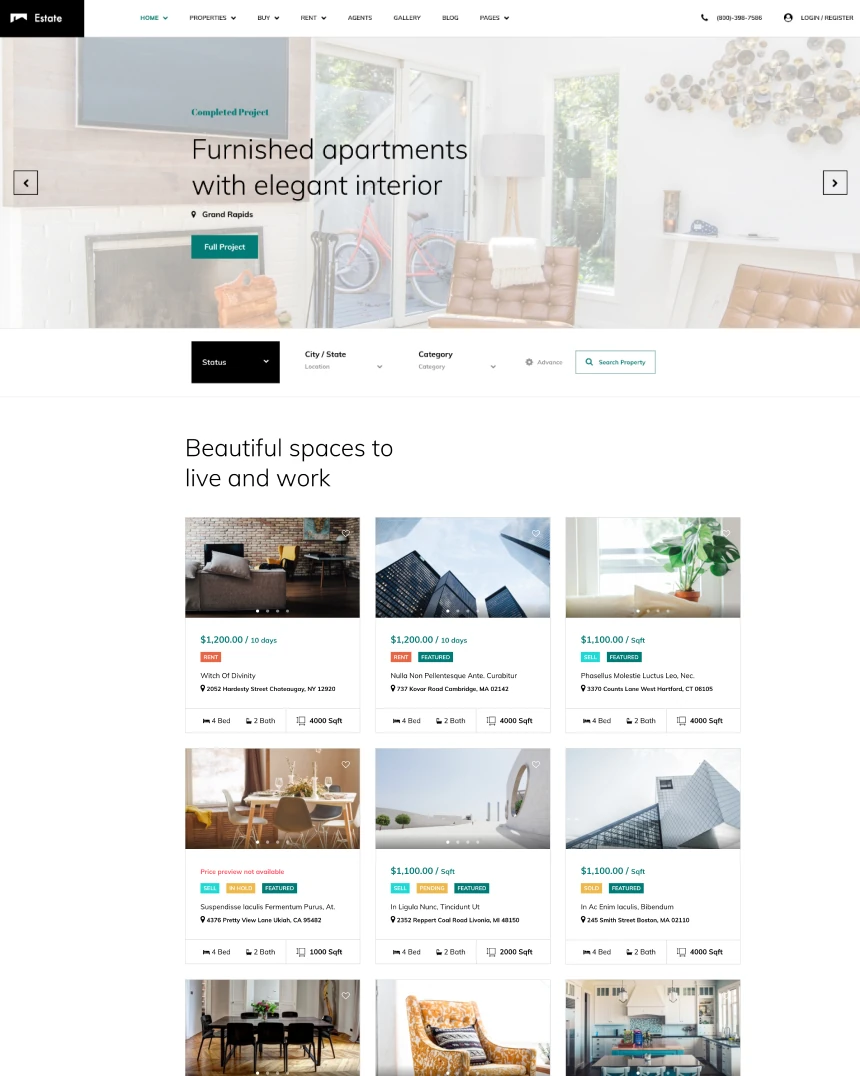 Estate
Joomla 4, 5, 6
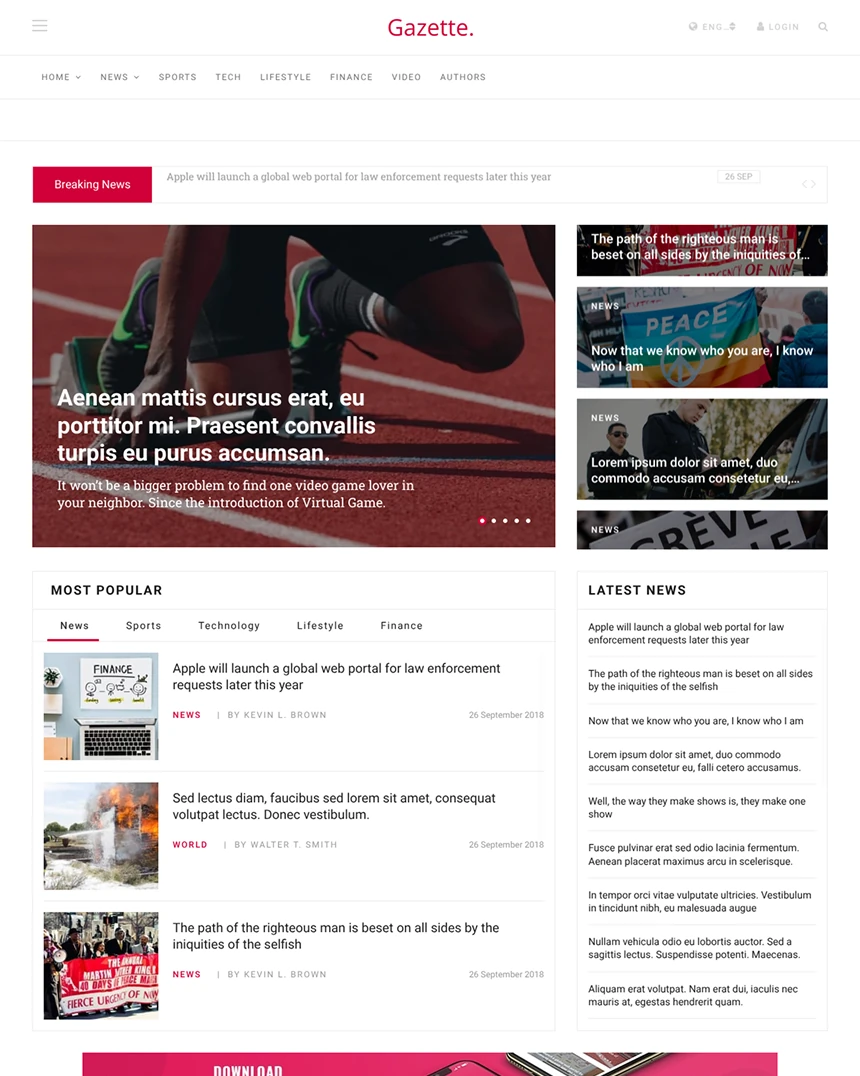 Gazette
Joomla 4, 5, 6
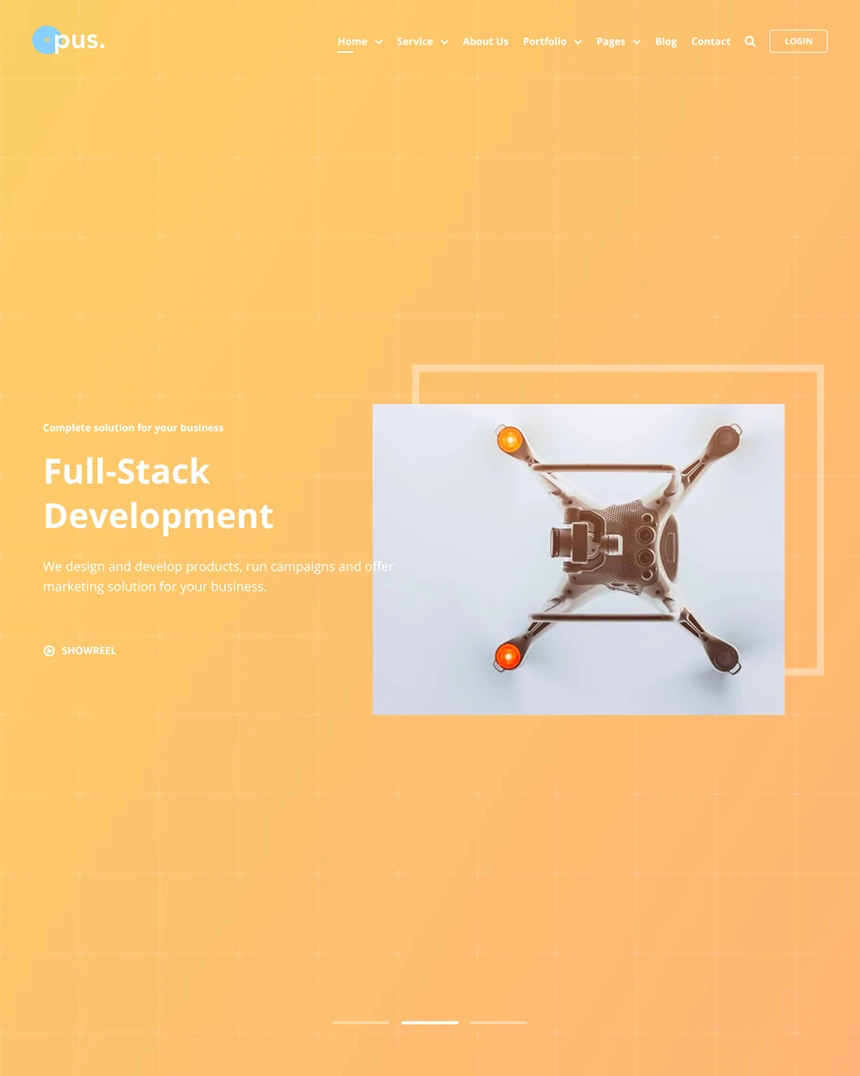 Opus
Joomla 4, 5, 6
 Salon
Joomla 4, 5, 6
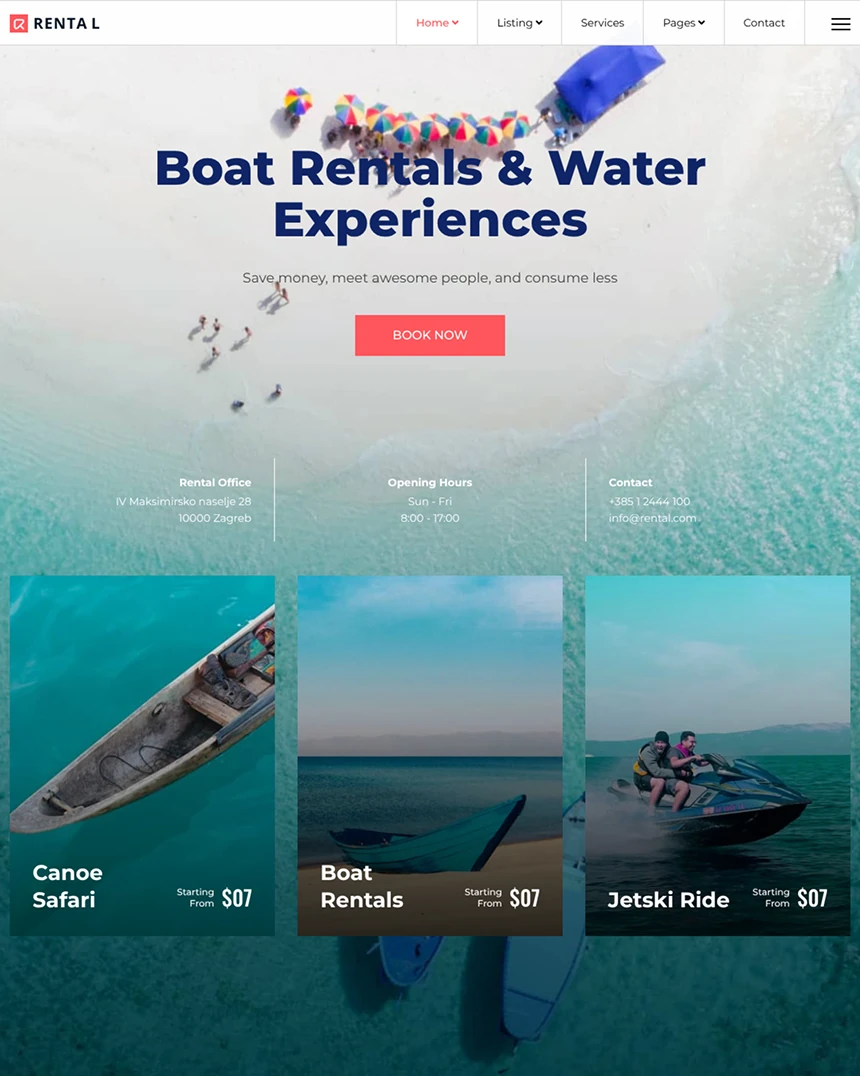 Rental
Joomla 4, 5, 6
 Stellar
Joomla 4, 5, 6
 Fixter
Joomla 4, 5, 6
 Medico
Joomla 4, 5, 6
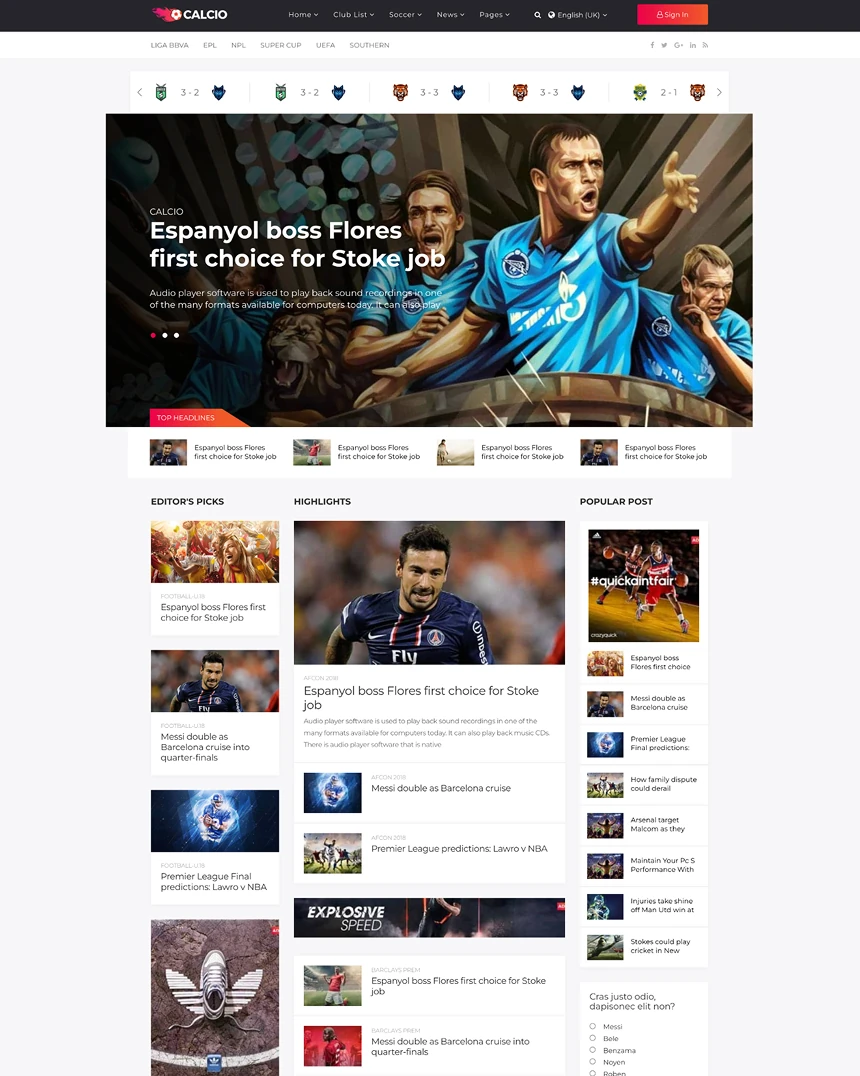 Calcio
Joomla 3, 4, 5
 Finance
Joomla 4, 5, 6
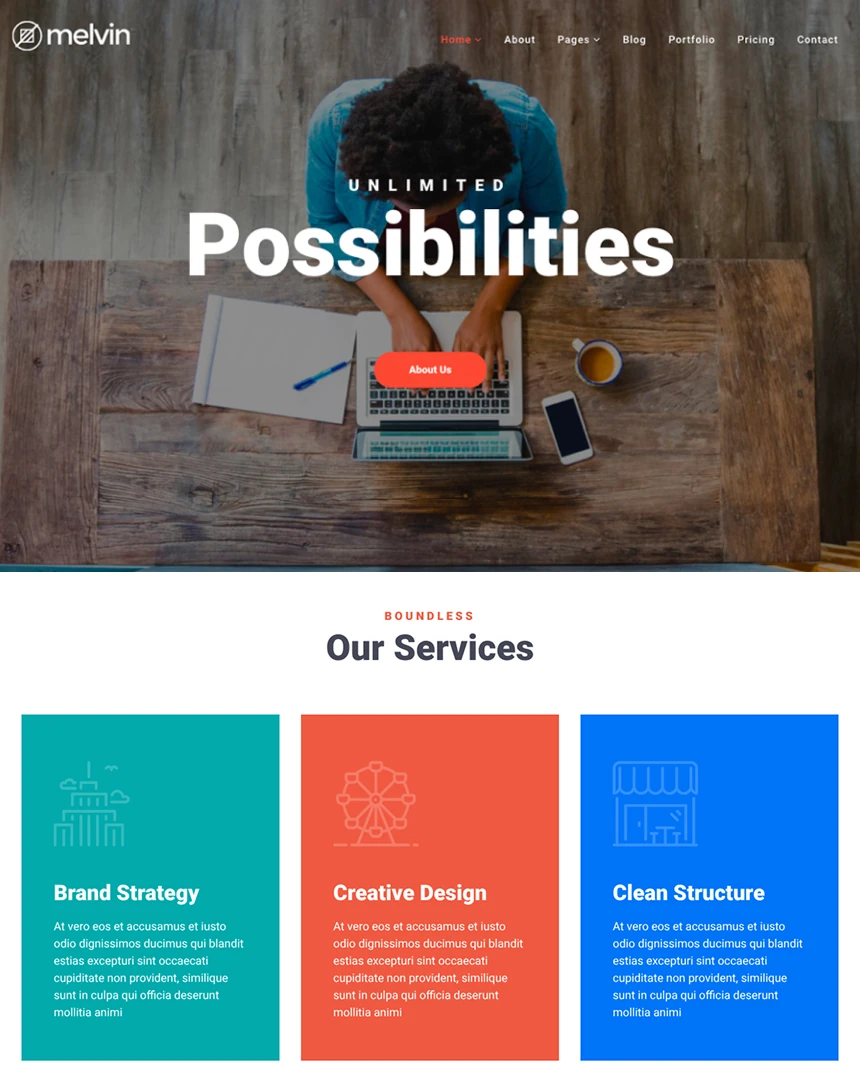 Melvin
Joomla 4, 5, 6
 Travelia
Joomla 4, 5, 6
 Hope
Joomla 4, 5, 6
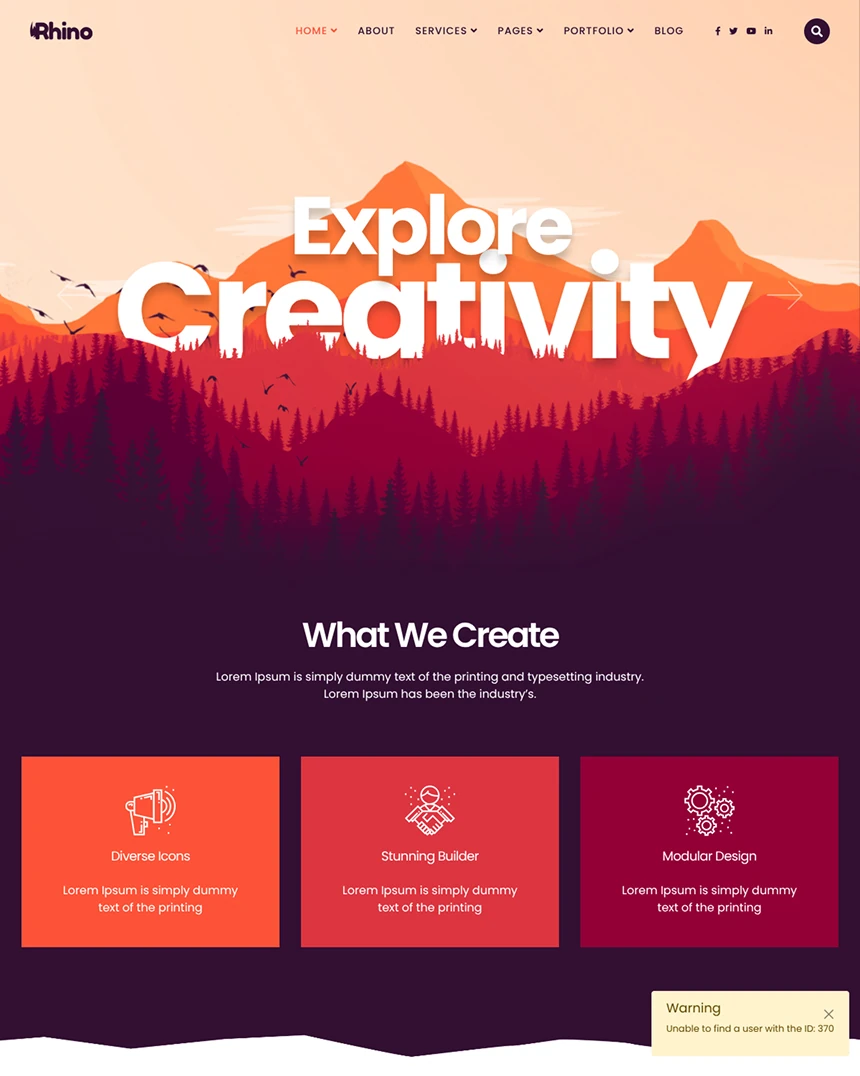 Rhino
Joomla 4, 5, 6
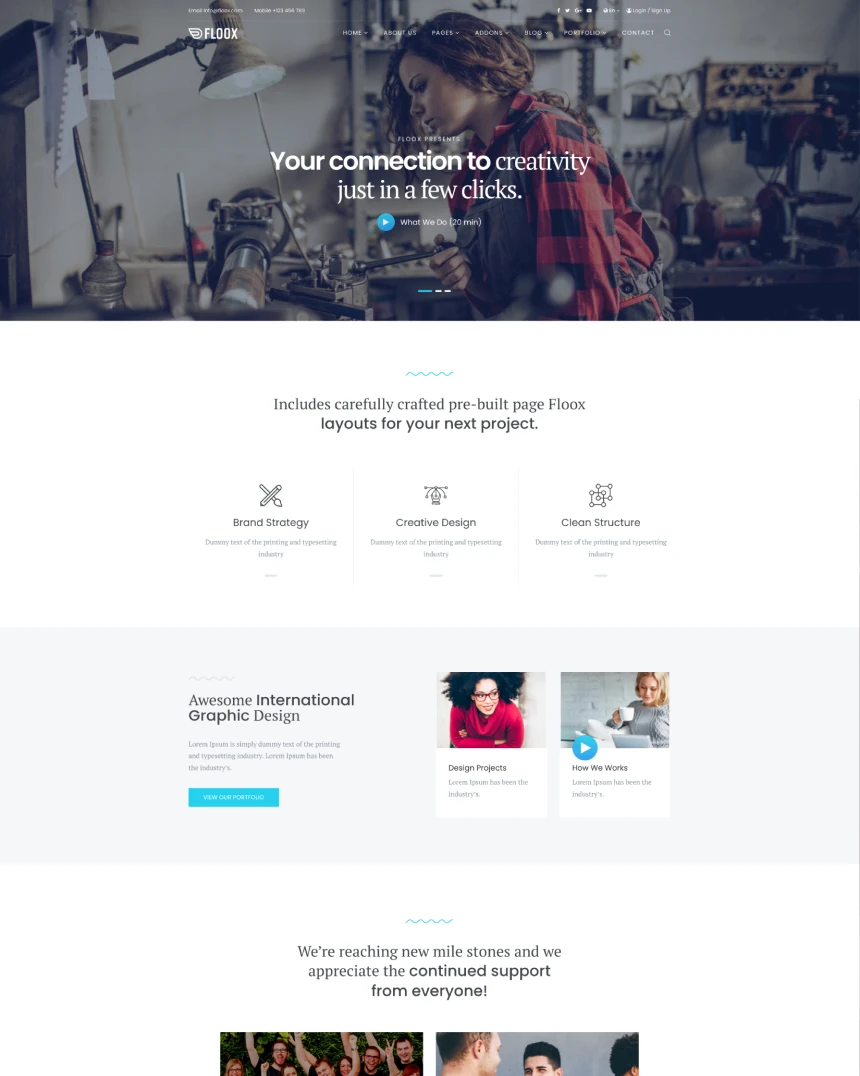 Floox
Joomla 4, 5, 6
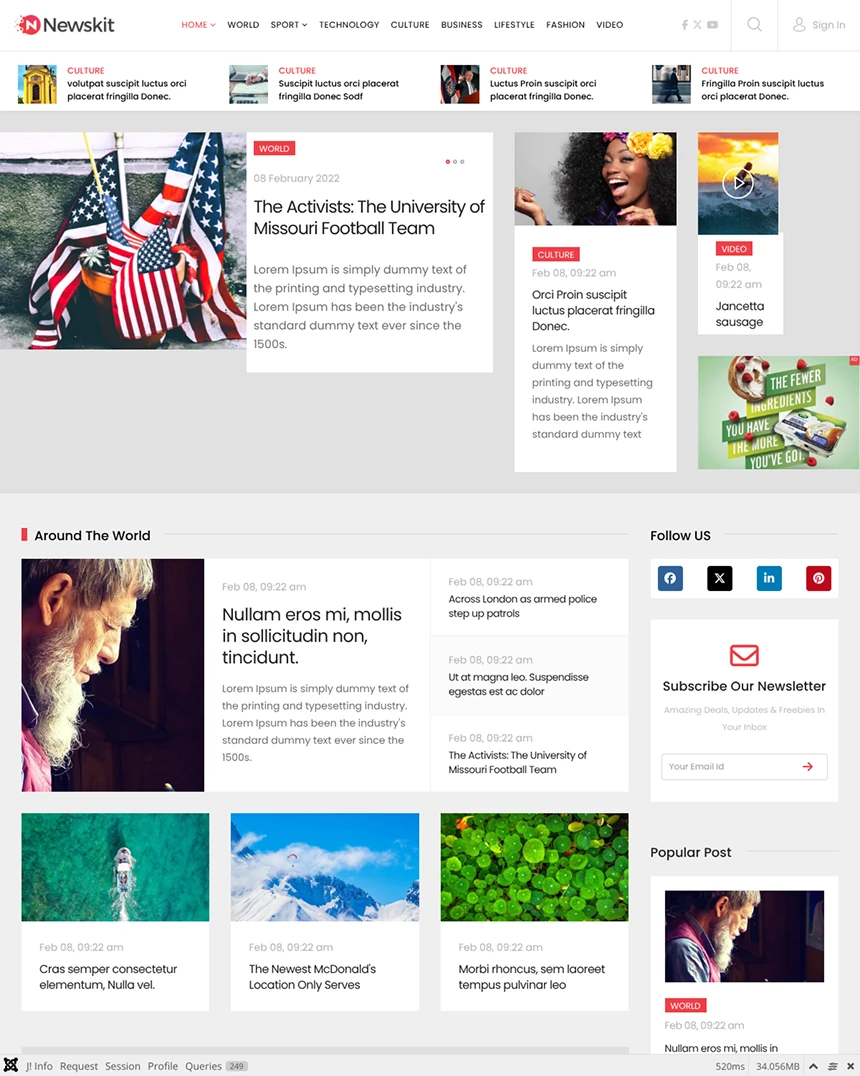 Newskit
Joomla 4, 5, 6
 Shopin
Joomla 4, 5, 6
 Yoga
Joomla 4, 5, 6
 Spectrum
Joomla 4, 5, 6
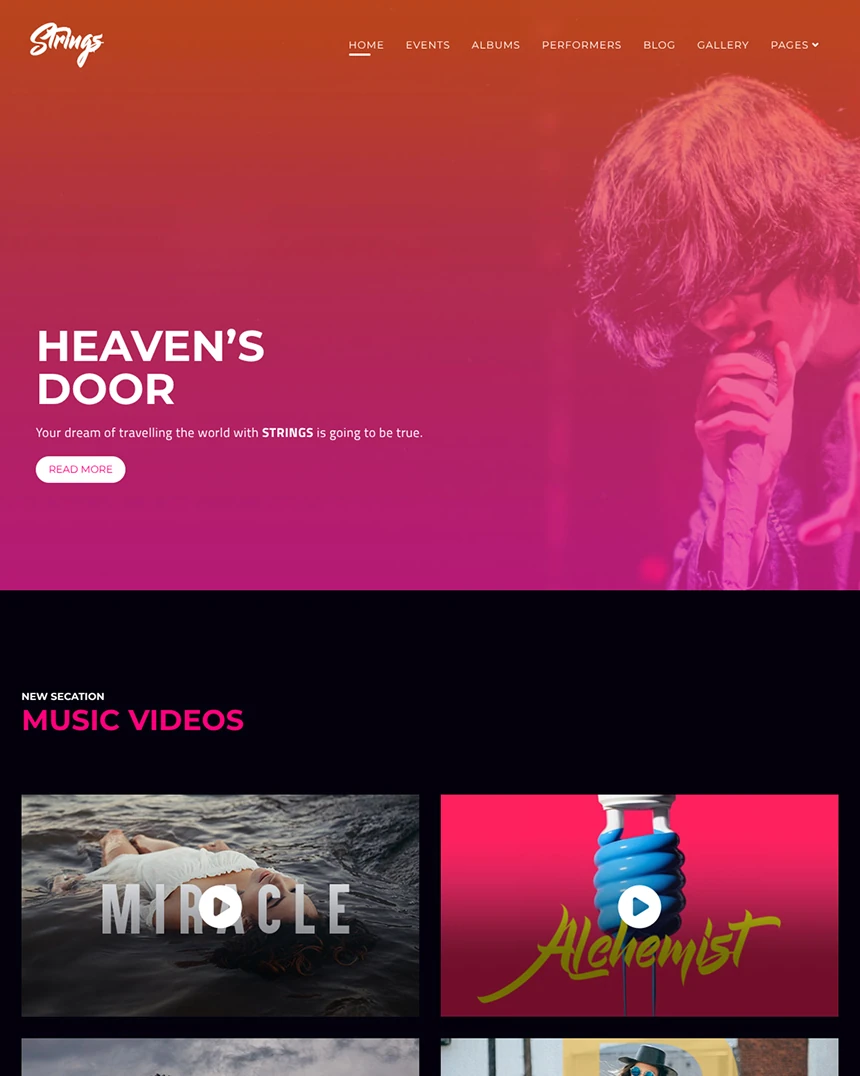 Strings
Joomla 3, 4, 5
 Educon
Joomla 4, 5, 6
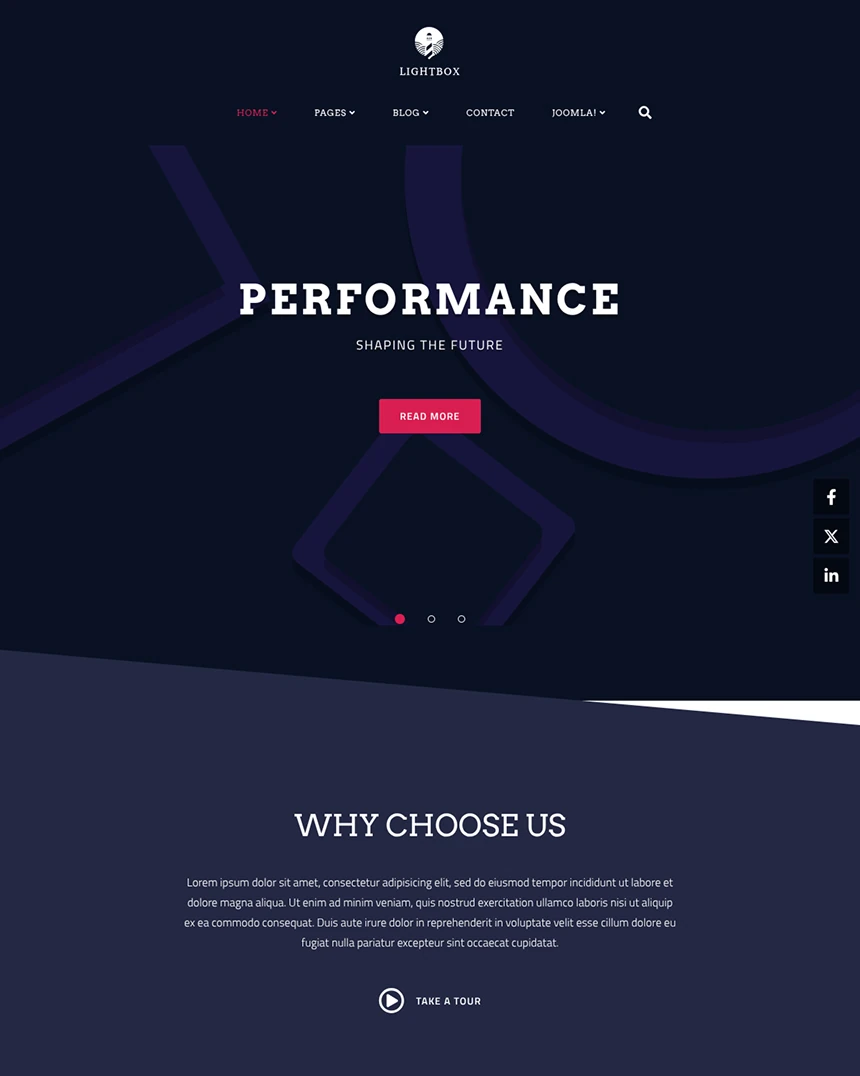 LightBox
Joomla 4, 5, 6
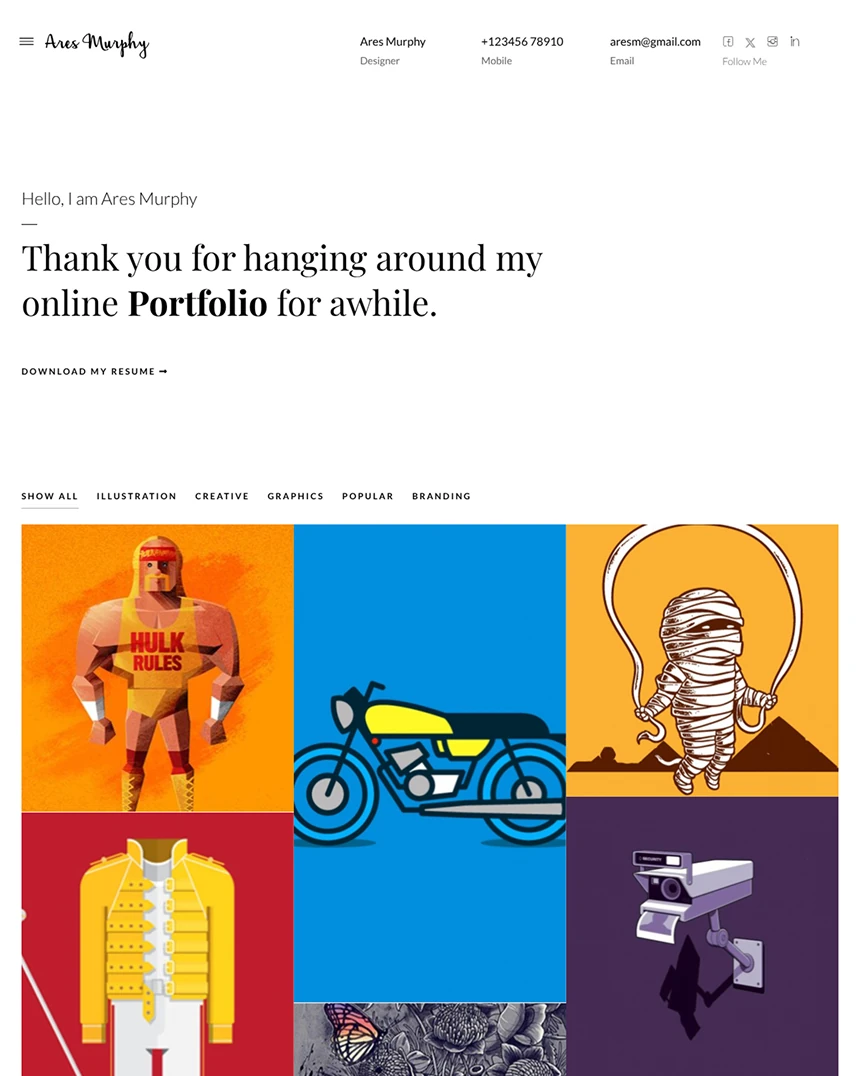 Ares Murphy
Joomla 4, 5, 6
 Knight
Joomla 4, 5, 6
 Doctor
Joomla 4, 5, 6
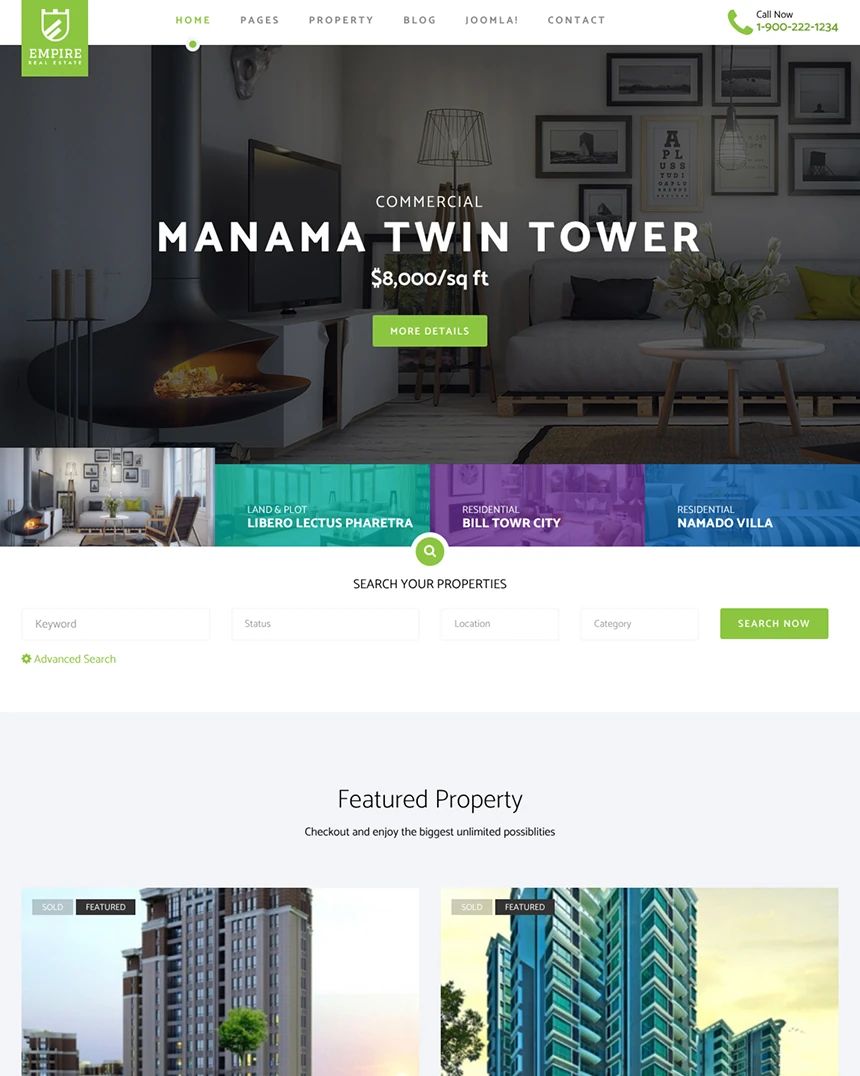 Empire
Joomla 4, 5, 6
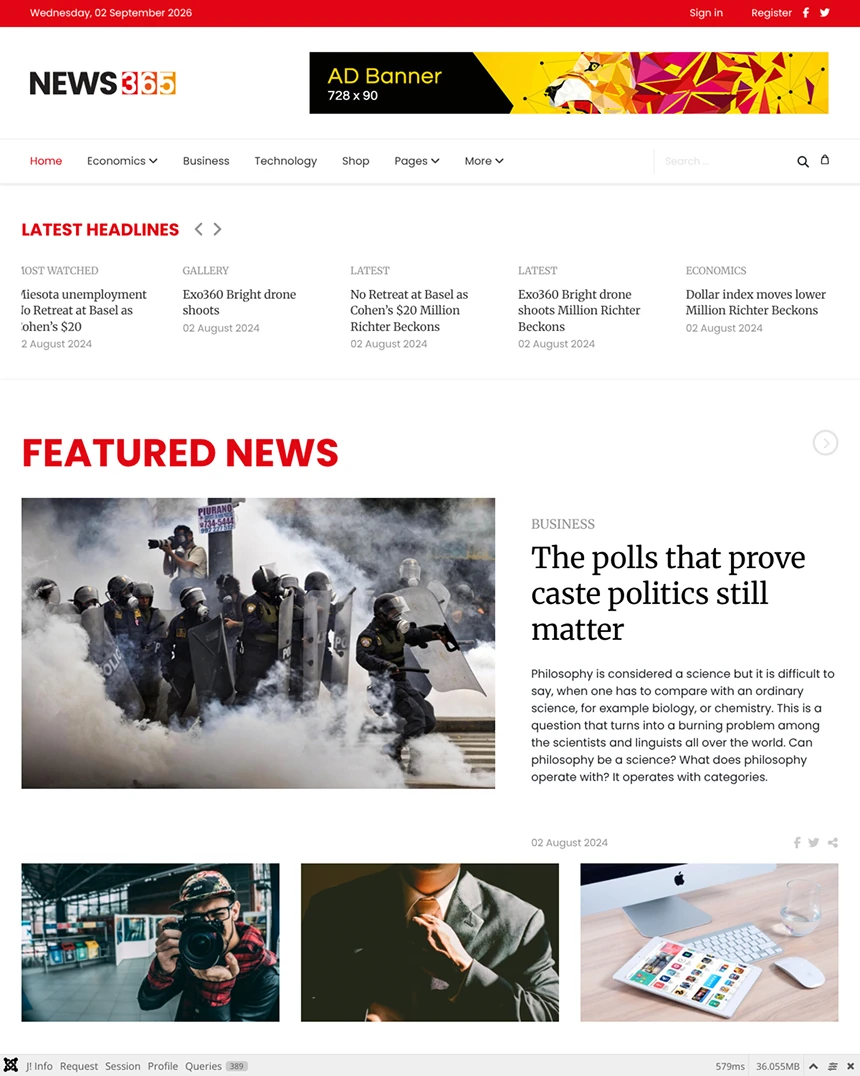 News365
Joomla 4, 5, 6
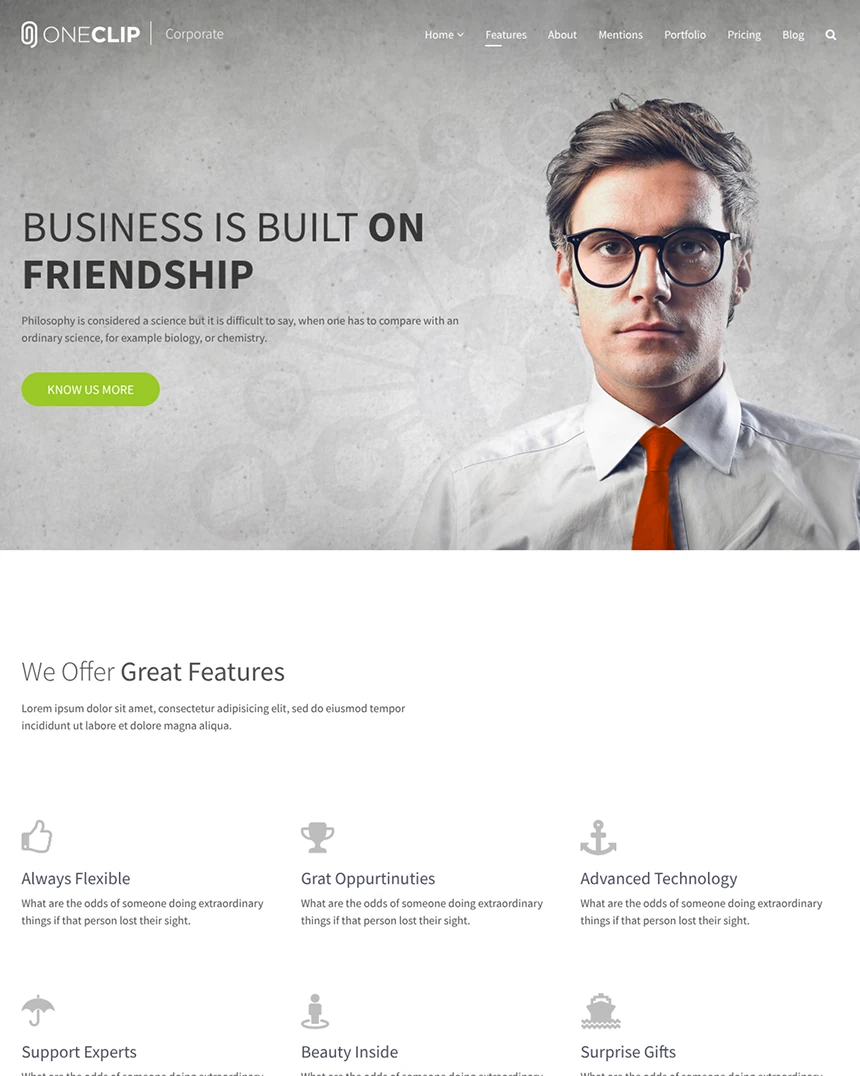 OneClip
Joomla 4, 5, 6
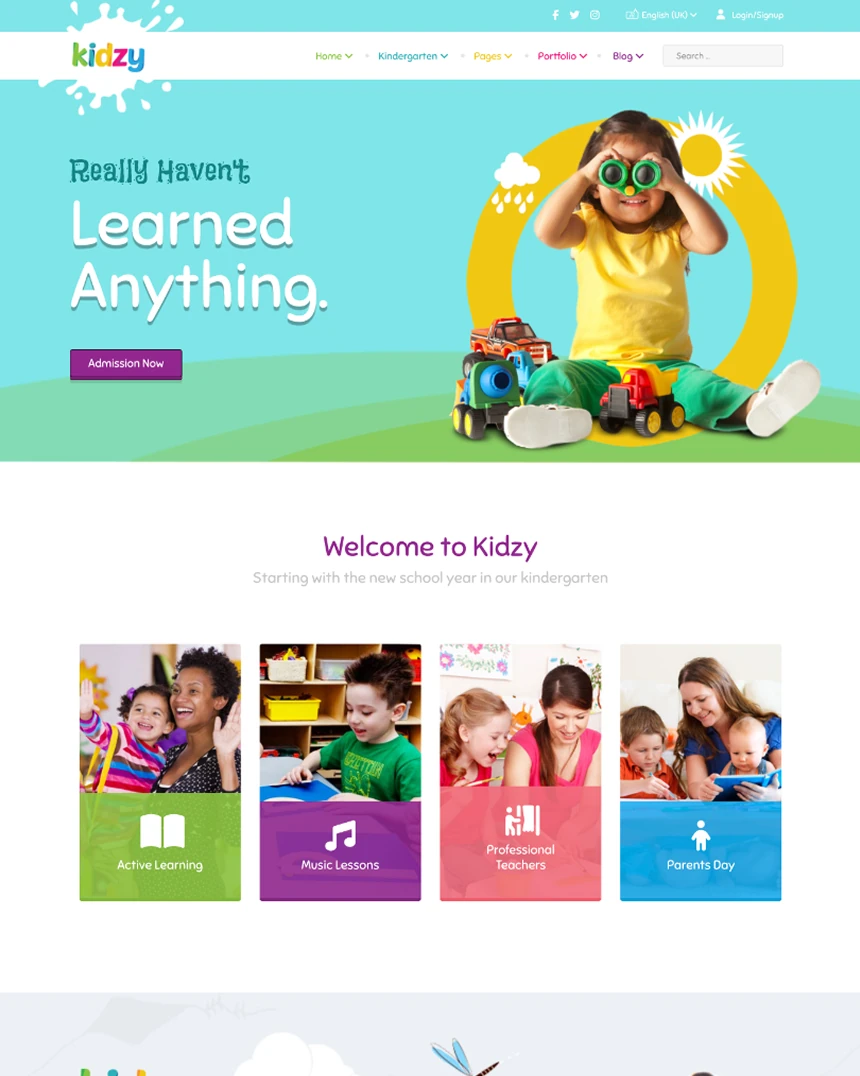 Kidzy
Joomla 4, 5, 6
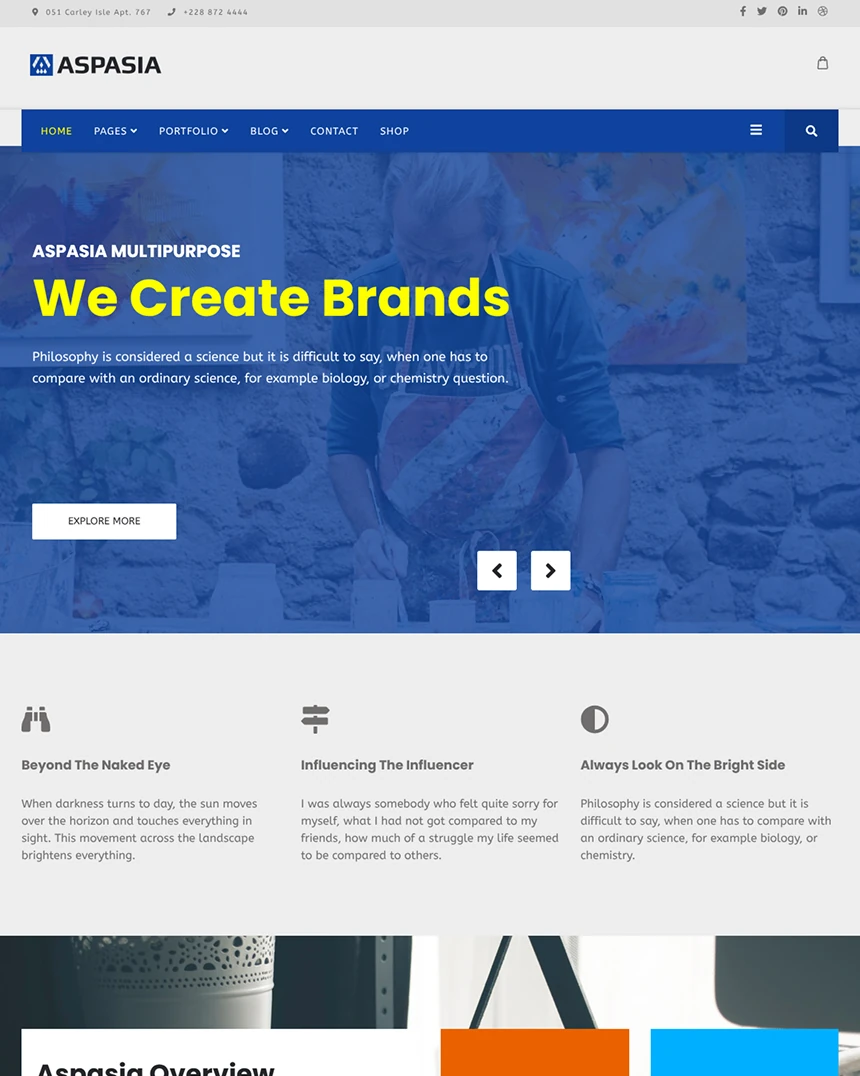 Aspasia
Joomla 4, 5, 6
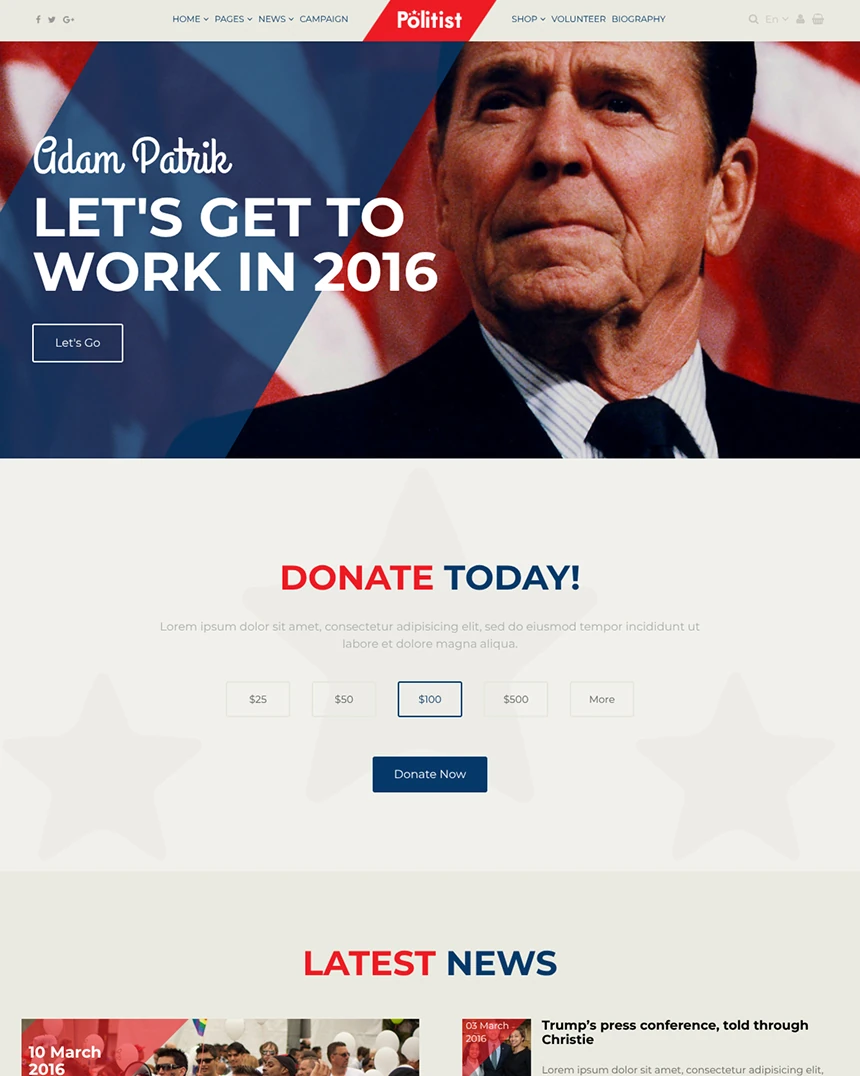 Politist
Joomla 4, 5, 6
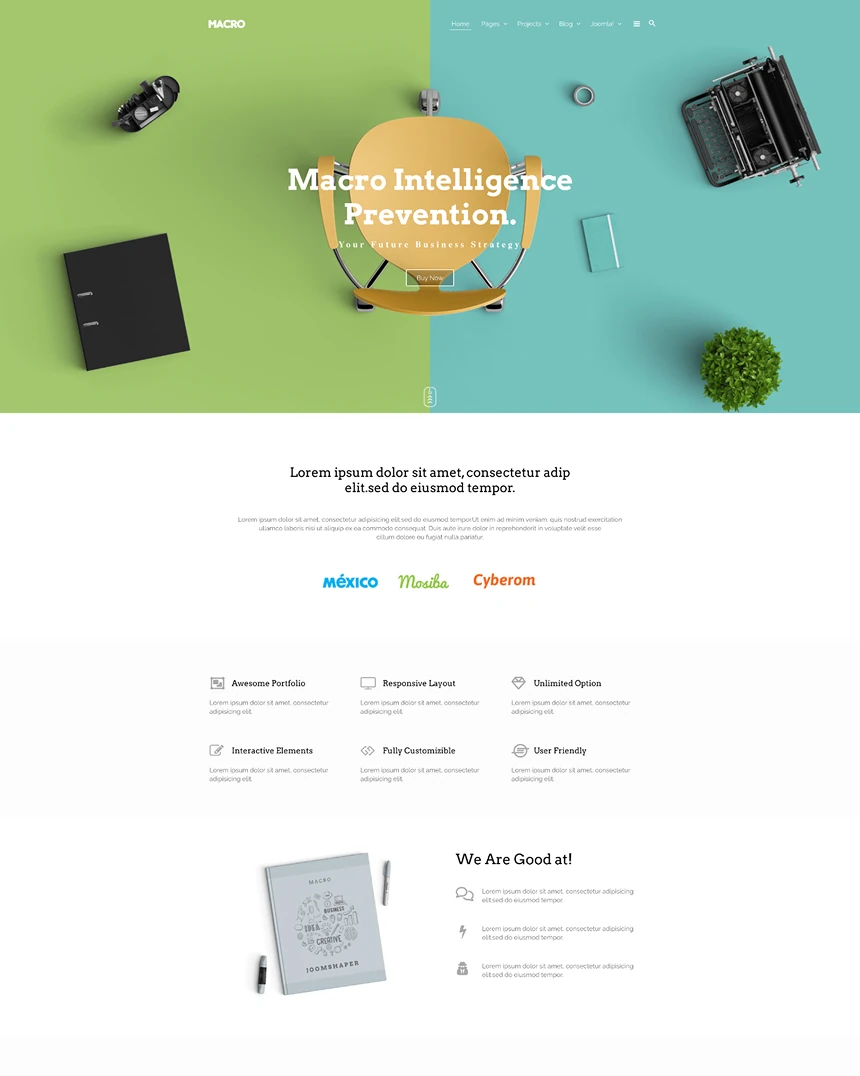 Macro
Joomla 4, 5, 6
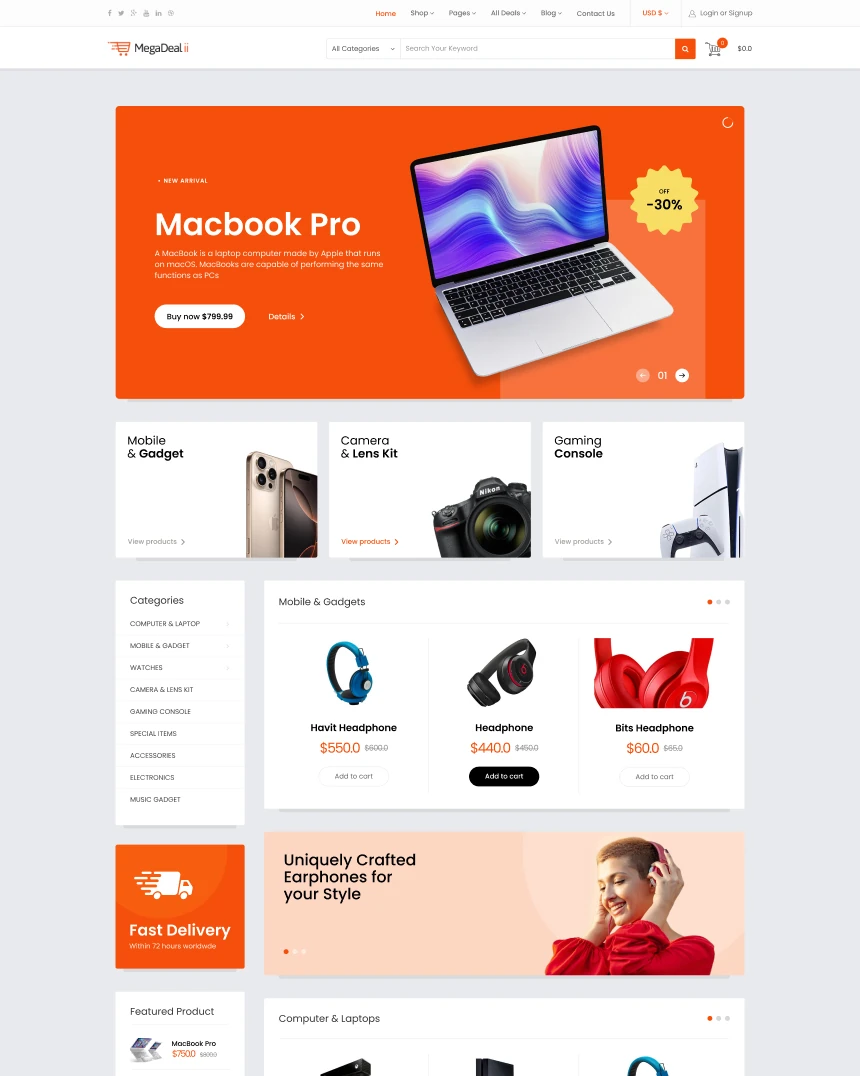 MegaDeal II
Joomla 4, 5, 6 · 10 demo pages
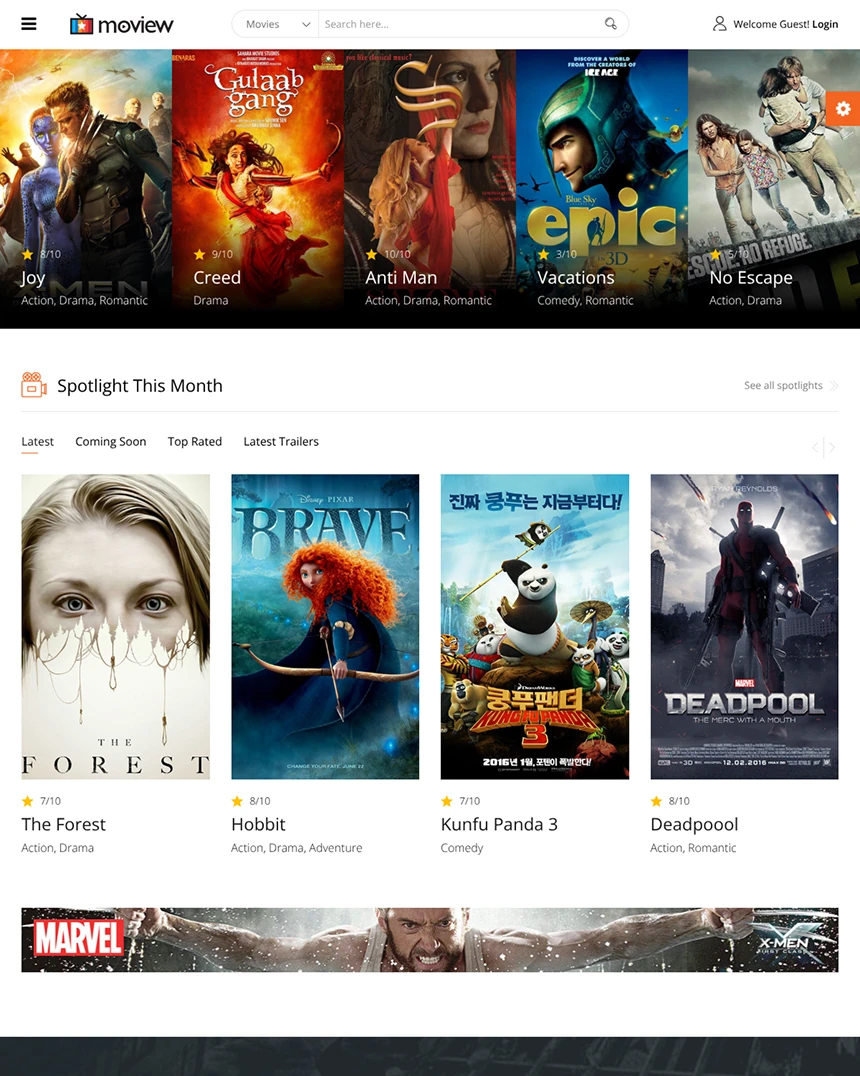 Moview
Joomla 4, 5, 6
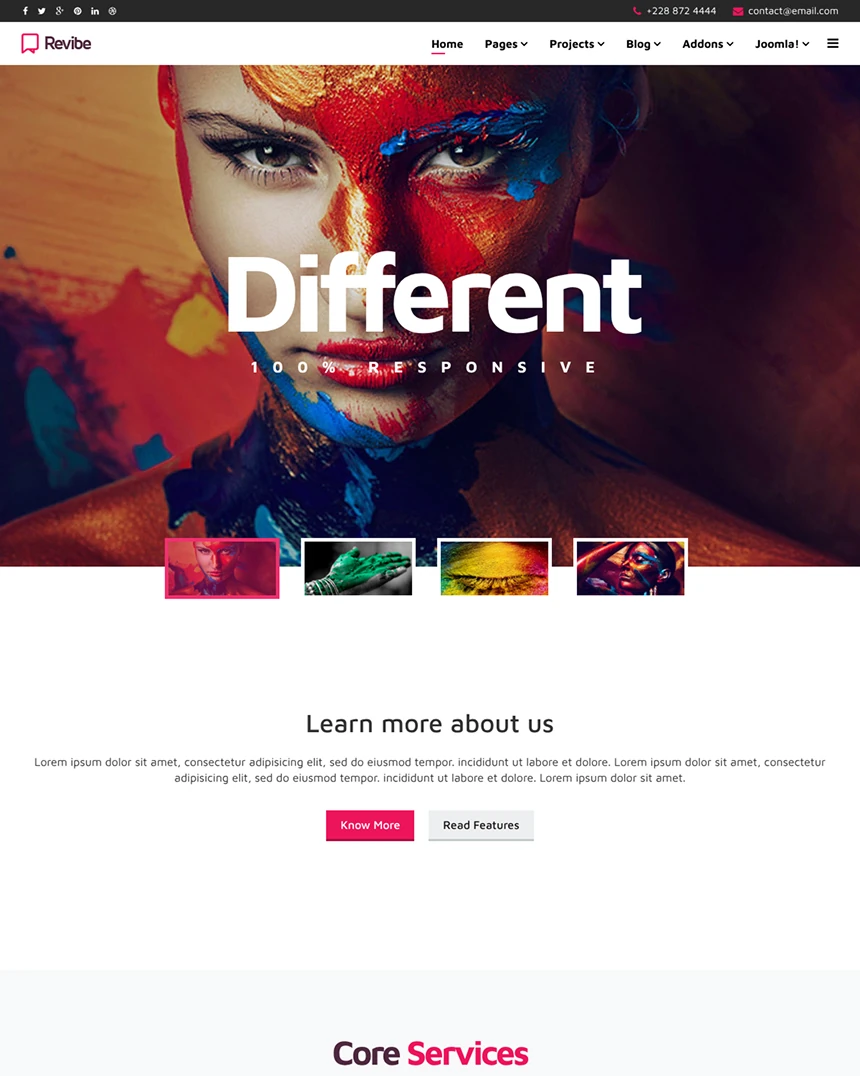 Revibe
Joomla 4, 5, 6
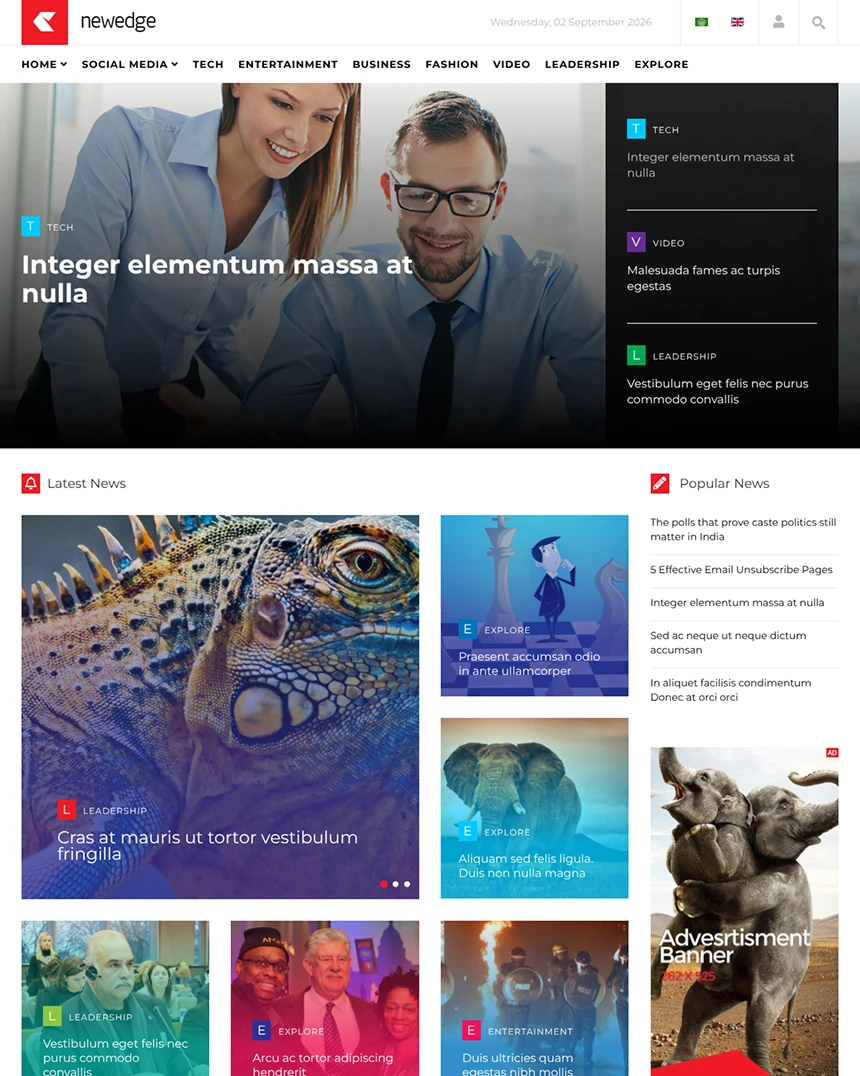 NewEdge
Joomla 3, 4, 5
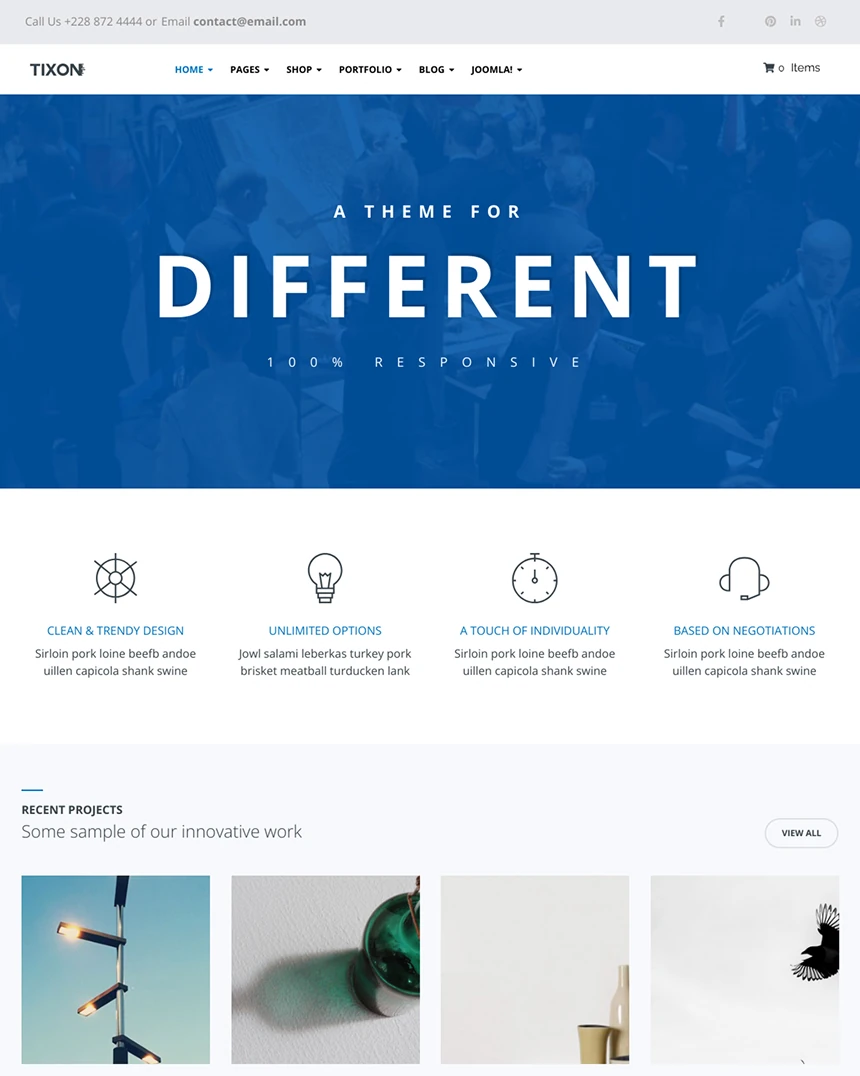 Tixon
Joomla 4, 5, 6
 Cuisine
Joomla 4, 5, 6
 Eventum
Joomla 4, 5, 6
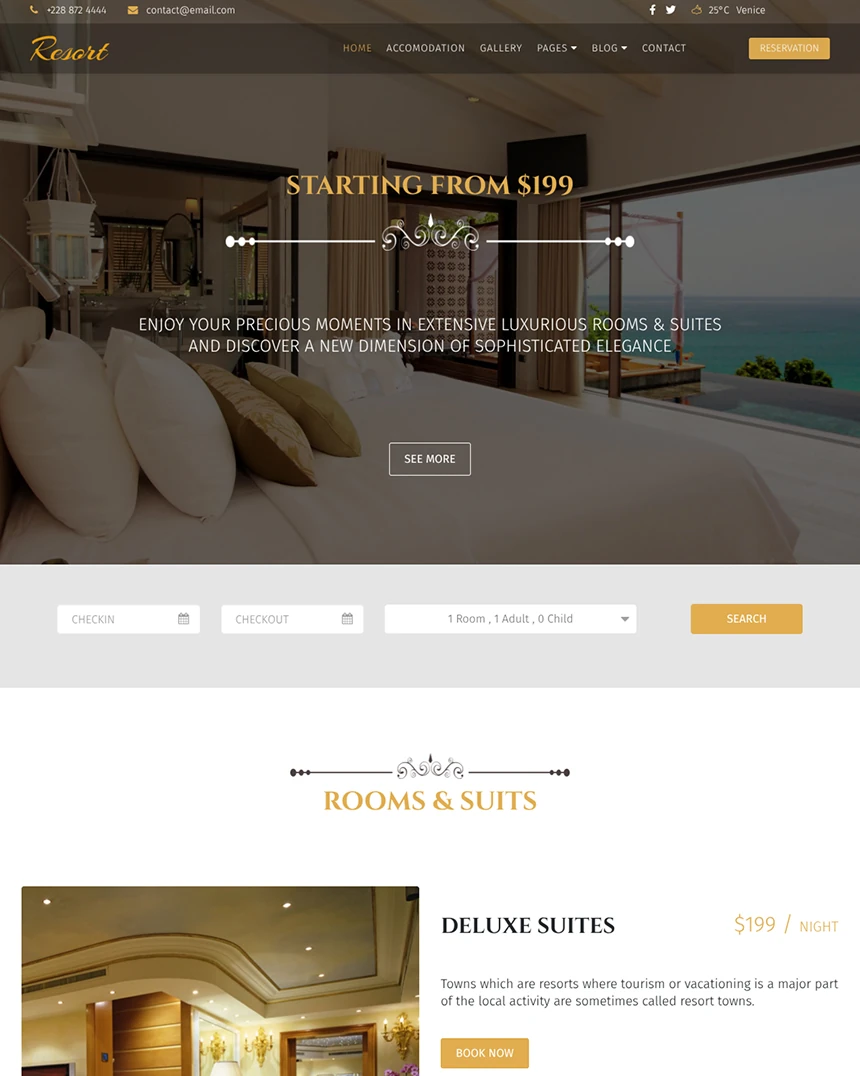 Resort
Joomla 4, 5, 6
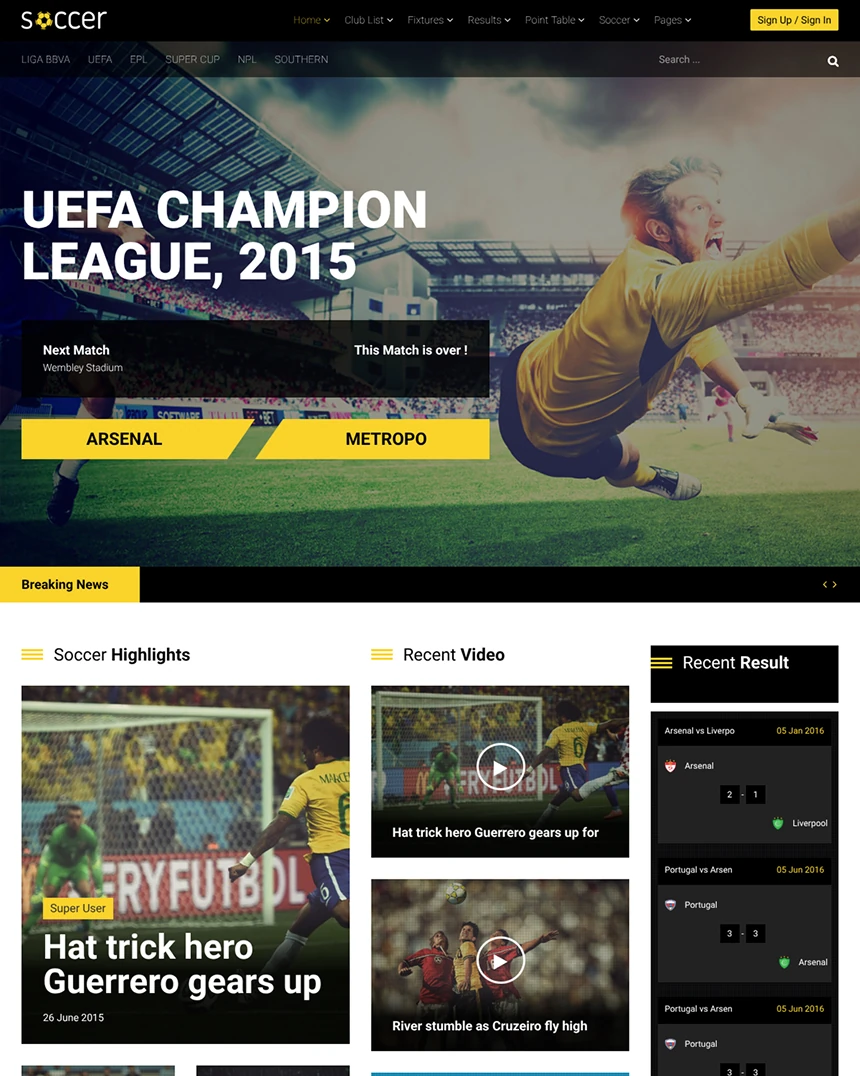 Soccer
Joomla 3, 4, 5
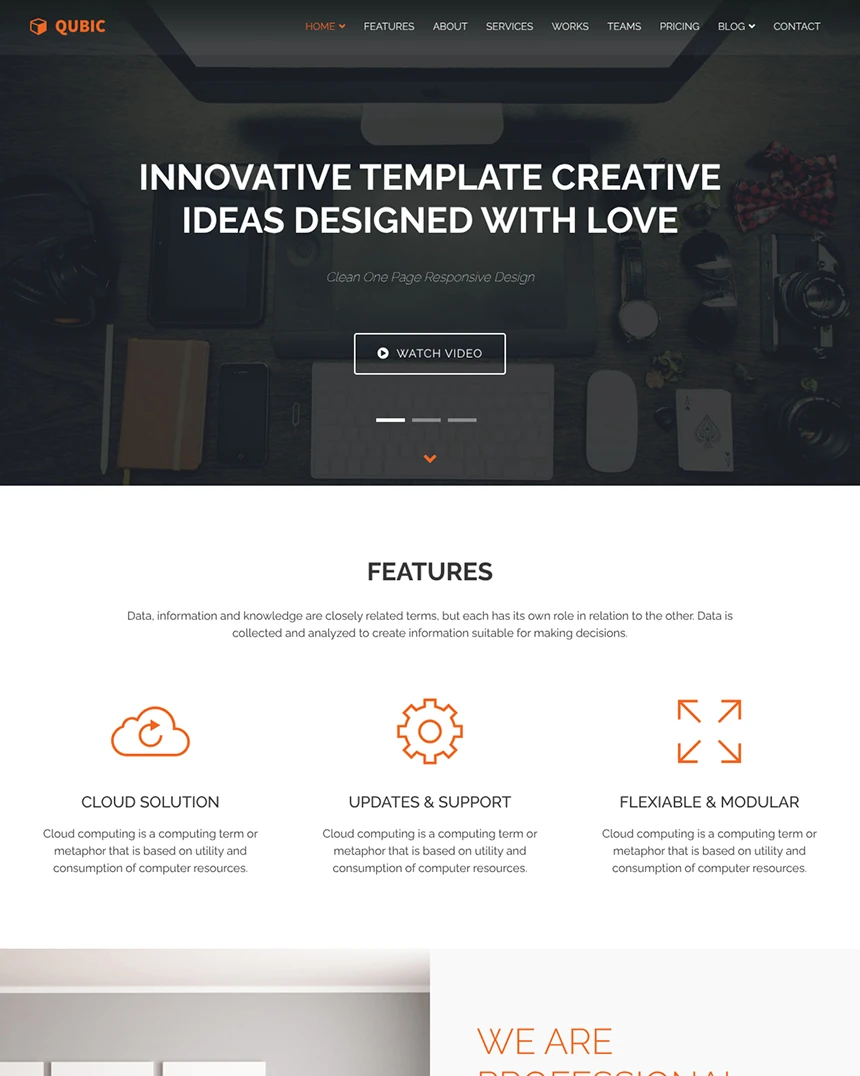 Qubic
Joomla 4, 5, 6
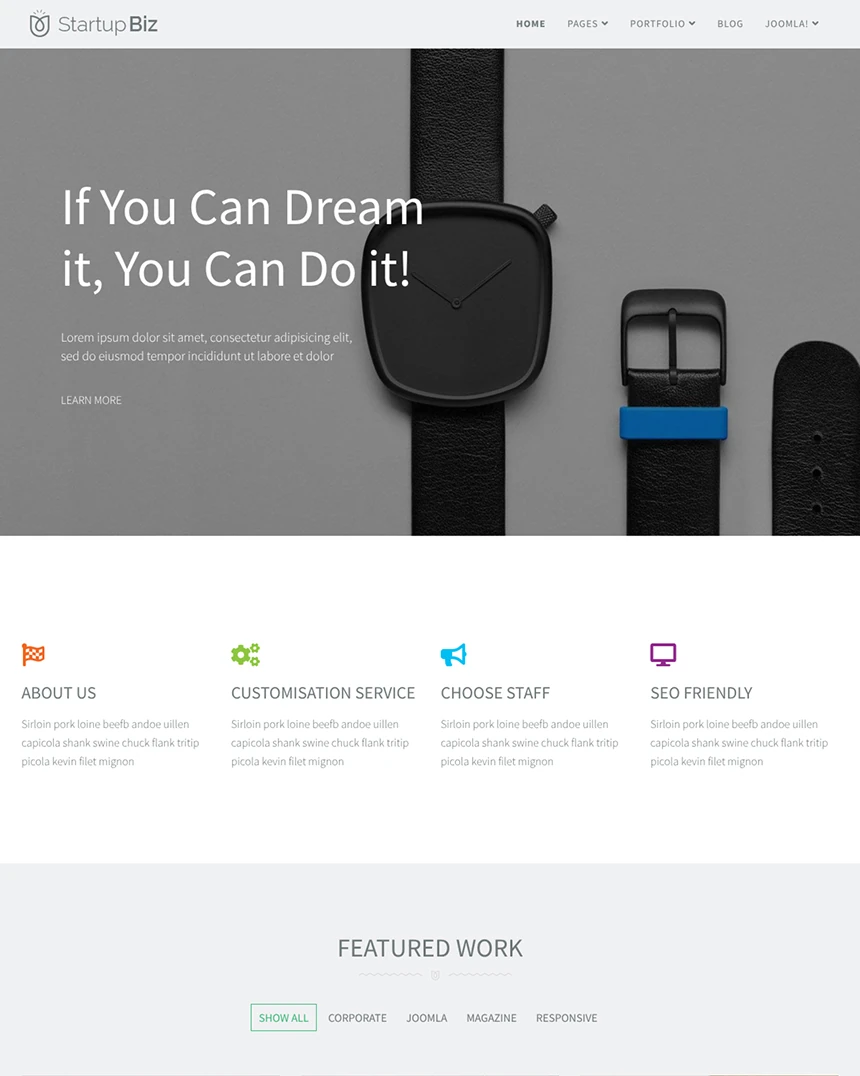 Startup Biz
Joomla 4, 5, 6
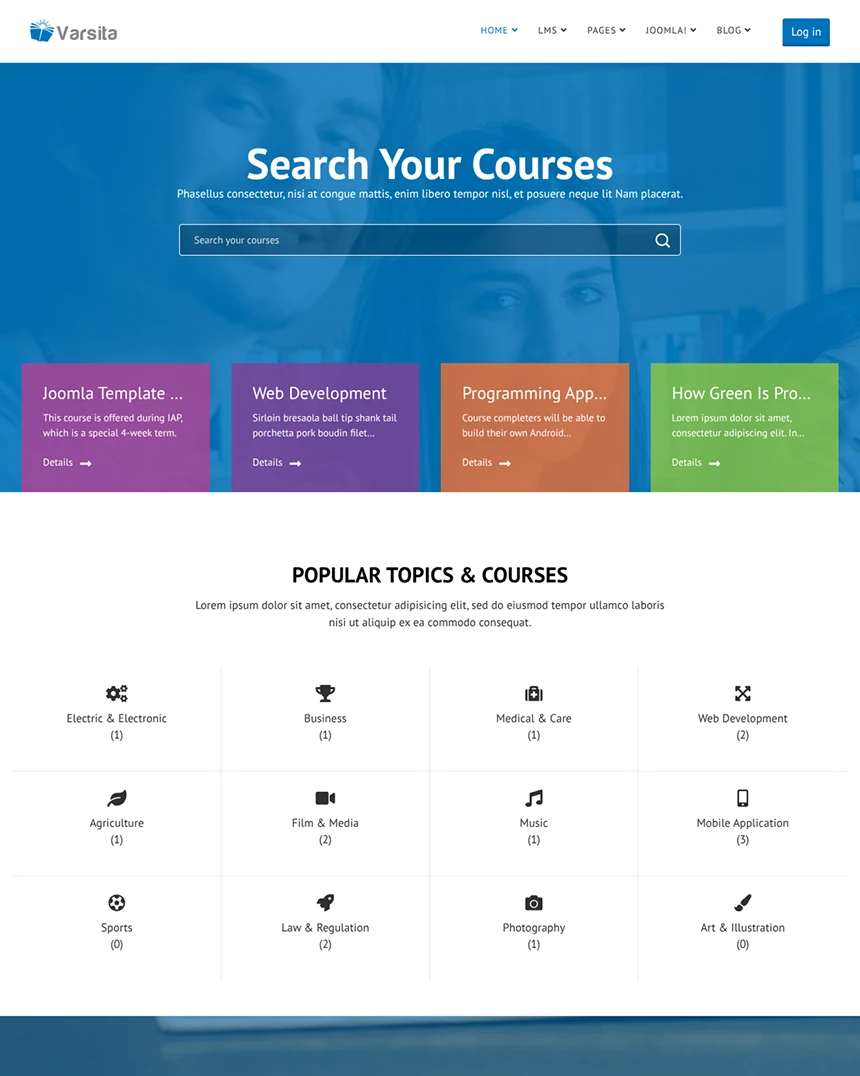 Varsita
Joomla 4, 5, 6
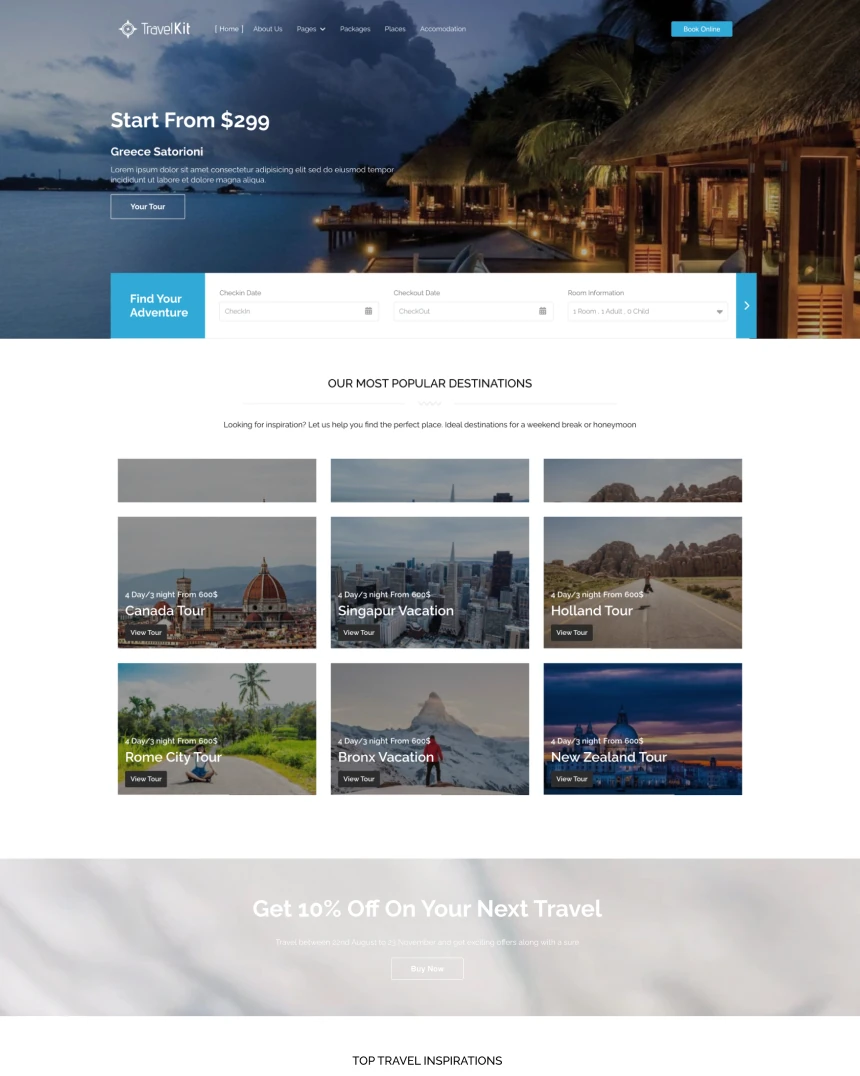 Travel Kit
Joomla 4, 5, 6 · 12 demo pages
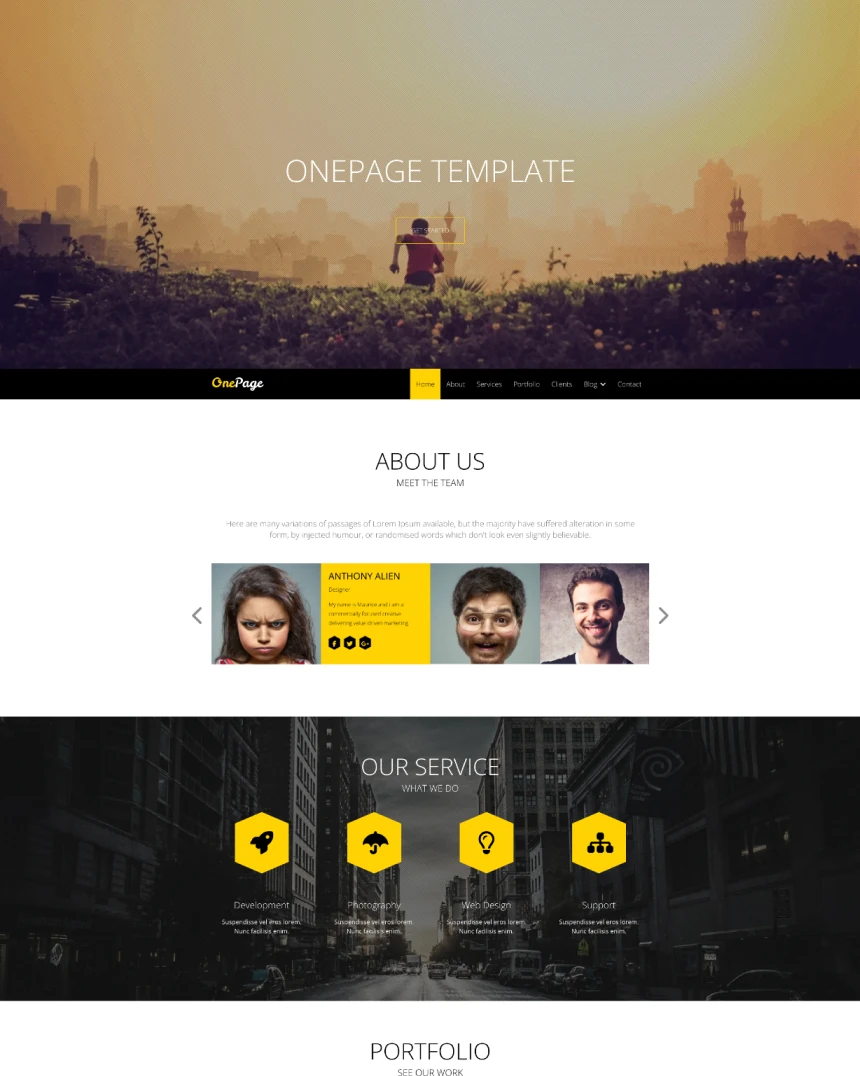 OnePage
Joomla 4, 5, 6 · 8 demo pages
No template matches. Try another name or Joomla version.
Sorted by newest release
Something specific to your template?
Its reference page covers what is in it. For anything else, the forum is the fastest route, and the answer gets folded back into these guides.