

Customize Pages With SP Page Builder
The Terrae Joomla template's QuickStart package includes multiple pages, built using the latest SP Page Builder Pro version. These pages can be customized using SP Page Builder Pro according to your preference.
The SP Page Builder dashboard includes all pages created with SP Page Builder Pro. Use SP Page Builder Pro's backend or front-end editor to edit or customize any page. To do that, from the Joomla dashboard, go to Components > SP Page Builder Pro > Pages and select the page you want to edit.
The Blog and Review pages in the Terrae Joomla template are built using SP Page Builder’s Dynamic Content feature.
The testimonials displayed on the Review page are fetched from the Dynamic Content’s “Product Best Reviews” collection. To modify the testimonials displayed on this page, simply navigate to Components > SP Page Builder Pro > Dynamic Content and make necessary edits to the collection fields or collection items according to your preference.
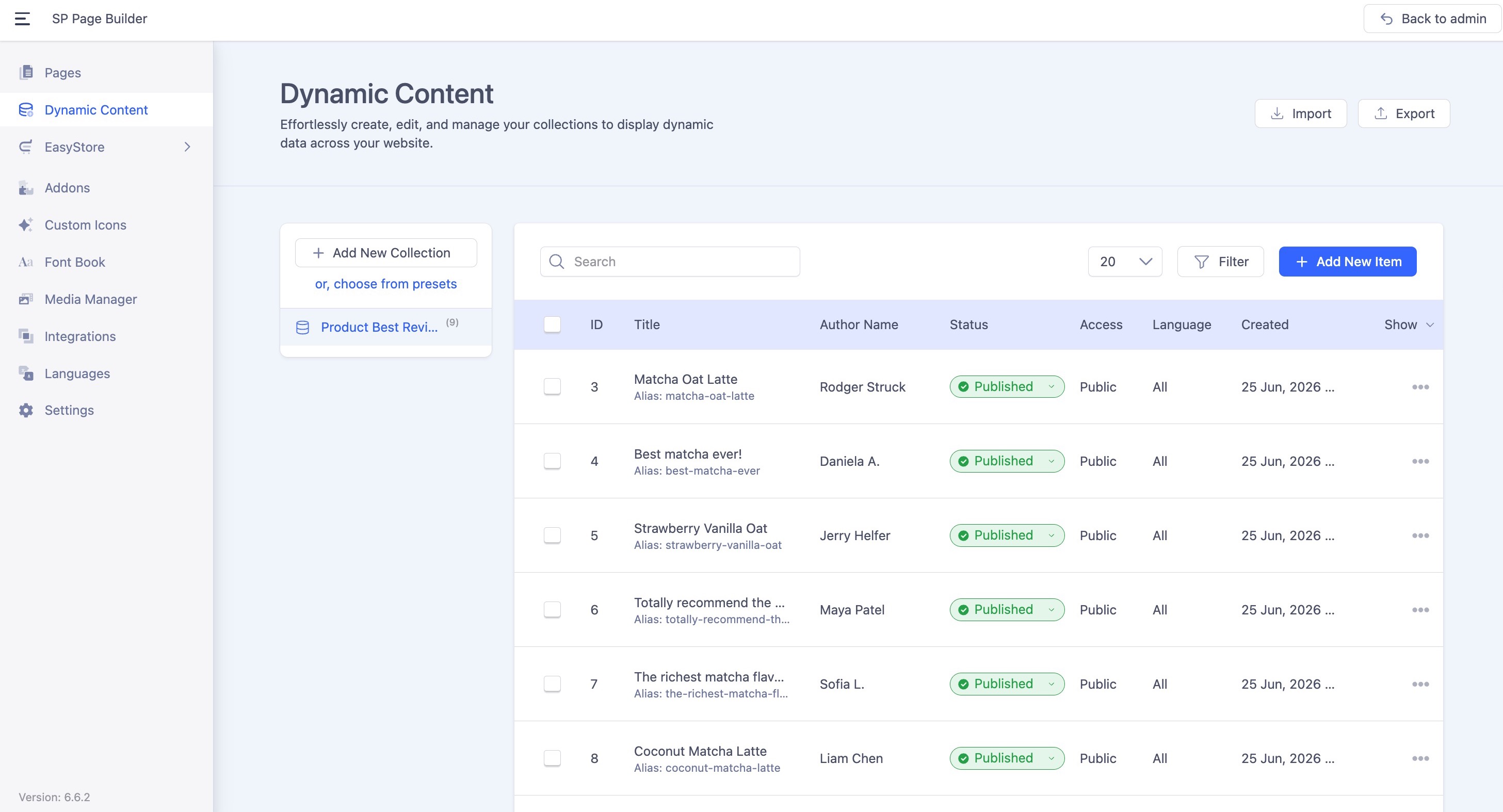 Learn more on setting up Dynamic Content here.
The Blog listing page is powered by SP Page Builder's Dynamic Content, which fetches native Joomla articles directly from your Joomla backend. To get started, navigate to your Joomla Articles and create or manage your blog content from there. To edit or customize the layout of the Blog listing page, go to Components > SP Page Builder Pro > Pages and select the Blog page.
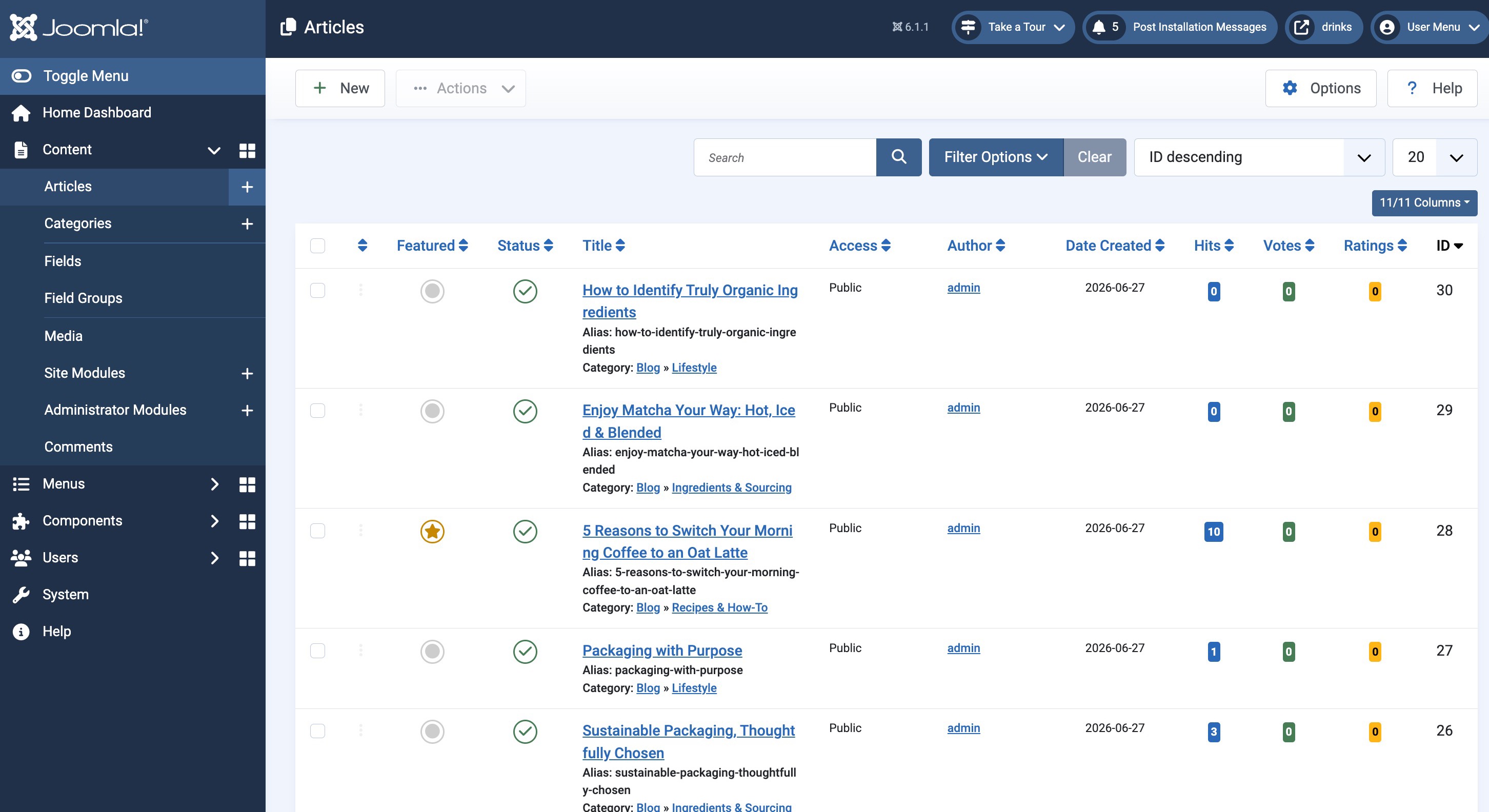
Learn more about Joomla Native Articles Integration in Dynamic Content.