

How To Adapt Template Pages To Non-fullwith Pages
TD
TOCHTERMANN DAMIEN
Hello,
I'm creating a website where the navigation will be left situated ( maybe floating), so i need to created " non-fullwidth" pages ... but some of you templates could be interesting . How can i do to use them ?
Thanks
3 Answers
Order by
Oldest

Ofi Khan
Accepted AnswerHello TOCHTERMANN DAMIEN
Please go to Template Options -> Layout and then you can set it full width or turn off full width. If you are talking about SP Page Builder page templates, then import the page and edit in the section settings for full width.
Best regards

Pavel
Accepted AnswerHi. It can be done via CSS in Helix Ultimate.
Here is base exemple layout prototype
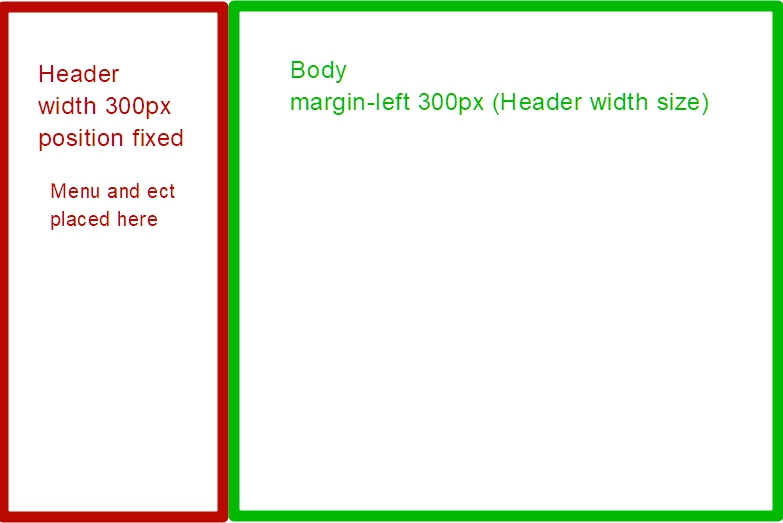
Or you can use Fixter template (as long as I remember there is left side menu). But I would recommend doing it through CSS in basic Helix Ultimate.