Category Blog Layout 2 Leading And 3 Row
Y
yo_ray
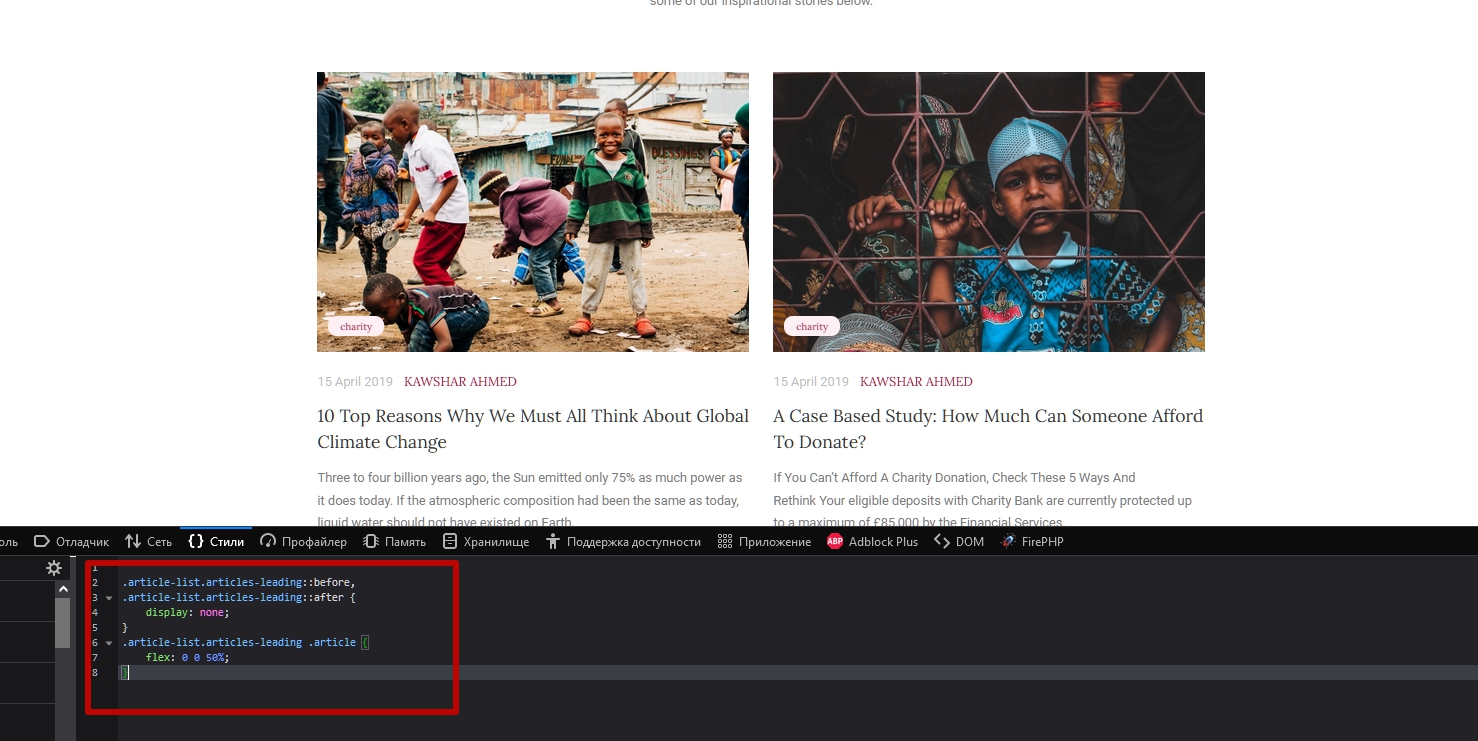
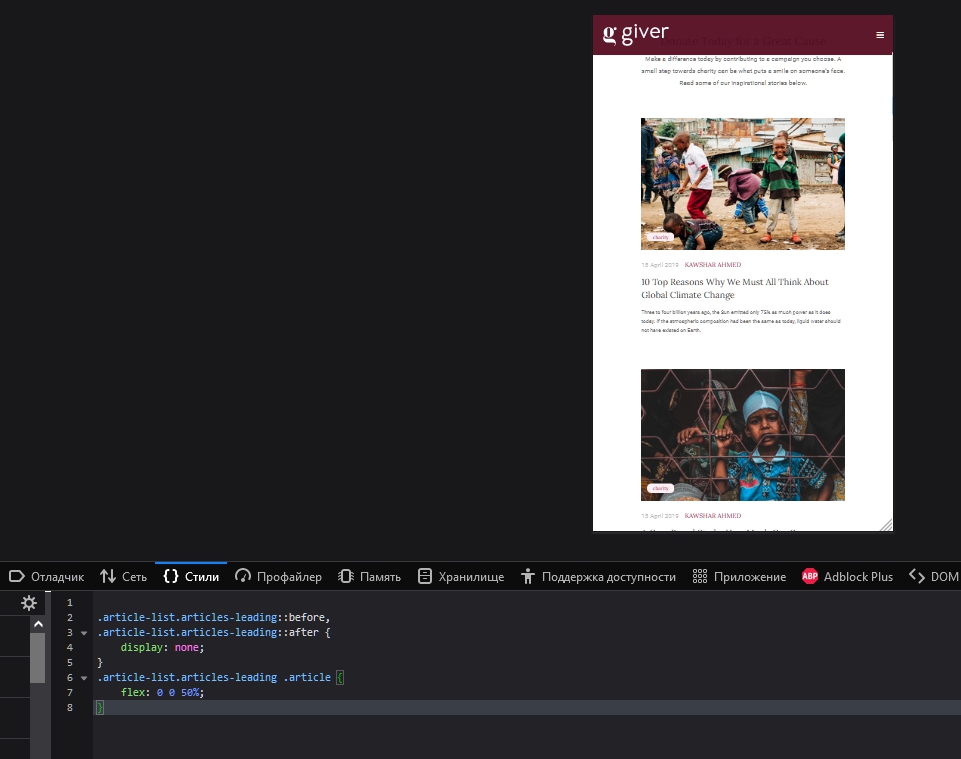
Hello I use Helix Ultimate 2 and want to make a category blog with two leading articles and 3 rows below. Similar to the Template Giver (Blog Layout). But i found an issue that is also on the Template Preview on your Joomshaper page. The two colums (Pictures, Text) of the leading articles are not similar sized in frontend but i have looked the image itself is equally. Is this a Helix or an Joomla issue? I want to make this layout for my page and put flex to the css article-list leading. This helped in a way but the same issue came up as it on your example page Template Giver. I put an Screenshot here. https://ibb.co/3BJdZ5t Maybe you have any help. Thanks
4 Answers
Order by
Oldest

Pavel
Accepted AnswerHi. It is wrong CSS code in a template having anachronism.
I think this code will help
.article-list.articles-leading::before,
.article-list.articles-leading::after {
    display: none;
}
.article-list.articles-leading .article {
    flex: 0 0 50%;
}
Y
yo_ray
Accepted AnswerIt didn't work. The leading posts are not next to each other on desktop and below each other on mobile (similar to the Giver Template Blog but without that issue on Joomshaper preview as seen on my screenshot).
Pavel
Accepted AnswerHi. Are sure that the code was located in the right place and cleaned the cache?
For me it works fine