

Menu Changed Position
KD
KOSTAS DIMITRAKAKIS
Hello Joomshaper
After the updates in one of our clients website that we use Decora template, we noticed that the menu changed its position in the Greek version of the website and some CSS seems different because the background colour of the template is black and now some rows appears white.
Can you help us fix that?
Website
https://www.indecor-tentes.gr/
4 Answers
Order by
Oldest

Ariba
Accepted AnswerHello
Thank you for your query.
Please check now.
On both Greek & English template the presets option was not selected - I have selected preset 1 for both templates.
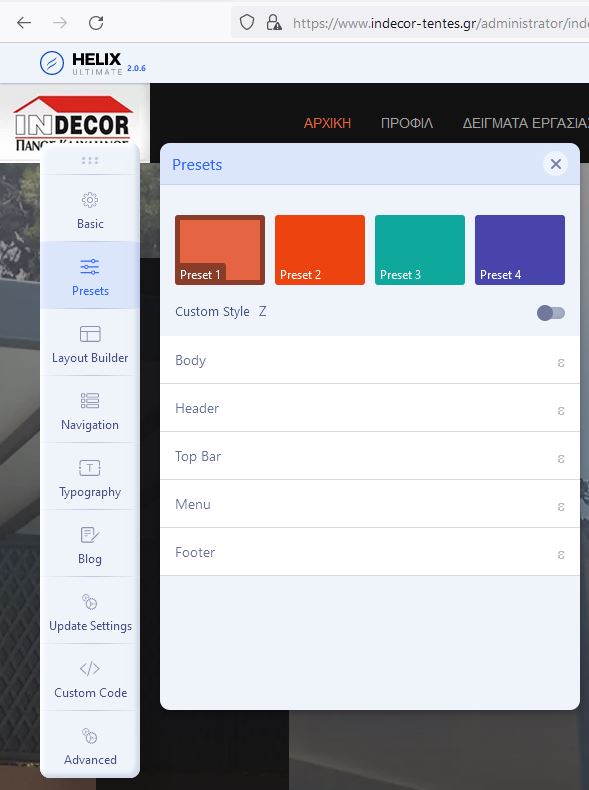
Hope this helps :)
KD
KOSTAS DIMITRAKAKIS
Accepted AnswerOk we solve the menu issue, that leaves the background issue with the website.