Plugin Content (tdocgmap)
A
Ante
Hi, is there any tip on how to show plugin content with sppb. I'm using tdocgmap plugin to show .kml route on google map. The plugin is working on default article, but when i try to use it with sppb it doesnt want to load. I tried raw html, joomla module and text addon. Nothing works. Any help would be appreciated.
And I'm also experiencing probelm with sppb text adding on backend. I add new row, then add new text addon, and after clicking on edit ... the text addon disappears. On the frontend side it's working. Any help?
Thx
4 Answers
Order by
Oldest

Paul Frankowski
Accepted AnswerHi Ante,
- Read tip #10 "How to use shortcodes..." : https://www.joomshaper.com/documentation/sp-page-builder/sp-page-builder-3/how-to-tips
- It will be fixed in SPPB 3.8.6 update, but if you edit modules right now, you have two options: wait for update or I can install you a temporary fix
A
Ante
Accepted AnswerThank you for tips Paul. I forgot to put "prepare content" in module options ... :/
For the second one, i'll wait until update.
Paul Frankowski
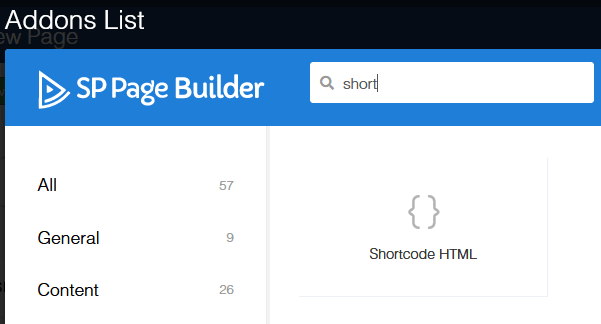
Accepted AnswerIn case of... I have also mine Shortcode addon, so you can use it instead of Custom Module.
Download, Unzip, and upload whole folder here: components\com_sppagebuilder\addons
Then you can use it, easy to find