

Equalheight Buttons
E
eierkopf
Hello, I have created several lines with 3 buttons (screen "schaltflächen"). These should appear the same height (screen "richtig") as in screenshot "falsch". How do I achieve this? Thank you.

4 Answers
Order by
Oldest
E
eierkopf
Accepted AnswerAddendum:
In Joomla 3 I realized this with a plug-in, which no longer works under Joomla 4: "System - Equalheights: Plugin for height adjustment of DOM objects with the help of Javascript, based on their CSS classes By Digital Disseny"


Paul Frankowski
Accepted AnswerHi,
- It not our plugin, so we cannot help!
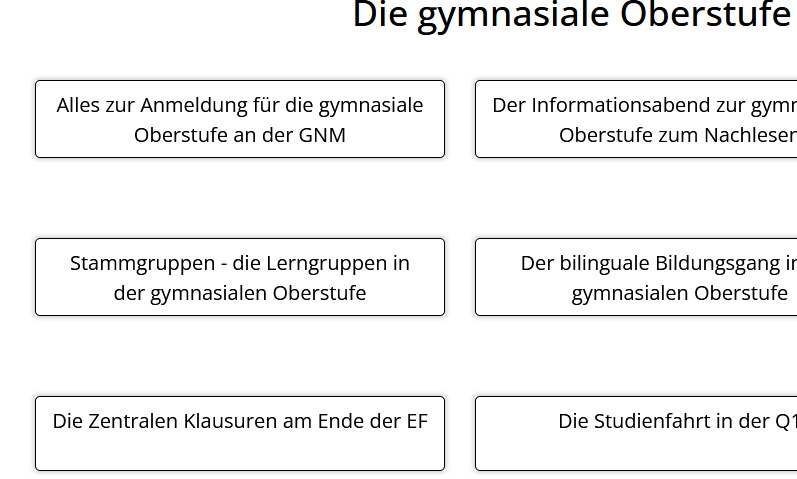
- Easier would be to use custom CSS to set min height value for all objects "buttons" where you used class. One line is needed! Without using extra plugin.
.equalhigh {min-height: 75px;}
I guess it couldn't be easier. Are you agree with me?
After using it.
Paul Frankowski
Accepted AnswerUnd here is premium version of CSS code with align-content property that you can use instead:
.equalhigh {
  min-height: 75px;
  align-content: center;
  display: grid; }
After using it:
