Hi,
I can't edit or save my pages for some reason. error says awdtest3.com refuse to connect
Hi,
I can't edit or save my pages for some reason. error says awdtest3.com refuse to connect
Hi Dina,
I only updated SP Page Builder Pro to last stable version and now seems to be working fine.
Evidence (Firefox)
and yes, changes are saved at least I tested on "Test 123" page.
Hi, I use Chrome and it is still not working. Says it cannot connect
Try from two different browsers: Firefox, Safari, Opera, Brave, Egde etc.
It may be temporay browser issue, nothing more.
I have tried in firefox as well and it will not open or save. sorry
i'm also getting unknown joomla, unknown extensions. i don't know what is going on. opened ticket with joomla.org but no respone as yet
I recorded video from your website (hidden from public, sppb works). About Joomla itself - yes Joomla Community.
I cannot save pages with SP Pagebuilder Pro 4.03. Tried Chorme and Edge. Disabled ModSec. Nothing works.
@Allen
@Paul,
Saving process hangs and never ends. I just installed Firefox and tried again. Same thing.
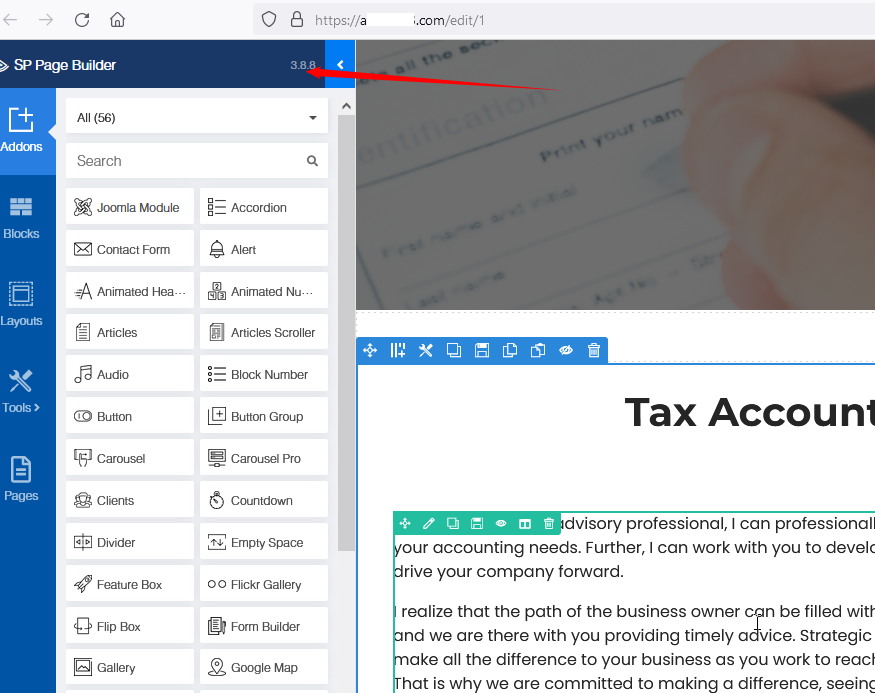
I downgraded back to 3.8.8 until 4.x gets properly sorted.
Bump.
Have you solved this? I just updated to sp pb 4 and i canot save too
Hi,
same problem...
Joomla 4.1.5
Page Builder Pro 4.0.3 (updated vom 3.8.x)
Update:
apache2 - error.log:
[Mon Aug 22 08:35:28.955532 2022] [authz_core:error] [pid xxx] [client xxx] AH01630: client denied by server configuration: /xxx/index.php, referer: http://xxx/de/edit/1
after changing apache2.conf
<Directory /xxx/html>
                AllowOverride FileInfo AuthConfig Limit Indexes Options
                Options MultiViews Indexes SymLinksIfOwnerMatch IncludesNoExec
                ### change this
                                # Require method GET POST OPTIONS
                ### to
                                Order allow,deny
                Allow from all
                Require all granted
 </Directory>
maybe it helps...
@All. Sp Page Builder 3.8 will be supported for next two (2) years, so you don't have to use SPPB 4.0.x today if something is not working well on your server. This is still fresh version. This same as it was with Joomla 3.0 and Joomla 4.0.x and current Joomla 4.2.0. Do you remember how long it took to make it "stable"? Sometimes something is working fine on 90% sites and on left 10% is not.... not easy to find out why. It's a process. I am not writing this to justify us, just to remind of what the reality is.
@David in your case, I guess you have to talk with Hosting support why SPPB is locked by server configuration. Firewall?
@Paul I updated because i need to use custom icons. How to revert back? just uninstal and install 3.8?
Today you can update to SPPB 3.8.9