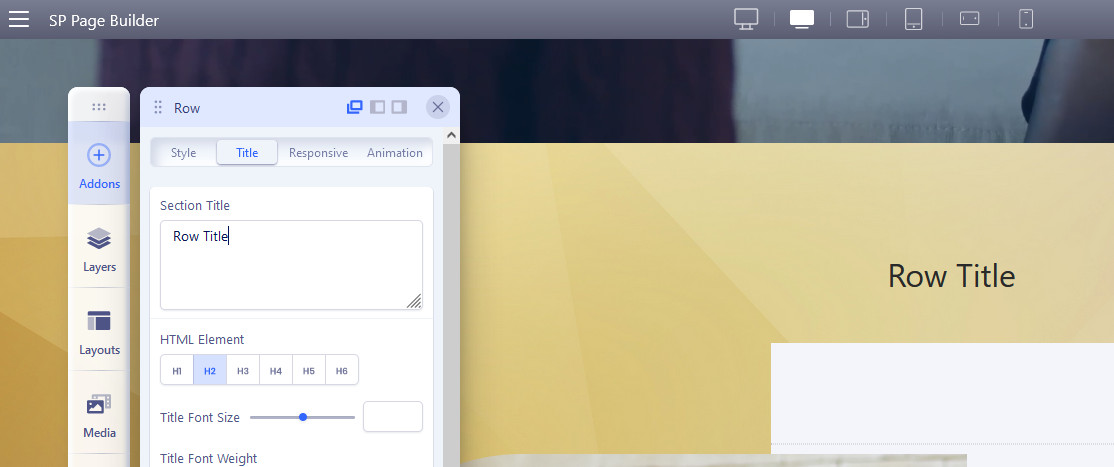
I have reported so many bugs that none have been fixed, that I hesitated to report this. But persistent as myself here I am reporting this bug.
How to reproduce the bug?
- Add a row (section) and add the content you want
- Add an image background, save.
- Visit the public part (not editor) and you will see the image background working correctly
- Add a title to the section in row options, and save.
- Visit the public part again and you will see that the background disappears.
And why doesn't the background image exist? When you see the source code there is a PHP error inside the css code and this is generated because the font-size is not added to the title and when it is not added the fields are not added in the JSON of the database. and your code looks for those values although it does not exist, I have already reported that error that also slows down the response of the page and is explained with a video here. https://www.joomshaper.com/forum/question/17529
Please solution.