Page builder isn't opening page after update - Forum | JoomShaper
Awaiting an answer SP Page Builder

Page builder isn't opening page after update

Asked by Vishaal 3 years ago Last activity 3 years ago

Hi there,

After updating to the latest version of Page Builder, the plugin isn't opening 2 of my pages anymore. Once i want to open/edit them it is only showing a blank white page https://ibb.co/ZVx2JgM.

Can anyone assist with this issue?

Regards,

Vishaal

6 replies

Paul Frankowski Senior Staff

Hi Vishaal,

  1. Do you have full website backup? If no, ask hosting support for it. I mean a day before of installing SPPB 4.0.x
  2. Please switch template to Joomla default one (for 2min) and check editor again.
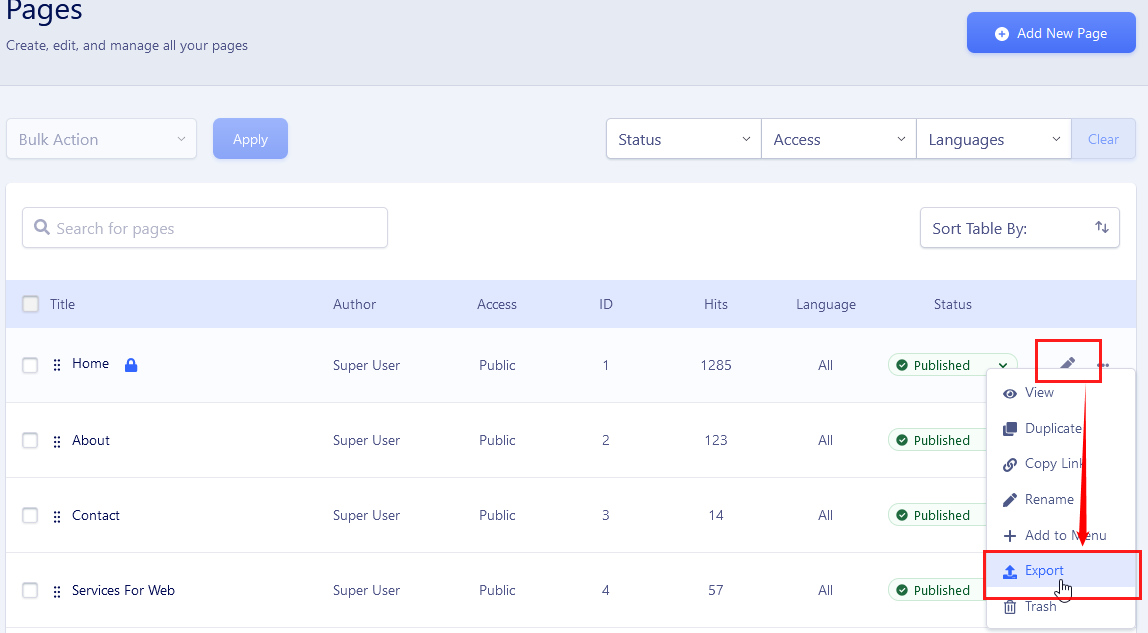
  3. Export one of those "broken" pages, zip it and share link to it here (in Hidden Content)

foto_9339_2022.jpg

Vishaal Asked this

Hi Paul,

  1. Yes i have luckely.
  2. I did, then the page is viewing normally, so it should be a template issue I think?
  3. See hidden content.

Regards,

Vishaal

Paul Frankowski Senior Staff

This file will not help me.


Set Floox at it was default, and use FTP and rename that folder:
templates\shaper_floox\sppagebuilder\addons

TEST Editor again, probably all will be OK.

probably one of those addons inside make problems, and is not ready for SPPB 4.0x.
If yes, as 2nd step,
You can make simple test. Rename "addons" to orginal name,

Backup that folder somewhere, ten delete addon by addon folder inside and refresh editor and check if still works.

Vishaal Asked this

Thanks Paul, the problem lays for one page in the 'feature' folder inside the addons. Once I remove that folder the page is showing correctly again. But im not sure what this addon is doing for the website, not a plugin I installed. Any idea?

For the other page that isn't working this solution is not working. Once I rename the folder addons, the page is still showing blank. After that, I tried removing all the addons one by one, but still a blank page as a result.

Will upload that specific export of the page in the hidden content for you.

Paul Frankowski Senior Staff
3 years ago · edited

Maybe keeping old SPPB 3.8.x was better idea...
not all templates are fully ready for SPPB 4.0.x.

If you don't want to waste time ... yes, recover site from backup.


Thanks for PAGE file, when I imported page, and I got blank page, even on Helix Ultimate ..no hope.

Vishaal Asked this

Thanks Paul for your help, i will rollback to 3.8..

Log in to reply.