Awaiting an answer Templates

Layout - old image showing for a second after opening page

Asked by Grzegorz Kordowski 3 years ago Last activity 3 years ago

Hello,

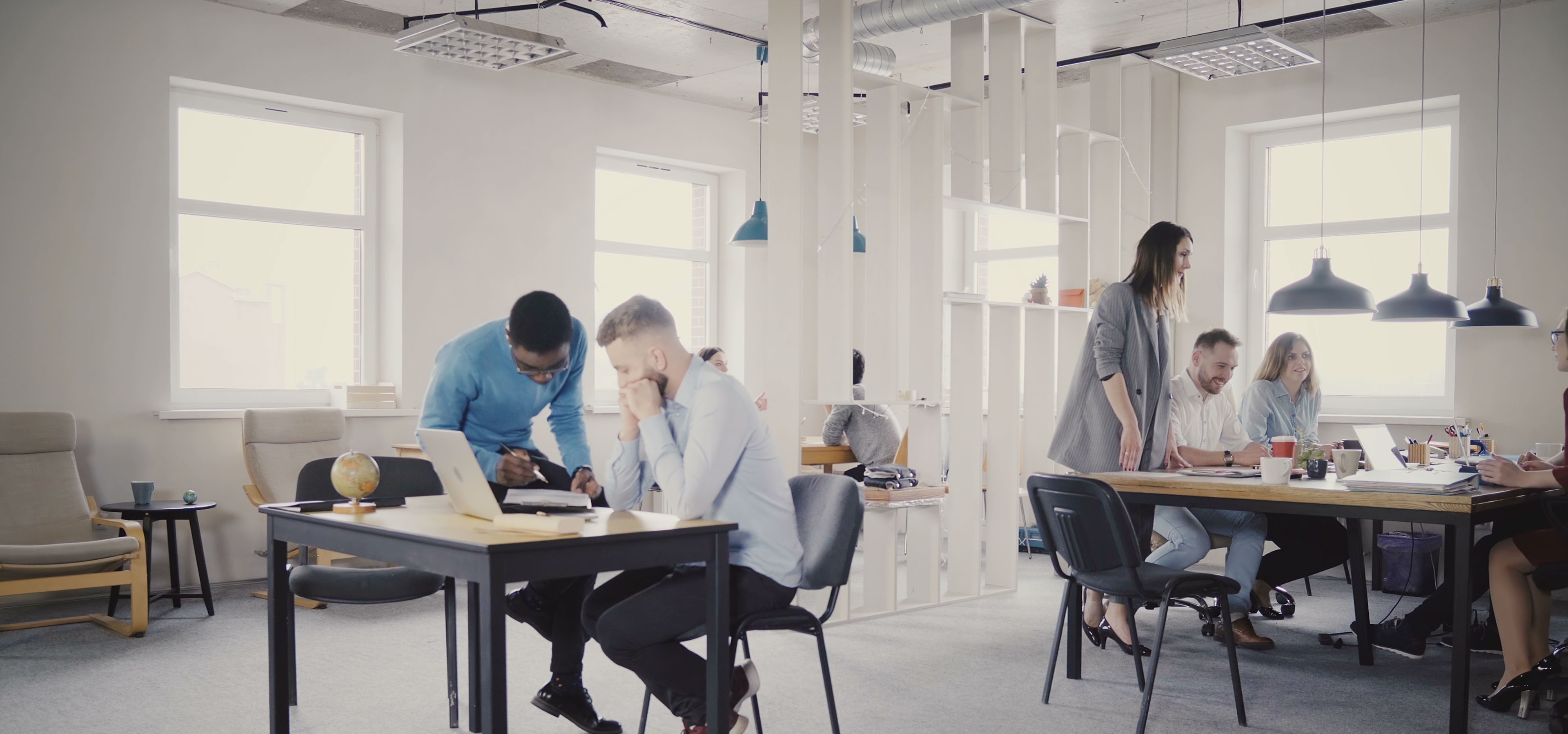
When I'm opening the page - for the fraction of the second there is the original picture presented: https://sppagebuilder.com/images/2020/coworking-space/hero-bg__3840x1798.jpg

I can see it in the page source as well.

<video class="section-bg-video" autoplay muted playsinline looploop poster="/https://sppagebuilder.com/images/2020/coworking-space/hero-bg__3840x1798.jpg"><source src="/media/videos/2023/01/08/logo---back-to-the-future.mp4" type="video/mp4">

Any way to remove that bug from the editor? Or I need to search the code?

Another question - is there any way to force the system to use the same font everywhere - by default? I would like to use DM Sans - but in some places (titles/Addons) it is not possible to change it.

Thank you,
GK

4 replies

Paul Frankowski Senior Staff
3 years ago · edited

Czesc Grzegorz,

Ad 1) Follow my steps

  • Go to Row Options > Style > Image - and remove image that was set there, or use blank image 1x1.png instead
  • Then go to SPPB Options > Production Mode > Click Purche Cache

ad 2) Of course. Set common font for all HTML tags: body, h1, h2, h3, h4, h5, li, a, span, p, i.

And remove other fonts that were used by you for Addons. Check addon by addon, and disable not needed font family.

Grzegorz Kordowski Asked this

Hi Paul,

Thank you - point 1 sorted :)
Re 2 - can I ask for more deatils, where should I update it (I'm sorry if this is a silly questions).

Thank you,
GK

Paul Frankowski Senior Staff
3 years ago · edited

If you are not advanced Joomla user... better check addon by addon, font-family settings. Then check Template Options> Typography. It will take few minutes longer, but it's 100% safe.

Grzegorz Kordowski Asked this

Thank you Paul. I will try.

Log in to reply.