Hi Team,
see https://www.alpenverein-aibling.de/ on mobile view. the offcanvas menu is not there anymore???
Hi Team,
see https://www.alpenverein-aibling.de/ on mobile view. the offcanvas menu is not there anymore???
Hey Martin,
I hope you're OK. On your site nothing disappears unless the logo mouse eats it ;p
You have change Height of Header for mobile view. Now you have 50px and should be around 70px.
First disable CSS compression, then do that (look at 2 red marks!)
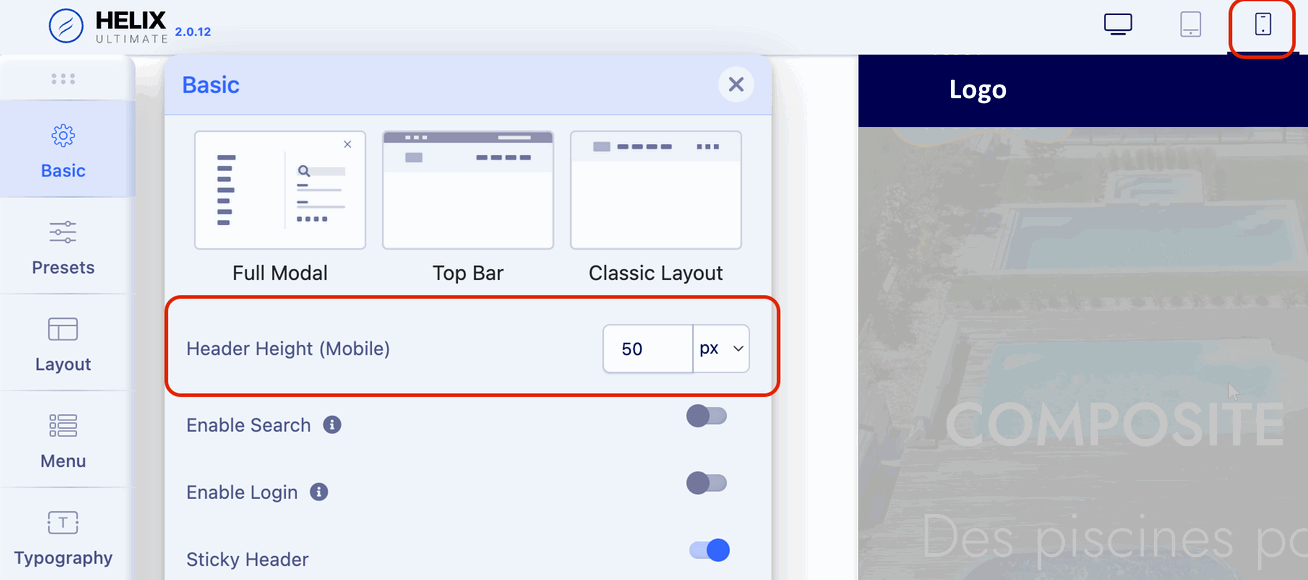
Then Recompile SCSS > CSS from Advanced tab.
Hi Martin,
easy to fix in 60sec. I will record a video to show you how to etc.
I found post now regarding this topic https://www.joomshaper.com/forum/question/22910
I changed preset offcanvas menu color ad now it seems to work or was that you????
It seems it was because of an helix update. Should this create a non visible menu on mobile view????
Done. Yes, it was me (probably).
Video >> https://youtu.be/OFgIgCB8e1Q
In next update we will try to solve it without that action in case of...
Hello Paul
I have the same problem with the Offcanvas menu on the mobile that it is not displayed.
I noticed this after an update to joomla 4.2.9.
I have the latest SP Pagebuilder version and Helixultimate. I have also tried what you show in the video but even then my offcanvas is not displayed on the mobile. Could you help me with this?
Hello Paul
I have the same problem with the Offcanvas menu on the mobile that it is not displayed.
I noticed this after an update to joomla 4.2.9.
I have the latest SP Pagebuilder version and Helixultimate. I have also tried what you show in the video but even then my offcanvas is not displayed on the mobile. Could you help me with this?
@miacs
What I see now
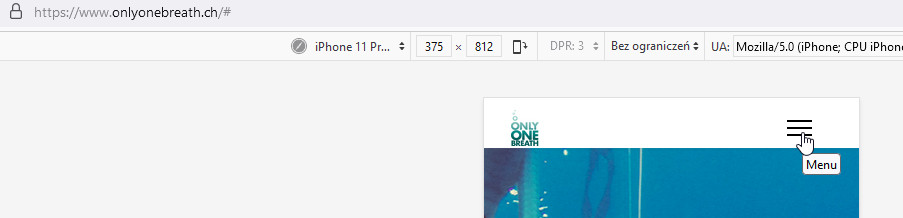
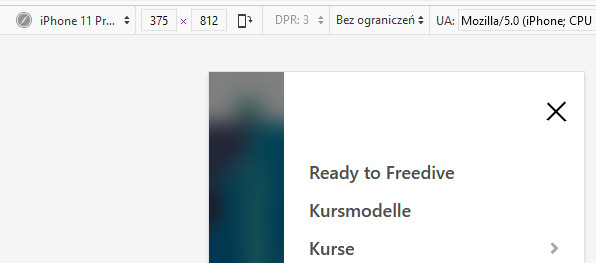
I tested on two browsers (firefox/chrome) and worked fine.
Please try again, from different browser maybe or clear browser cache.
Thanks Paul i clear the browser cache on my mobile phone and now its work fine.
Again thanks for your help.
Great job
Hey Paul, but it is not only that the mobile menu disappaers but also the height of the header on mobile view changed. Logo does not fit any more. see spielratz.org
Thnx a lot! Good 2 know I can do it via template options!
Hey Paul,
I am really upset that it is me now that I have to change alle the websites from my customers that use helix ultimate and your method described above does not work in each case.
Martin.
so I cannot help right now.
Maybe install helix ultimate 2.0.11 and wait for 2.0.13 update, OKAY?
you mean I can downgrade to 2.0.11 ?
Helix ultimate 2.0.11 is not onthe joomshaper website any more:-(
But you should have it in DOWNLOAD folder that use your browser.
You don't keep extensions and templates anywhere? I can't believe it.
For all those who use DELETE file & Empty trash too often >> https://ufile.io/ghqw5mcj
Yes u ar rigth had the Helix ultimate 2.0.11 in my downloads folder.
