I would like the text to wrap around the entire post image - Forum | JoomShaper
Staff replied SP Page Builder

I would like the text to wrap around the entire post image

Asked by Simone Glanemann 3 years ago Last activity 3 years ago

Joomla version 4.3.3 php version PHP 8.0.x Link (URL) to the page with the problem https://www.orpingtons.de/blog/gesundheit/gartenei-vs-supermarktei

Hello everyone, I would like the text to wrap around the entire post image.

Here is the sample post https://www.orpingtons.de/blog/gesundheit/gartenei-vs-supermarktei I have already made the following entry in the custom.css code .article-details .article-full-image { position: relative; /display:none;/ margin-bottom: 20px; max width: 45%; float: left;

I found that on the web. Unfortunately without success.

I've already updated to the latest version of SP PageBuilder. Unfortunately without success. Now I'm €56 poorer and I still have the problem. That's not nice.

What or where can I try something else?

greetings and thanks Manfred

3 replies

Paul Frankowski Senior Staff
3 years ago · edited

Hi Simone / Manfred,

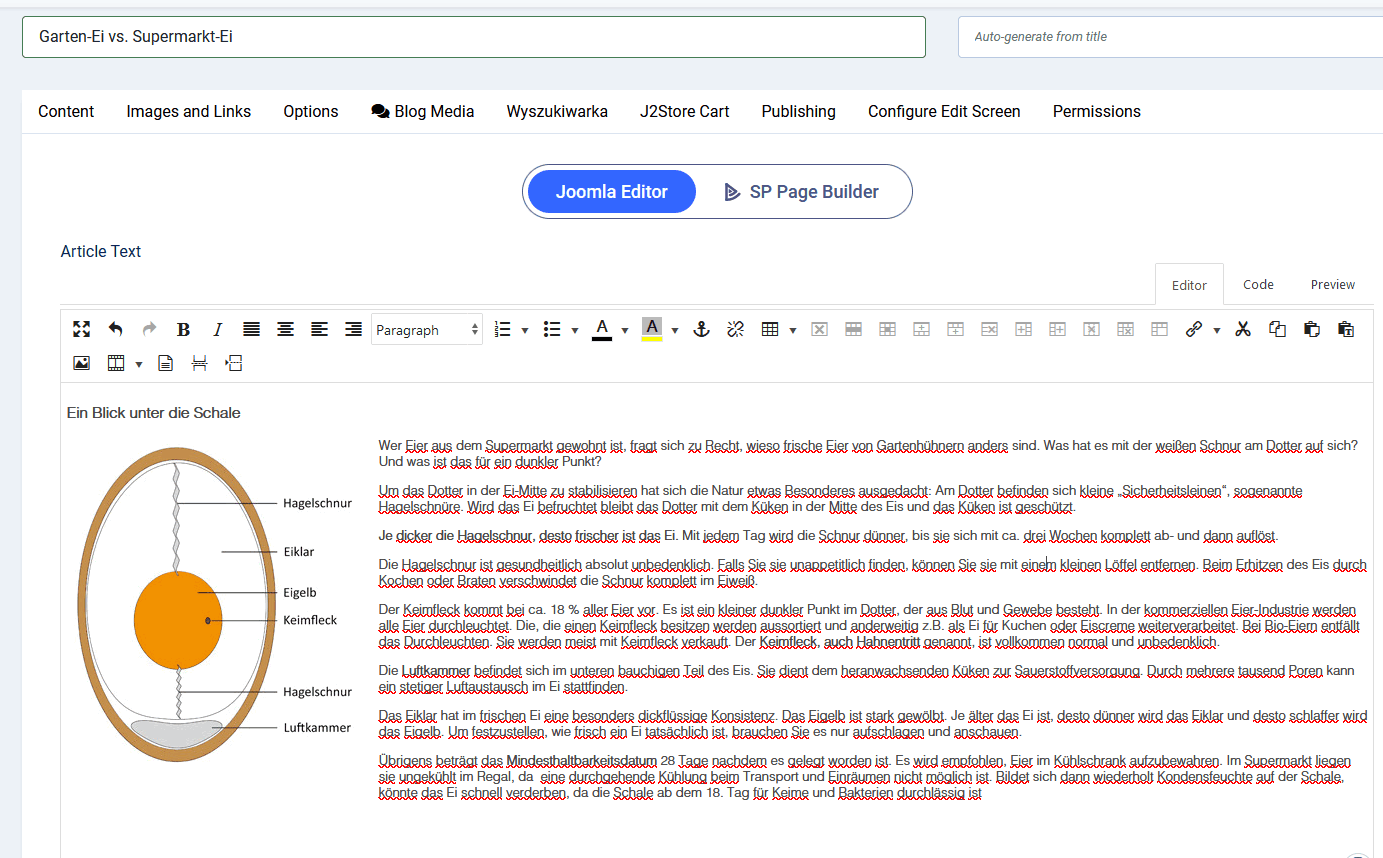
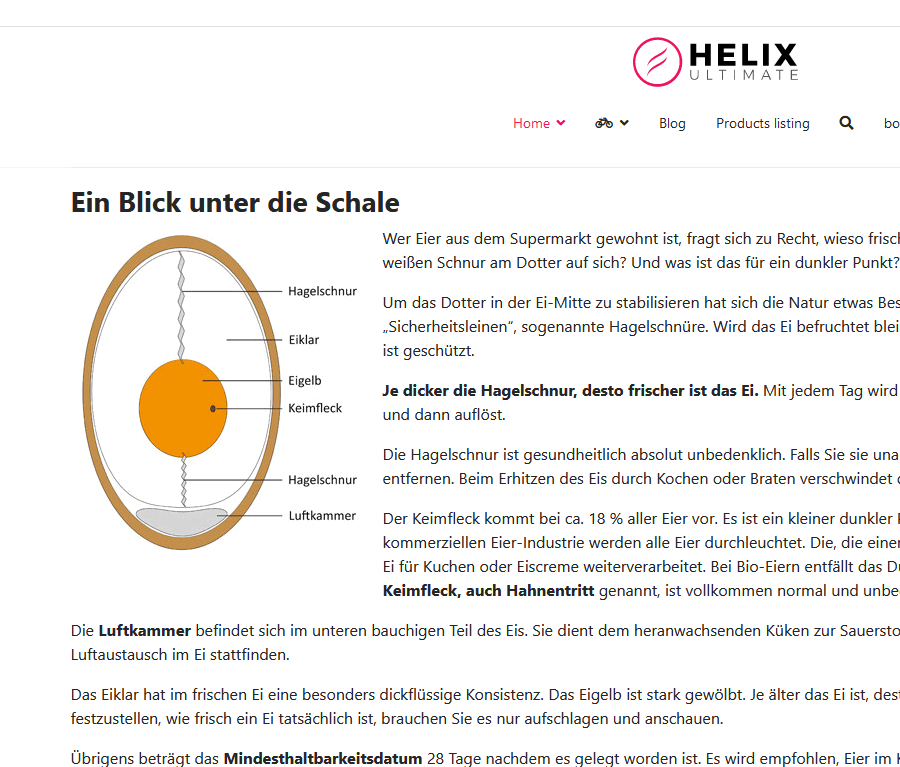
On your place I would use Image inside text! not added as article image (Blog Options) - then it would be much easier to manage what you need just by using just Text editor toolbar (JCE or TinyMCE). Look below added in classic "Joomla Editor" mode.

info_1318_2023.gif

and article preview
info_1319_2023.gif


Now I'm poorer and I still have the problem.

It may sound cruel, but experience and knowledge costs time and/or money. Moreover, sometimes the simplest solutions are the most effective ;)

Simone Glanemann Asked this

Hi Paul,
So what's the point of buying SP PageBuilder and then using the normal Joomla editor again?

It must be possible to prevent sppagebuilder.css from overwriting everything.

Paul Frankowski Senior Staff
  1. You can do that using Text addon as well. I made just a quick example.
  2. You can disable SPPB styles from SPPB Options, if this somehow will help you.
Log in to reply.