Hi there
I have installed the template Savor via Quickstart. Everything went well and I could work with it. But one day later I got an error message:
ERROR 0. UNDEFINED VARIABLE $ELEMENT-COLOR-1: TEMPLATES/SAVOR/SCSS/THEME.SCSS ON LINE 3241, AT COLUMN 13 CALL STACK: #0 IMPORT TEMPLATES/SAVOR/SCSS/THEME.SCSS TEMPLATES/SAVOR/SCSS/MASTER.SCSS ON LINE 8 #1 IMPORT TEMPLATES/SAVOR/SCSS/MASTER.SCSS (UNKNOWN FILE) ON LINE 1
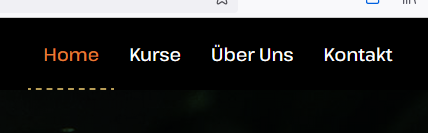
I then turned off the SCSS to CSS option, but this caused several errors. I can no longer change the background color of the header. Also the menu items can't be changed in color anymore.
Domi