Template yoga - Forum | JoomShaper
Solved SP Page Builder

Template yoga

Asked by seb 3 years ago Last activity 3 years ago

Hello,

Do you have a video that explains how to make modifications to the Yoga template using SP Page Builder? I'm having trouble understanding how to change the colors of the top menu and remove the foreground color. My background image isn't visible, and I'd also like to change the logo, etc.

Thank you.

Accepted answer

Marked as the solution
Paul Frankowski Senior Staff
  1. BG gradient color on home page removed
  2. error warning phrase disabled
  3. I added dark blue bg color for header aafter scroll down
seb Asked this

Thank you very much

5 more replies

Paul Frankowski Senior Staff
3 years ago · edited

Hi Sebastien,

As you know SP Page Builder is component, so it works ONLY inside component area, the whole rest is from template. So you cannot manage template design from SPPB.

If you want to change header area where to logo and menu is > go to Templates Styles > Yoga > Template Options > Basic > Logo

there you can change logo and some basic settings >> https://www.joomshaper.com/documentation/helix-framework/helix3/basic-settings

Paul Frankowski Senior Staff
3 years ago · edited

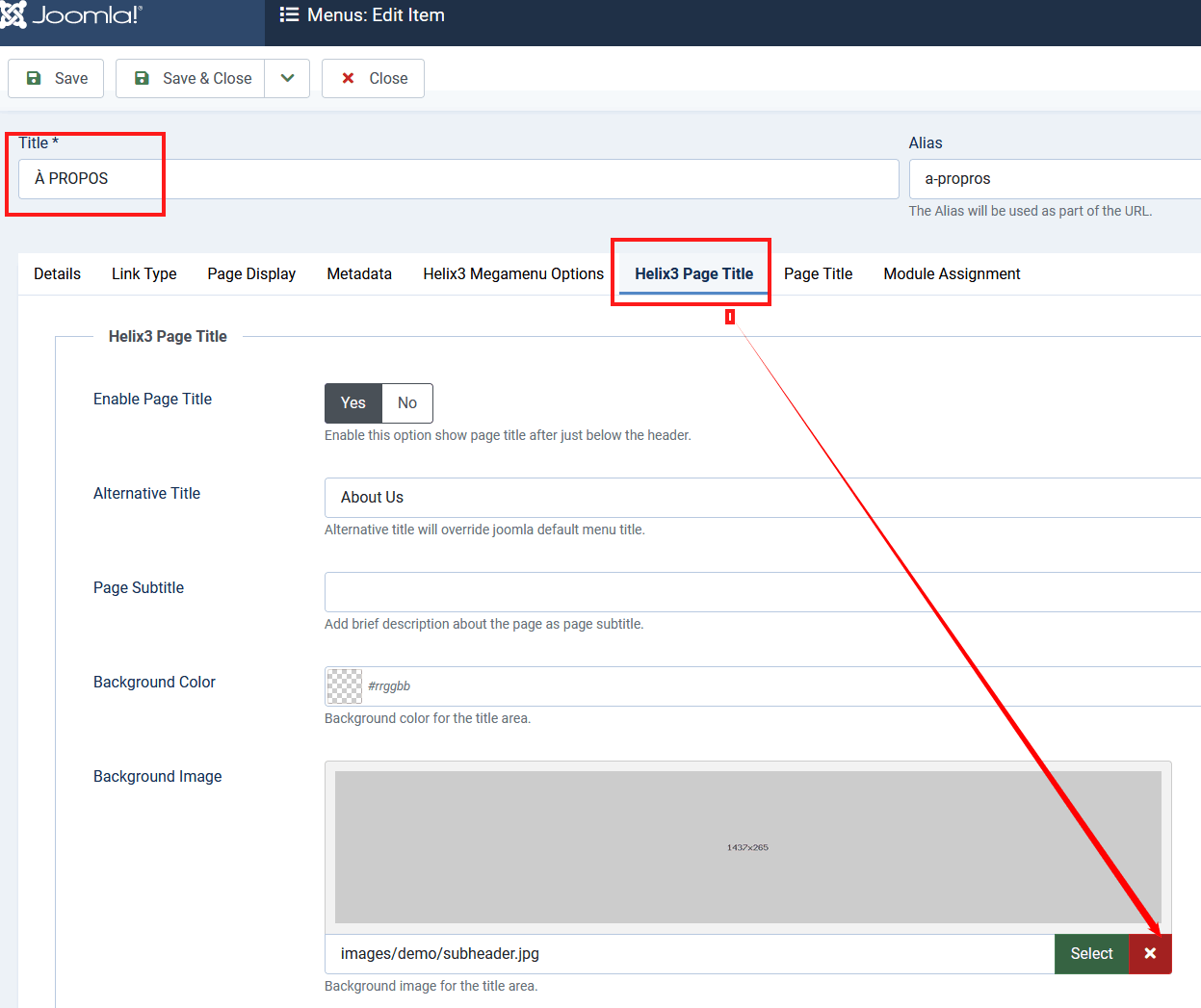
And if we talk about Header background image it's from menu items settings, you can remove from here

step1.gif

I did [x] for that subpage, but please remove from others.

To change gradient color from header to solid blue color use Custom CSS.
info_1428_2023.gif

.sp-page-title::after {
  -webkit-background-image: none;
  background-image: none;
  background: #007BFF;
}

Add it here: Templates: Styles (Site) > Yoga > Custom Code > Custom CSS

Paul Frankowski Senior Staff
3 years ago · edited

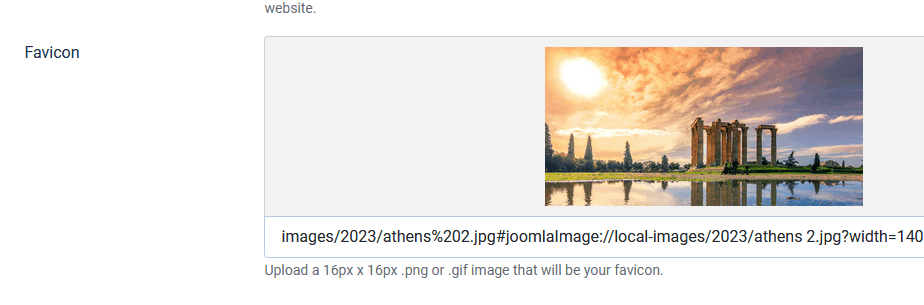
Sorry, but this is not a correct Favicon

info_1429_2023.gif

Favicon is icon used in browser tab, that small one 16x16 px

info_1430_2023.gif

seb Asked this

thank you but I want to remove the color on the homepage look at my background image is it behind the color page of the template or is it changing? do you have lessons in french?

seb Asked this

look now i have an error phrase appearing on my site at the top. then in helix layout also

seb Asked this

still an error message on my site why? I didn't change anything though

 array_replace(): Argument #1 ($array) must be of type array, string given
Log in to reply.