Hello, how can I set the social media share button settings?
https://prnt.sc/c0EadRJV97EH
Staff replied
Templates
social media sharing settings
3 replies

Paul Frankowski Senior Staff
3 years ago
· edited
Hi Baha,
In general, Template Options > Blog > Details > Social Share
But on some older templates you can only ON/OFF them.
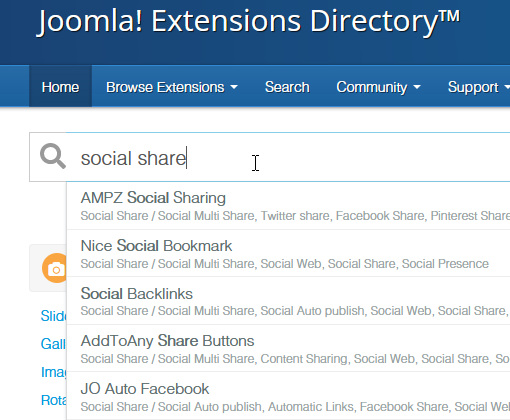
If you need more social iconsyou have to turn it off, and then on Joomla Extensions Directory (JED) find Social Share plugin and install & set it.
This is easier than code customization.
APD
which one do you recommend? does joomshaper have a social share plugin that you can provdide?
Paul Frankowski Senior Staff
2 years ago
· edited
We don't have such a plugin, but on JED you still can find extensions for J!4 and J!5. I don't want to recommend any becuase I don't use them regulary, just check reviews. NOtice! Not all of them use new (X) twitter icon!
Log in to reply.