

SP Page Builder Pro Items Add-on
A
AJCS
Hello I'm testing sp page builder pro's article plugin. In pc format, it shows two articles, one next to the other as I have it configured. But I want it to do the same in mobile format and it always shows a single article. I can't get it to display two articles next to each other. In the options of the addons in mobile I have put col-xs-6. I only get it to show the smallest items, but always one below the other. And now they have room to hang out side by side. I am doing something wrong? What should I do? The url is not public. Greetings
4 Answers
Order by
Oldest

Paul Frankowski
Accepted AnswerHi, 1st step: Check Column options.
You have problem with Column width. You should have 12 (col-xs-12 and col-ms-12) for mobile view not 6 as you have now.
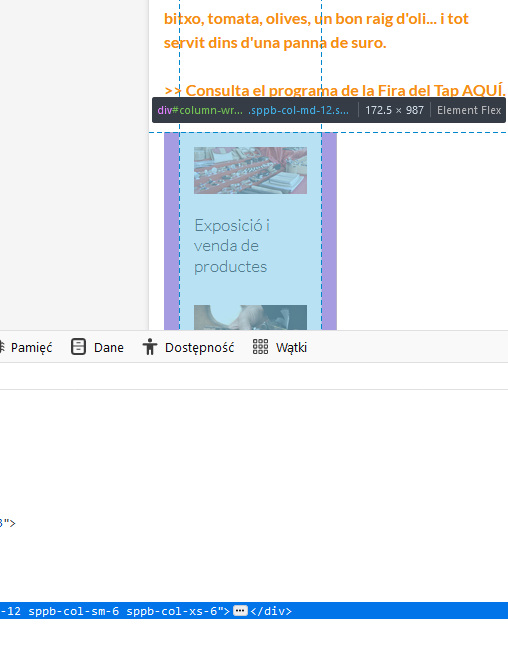
2nd step: Use following custom CSS:
@media (max-width: 580px) {
.sppb-addon-articles > .sppb-col-sm-6  {
    -ms-flex: 0 0 50%;
    flex: 0 0 50%;
    max-width: 50%;}
    }
Ariba
Accepted AnswerHello
Thank you for your query. Kindly allow me some time, i will get back to you soon.
A
AJCS
Accepted AnswerIf I put 12 (col-xs-12 and col-ms-12) I get a single image, and I wanted to see two. I will provide this code in the component, although at the moment it does not work for me. But I will test it further. I will keep you informed. Thanks