

SP Page Builder IPAD Layout Option Doesn't Work
R
Rupert
I'm using latest version of SP Page Builder, Joomla and Firefox.
When I change the payout of the page in the ipad view (i.e. not phone / desktop) , for example minimum height or font size nothhing changes. It works in the phone and desktop layout but nothing happens in the ipad layout! HELP!!!!
25 Answers
Order by
Oldest

Toufiq
Accepted AnswerHi there,
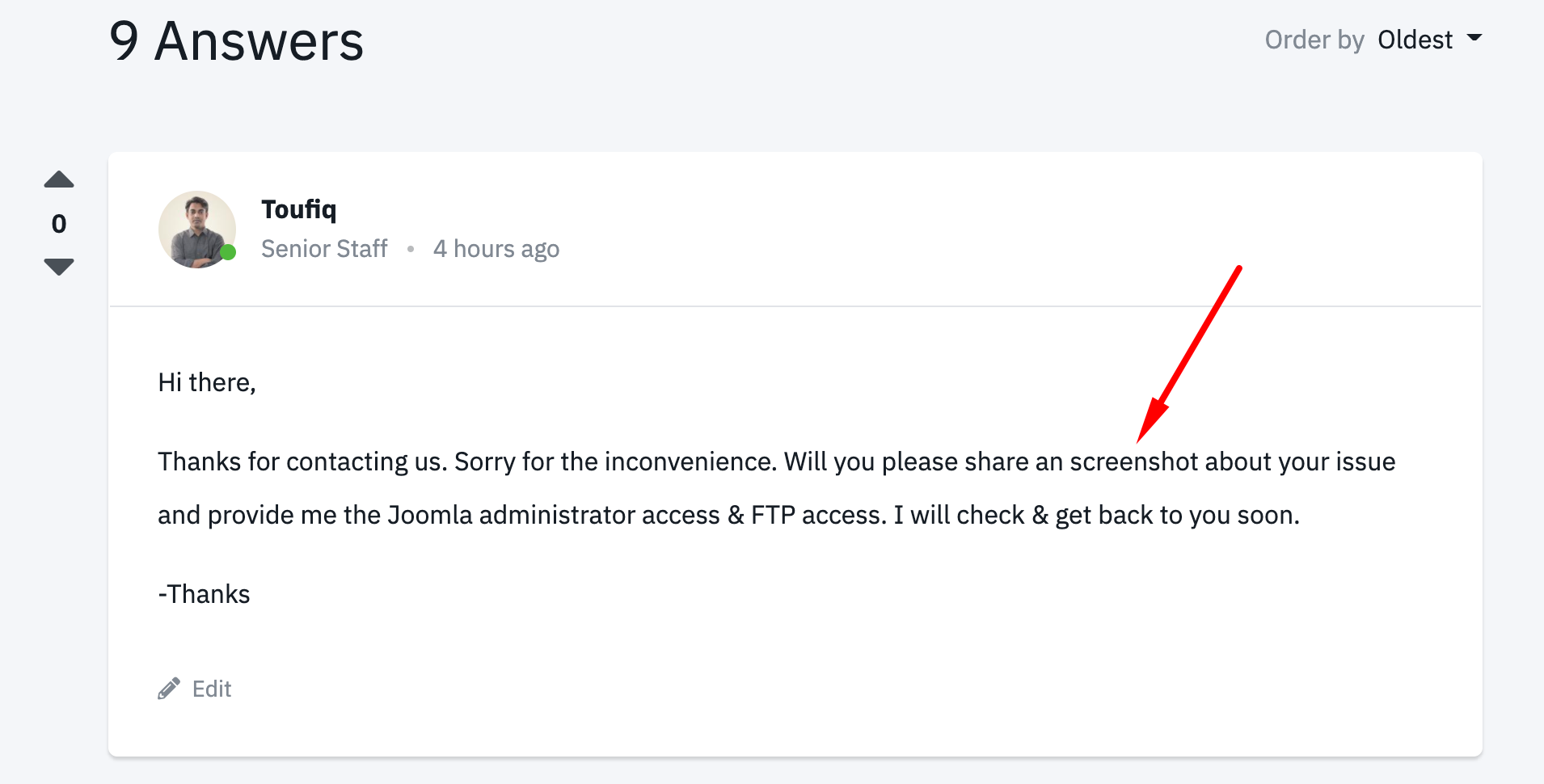
Thanks for contacting us. Sorry for the inconvenience. Will you please share an screenshot about your issue and provide me the Joomla administrator access & FTP access. I will check & get back to you soon.
-Thanks
R
Rupert
Accepted AnswerAh it seems to work in Safari on mac but not Firefox on Windows 10!
How can I send you my admin details.
Toufiq
Accepted Answer
R
Rupert
Accepted AnswerAdded details in the hidden section.
Four issues :
- try the iPad layout using Windows 10, you cannot change the height, font etc
- why is there a dark grey line at the top of the page?
- how can you change the entire page background colour?
- look at the phone layout in page builder it looks fine but on an iPhone X the large bowl at the top is off the screen, the first little bowl doesn't even show and the donate buttonis in the middleof the copyright stuff.
Toufiq
Accepted Answer
R
Rupert
Accepted AnswerAlso this page "Nimbo - Disco - Soup And Noodles" looks fine in page builder for all layouts. But look at it on an iphone X and the layout is bad - lots of things overlaying each other and the main image at top is also off to one side!
Toufiq
Accepted AnswerAre you kidding with me? Did you check my last reply? Your administrator login access does not work.
R
Rupert
Accepted AnswerOne of the issues is SCROLLING the page on iPhone so cannot send a picture of me scrolling!
How can I share a screenshot here? I have the image.
Toufiq
Accepted AnswerPlease check this page on the small device and let me know.
http://www.boiledsweets.com/index.php/music/nimbo/discography/soup-and-noodles
R
Rupert
Accepted AnswerHi, nothing is overlaid now which is good but the main image at the top is still off centre to the right.
R
Rupert
Accepted AnswerHi, I'm rebuilding the bouillon page from scratch as it's impossibe to fix. see "bouillon" - seems to be working so far!
Toufiq
Accepted AnswerNo problem found my end.
R
Rupert
Accepted AnswerHi,
I've rebuilt the three pages that were not working from scratch and OK now apart from one issue. If you could login and take a look at "bouillon!" page. In the desktop/phone view the text called "release info" near the top, the content font size and content line height doesn't work.
Could you pls check and let me know how to fix as think this might be a bug. Thank you!
Toufiq
Accepted AnswerCan you share a screenshot about the problemtic area? Cause, there is no release info text found. Thanks
http://www.boiledsweets.com/index.php/music/nimbo/discography/bouillon
R
Rupert
Accepted AnswerFinding it REALLY hard to add a screenshot here!!!
But it's this text "release date : some point in 2021, some samples below - available for pre-order in the shop"
If you log in to my site using the details provided, switch to the ipad view and the text is overlaid as the content line height doesn't work for ipad, it's fine for phone/desktop.
R
Rupert
Accepted AnswerAh again think it's a Windows 10 Firefox issue as seems to work in Safari on Mac
Toufiq
Accepted Answer