

Pricing Table Hover

Robert
Hi,
I am trying to figure out how to modify the pop-up color when hovering over a pricing table item. I find no ability to change this behavior/color/shape of this element within its settings. One of the main things I would like to do is disable the hover function while viewing on a mobile device and modify the colors, margins, shapes, etc., while viewing on a desktop. Currently, the pricing table hover color is white with rounded corners and large margins.
Regards!
10 Answers
Order by
Oldest

Toufiq
Accepted AnswerTemplate-specific addon means. We did override the addon for a specific design purpose.
Here is the custom css code
.sppb-addon-pricing-table .sppb-pricing-box .sppb-pricing-header {
    padding-bottom: 25px;
    margin-bottom: 20px;
    border-bottom: 0px;
}Toufiq
Accepted AnswerHi there,
Thank you for reaching out. Please check the screenshot. I hope it will help to set hover color & background.
Best regards,
Toufiqur Rahman (Team Lead, Support)
Robert
Accepted AnswerHi Toufiqur,
I am not sure which version of SPPB you're using but that screenshot doesn't match what SPPB 6.2.0 presents... even the little icon for your "Pricing Table" element is different. The screenshot below is what I have in that area of the element options and nowhere in the options I am presented with are those settings available. The closest I get is after creating a BUTTON and then I'm presented with options for the BUTTON colors and HOVER colors only... I don't even have the option you show that allows for adding an icon to the button; something seen in other SPPB button functions. I did find the setting near the top, "Choose Variations >> Advanced," and like that layout better. It doesn't have the hover box showing upon hovering over one of the table elements on the website. The one thing I would like to make happen is to remove the white separator that is presented between the price and the feature statement. I see no way to manipulate or otherwise remove that line within the settings.


Regards!
Toufiq
Accepted AnswerCould you kindly grant me access to your Joomla administrator area so that I can investigate the issue you're experiencing? Prior to providing access, please ensure that you have backed up your site. Additionally, it's important to note that providing login credentials is entirely voluntary on your part; we respect your decision either way. However, if you do choose to share the login details, it would greatly expedite the resolution process. Thank you for your cooperation.
Robert
Accepted AnswerHi,
No idea what you're referring to with regards to "third-party price addon of page builder" as this is simply a OneClip quickstart installation. The only thing done to SPPB was to upgrade from OneClip's quickstart installed version of SPPB... v5.3.4 to v6.2.0. All files used to create this website are from JoomShaper download site. The only third-party add-ons installed are Akeeba Backup Pro and JCE Editor Pro.
As for admin access, I'll provide the login credentials but I do not want any modifications performed without knowing first what is be done. As noted above, the only thing I really would like at this point is to "remove the white separator that is presented between the price and the feature statement" and nothing more... Custom CSS code perhaps; unless the settings are missing for this ability as well?
Regards.
Toufiq
Accepted AnswerPlease check now and you have to change the colors of background + hover.
templates/shaper_oneclip/css/custom.css
I have added this css class inside the each column option.
Based on this class i have added css code inside the custom.css file. Now your turn, Please change the color code from the custom.css file.
Note: This addon is template specific. That's why you didn't see the common function of Page Builder. Also, this addon is override into the template directory.
-Thanks
Robert
Accepted AnswerNote: This addon is template specific. That's why you didn't see the common function of Page Builder. Also, this addon is override into the template directory.
No idea what you're referring to with this statement. Again, this is the default quickstart installation of OneClip designed by JoomShaper.... no "third-party price addon of page builder" or custom modifications have been done to this installation beyond images and text. I've no idea what you're getting on about with regards to "addon" in the first place. This is one of the "Add Elements" option within SPPB itself. If I install SPPB into any template, this is one of the elements I am able to incorporate into the website design by default.
Beyond that... I specifically asked that my site not be modified before knowing what is to be done... you modified it anyway. I've removed the Custom CSS since I already stated that I preferred the "Choose Variations >> Advanced" setting, which does not utilize the hover color function.
I've specifically asked twice about removing the lines, as shown below... you've completely ignored that, twice.
Please provide the Custom CSS to remove the lines.
Robert
Accepted AnswerThank you.
Toufiq
Accepted AnswerYou are most welcome! We appreciate your feedback and are delighted to hear that you're satisfied with our service.
To officially close this forum post, mark it as accepted. If you have any more questions or need further assistance in the future, please don't hesitate to reach out to us.
As for writing a review about our product and support quality, we would greatly appreciate it! Your feedback helps us improve and serves as a valuable reference for others. Please take a moment to share your thoughts about your experience with our product and the support you received. Your input is valuable to us and the community. Thank you in advance for your time and support.
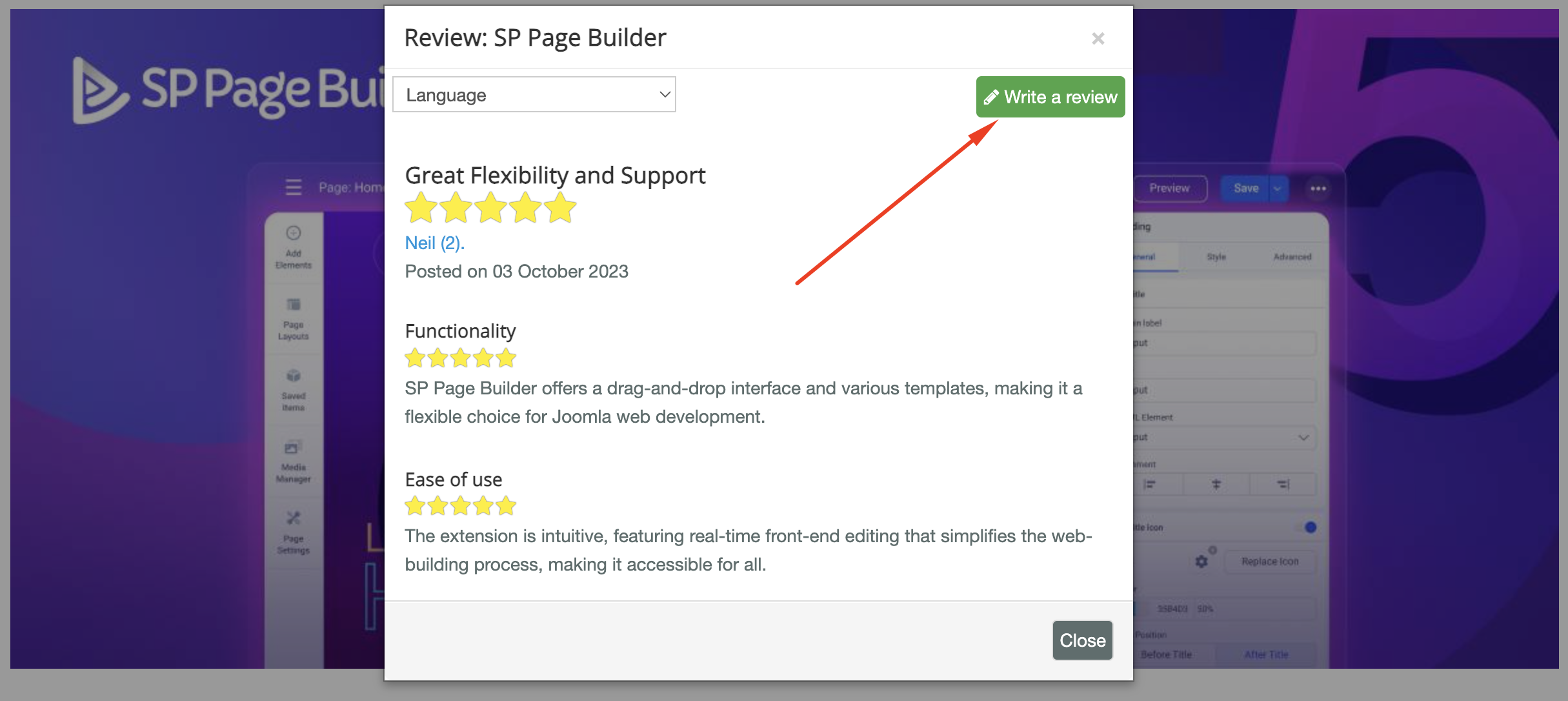
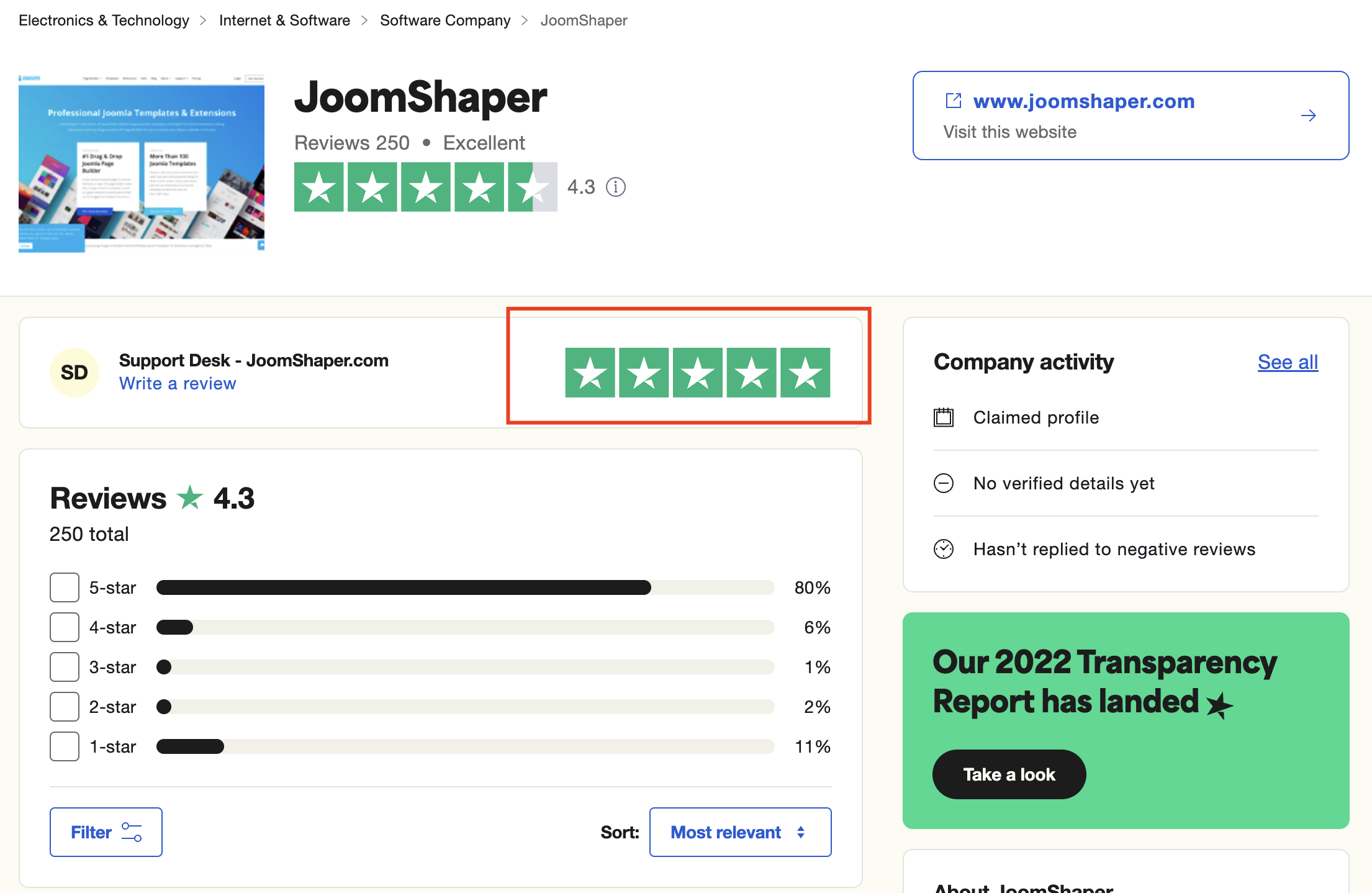
We're here to assist you with any further questions or requests you may have. Once again, thank you for choosing our product and for being a part of our community.
Best regards,
Toufiqur Rahman
Team Lead, Tech Support (JoomShaper)