Change Background Image - Question | JoomShaper

Change Background Image

C

CCT

Template 3 days ago

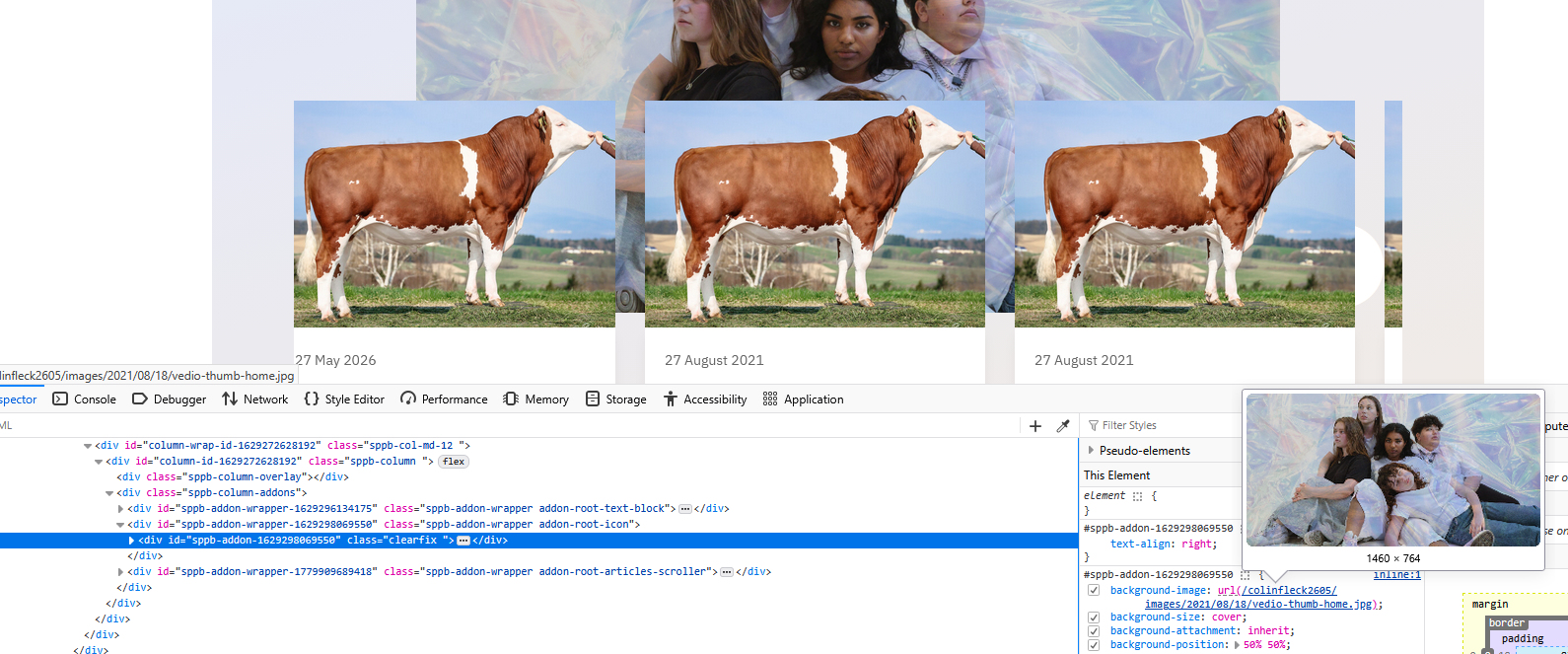
Hi Guys Using Helix Ultimate Template and on the home page default menu there is an images of some kids, I want to change this image to my own.

It appears to be listed as an icon addon but I can't see any way of changing it. The icon itself doesn't show, neither does the icon title, I'm confused with this one. See attached screenshot.

Can you help please.

Thanks CT

0
9 Answers
Paul Frankowski
Paul Frankowski
Accepted Answer
Senior Staff 2 days ago #224806

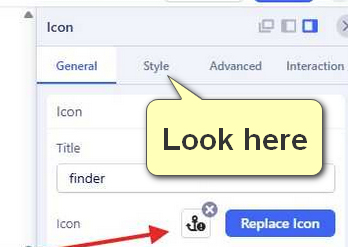
As you can see, its background image for Icon addon > in "Style" tab.

info__189.jpg

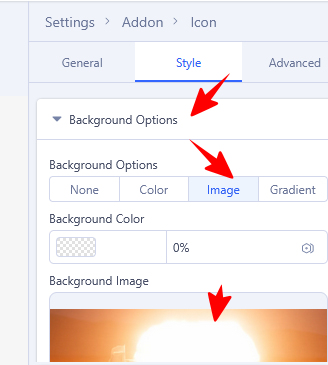
You were very close to solve the puzzle, one click more and... (my help wouldn't be needed)

info__191.jpg

Example settings

info__190.jpg

Why it was set like that, I don't know but it was creative idea.

You're welcome :)

0
C
CCT
Accepted Answer
3 days ago #224782

0
Paul Frankowski
Paul Frankowski
Accepted Answer
Senior Staff 2 days ago #224800

Hi.

It can be image set as Section background. Without URL to that page I cannot tell more.

0
C
CCT
Accepted Answer
2 days ago #224802

Hi Paul It is the image that comes with the helix ultimate template, it is on the default home page of this template. I have included a link to our vesrion of the template.

Thanks CT

0
Paul Frankowski
Paul Frankowski
Accepted Answer
Senior Staff 2 days ago #224805

The template doesn't display any image from itself, execpt logo. I can also prove it in court ;]

This is part of premade layout (SPPB), right.


Thx, for link.

0
C
CCT
Accepted Answer
2 days ago #224810

Hi Paul I will give you a login.

it's background image set for one of Addons (in Style tab), probably Icon addon. Check it settings deeply.

I thought this too but when I click on style in settings it actually disappears from the page, and I don't see any option to add new image or change it.

Thanks CT

0
C
CCT
Accepted Answer
2 days ago #224814

I have found it, see screenshot link.

I created a duplicate test page, went to Style as suggested, where you add the image background it was at "none" option but was still showing. When I clicked on "image" option the image was there, I changed it to a new image which is what I wanted to do.

All good now, but perhaps there is some bug with the "none" option??

Thanks for pushing me in the right direction.

CT

0
Paul Frankowski
Paul Frankowski
Accepted Answer
Senior Staff 2 days ago #224818

If "None" is set current image is not removed, but I agree that is easy to miss. I have to compare how it works in Elementor (WP) and others Page Builders just for my own purpose.

0
Paul Frankowski
Paul Frankowski
Accepted Answer
Senior Staff 2 days ago #224820

Please mark topic as solved, thx

4 eyes is better than 2 eyes ;]

0