

EasyStore/Allura Logged In User Menu

Stephane Hanrez
Hi,
Using Allura and Easystore, I have a logged in user menu at the top right with the following elements :
- Wishlist
- Orders
- Profile
- Logout
Some questions about it :
1/ Wishlist: This doesn't work, it tries to get to /index.php/wishlist. On my own website, I get an error 500, while on the Allura quickstart which I installed on another URL, I get a 404. 2/ Is there any way to remove the "Profile" option from the submenu ? 3/ How do I rename thos submenu elements ? My website is in french but they still apear in english. 4/ Is there a way to customize the /easystore?view=orders page ? I don't see it in the SPPB integration. 5/ Same question for the /easystore/cart page, is there a way to customize it or is it only css ?
Thanks
5 Answers
Order by
Oldest

Toufiq
Accepted AnswerPlease check now. Thanks
- Created
Liste de Souhaitspage - Created menu item
Liste de Souhaitsand hidden from main menu. https://prnt.sc/0O_KXRiRQpD3 - Updated menu links from menu.php file https://prnt.sc/f3XmGT4wKoD_
Toufiq
Accepted AnswerHi there,
Thank you for reaching out, and I apologize for any inconvenience caused by this oversight. Please check below your questions answer.
- https://prnt.sc/1FDC7j_MqeBR
- Remove profiles from this file. (
templates/allura/features/menu.php) https://prnt.sc/5qECY0016Hv7 - https://prnt.sc/CQQ4tkQUFdjp https://prnt.sc/WlIlhkPlHn-Q
- Sorry, right now this feature/functionality is not available.
Best regards,
Toufiqur Rahman (Team Lead, Support)
Stephane Hanrez
Accepted AnswerHi,
Thanks for your answers, this really helped.
Regarding the wishlist tough, I still couldn't get it to work on my website. Could you please have a look ?
In the menu it's now called "Liste de Souhaits" as I managed to translate it thanks to your screenshot.
Access to the site in hidden content.
Thanks
Stephane Hanrez
Accepted AnswerThanks a lot
Toufiq
Accepted AnswerYou are most welcome! We appreciate your feedback and are delighted to hear that you're satisfied with our service.
To officially close this forum post, mark it as accepted. If you have any more questions or need further assistance in the future, please don't hesitate to reach out to us.
As for writing a review about our product and support quality, we would greatly appreciate it! Your feedback helps us improve and serves as a valuable reference for others. Please take a moment to share your thoughts about your experience with our product and the support you received. Your input is valuable to us and the community. Thank you in advance for your time and support.
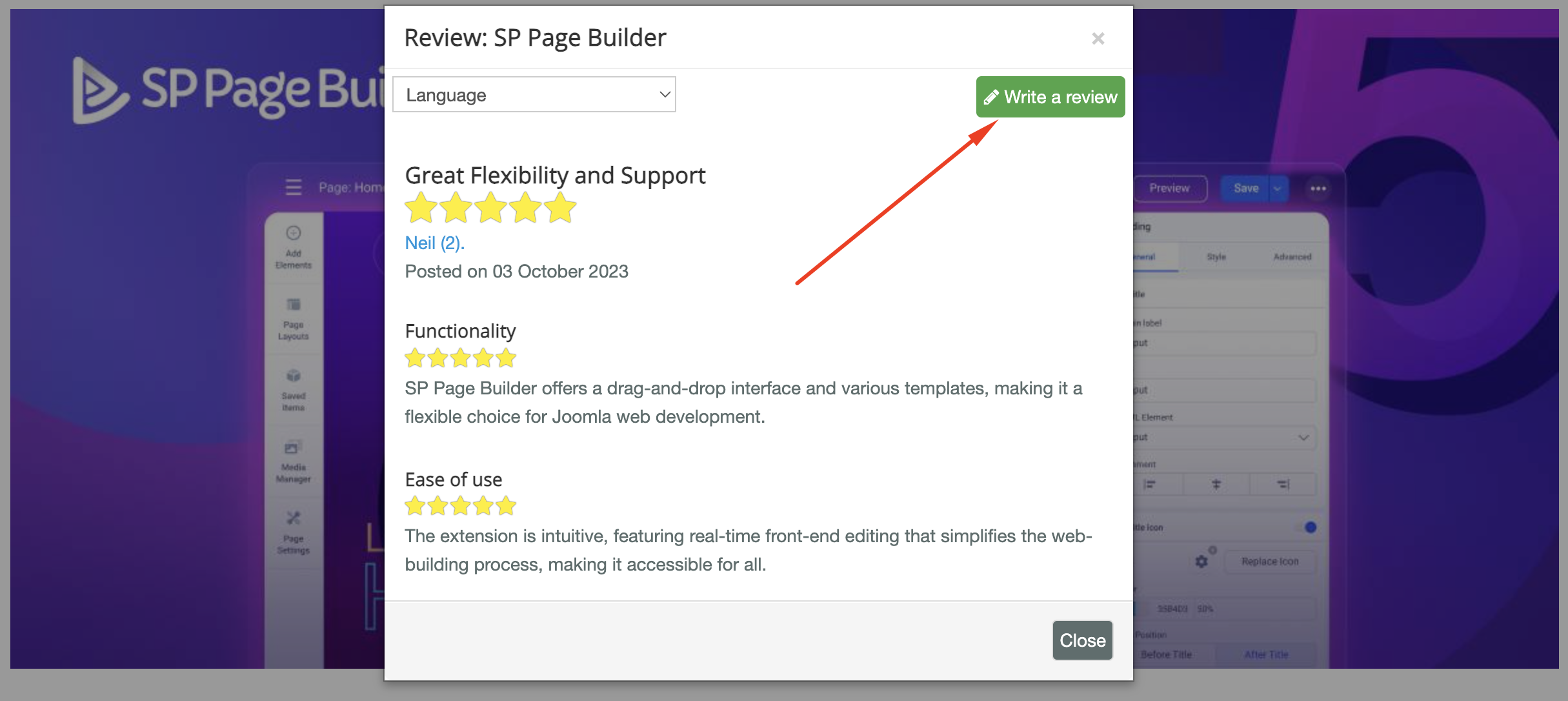
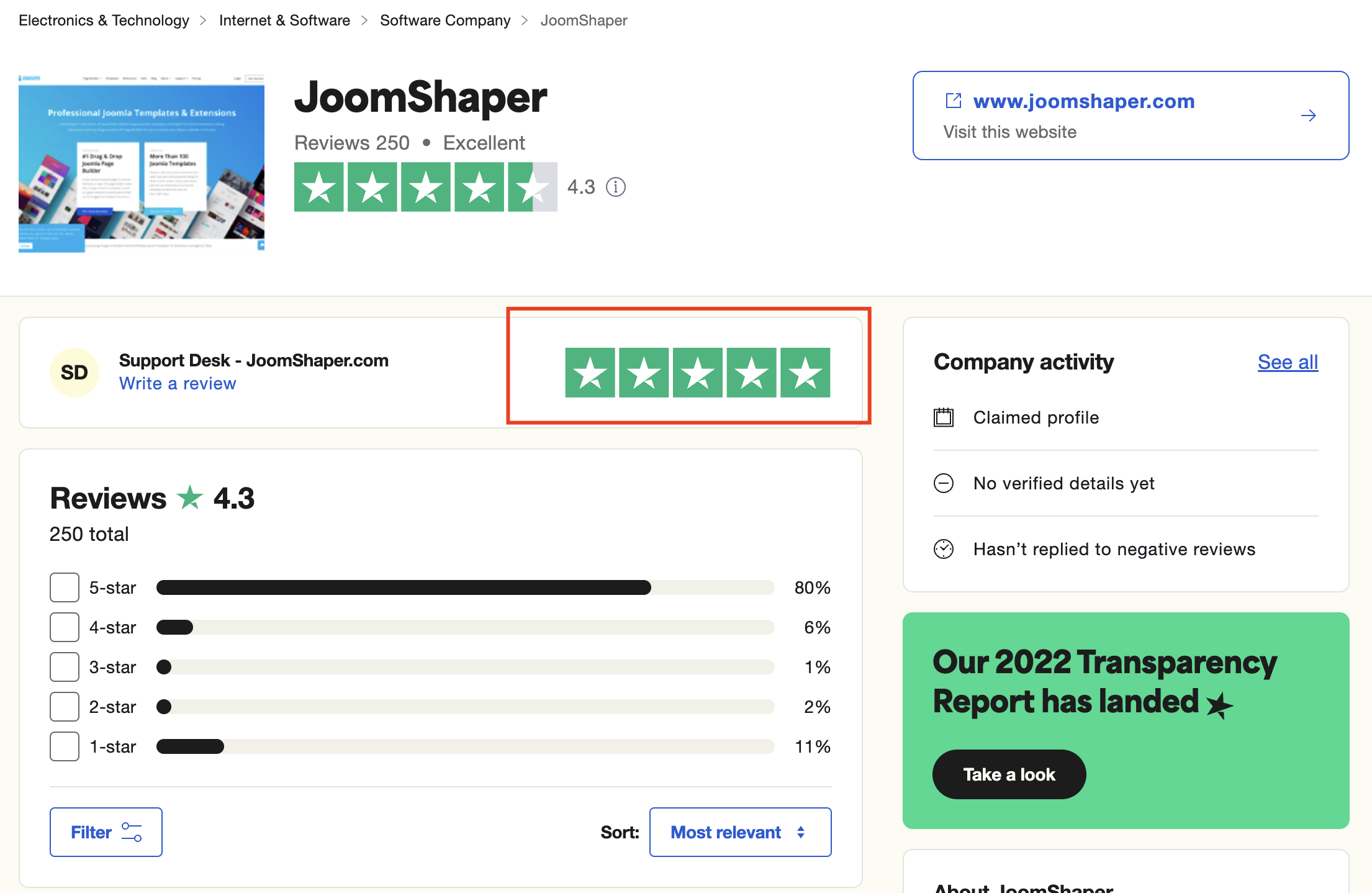
We're here to assist you with any further questions or requests you may have. Once again, thank you for choosing our product and for being a part of our community.
Best regards,
Toufiqur Rahman
Team Lead, Tech Support (JoomShaper)