

How To Change The BG Header Image On Charity Template For Donation Page?
I
IOmundo
Hi, How to change the BG Header Image on Charity Template for Donation Page?
I cannot find anything about it in the documentation nor in the Joomla desktop, nor in SP Page Builder nor in Helix Interface. For the homepage it was easy because there is a block at the top but in other pages like About and Donation there is nothing that can be accessed that holds the bg image.
My homepage (image chnaged) My About Page (called Vision - still original image)
Thanks for helping.
9 Answers
Order by
Oldest

Ofi Khan
Accepted AnswerHello IOmundo
Which template are you talking about? Please share a screenshot of your issue to understand it better.
Best regards
Ofi Khan
Accepted AnswerI think you are talking about Charity Page Layout. Import the layout on an SP Page Builder page and in the row/section settings, change the background image.
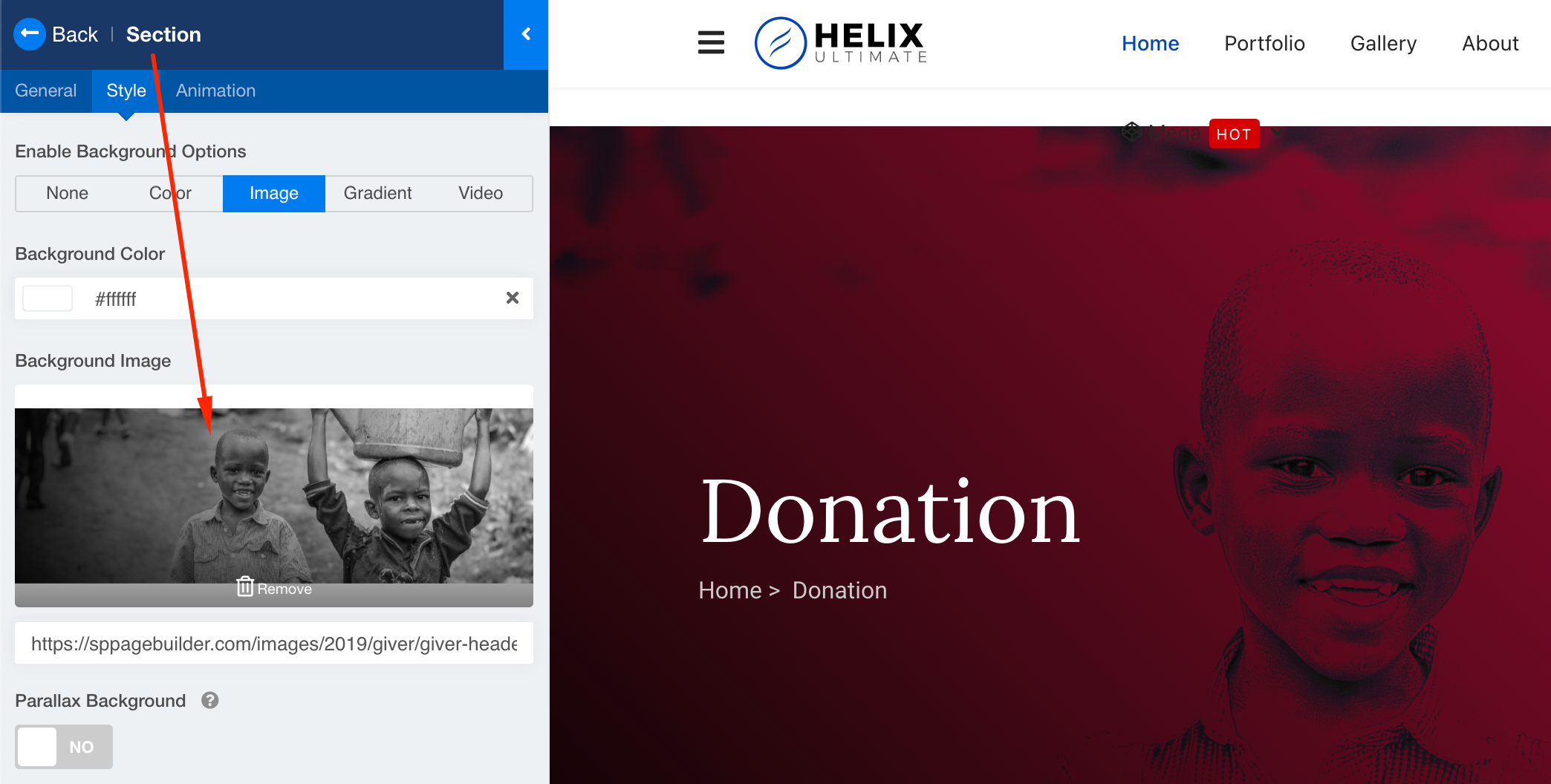
I
IOmundo
Accepted AnswerHi, I mean I do not have to import the layout. It is already installed with my Theme "Charity". When I am with Page Builder on that relevant Page "Donation" and hover over the top block with the BG image, there lightsup NO element that can be clicked to work on that (like you did in your screenshot).
See my screenshot from my donation page in SP Builder

How can I access this top block from the donation page? In the simple editor, there the uppermost row to edit is the one under the header image, see screenshot (tested with Chrome).

Maybe you can login to check.
I
IOmundo
Accepted AnswerThis header in the "About us" and "Donation" Page
is not the first Row in the background editor! See my screenshots.

The First Row in BG Editor is the one below that starts
with "we are an Globian non-profit- organisation that..."

The Header on this template is not acessible via SP Page Builder or BG Editor.
Any Help is appreciated.
Thanks
Ofi Khan
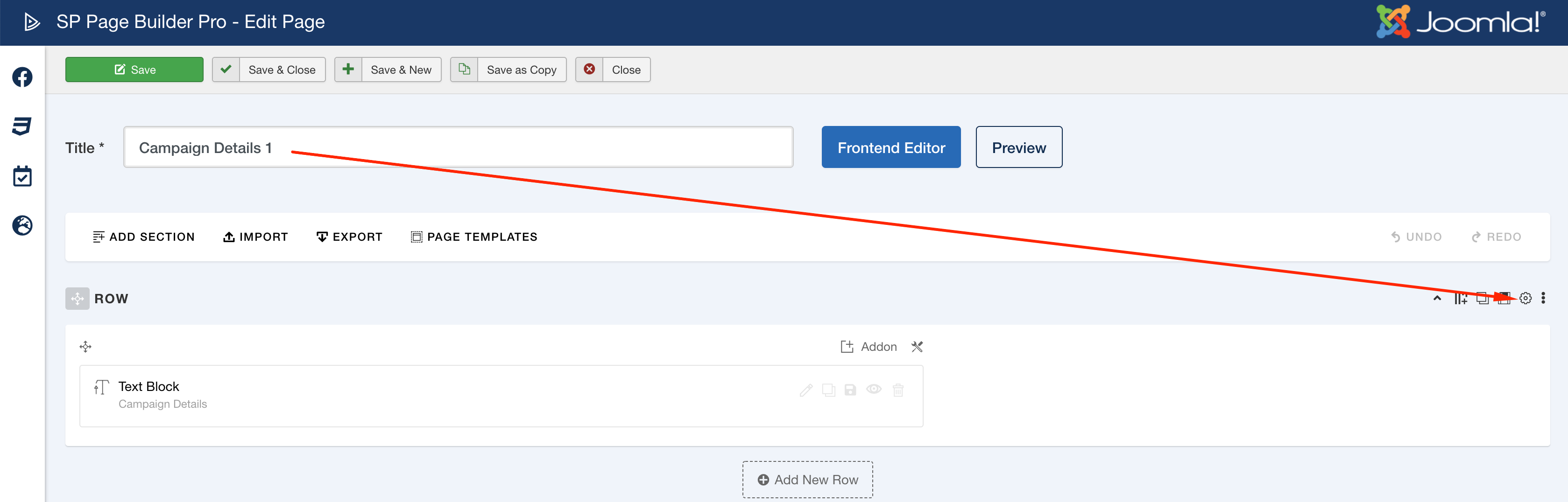
Accepted AnswerI have changed the image in the row settings of Campaign Details 1 page. Please check and let me know if you need further help. Also share the page name on your site to find them quickly.
I
IOmundo
Accepted AnswerYes, in Campaign Details 1 it is easy, ther is a first row with BG image ;-)
However, I found the place to change the Banner image on Donations and About Us Page. It is acessible under Menu>[relevant Menu]>[Menu Item]>[Page Title]>Background Image.
Thanks, Problem solved!
Ofi Khan
Accepted AnswerI have a humble request. It would be very kind of you if you can manage some moment to give us feedback here: