Modal Addon does not work on Apple iOS - Forum | JoomShaper
Solved SP Page Builder

Modal Addon does not work on Apple iOS

Asked by Gez 5 years ago Last activity 5 years ago

Hi there,

I'm using SP Page builder to build Landing/Squeeze Pages outside of the Joomla Menu System - i.e. they are simply 'landing' pages that are not linked to through visible menus on the site, nor do they display a menu, in order to keep visitors within a set work flow.

I've encountered 2 main problems on iOS that I need to resolve ASAP:

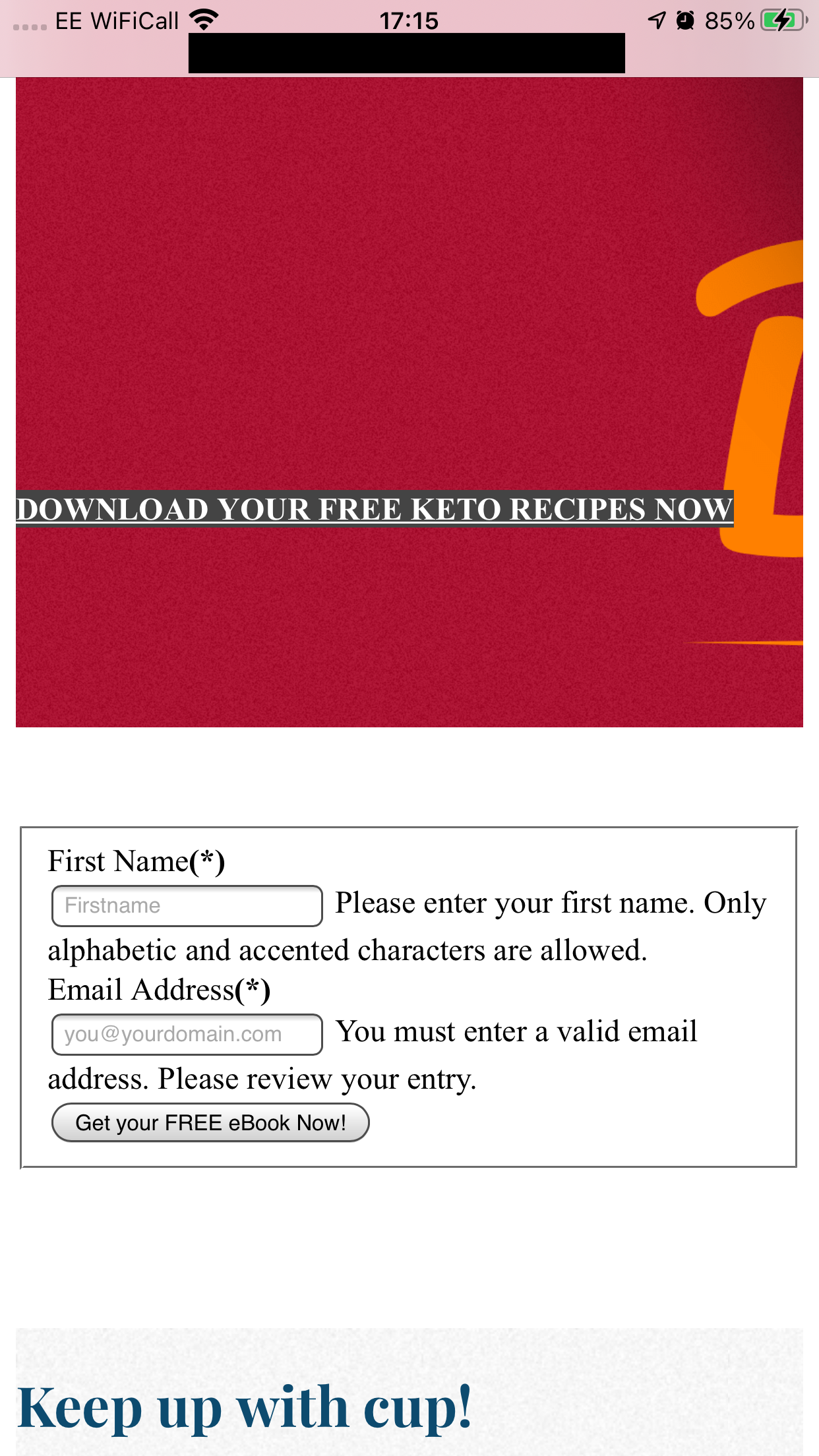
  1. Input fields are NOT styled at all - especially buttons - i.e. all of the nice looking CSS that loads in desktop appears to be ignored from any form elements on iOS devices.
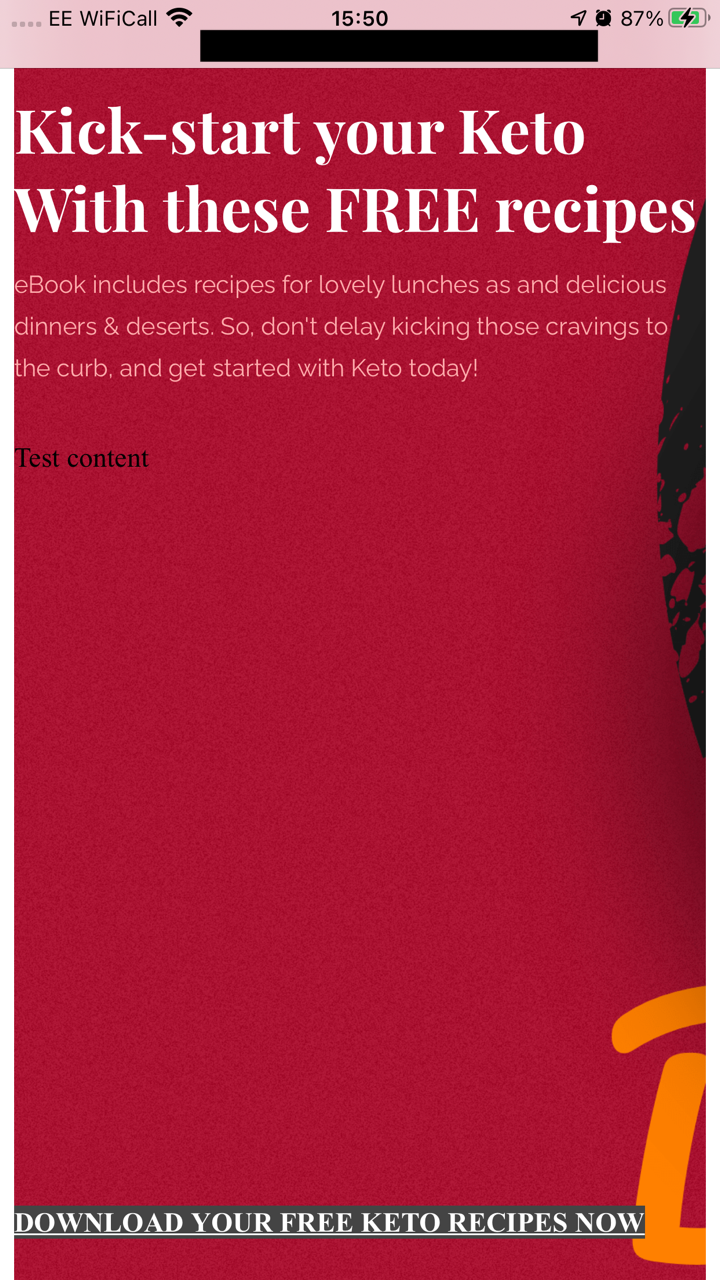
  2. The modal addon fails to load any content on iOS, and simply renders the content directly on the page, in addition to a virtually unstyled button.

However, there is also another small issue:
Despite using a template that only outputs the component (i.e. no menu or other module positions), on mobile, the home menu item appears at the foot of the page. I can see from the inspector, that this is being rendered from the offcanvas menu, but I haven't got it enabled????

I'll attach an image of this, along with how the page looks on desktop with modal working, and on mobile, where it renders the modal content directly on the page.

What I'm trying to achieve is a very simple page with an offer. I'm building a custom opt-in form to display in a modal window when a button on the page is clicked, but unfortunately, this does not work on an iPhone 6 Plus on iOS14.6 nor on the absolute latest iPad/iOS version. For the moment, I'm simply testing the modal with some text 'test'.

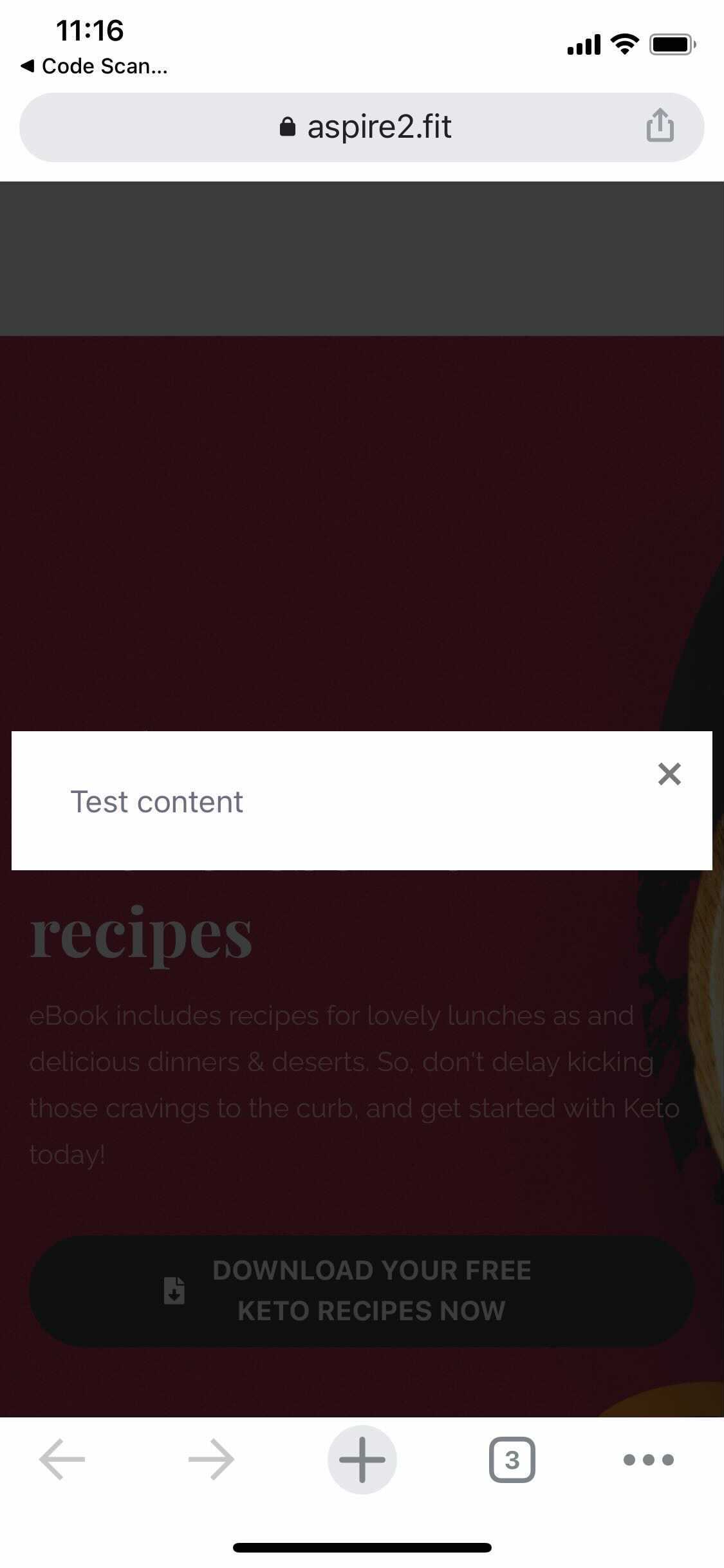
On Desktop it looks good!
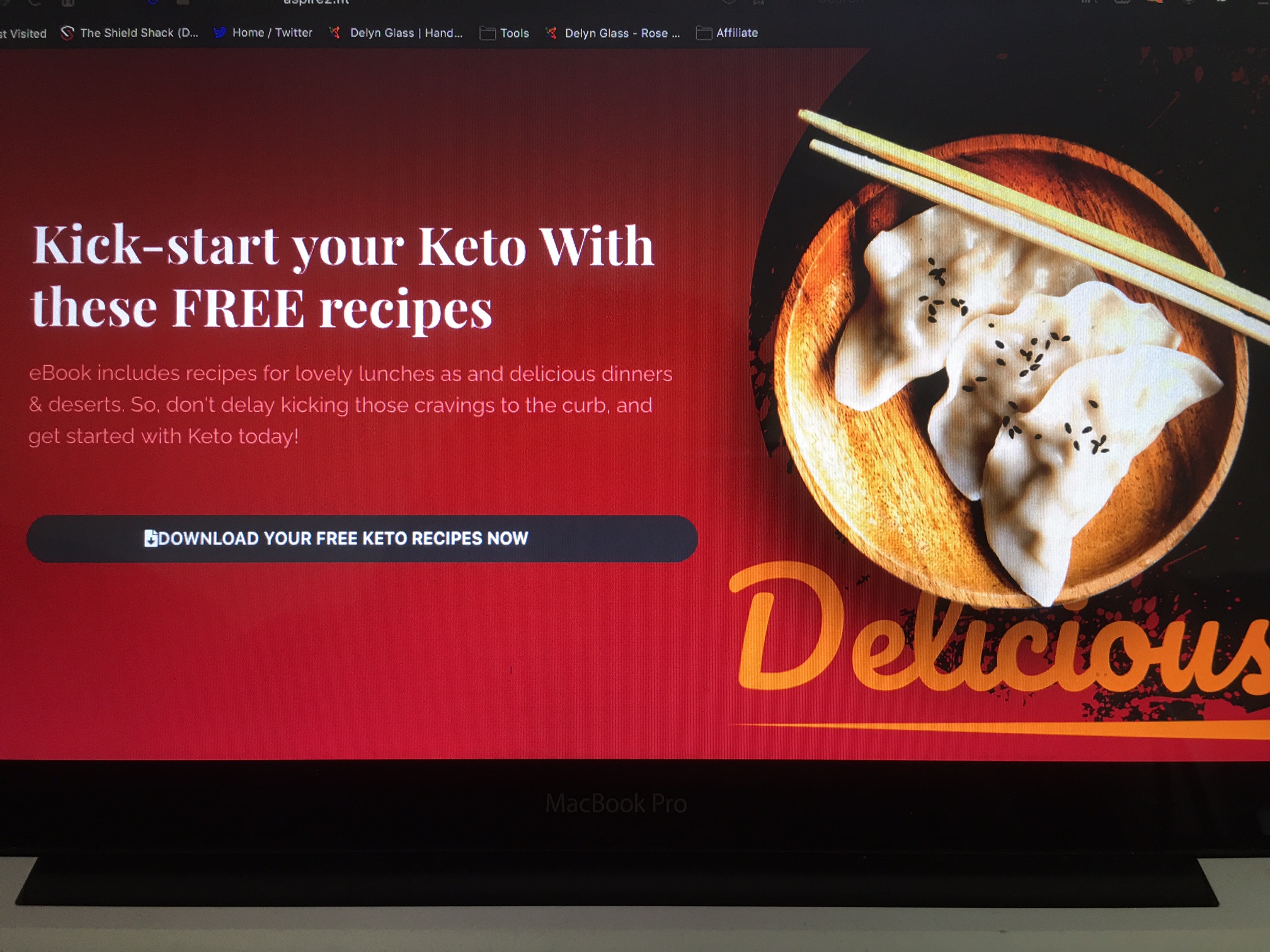
DESKTOP MAIN

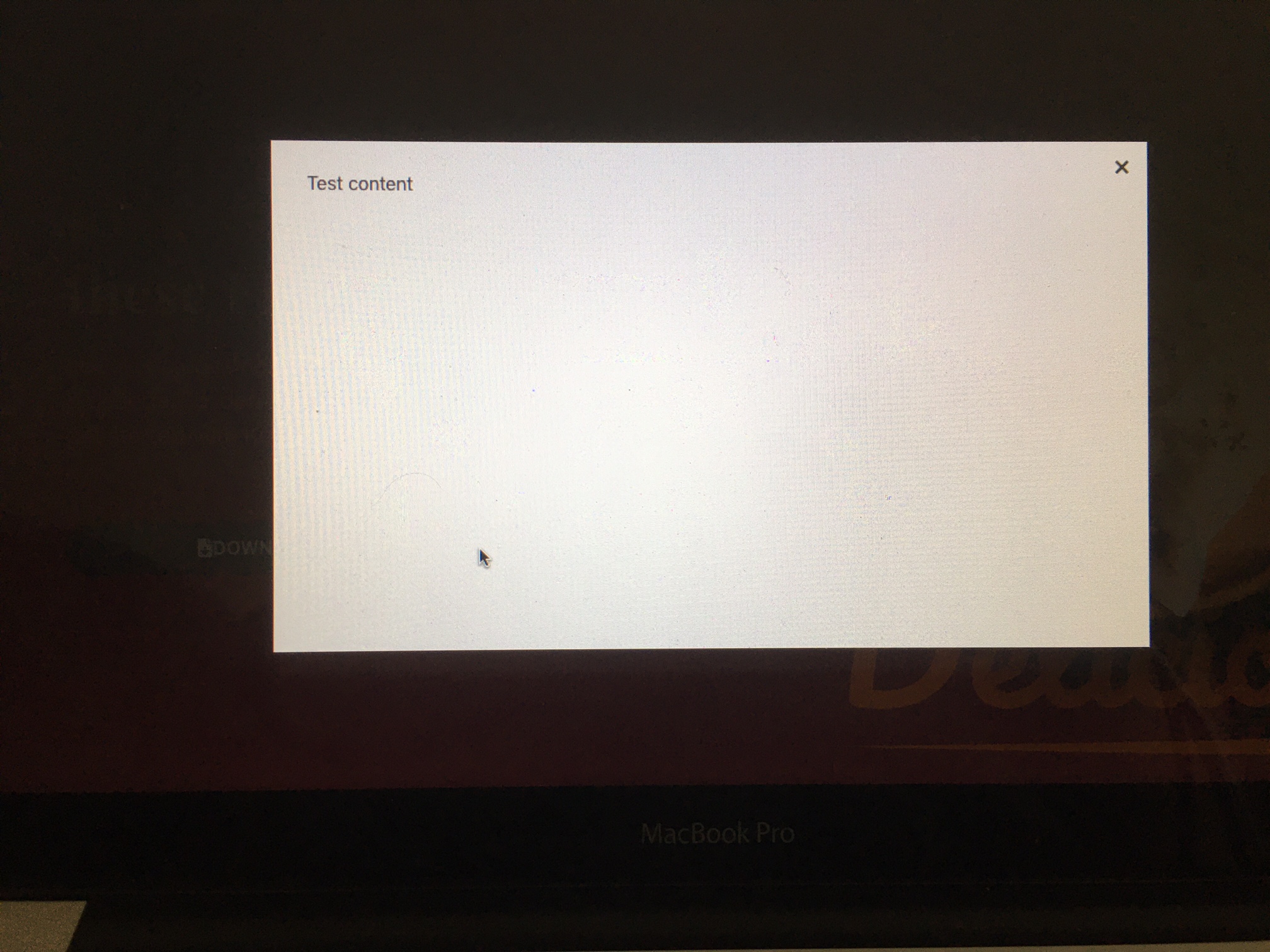
DESKTOP MODAL

On iOS - Not so much

iOS Main

Then there's the 'off canvas' menu that appears down at the footer randomly appears, despite the not being set!
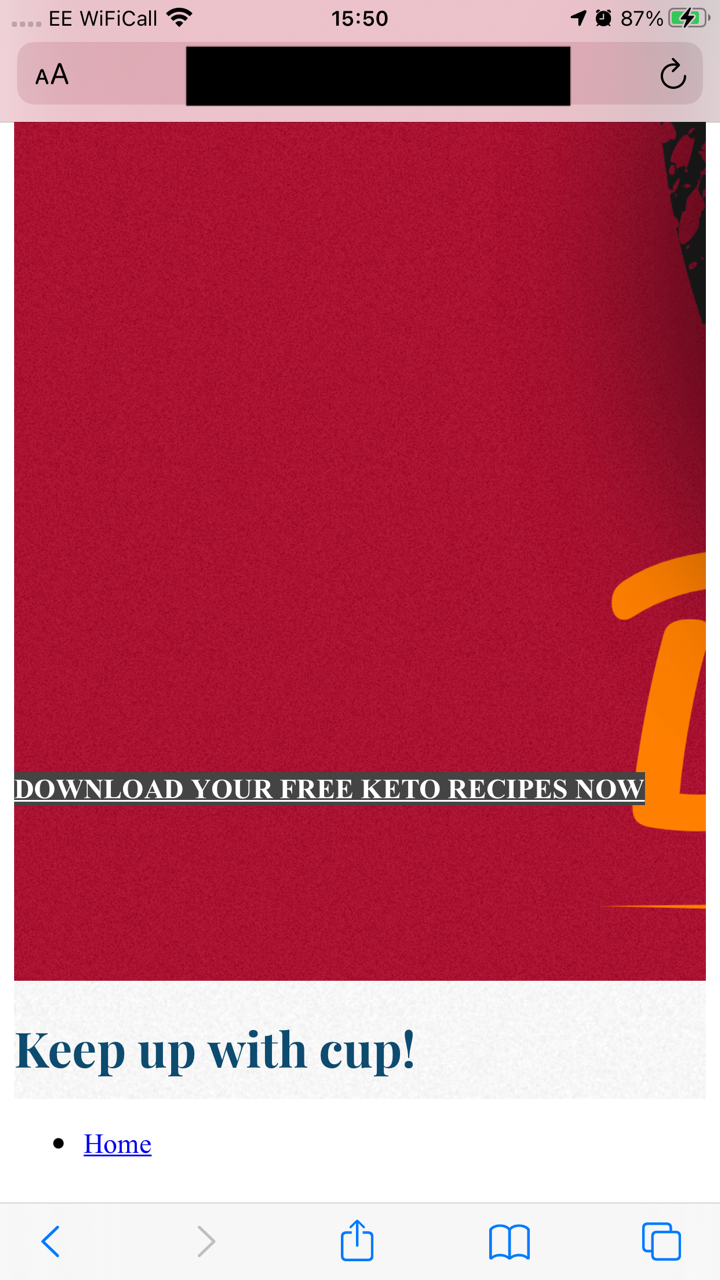
iOS Foot Menu (Shouldn't be there)

That's even before looking at how SP Page Builder seems to break the form CSS on iOS. Please see below images:
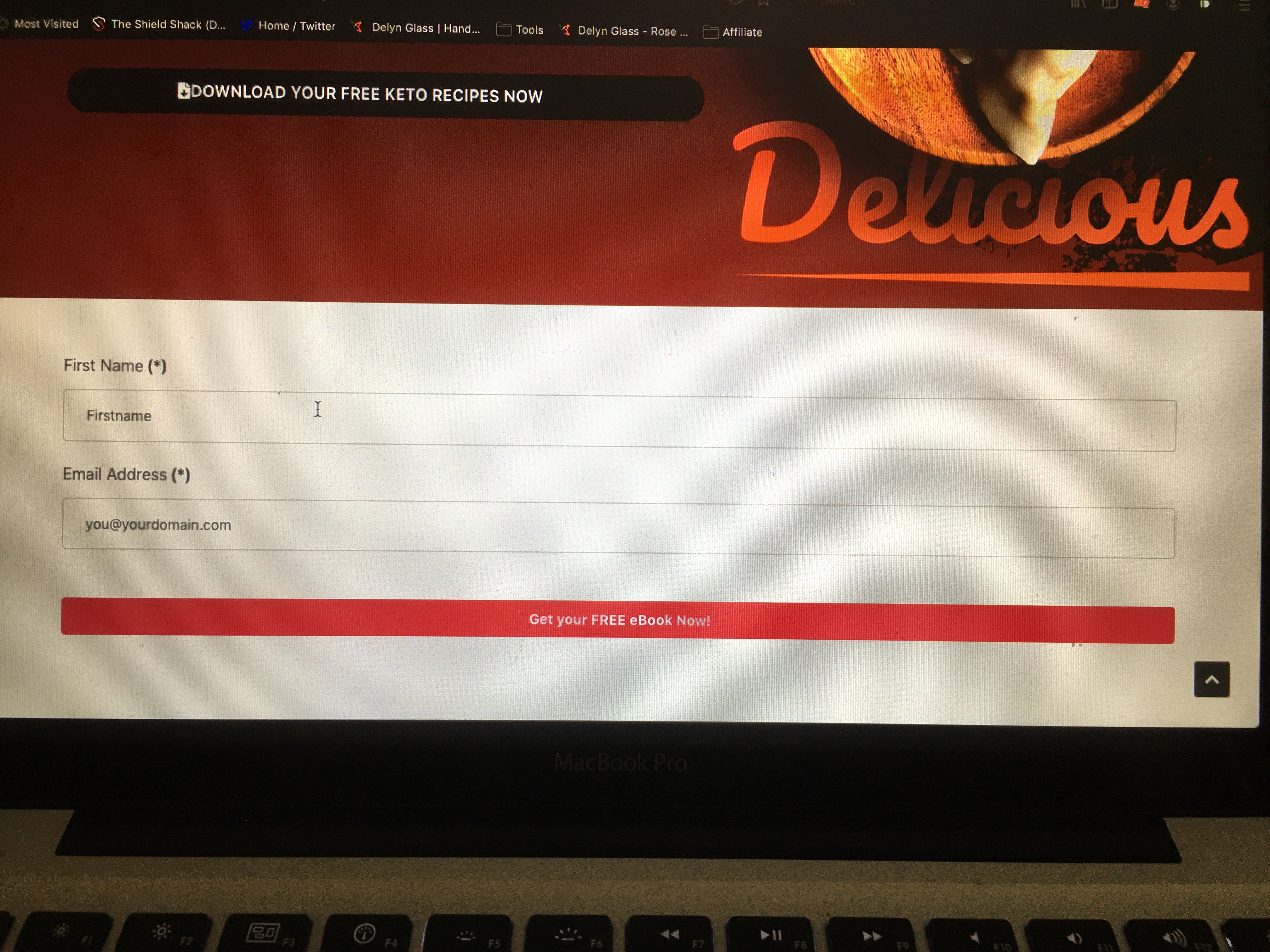
RS Form on Desktop - looks good

On iOS

RS Form on iOS in SP Builder - looks terrible

For a comparison, and to prove that this is SP Builder, and not RS Form, here's how it looks on iOS, in a regular page using Newsberg Template. Just what's going on here with SP Builder? PLEASE HELP to fix this ASAP.
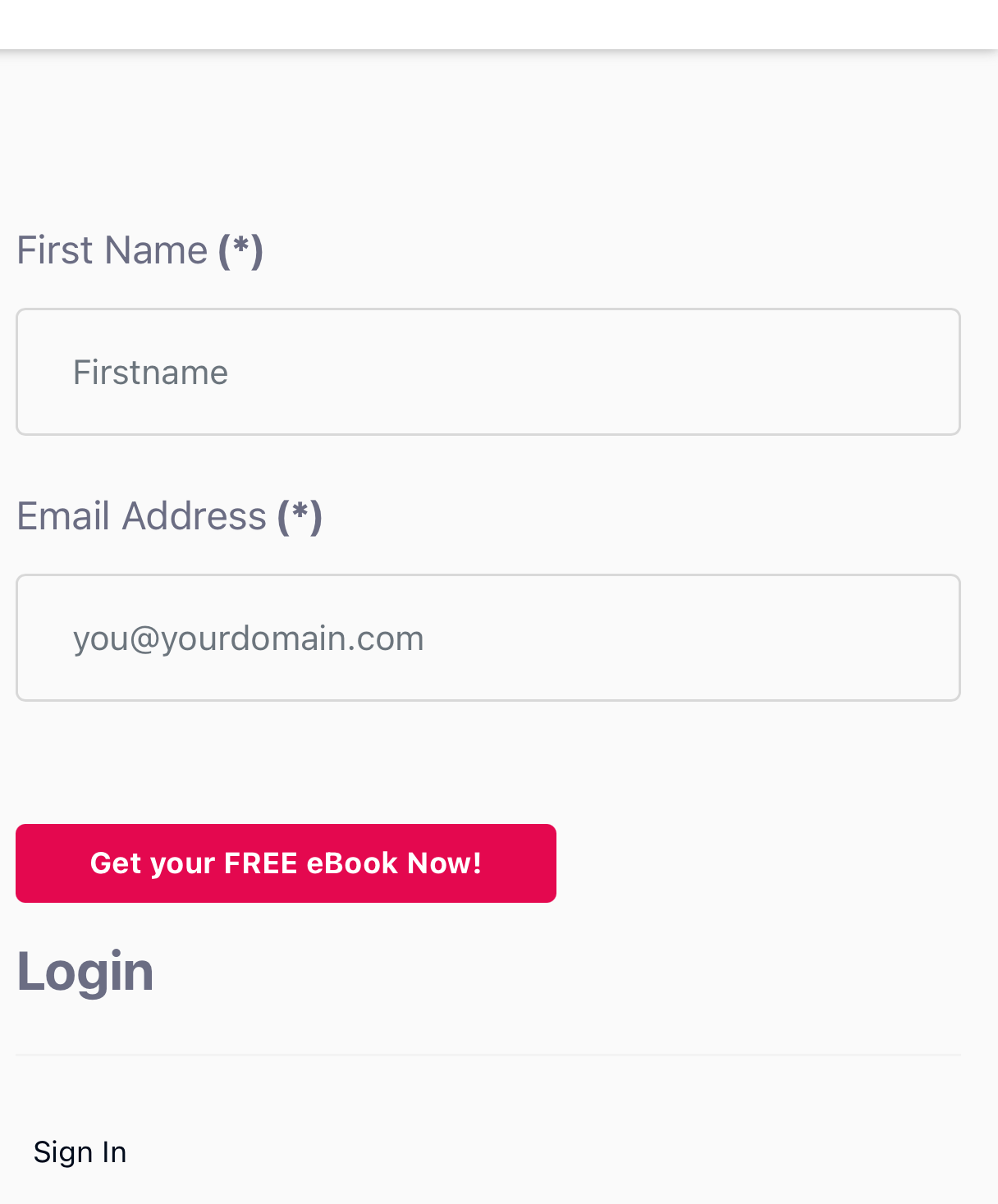
iOS RS Form in Newsberg Template

Please can you advise ASAP as this is absolutely critical in this day and age when over 50% of internet traffic is on mobile.

I've attached admin username and a pass for you to access privately.

Many thanks,

Gez

Accepted answer

Marked as the solution
Gez Asked this
5 years ago · edited

Right,

I think that I've fixed it!

It appears that there is a bug somewhere in SPageBuilder because:

Moving the htaccess rewrite rule for non-www requests ->www. further up my htaccess has fixed it:
UPDATE - - -
This is the code Rewrite domain.com requests with no subdomain to www.domain.com

RewriteCond %{HTTP_HOST} ^[^.]+\.[^.]+$
RewriteRule ^(.*)$ http://www.%{HTTP_HOST}/$1 [L,R=301]

IT MUST execute before the Joomla SEF Section in the HTACCESS!!

Somewhere in the the SP Builder code, the loading and execution of the resources must be done in a non standard way. It is the only reason that this could happen on mobile, but not on desktop.

Please can you confirm that you've not changed anything too, since my last post?

Thanks,

Gez

23 more replies

Toufiq Senior Staff

Hi there,

Thanks for contacting us. Sorry for the inconvenience. I have checked via iPhone xs. Modal works fine.

File.jpg

-Thanks

Gez Asked this

hi Toufiq,

Thanks for your reply. Are you still looking into this, because your reply would imply that as far as you're concerned, the matter is closed as it works on the one device you've tried it on?

As I said, I've tried it on the latest iPad too, with the same result as displayed in my pictures.

if you're only supporting the iPhone XS and arent going to remedy the issues on older devices, I'm afraid that I'll have to insist on a refund, as it would require all of my customers to have the XS, to see a web page that doesn't look like it was built in the 90s.

I do hope this isn't the case, and that it can be resolved.

thanks,

gez

Gez Asked this

thanks Toufiq!

i checked your site. works fine.

Im not loading any other template positions except the component output on the page in question. Also, I'm using Newsberg Template FYI.

thanks,
Gez

Gez Asked this

Hi Toufiq,

I already have Akeeba Backup and know how to use it. Can you please explain what the purpose of this is please? Are you simply requesting that I ensure that I have a backup?

If so, I prefer the JPS format. Is there any reason why you have advised that I choose ZIP?

Once you reply, I'll take a backup. But won't for the time being, just in case your reply effects my course of action.

Thanks,

Gez

Toufiq Senior Staff

Did you watch the video? If you didn't, Please check the both video. Thanks

Gez Asked this

I did, but I don't understand why you are asking me to do this. Please explain the purpose.
Thanks

Toufiq Senior Staff

I have checked your site via this process into my localhost and it works fine. I think your server blocked the resource of page builder properly.

Gez Asked this

Which resource?

What has Akeeba Backup got to do with this, and specifically, what does installing the free version of it (when I have Pro) and taking a ZIP backup, not a JPS backup, have to do with fixing it?

Log in to reply.