

Table Responsive Issue - Horizontal Scroll Not Working When Responsive is Disabled
JM
John Mendivel
Hello JoomShaper Team,
I'm using the latest versions of Joomla 6, Helix Ultimate, and SP Page Builder Pro.
I have a table created with the Table addon.
Previously, in older versions, I could:
Disable the Responsive option. The table would keep its original width. A horizontal scrollbar would appear only for the table when the screen was too small.
With the current version, when I disable Responsive:
The table expands beyond the page width. The entire page becomes wider instead of the table container. No horizontal scrollbar appears for the table itself. This is especially noticeable on laptops with smaller screens.
My expectation is that disabling Responsive should allow the table to keep its full width while displaying a horizontal scrollbar only inside the table container.
Website
https://manacelestial.org
7 Answers
Order by
Oldest

Toufiq
Accepted AnswerHi there, Thank you for reaching out, and I apologize for any inconvenience caused by this issue. I've created a test page and verified that horizontal scrolling on mobile works by swiping left or right. Please take a look at the attached screenshot for reference.
Best regards,
Toufiqur Rahman (Team Lead, Support)
JM
John Mendivel
Accepted AnswerHello support, it works with pages, but the problem is with articles. Here's an example link.
example1 https://manacelestial.org/es/ensenanzas/el-matrimonio
Toufiq
Accepted AnswerCould you kindly grant me access to your Joomla administrator area so that I can investigate the issue you're experiencing? Prior to providing access, please ensure that you have backed up your site. Additionally, it's important to note that providing login credentials is entirely voluntary on your part; we respect your decision either way. However, if you do choose to share the login details, it would greatly expedite the resolution process. Thank you for your cooperation.
JM
John Mendivel
Accepted AnswerHello Toufiq, I had already sent it before, but I am sending it again.
Toufiq
Accepted AnswerPlease check now. I have added this css code to fix the issue.
@media (max-width: 768px) and (min-width: 320px) {
  .blog-details-content-wrap {
    padding: 27px 50px 50px;
    display: initial;
    width: 100%;
}
article.item {
    margin-bottom: 30px;
    display: initial;
    width: 100%;
    background: #fff;
    position: relative;
}
}
JM
John Mendivel
Accepted Answerohh thanks!
Toufiq
Accepted AnswerYou are most welcome! We appreciate your feedback and are delighted to hear that you're satisfied with our service.
To officially close this forum post, mark it as accepted. If you have any more questions or need further assistance in the future, please don't hesitate to reach out to us.
As for writing a review about our product and support quality, we would greatly appreciate it! Your feedback helps us improve and serves as a valuable reference for others. Please take a moment to share your thoughts about your experience with our product and the support you received. Your input is valuable to us and the community. Thank you in advance for your time and support.
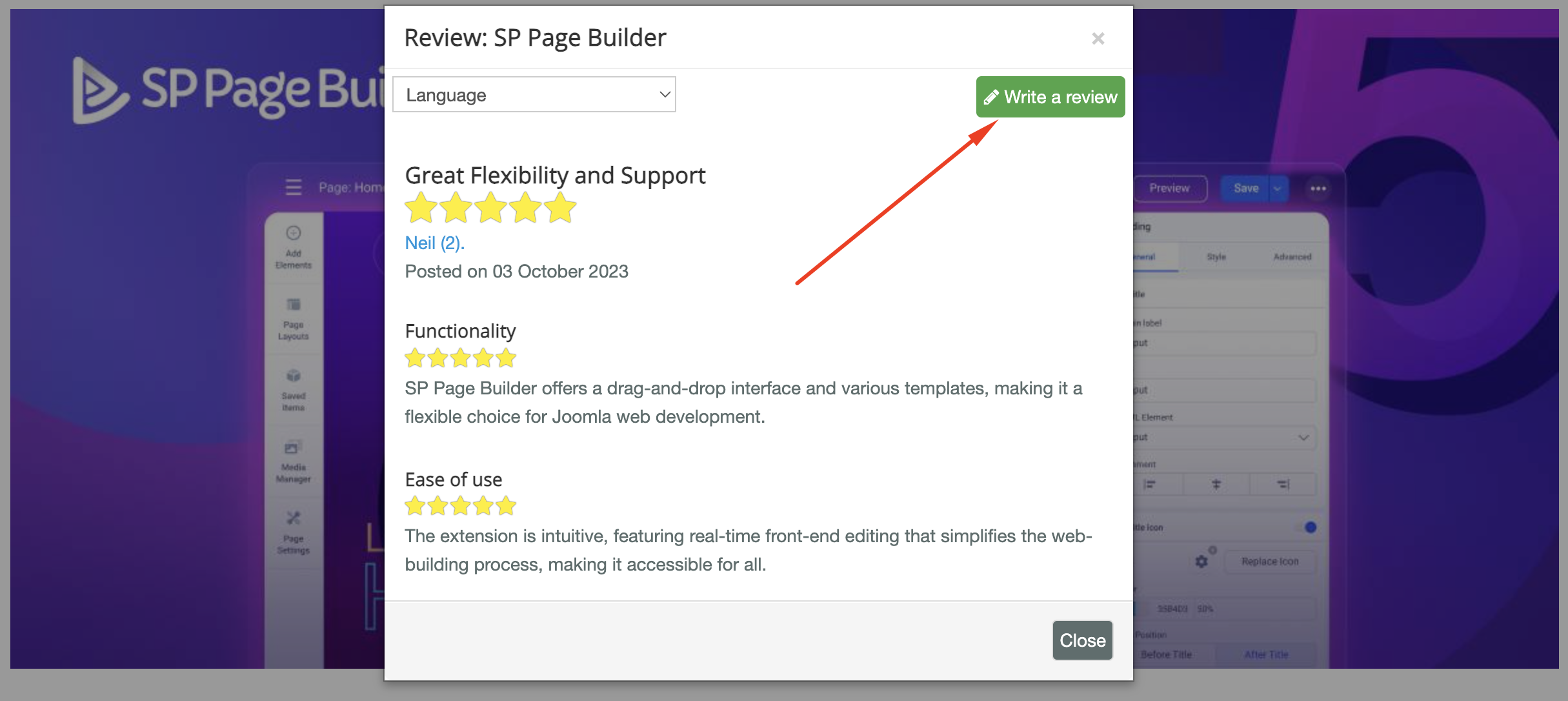
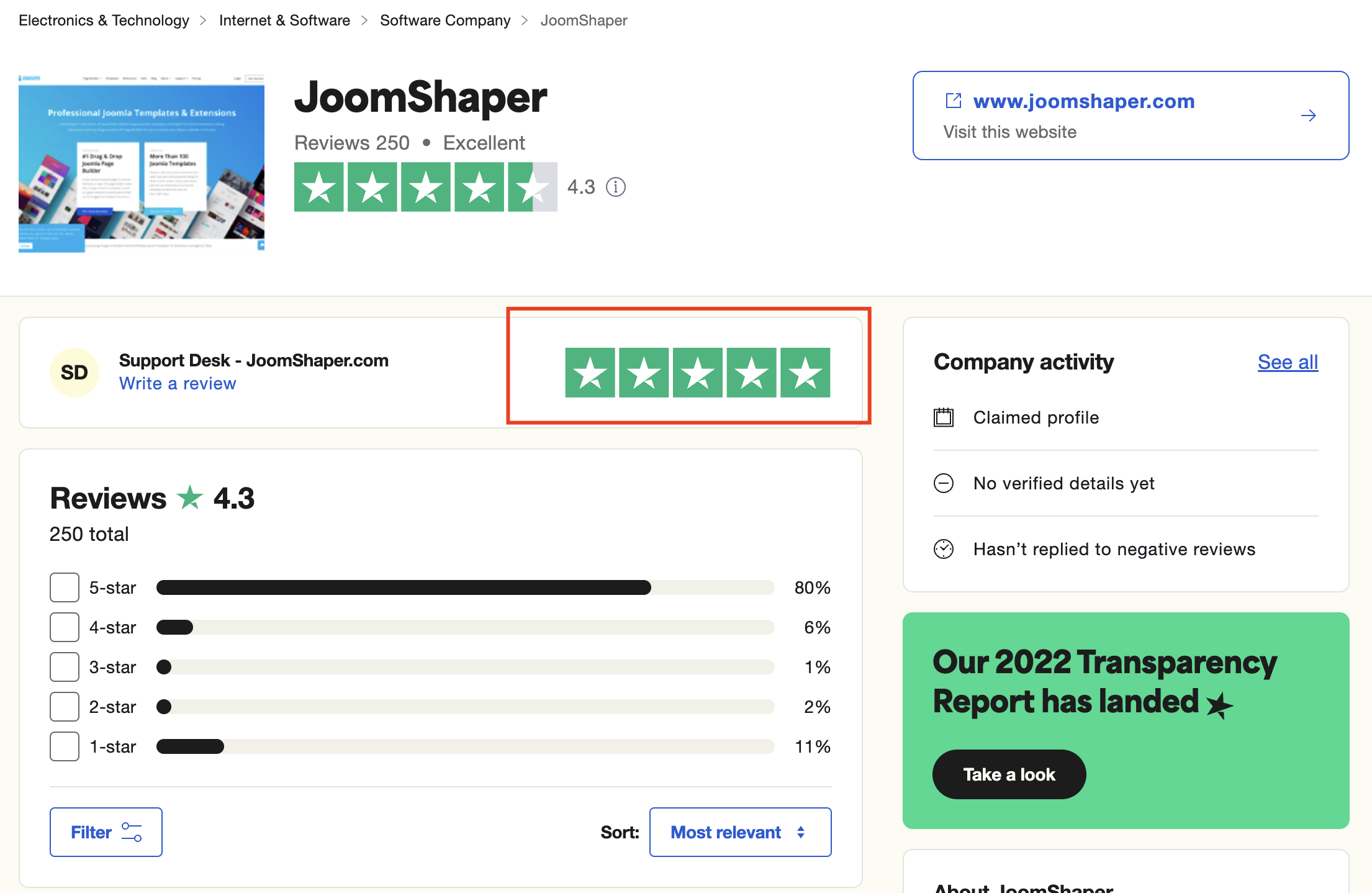
We're here to assist you with any further questions or requests you may have. Once again, thank you for choosing our product and for being a part of our community.
Best regards,
Toufiqur Rahman
Team Lead, Tech Support (JoomShaper)