

BUG With Gallery Addon

Laurent
Hi,
I have a strange bug on SPPB latest release. From front-end I have created a gallery like this => https://ibb.co/KxYZntdz But on public page, gallery is duplicated, see here => https://ibb.co/bRDnBVBr
Also, when I add a second gallery like this => https://ibb.co/Q3nNsrq3 Then images are also duplicated => https://ibb.co/twhdCpSR
see credentilas in Hidden Content area.
Could you please fix this ?
Thanks
26 Answers
Order by
Oldest

Toufiq
Accepted AnswerHi there,
Thank you for reaching out, and I apologize for any inconvenience caused by this oversight. I just checked the gallery addon on my end and it works fine on localhost.
If you give me permission then i will install akeeba backup to download the site backup to check the issue.
Best regards,
Toufiqur Rahman (Team Lead, Support)
Toufiq
Accepted AnswerPlease check the screenshot.
Toufiq
Accepted Answer Laurent
Accepted Answerthanks for your feedback.
what do you mean by "remove + items from the code" ?
Laurent
Accepted Answeranother point. see link in hidden content area. at the end of the page, you will find 2 carrousels.
at the end of the first gallery, there is a blank space after the last logo. see here => https://ibb.co/2YLKX0j2
if you look at the second gallery below, works fine, no blank space. why?
Toufiq
Accepted AnswerI have shared it to our developer team. I hope they will fix it next update. Thanks
Laurent
Accepted Answersome additionnal information below.
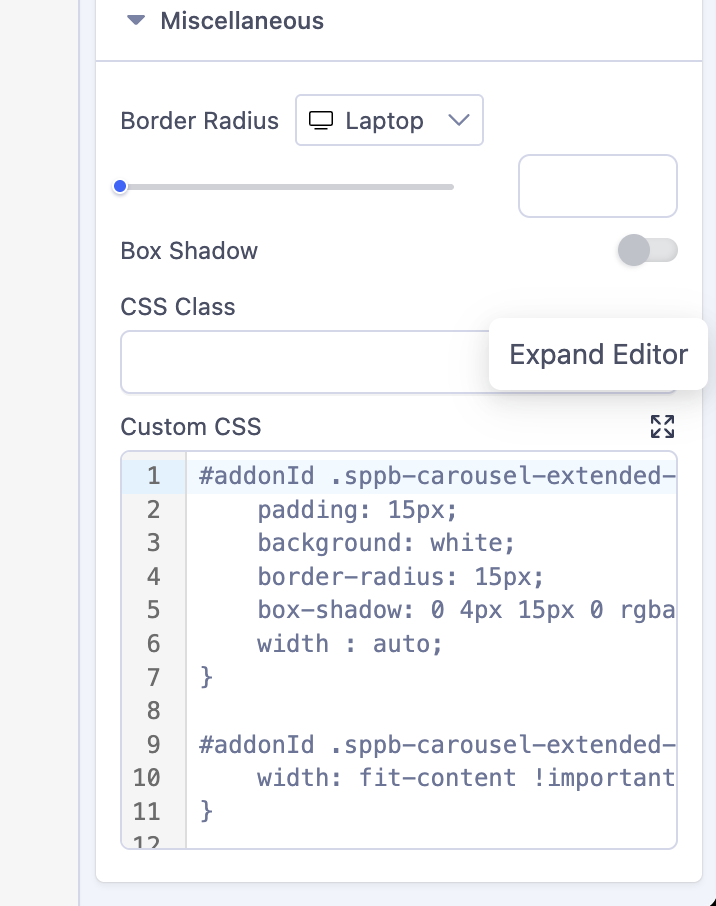
In the gallery settings, I configured the slideshow to loop (loop enabled) and set the animation timing—interval to 1500 and speed to 0—but the code inspector shows that these settings aren't being applied.
It shows data-speed="2500" and data-interval="1500" instead of 1500 and 0 (though the loop is correctly enabled). I tried using CSS, but I can only change the image transition speed, not the pause between loops.
Laurent
Accepted AnswerThank you for your feedback. Indeed, I removed the code and it now works well. The carousel is working correctly. However, could you recommend some CSS to normalize the image height? At the moment, some images are much smaller while others are much larger. I would really like to achieve perfect consistency in both the height and the proportions of the images. Thank you.
Toufiq
Accepted AnswerHi there, There is no way to pick any specific image. Cause, there is no individual css class for each image.
-Thanks
Toufiq
Accepted AnswerDo you wanna like the screenshot?
Toufiq
Accepted AnswerYou are most welcome! We appreciate your feedback and are delighted to hear that you're satisfied with our service.
To officially close this forum post, mark it as accepted. If you have any more questions or need further assistance in the future, please don't hesitate to reach out to us.
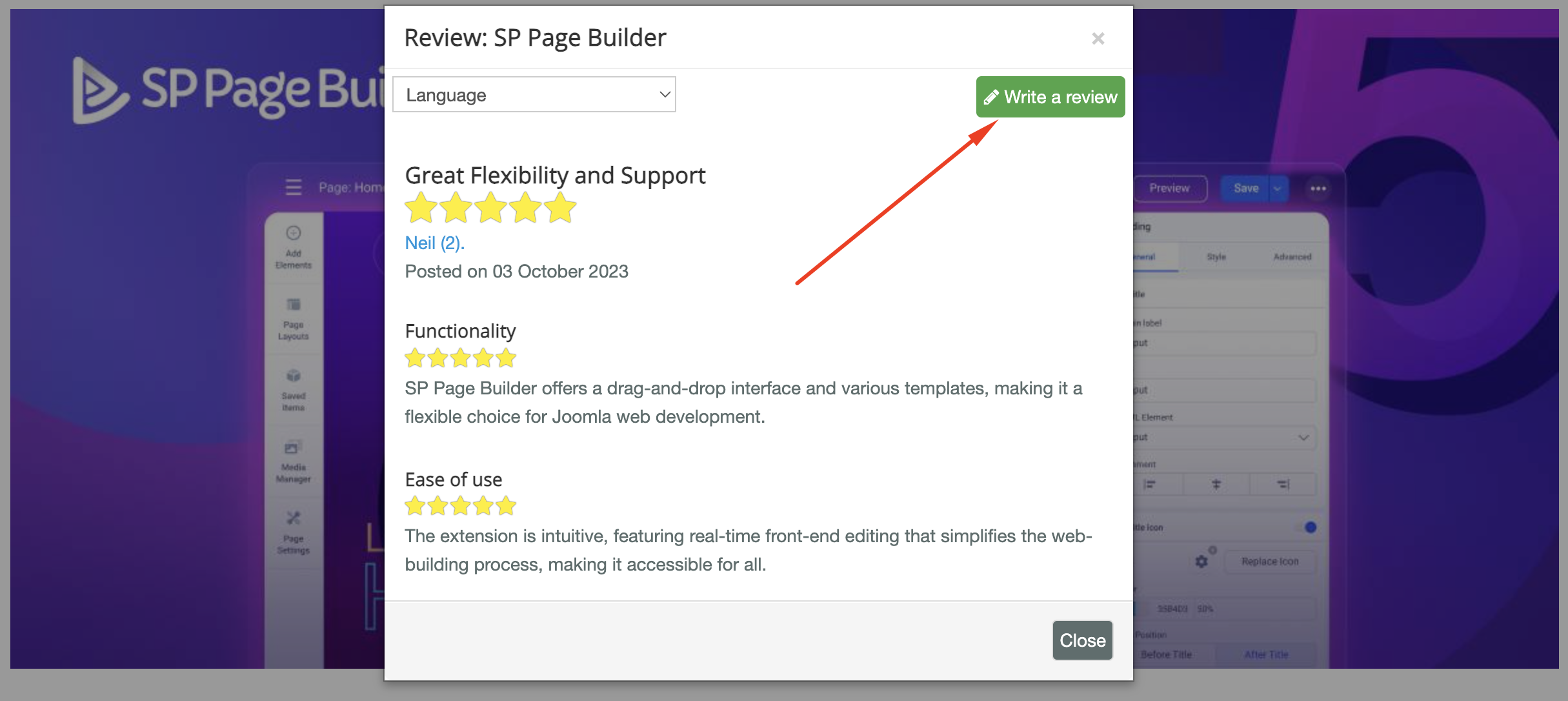
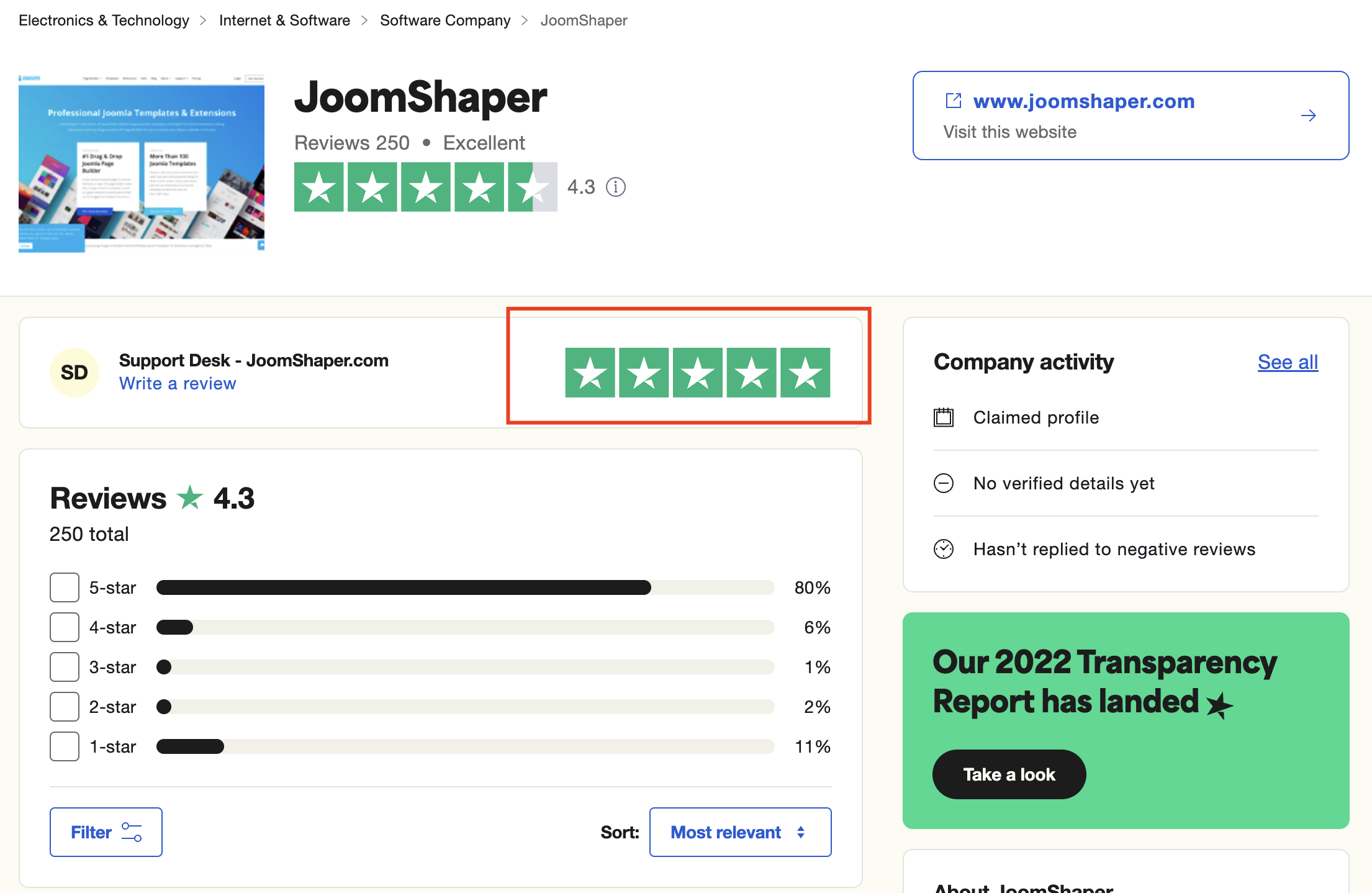
As for writing a review about our product and support quality, we would greatly appreciate it! Your feedback helps us improve and serves as a valuable reference for others. Please take a moment to share your thoughts about your experience with our product and the support you received. Your input is valuable to us and the community. Thank you in advance for your time and support.
We're here to assist you with any further questions or requests you may have. Once again, thank you for choosing our product and for being a part of our community.
Best regards,
Toufiqur Rahman
Team Lead, Tech Support (JoomShaper)