

Import The Already Assembled Pages Of Your Template
R
rramon
Hi there. I have bought the Gazatte template and installed it on my website, I have downloaded and installed only the template. I have not used the quickstart package because my website is already half built and I cannot delete what I have so far.
I would like to know how I can import the structure of the SP Page Builder for the home page that can be seen in your official site https://www.joomshaper.com/joomla-templates/gazette
Right now the home page is practically blank and in the header only appears the menu, logo and canvas but put in any way.
Thanks greetings
24 Answers
Order by
Oldest

Ofi Khan
Accepted AnswerHello rramon
Please follow this documentation and import the homepage. Unzip the following template10070.json.zip and you will find a JSON file inside it. Import it on a page. You will find Gazette homepage.
Best regards
R
rramon
Accepted AnswerHi there.
Thank you very much for the quick answer. I have managed to import the JSON that you have provided me and I already have the content structure of the home page.
My next question, and I think the last one, is if I can load or import in some way the structure of the header and / or the footer (which has been the part of the Helix Ultimate) that appears in the Gazette https://www.joomshaper.com/joomla-templates/gazette
Thanks, greetings.
Ofi Khan
Accepted AnswerPlease import this settings shaper_gazette_settings_25-08-2021.json.zip in Template Options -> Advanced -> Import & Export. Unzip the file and open the JSON file in any text editor. Copy all the content in the file and past in the Import box. Then click on Import.
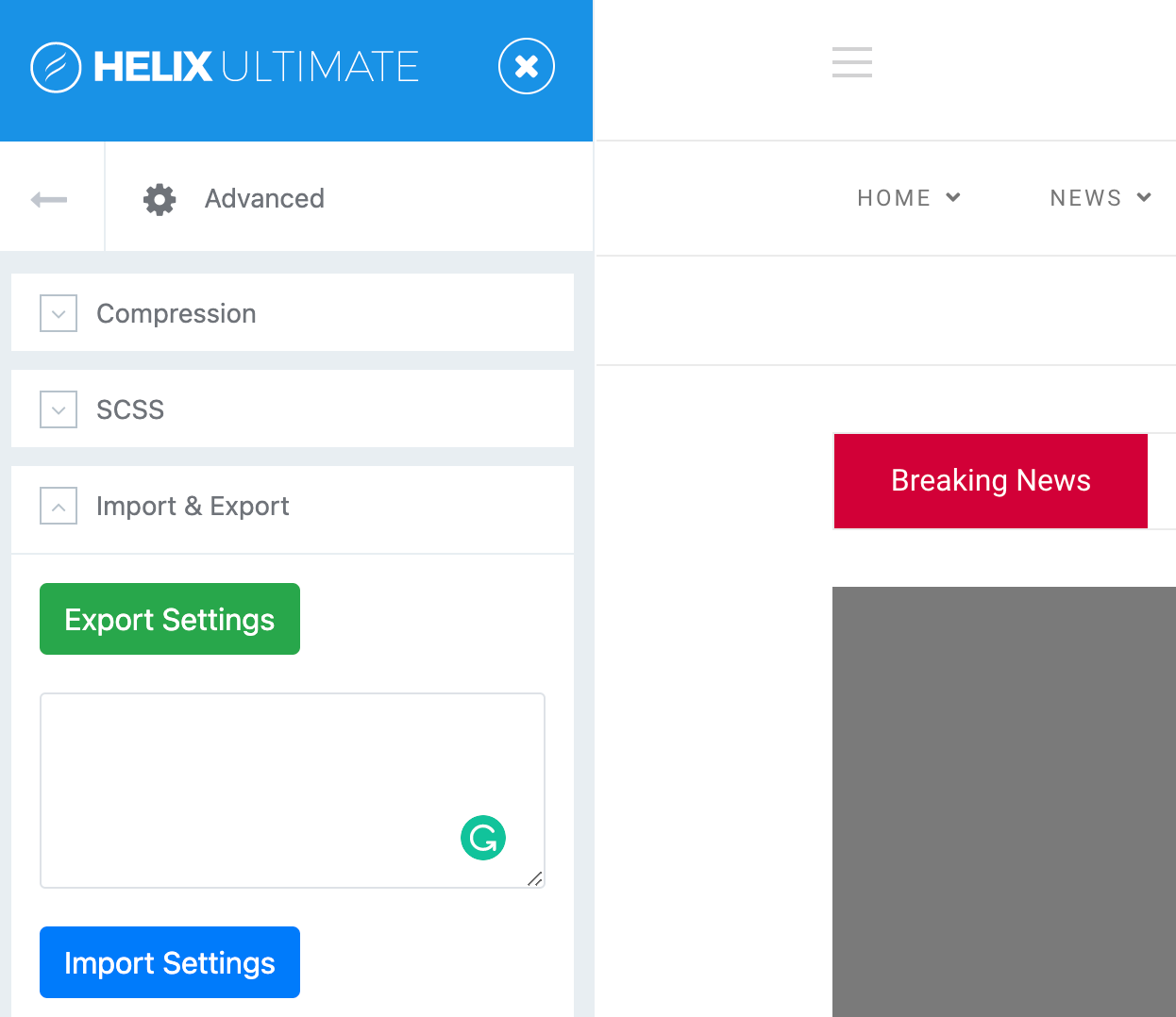
Caution: It will override all the changes you have already made in the template settings. For example, if you set the logo, then you have to set it again. After importing this, you will find it exactly like the Gazette template preview on our site.
R
rramon
Accepted AnswerOk thanks.
I think that would be all if the Biulder part worked correctly. When entering the home page (which you put in the 1st message), when trying to enter the configuration of some SP Page Biulder addons, I didn't see anything. Step camptures.
What I see when entering the 'Home' page https://ibb.co/km9kPrB. What I see when I try to edit the addon 'stock_scroller', 'article_slider' and some others: https://ibb.co/Y0BWWdY. The page goes blank
Thanks, greetings.
R
rramon
Accepted AnswerHi there.
I have already been able to solve the PHP version. I am currently working with version 7.3
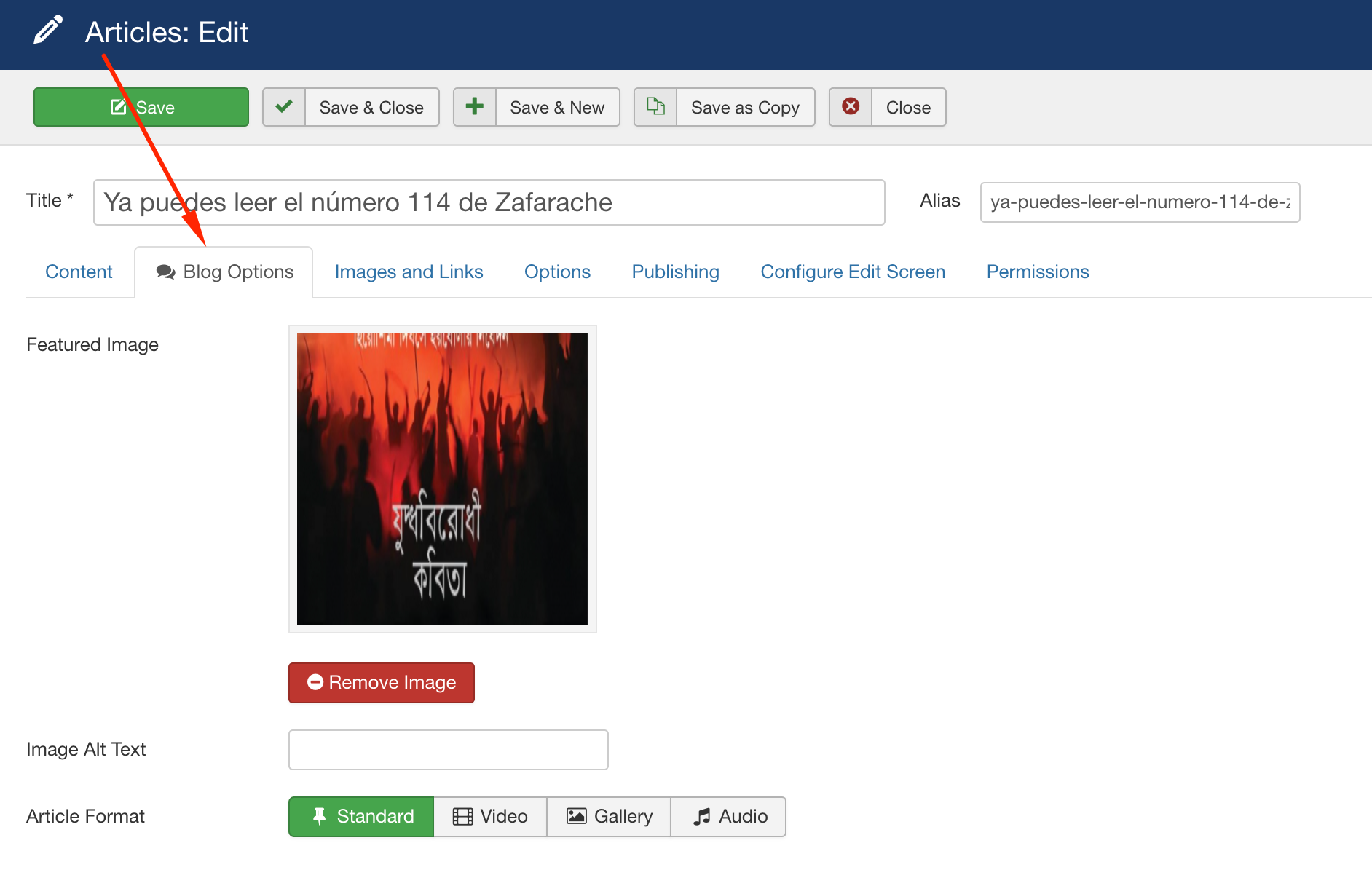
The problem that has arisen now is another. When I use some of the SP Page Builder addons to display a list of articles, the images of these articles do not appear. I share images https://ibb.co/BNkyc1C https://ibb.co/4pTzFWs
I have checked the articles and if they have images assigned https://ibb.co/mDGhDCz
Any solution?
Thanks, greetings.
Ofi Khan
Accepted AnswerPlease share your administrator access here to check the issue. Use the Hidden Content box to share the credentials.
R
rramon
Accepted AnswerOne thing to keep in mind about my website is that it is currently running a fictitious domain. In order to view the web you must add the following line of code to the hosts file of your PC: 217.182.121.221 zafarachetemp.com www.zafarachetemp.com
Thanks, greetings.
Ofi Khan
Accepted AnswerSorry! This process is unknown to me. Please take a full site backup with Akeeba Backup in ZIP format and share here. Follow this tutorial
R
rramon
Accepted AnswerHi.
You have been able to set up the web that I have given you and review the case?
Thanks, greetings.
Ofi Khan
Accepted AnswerYou have shared the .jpa backup file. Please go to Components -> Akeeba Backup -> Configuration and set Archiver Engine to ZIP format. Then take a full site backup and share.
R
rramon
Accepted AnswerHello.
I need some kind of answer soon. It has been more than 1 week with this problem and without being able to advance at all in my project...
R
rramon
Accepted AnswerThe backup that I have given you is mounted with Quickstart from Gazette
I have another version of the web mounted in which I have installed the template alone, together with the SP Author Archive Component and the SP Tabbed Articles Module. In this version I have uploaded the structure of the home page and the layout of gazetter, both of which you gave me in this post.
But this version does not include the SP Page Builder addons that Gazette brings. SP PAge Builder home page: https://ibb.co/BtH2Jsk When trying to edit the Articles Slider addon (neither Article Vertical Slider, Stock Scroller, etc ...): https://ibb.co/3yJy7hm The Gazette Addons are missing: https://ibb.co/VB6DyFc Front-end: https://ibb.co/gSszFzB
R
rramon
Accepted AnswerHi.
Almost a week has passed since I gave you the backup copy of the web that you asked for in .zip format and I still have no response.
Do you have a solution or am I going to have to find another template?
Ofi Khan
Accepted AnswerI am really sorry for the unwanted delay. I have checked the backup and ita has the special addons. If you have uploaded only the template, then there you will not get the addons. You need to copy and paste templates/shaper_gazette/sppagebuilder folder in the same location.
R
rramon
Accepted AnswerHi.
I tried this option for a few days and it doesn't work at all. Now if I can see the new addons of the SP Page Builder and work with them but they do not show any images of the articles. It is exactly the same problem that I have in the version that I mount from Quickstart.
If we can't find a solution today, I'm leaving the Gazette entirely and looking for another template.
R
rramon
Accepted AnswerIn this link https://ibb.co/Cv4Z72s you can see an image of what the Gazette addons of the SP Page Builder look like in the fornt-end
R
rramon
Accepted AnswerHello there
I have tried this option that you mention in the version that I have of the web mounted with Quickstart and it works.
However, in the version that I have (and in which I would like to work) in which I only uploaded the template and copied the modules of the SP Page Builder it does not work. I would like this version to work since the Quickstart version gives some other error in other aspects (but not so important).
thanks greetings