

Editing Table Contents
M
Milan
Hello,
when editing the table contents directly in a cell, the contents are not saved. I edit the text, save it and the new content is not in the table, I attach a picture.
https://prnt.sc/1rjz5lr https://prnt.sc/1rjz7bf
Regards Milan
Website
https://www.chirurgieremus.cz
7 Answers
Order by
Oldest

Ofi Khan
Accepted AnswerI understand. But unfortunately, there is no other way. It is given to enhance the functioanlity of the table addon.
Ofi Khan
Accepted AnswerHello FREESERVIS .s.r.o.
Please clear your Joomla cache and Browser's cache and then check. If possible, then check with a different browser.
Best regards
M
Milan
Accepted AnswerHi,
I tried to clear the temporary memory of the internet browser, I looked at the page https://www.chirurgieremus.cz/kontakt in other browsers Edge, Opera, Mozilla and there is no change in the contents of the table cell. Saving the change directly to the cell does not work.
Milan
Ofi Khan
Accepted AnswerPlease share your administrator access here to check the issue. Use the Hidden Content box to share the credentials.
Ofi Khan
Accepted AnswerPlease go to Table Row Options -> Table Column Items. Then for any column item, change text in the Text Block.
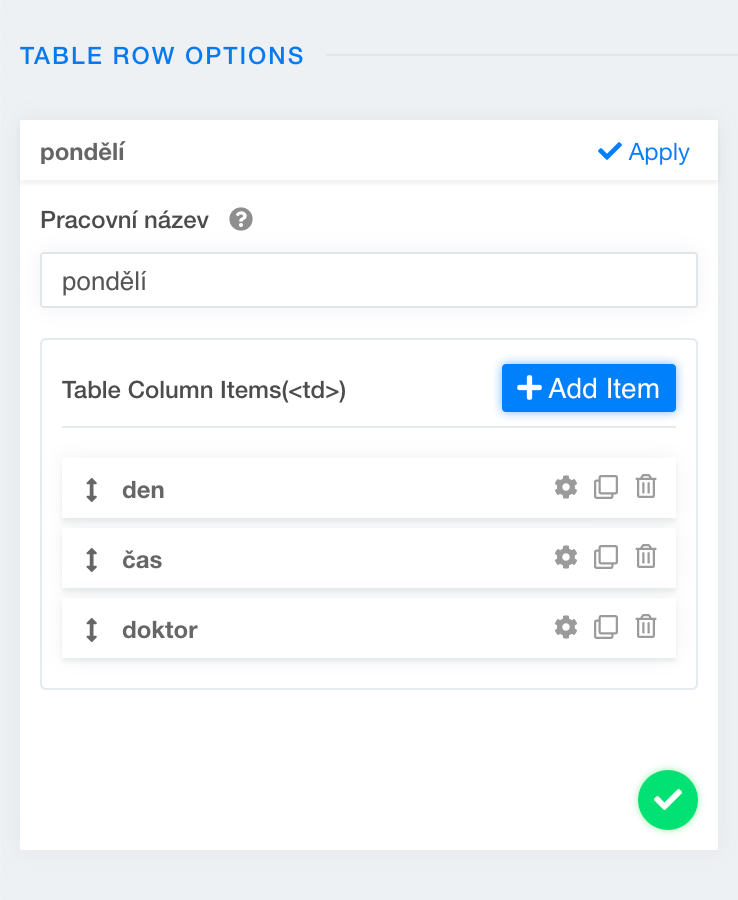
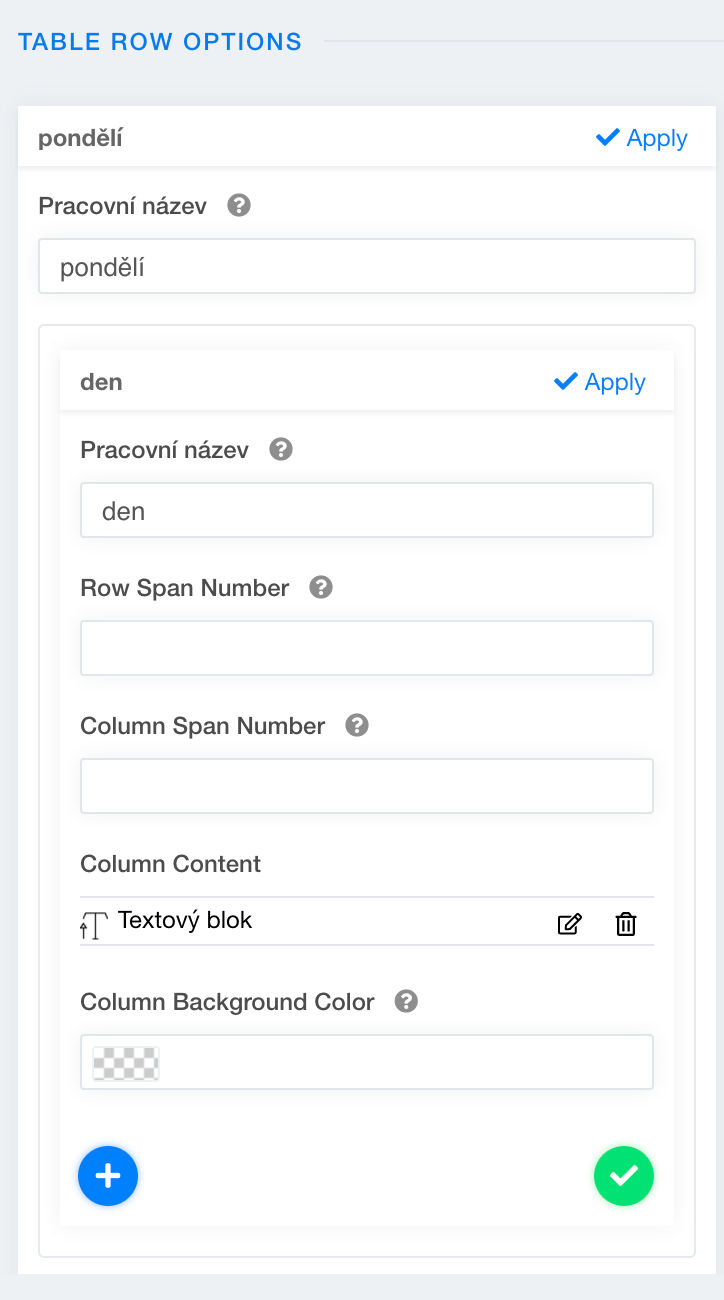
M
Milan
Accepted AnswerHello,
editing using a text block in the module works fine. But why doesn't saving work directly in the table content when editing? https://prnt.sc/1s1k8jg Editing via a text block in the module is complicated for the customer :-(
Milan