

4 Answers
Order by
Oldest

Pavel
Accepted AnswerHi. If you mean background image... Any section has these settings.
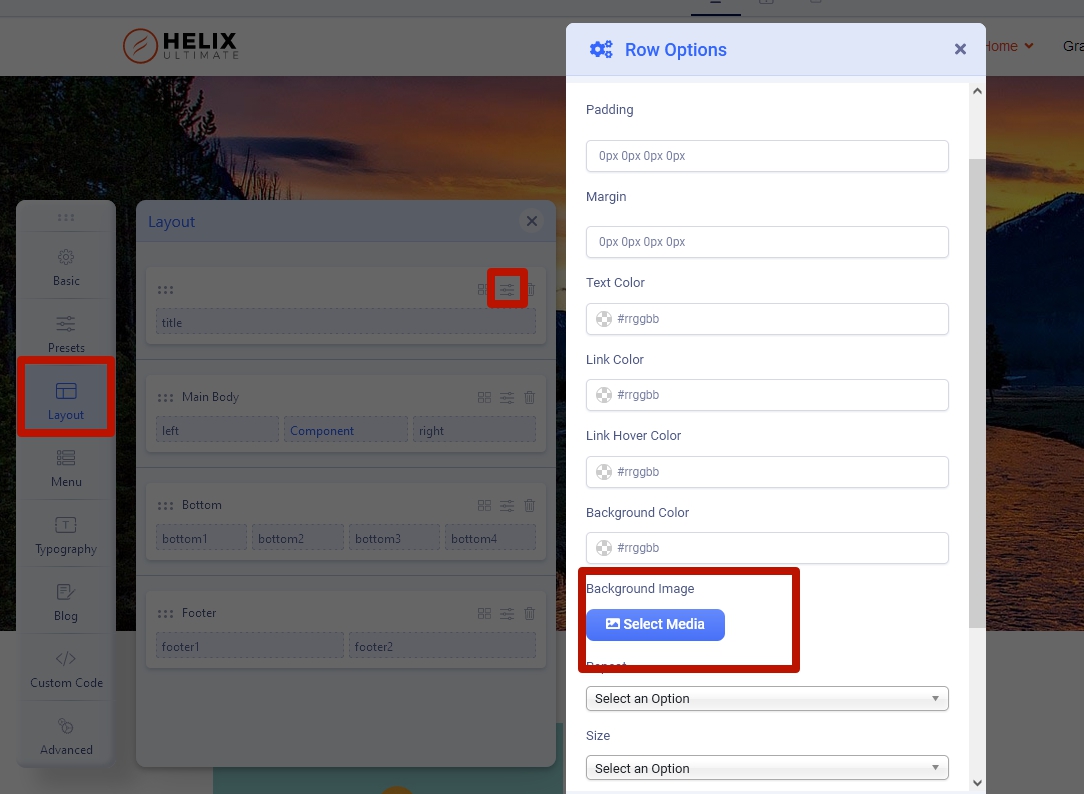 If we are talking about a predefined Header, in this case only through CSS.
If you want place an image as DOM element (img tag), use custom joomla module with image in one of existing module positions in header

Paul Frankowski
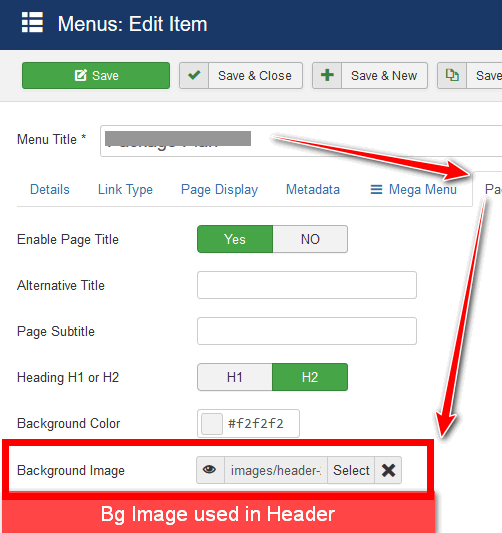
Accepted AnswerHi, or check menu items settings , there is a place to put custom image used below the menu, where Page Title is displayed.
L
Luis
Accepted AnswerI'm talking specifically about Helix Ultimate 2.0.5 template. I can't find any option to upload a image background on header section.
<a href="/https://ibb.co/KbKHwSK"><img src="/https://i.ibb.co/34RHzQR/header.png" alt="header" border="0"></a>

<a href="/https://imgbb.com/"><img src="/https://i.ibb.co/hRprjMt/settings.png" alt="settings" border="0"></a>

Pavel
Accepted AnswerI'm talking specifically about Helix Ultimate 2.0.5 template. I can't find any option to upload a image background on header section.
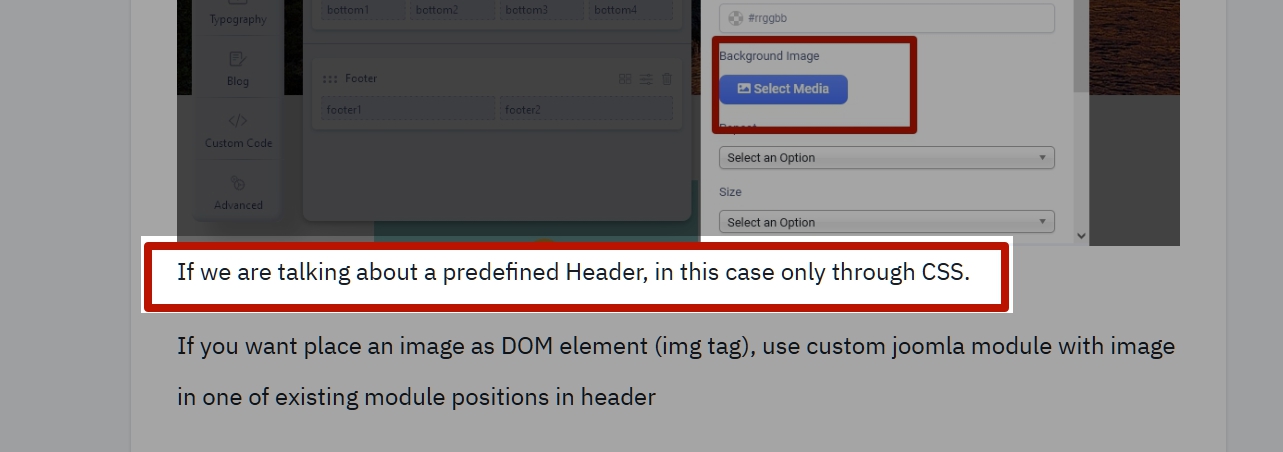
Inspect the code via browser code inspector, find the Header's selector and write css with background image for this.
Or create your own custom header via layout builder and use its settings to add background image