

Site Shows Blank And Stops Working When Uploading Own Image For Slider In Floox Template
IS
Integrin Enterprise Solutions
I'm using floox template and setup the site with Quickstart package, but when i change the slider background image using the steps https://www.joomshaper.com/documentation/joomla-templates/finance/slideshow-background-image-change, i get a blank page and site stops working, i had replicated the issue atleast 7 times by setting up the site from scratch using Quickstart package and able to consistently replicate the issue, Pls can you assist.
Steps are captured in detail in the video > https://youtu.be/XrcPEFTYTVU
13 Answers
Order by
Oldest

Ofi Khan
Accepted AnswerYou are welcome. Yes, I can share the fix with you. Please go to this location: templates/shaper_floox/sppagebuilder/addons/slideshow_full/site.php and copy the site.php file. I have modified this file. Replace this file in your production site. It will work fine.
Ofi Khan
Accepted AnswerHello Integrin Solutions
Please share your administrator access here to check the issue. Use the Hidden Content box to share the credentials.
Best regards
IS
Integrin Enterprise Solutions
Accepted AnswerGreetings Ofi Khan - i have shared the administrator access details in the hidden contnet
IS
Integrin Enterprise Solutions
Accepted AnswerI'm stuck and have shared the administrator access details in hidden content, Pls can you assist
Ofi Khan
Accepted AnswerSorry, I can't access your site. You may need to whitelist my Public IP (given in the hidden comment).
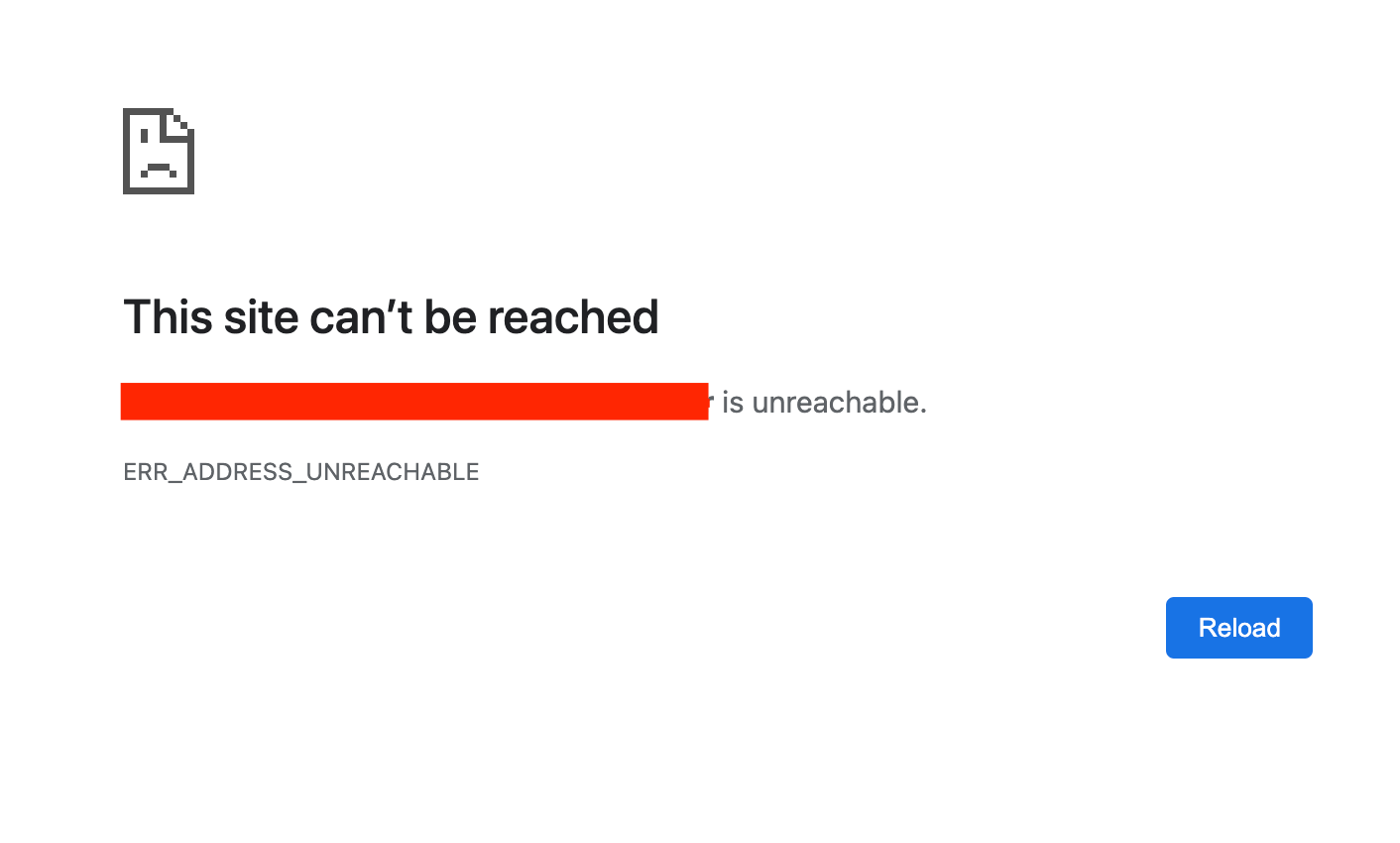
IS
Integrin Enterprise Solutions
Accepted AnswerPls can you retry, and let know if the site is accessible. Pls can you let me know what time you will try to access so that i will make sure the site is accessible, i'm located in New Jersey (US Eastern Standard Time)
IS
Integrin Enterprise Solutions
Accepted AnswerCan you try now, and pls provide the time you will be accessing the site in US Eastern time so that i can make it available, this is a dev environment running in my laptop and i need to switch networks between work and home; Site should be accessible now.
Ofi Khan
Accepted AnswerThanks for the access. I have fixed your issue. Please check your site now.
IS
Integrin Enterprise Solutions
Accepted AnswerThanks Ofi Khan, this works now, can you let me know how you fixed the issue, i need to replicate this in other environments including test, uat and production; Last time Rashida Rehman fixed the issue, but unfortunately, i was not aware of what the fix is.
IS
Integrin Enterprise Solutions
Accepted AnswerOfi Khan, do you have any insights, can you let me know how you fixed the issue, i need to replicate this in other environments including test, uat and production; Last time Rashida Rehman fixed the issue, but unfortunately, i was not aware of what the fix is.
IS
Integrin Enterprise Solutions
Accepted AnswerThat works great, thank you Ofi Khan, i was able to make the other sites work with this fix, Appreciate it much