

Updating Footer 2 Content Without A Style Change
IS
Integrin Enterprise Solutions
Hi, I'm using floox template to redesign my website, i'm trying to change Footer 2 content in the same style as it was shipped with floox template, however, while changing the content, i ended up changing the style and Footer 2 is coming brighter than original, i'm not able to figure out what style change i did inadverently
I captured the details in the included video, appreciate any assistance > https://youtu.be/0GRt1PWlEeI
4 Answers
Order by
Oldest
IS
Integrin Enterprise Solutions
Accepted AnswerI was able to get this to work by updating Style > Text Color as below in my custom site backend change >>> https://prntscr.com/20xewgi, Below is how it looks in the frontend >> https://prntscr.com/20xezme Pls seed Powered by Innovation, However Quickstart package out of the box does not have this style update but still it has the same behavior, just wondering how that is achieved, Footer 2 in Quickstart package (without style override) >> https://prntscr.com/20xeygy and the backend configuration (without any style override) >>>https://prntscr.com/20xeymc, pls advise for my edufication.

Ofi Khan
Accepted AnswerHello Integrin Solutions
The background color is applied to the layout. Please go to Template Options -> Layout -> Settings and you will find it.
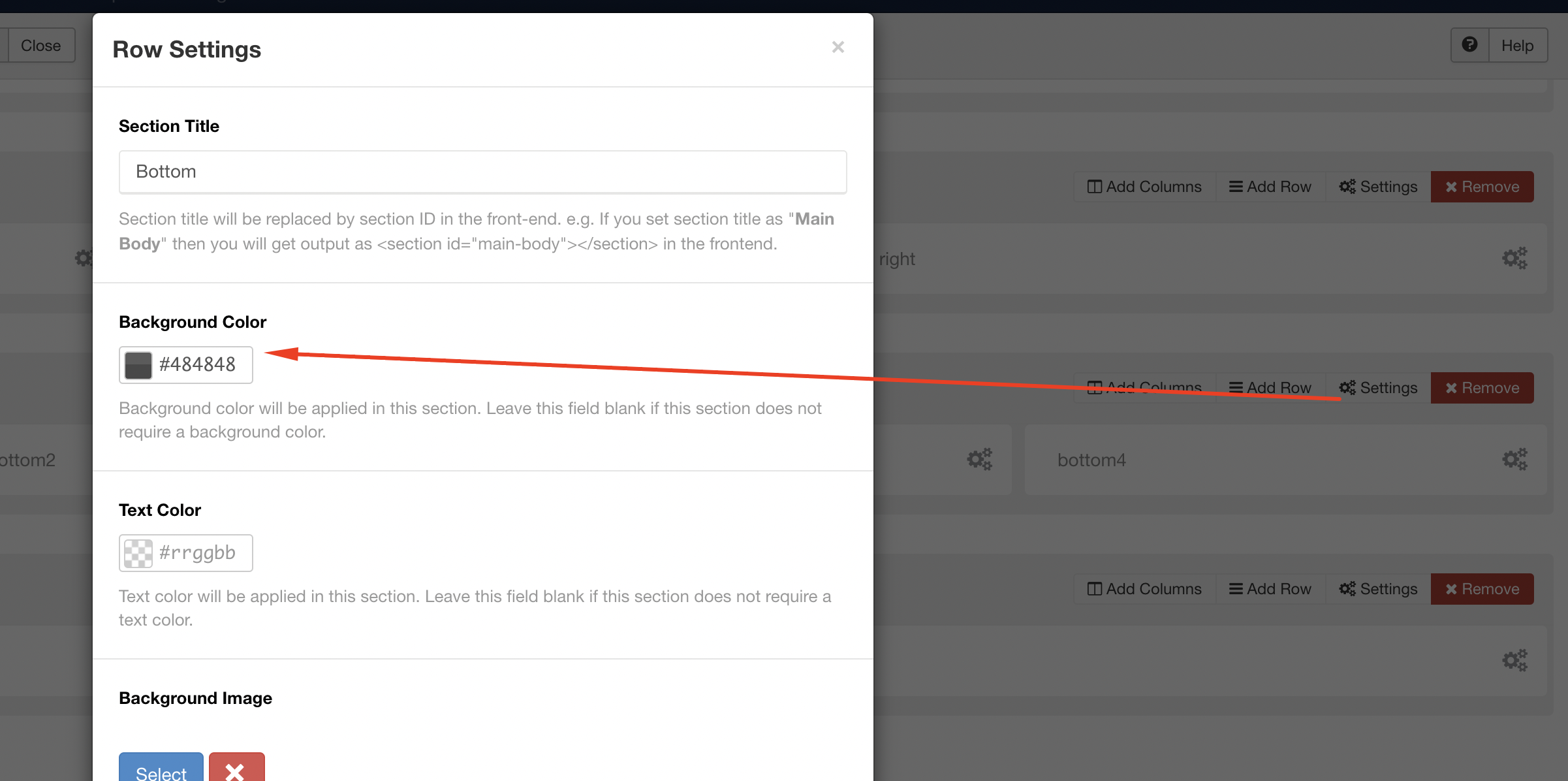
Best regards
IS
Integrin Enterprise Solutions
Accepted AnswerThank you Ofi Khan, i'm inquiring about the Text Color of Design & Development by JoomShaper in the attached image >>> https://prnt.sc/20xeygy, the image is from an environment stood up from Quickstart package without any custom changes.