

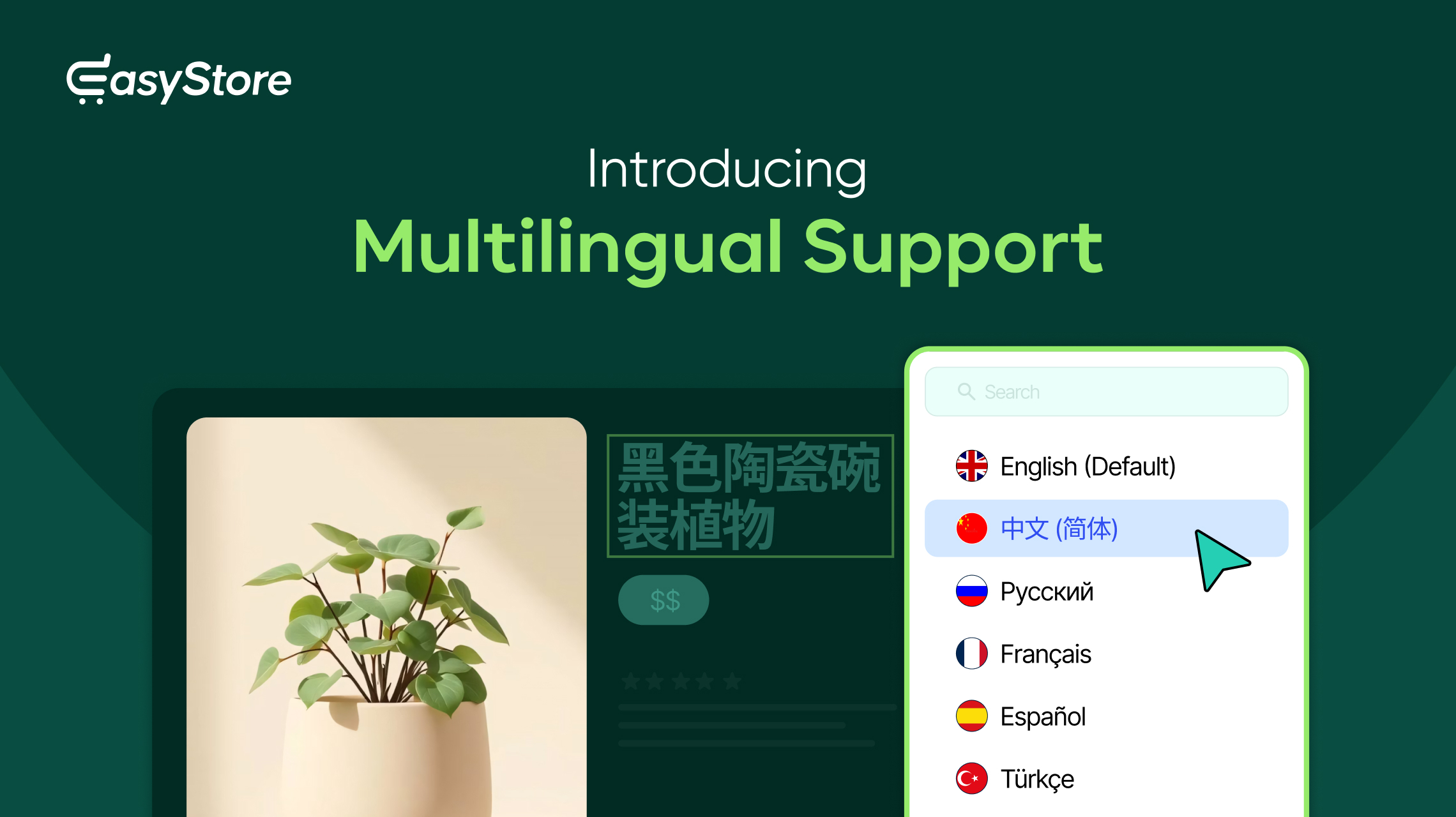
EasyStore has always been designed around one goal: making it as simple and efficient as possible to build and manage an online store in Joomla. Since day one, every major update has been shaped by your feedback, helping us build on that vision by adding the features you’ve been asking for most.
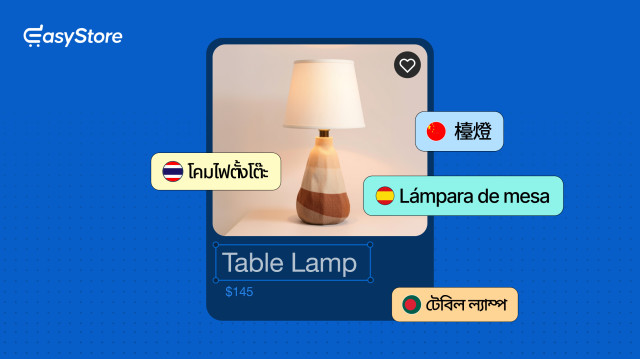
With v2.1.0, we’re excited to deliver another feature that’s been high on your wishlist: Native Multilingual Support!
And that’s not all, as multilingual support will be available for both EasyStore Free and Pro!
Here's everything new in EasyStore v2.1.0:
What You Can Translate with EasyStore
Let’s first go through all the things you can translate with EasyStore’s multilingual support.
First and foremost, you can translate every facet of your products, including:
- Product titles and descriptions
- Product Categories, Tags, Brands, and Collections
- SEO titles and meta descriptions
- Product variants and attributes
However, multilingual support doesn't stop with your products.
EasyStore also lets you translate additional text that appears throughout your storefront and checkout experience, such as:
- General store information
- Checkout content
- Terms and Conditions
- Privacy Policy
- Shipping methods and rates
- Payment methods
- Customer email templates
- Country and state names
Every translated text stays organized in one place, so your store reads consistently no matter which language a customer lands on.
Translate Products Without Disrupting Workflow
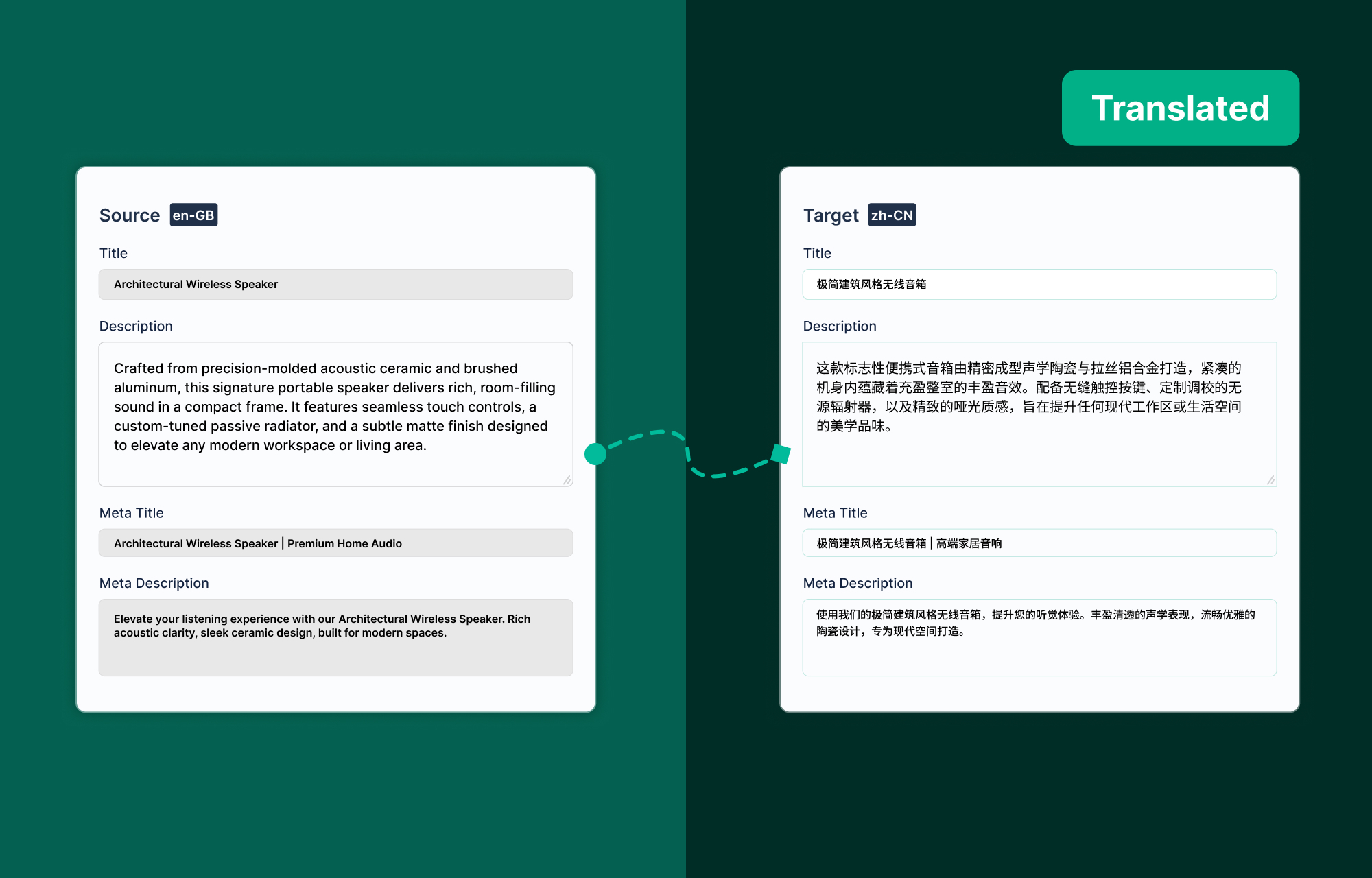
With this new update, every product now includes a dedicated Translate button.
Simply select your target language and begin translating from a clean side-by-side interface. Regardless of whether you are translating titles, descriptions, SEO metadata, or product variations, all these elements remain integrated within your current workflow.
There are two ways to make translations:
- Manual translations where you type in the translations yourself
- Automatic translations via AI assistance
Note: You need to set the languages in the Site Settings before using them as Target Languages.
Speed things up with AI-assisted translation
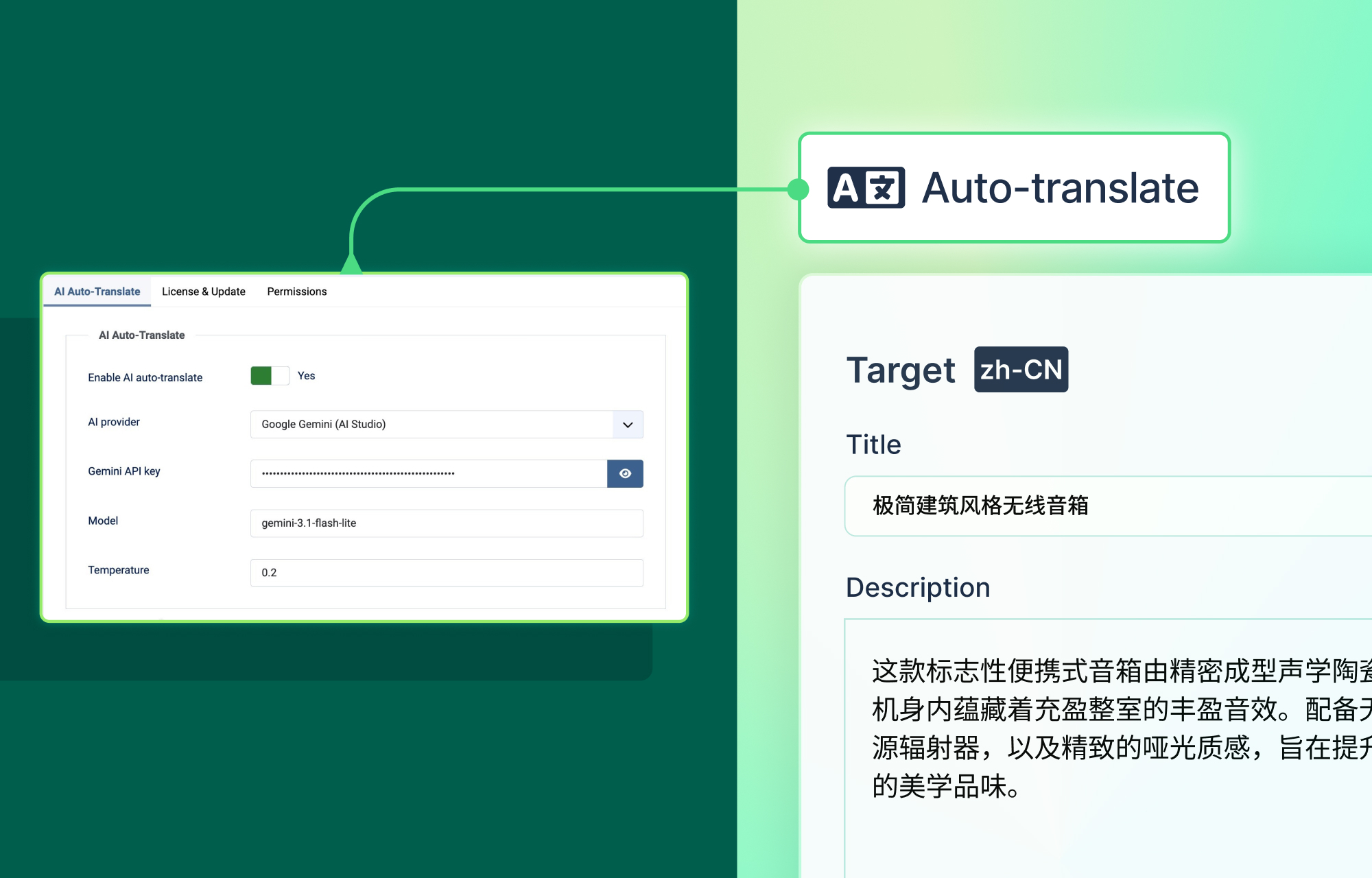
Among the two aforementioned methods, translating an entire store manually could take hours and is not the optimal approach. The faster way to do things is to make use of both methods simultaneously.
After enabling the EasyStore Multilingual Plugin, you can easily translate products, categories, brands, collections, attributes, and store settings with a single click of the Auto Translate option.
However, direct translations can often feel a bit robotic. Luckily, every translated field remains fully editable, so you can fine-tune the content later on to better match your voice and tone.
Keep Track of Missing Translations
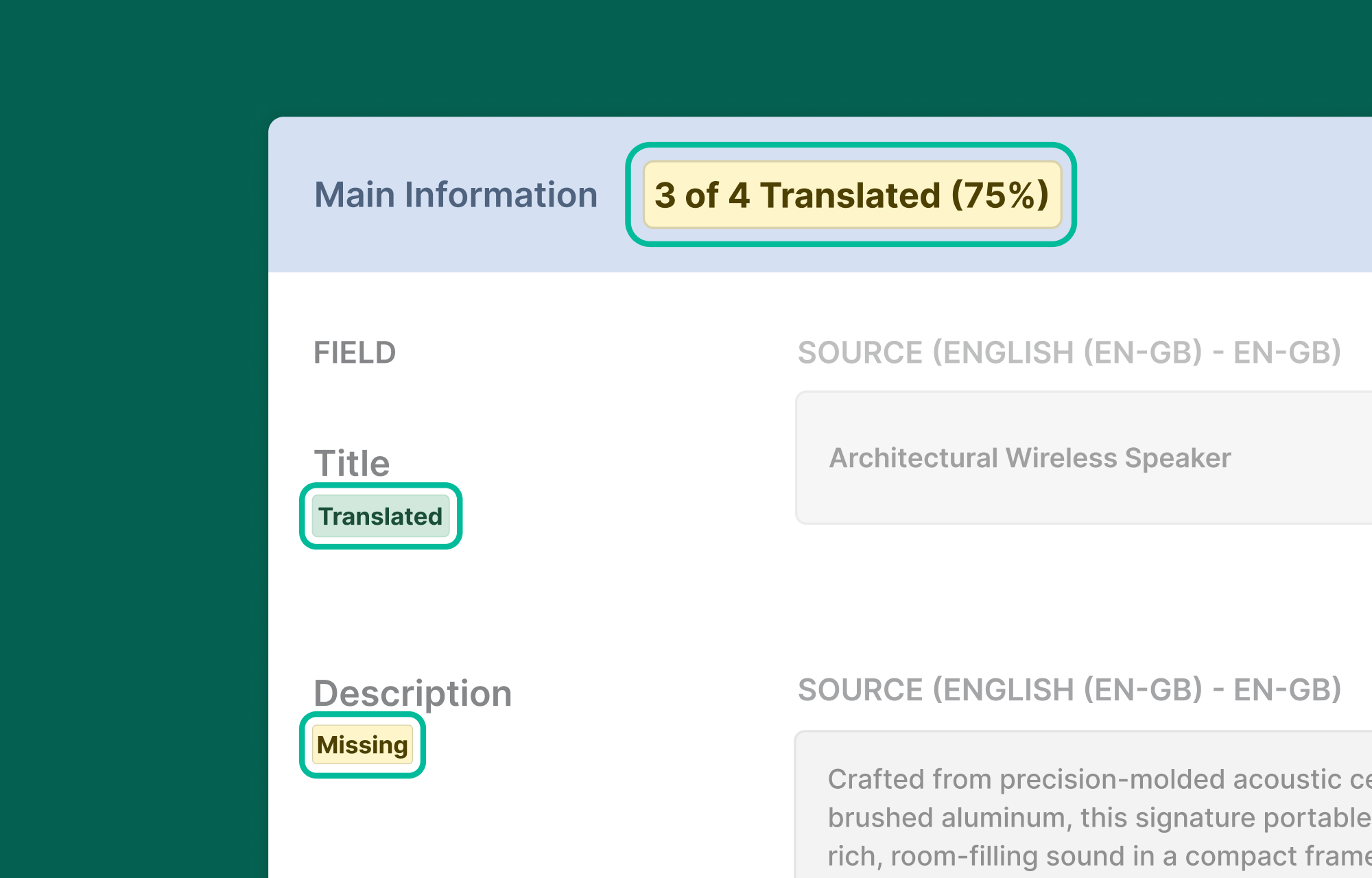
Every translatable field displays its current status, making it easy to see what’s already translated and what still needs attention.
Hence, whether you’re localizing a handful of products or an entire catalog, you’ll always know exactly where you left off.
Translate Global Attributes, Variants, and Settings
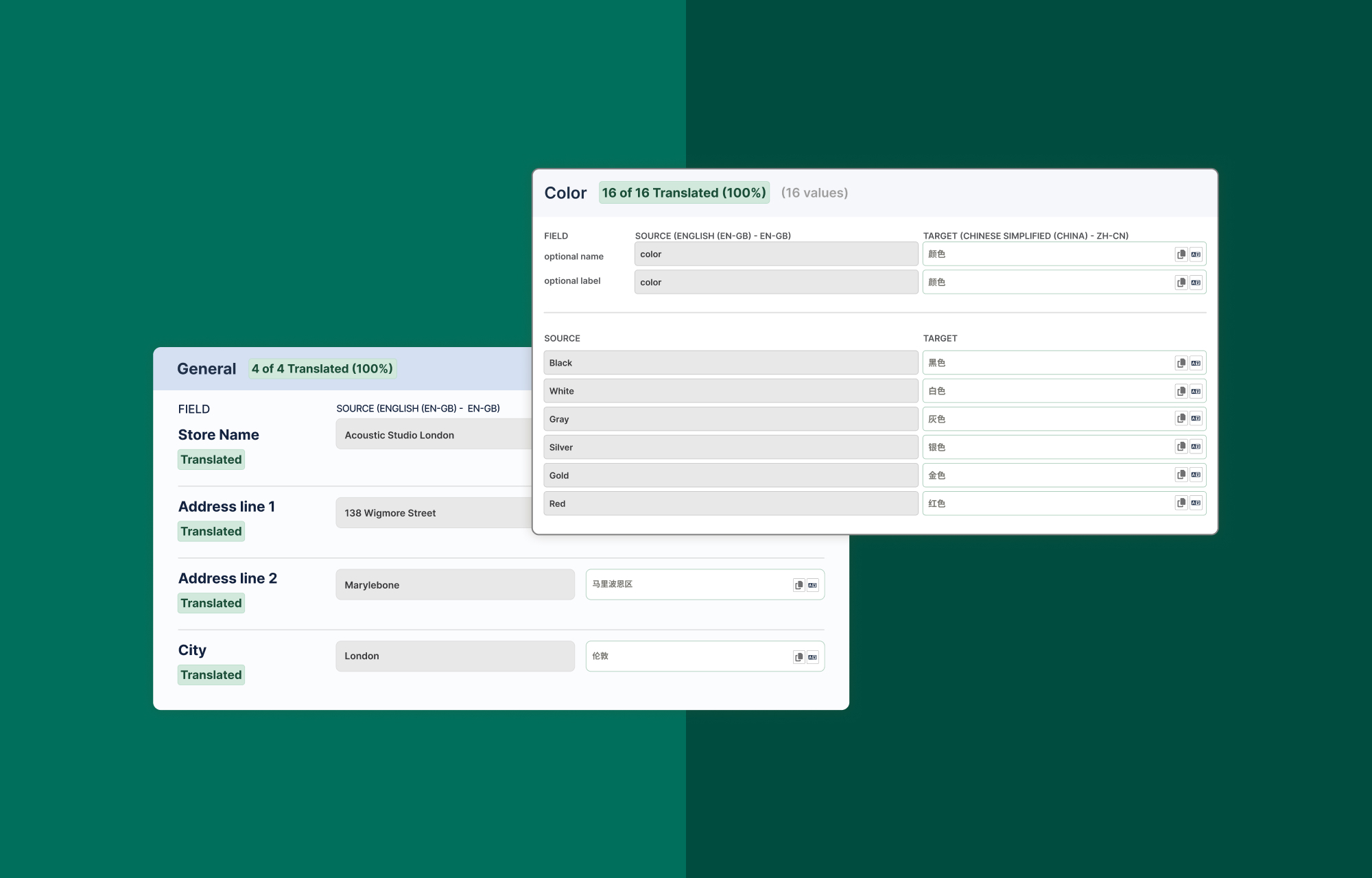
Products aren’t the only things that can be translated. You can also translate global attributes, product variants, and other customer-facing store settings directly from EasyStore Settings.
For example, if you sell t-shirts with shared attributes that you have set in the Variation Library, like Size (Small, Medium, Large, etc) or Color (Black, White, Blue, etc.), you only need to translate those values once. These translations will be reused across every product, so even if a product doesn’t have its own custom translation, EasyStore will apply those global translations.
Furthermore, you can translate frequently used store settings, like the store's name, checkout text, shipping methods, payment methods, and terms and conditions. These translations will be applied wherever they appear throughout your store.
Built on Joomla’s Native Multilingual System
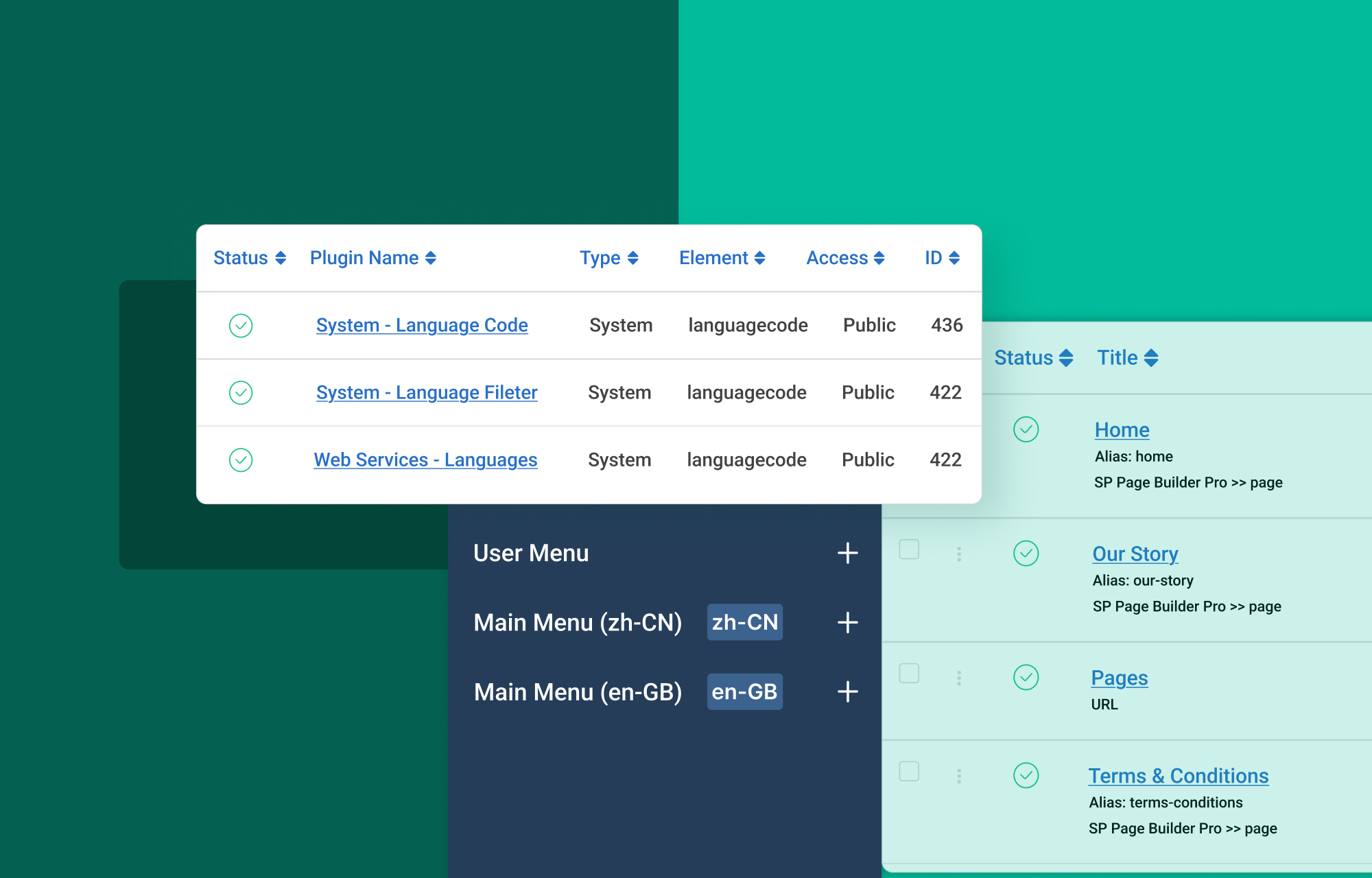
EasyStore integrates directly with Joomla’s native multilingual framework, so there’s no need to install a separate translation system or plugin.
Once your Joomla languages are configured and the EasyStore Multilingual plugin is enabled, translating your store becomes part of your normal product management workflow.
Getting Started
Here’s a brief overview of how you can get started with translation in EasyStore:
- Configure Joomla’s Multilingual features.
- Install and publish your language packs.
- Enable the EasyStore Multilingual plugin.
After installing the required packs and plugins, start translating your products and store content by:
- Selecting “Target Language”.
- Clicking on Copy From Source.
- Making mass changes using Auto Translate or changing things manually.
For a deeper technical understanding of EasyStore's multilingual capabilities, please consult our official documentation on native multilingual support.
Additionally, we've developed an in-depth, step-by-step guide that details the entire translation process, from Joomla configuration to the translation of your first product.
👉 [Read the EasyStore Multilingual Support Guide]
EasyStore v2.1.0 Changelog:
- New: Introduced native multilingual support across EasyStore.
- New: Added AI-powered translation via the new EasyStore Multilingual system plugin.
- New: Added multilingual Smart Search indexing for translated product titles, descriptions, and metadata.
- New: Added translation support for attributes, variants, checkout content, emails, shipping, payments, and store settings.
- New: Added translation status indicators.
- Fix: Corrected faulty conditional logic that broke base unit display.
- Fix: Fixed broken relative image URLs in product details by prepending the correct root base path.
Start Selling in More Languages
EasyStore v2.1.0 offers the essential tools required to simplify the localization of your online store, whether your objective is to expand to new markets or enhance the existing customer experience.
Update to EasyStore v2.1.0 today and start building your own multilingual Joomla store.

Sabil
TD
TOCHTERMANN DAMIEN
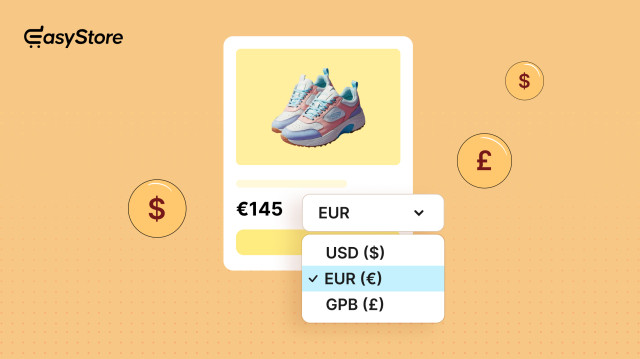
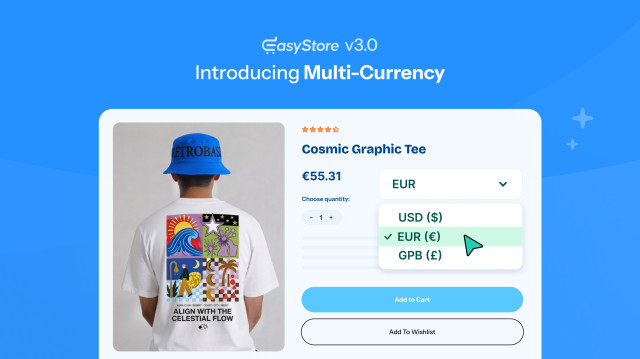
Hi, any news from Multicurrency ? Once included i may work with Easystore for Swiss customer but will need much custom development.
#14468

Paul Frankowski
Planned, probably for the next version. We had to start with general things first.
#14469
TD
TOCHTERMANN DAMIEN
fine, i'm checking to develop booking system and multiseller for Easystore
#14470