Cannot use frontend article images with JCE - Forum | JoomShaper
Solved Helix Framework

Cannot use frontend article images with JCE

Asked by blue_Shift 5 years ago Last activity 5 years ago

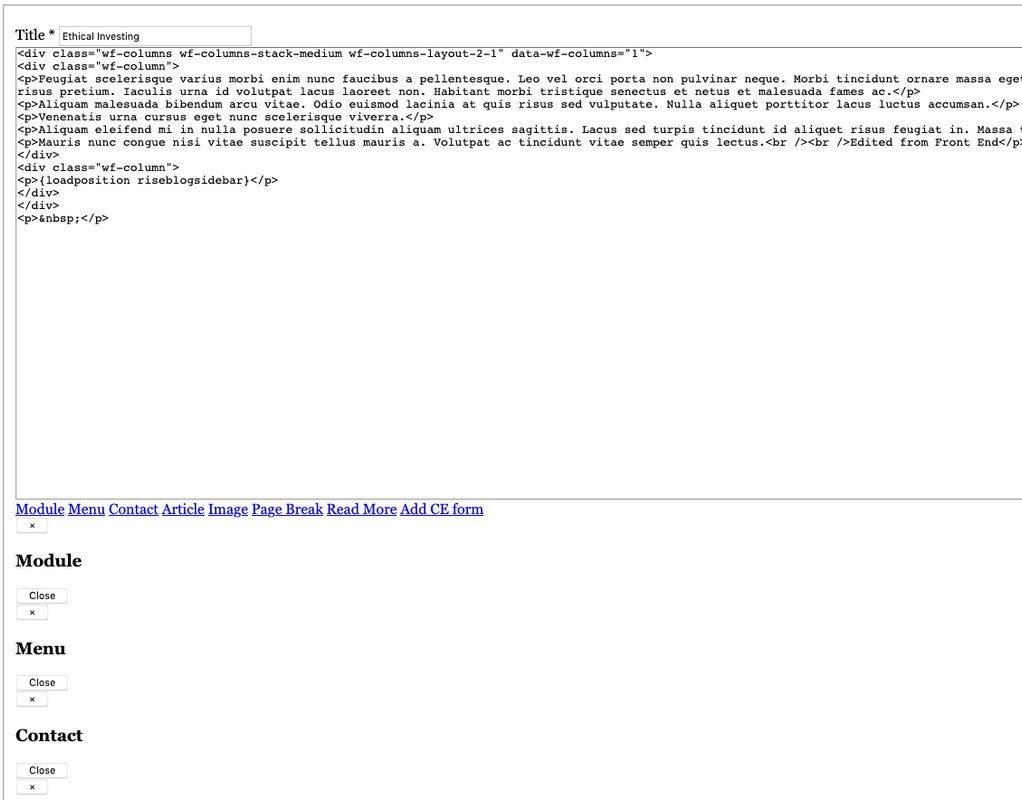
When I turn on "Frontend Images and Links" in the Joomla Article Manager, I lose the nice Helix Ultimate front end editing UI. Is there an override I need to make? The JCE editor seems to show up OK in the back end both in the article editor and it appears SPPB as well. This looks like a Helix Ultimate issue to me. EDIT: This is true of any editor.

Screenshots
https://postimg.cc/gallery/xTH9k8G

Accepted answer

Marked as the solution

4 more replies

Ofi Khan Staff

Hello blue_Shift

Please downgrade to PHP 7.3 and check your issue.

Best regards

Ofi Khan Staff

Please go to this location: plugins/system/helixultimate/html/layouts/form/field and upload this file. You need to unzip and then upload media.php file.

media.php.zip

blue_Shift Asked this
5 years ago · edited

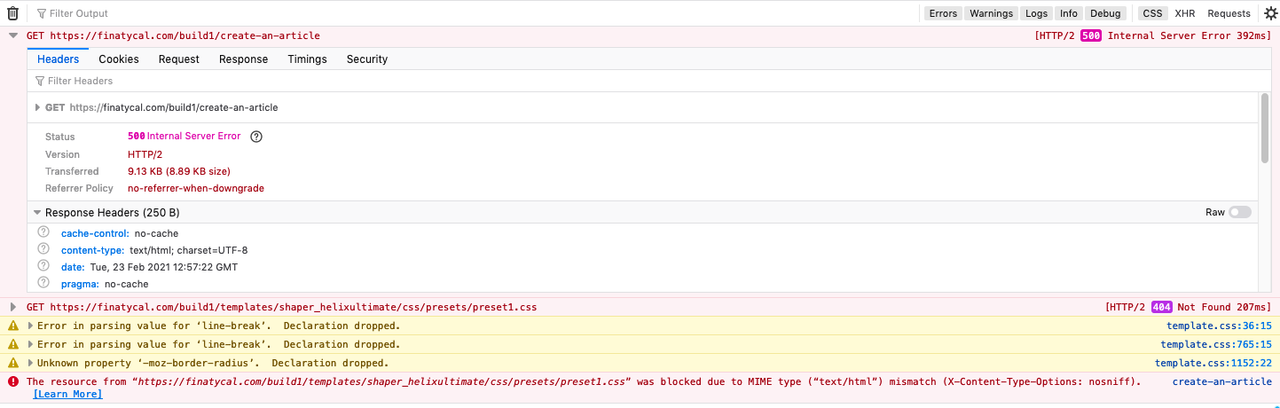
I'm getting a 500 error when accessing "Create an article" (log entry: ERROR GET /build1/create-an-article HTTP/1.0)

Console image
https://i.postimg.cc/brP5mVMH/500-error-create-an-article.png

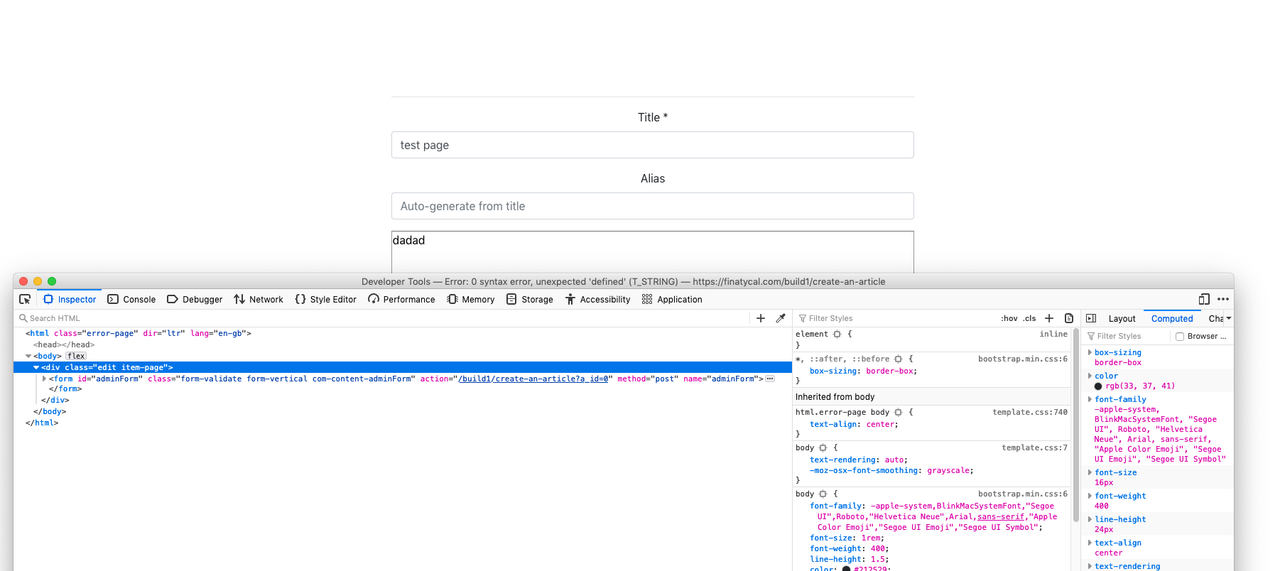
Entire top row of tabs missing - probably a good sign
https://i.postimg.cc/hGfRmwWX/edit-page-no-tabs-at-all.png

EDIT URL and login information changed in secret field - i will look at the media php to see whether the new code is hardwired to the domain

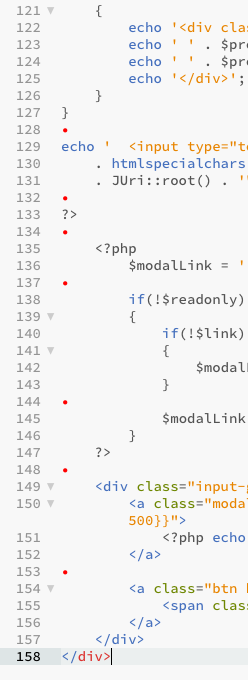
Typo in the php file? white space marked, extra close /div https://i.postimg.cc/MHVnS5WG/extra-div.png

Console: Error: 0 syntax error, unexpected 'defined' (T_STRING)

Log in to reply.